Film Burn Transitions for Premiere Pro and After Effects
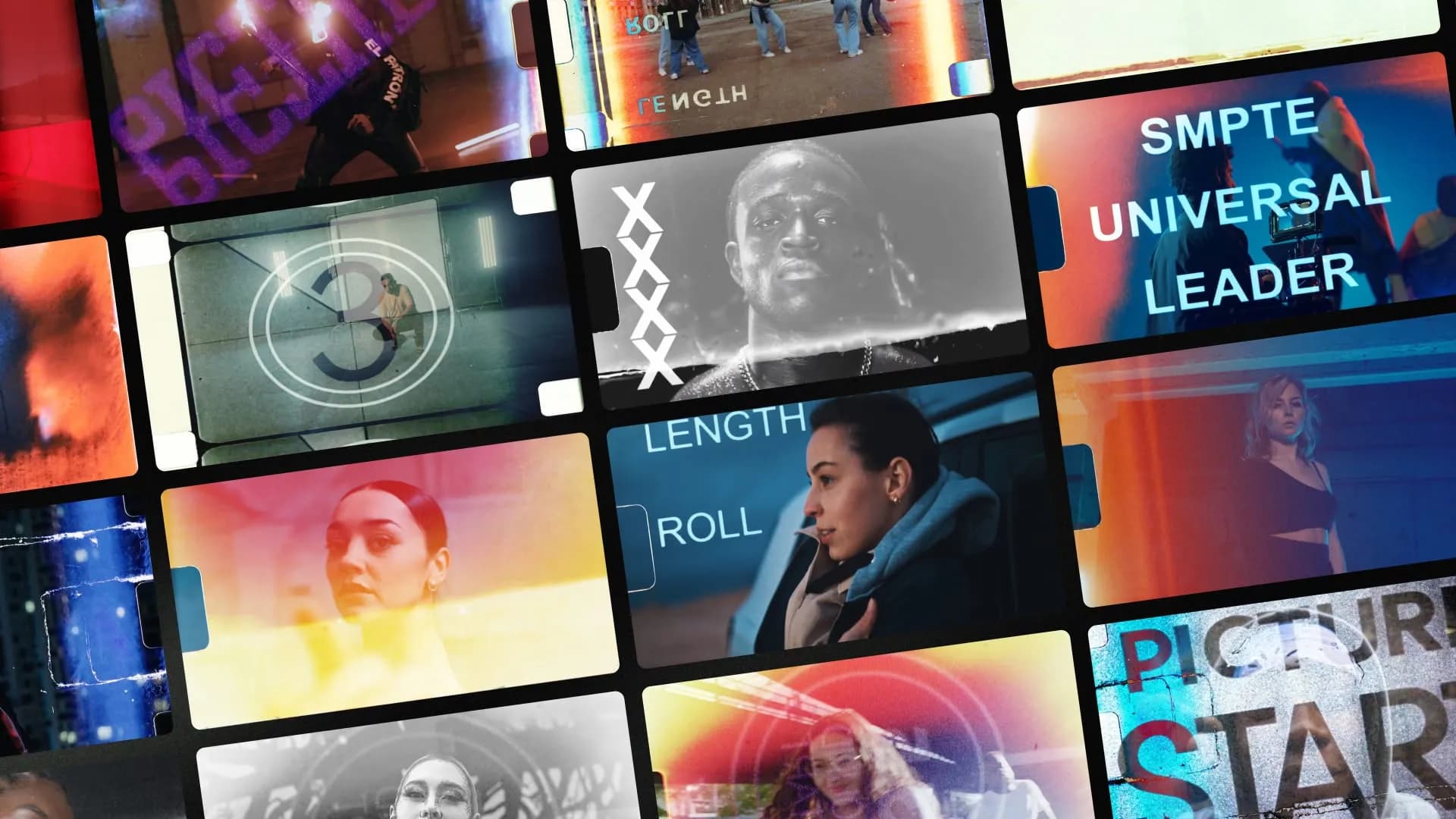
We just added 20 film burn transitions to Spotlight FX. Real camera scans with adjustable color, brightness, and flip controls. Works in Premiere Pro and After Effects
Spotlight FX Product Updates
Stay updated with the latest Spotlight FX features, improvements, and releases.
 Product Updates
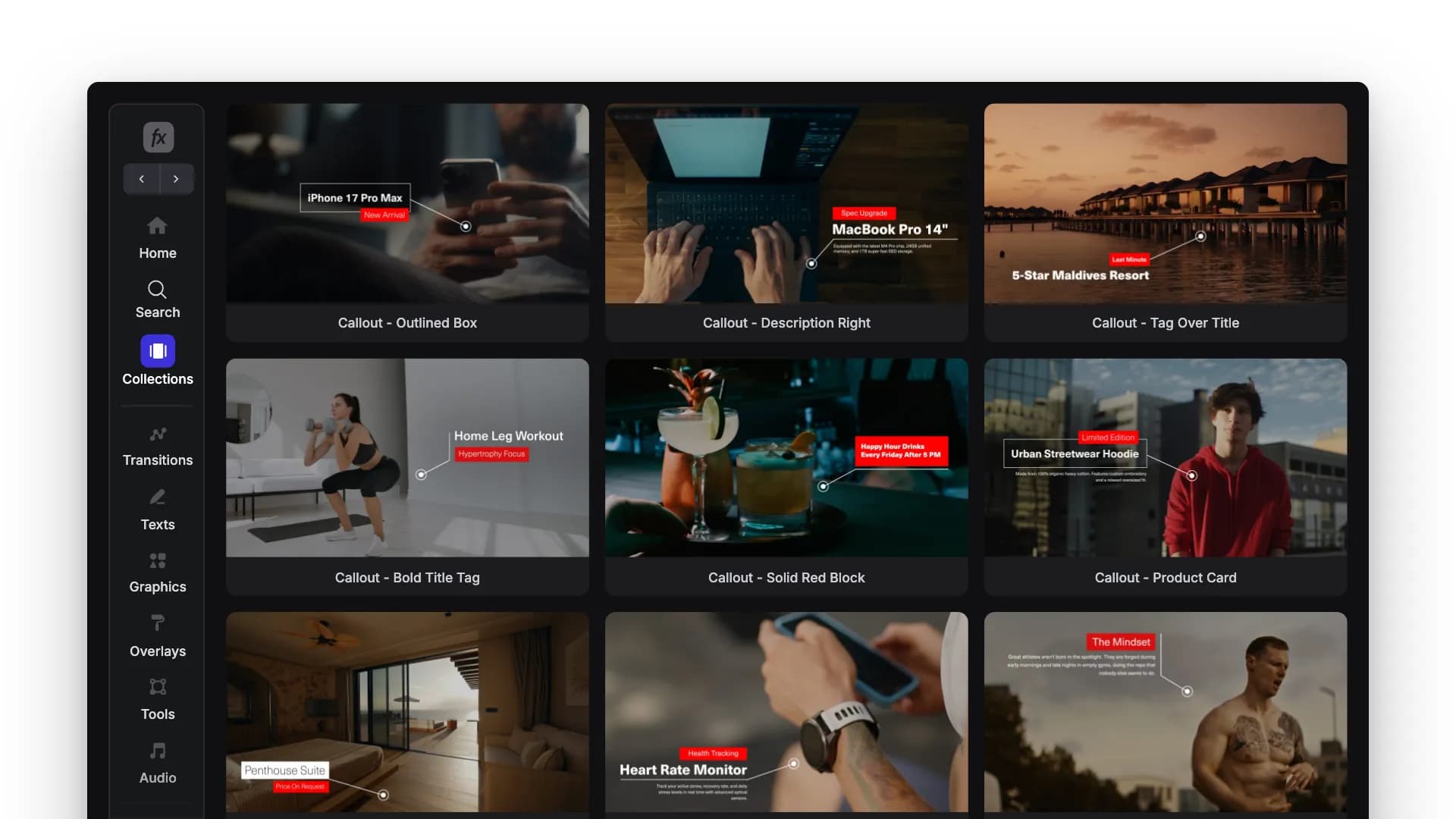
New: Callout Labels for Premiere Pro & After Effects
For the moments where you're showing something and the viewer can't tell which part you mean.
 Product Updates
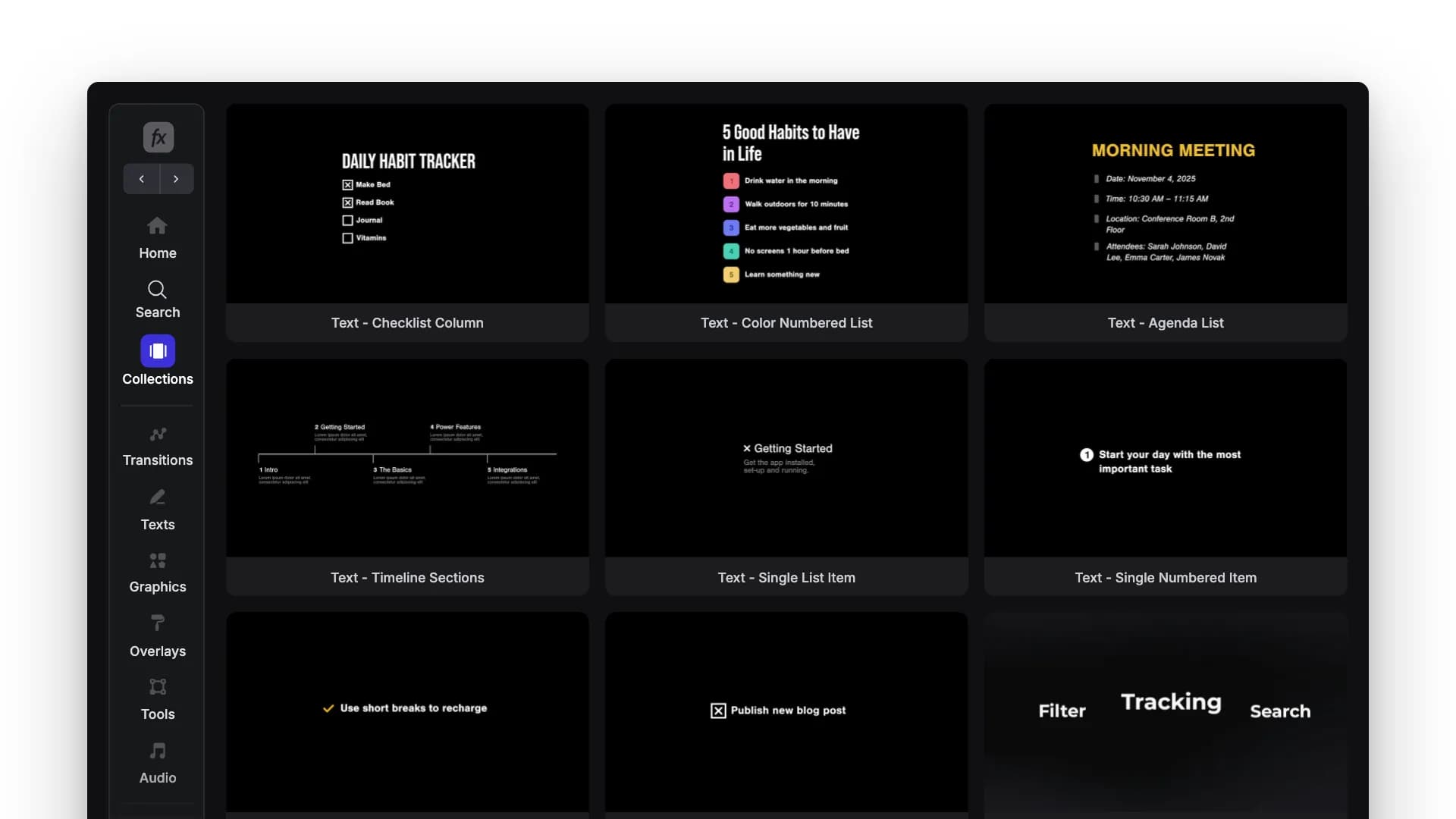
New: To-Do & Listicle Templates for Premiere Pro & After Effects
Checklists, numbered steps, tip lists, and timelines you can drop into a video and change the text on.
 Product Updates
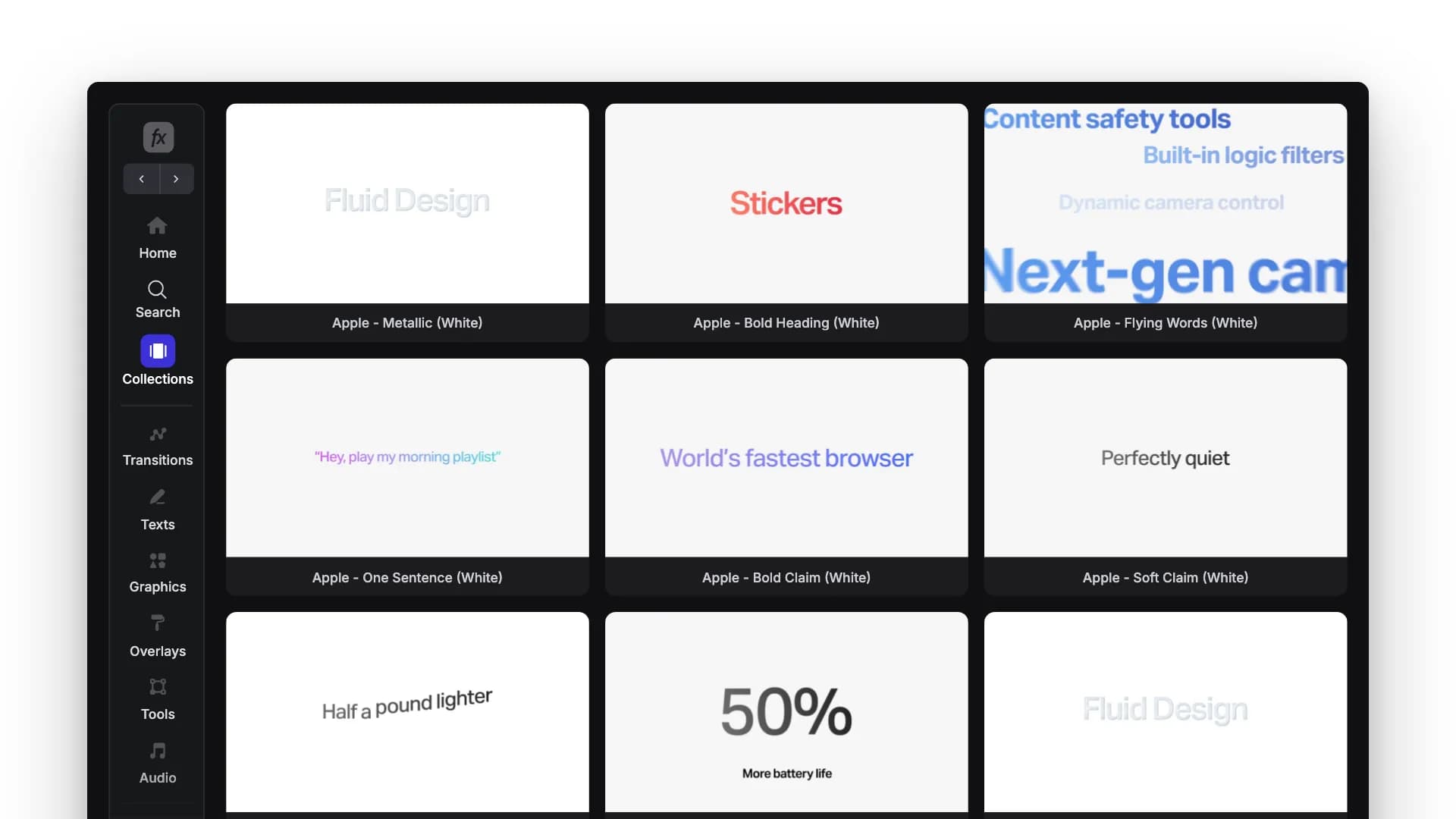
New: Apple Titles for Premiere Pro & After Effects
Light versions of the Apple titles, made for product demos, app launches, and software videos.
 Product Updates
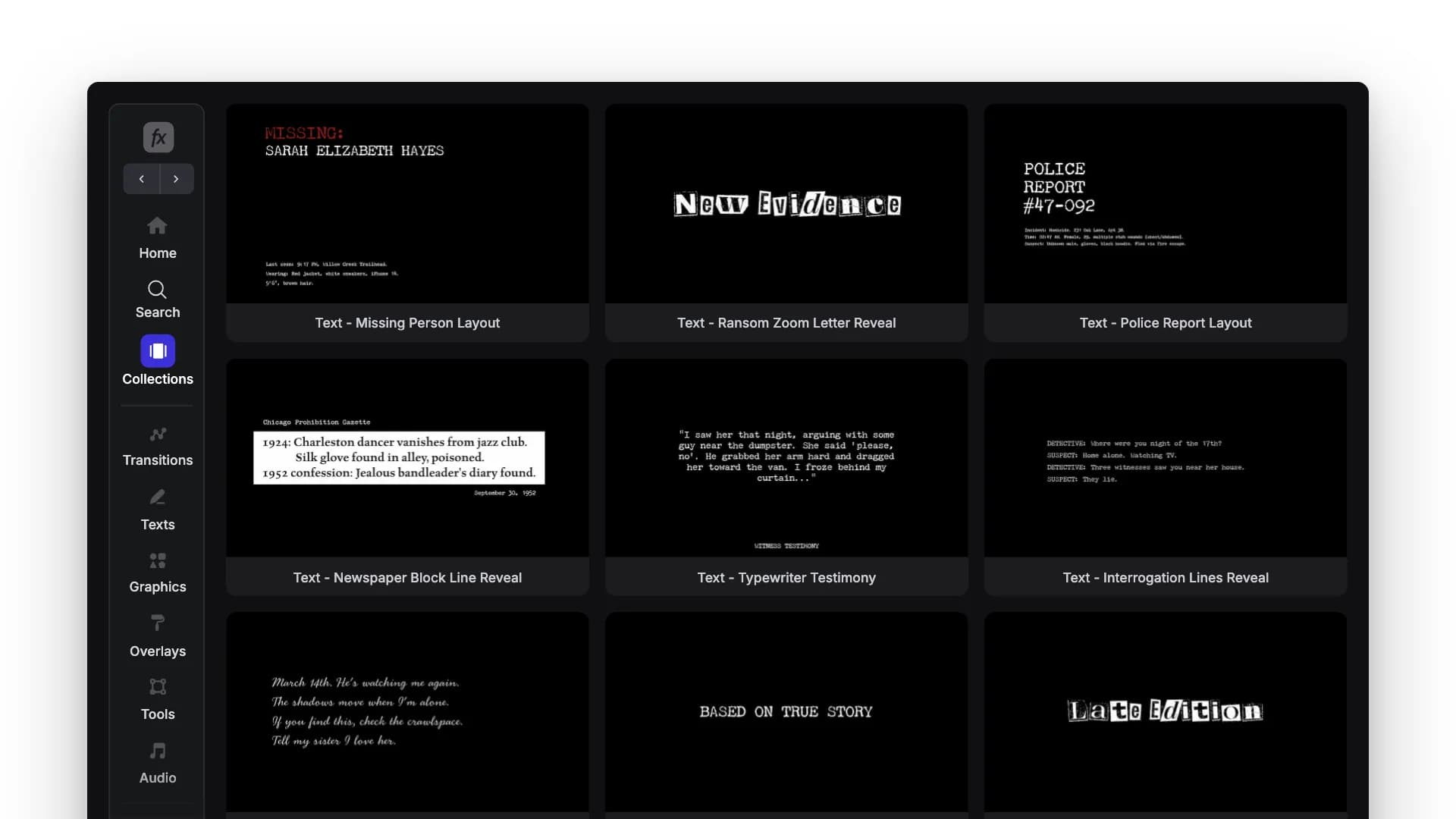
New True Crime Titles for Premiere Pro & After Effects
New titles in the True Crime collection. Typewriter reveals, witness quotes, newspaper clippings, police reports and evidence notes.
 Product Updates
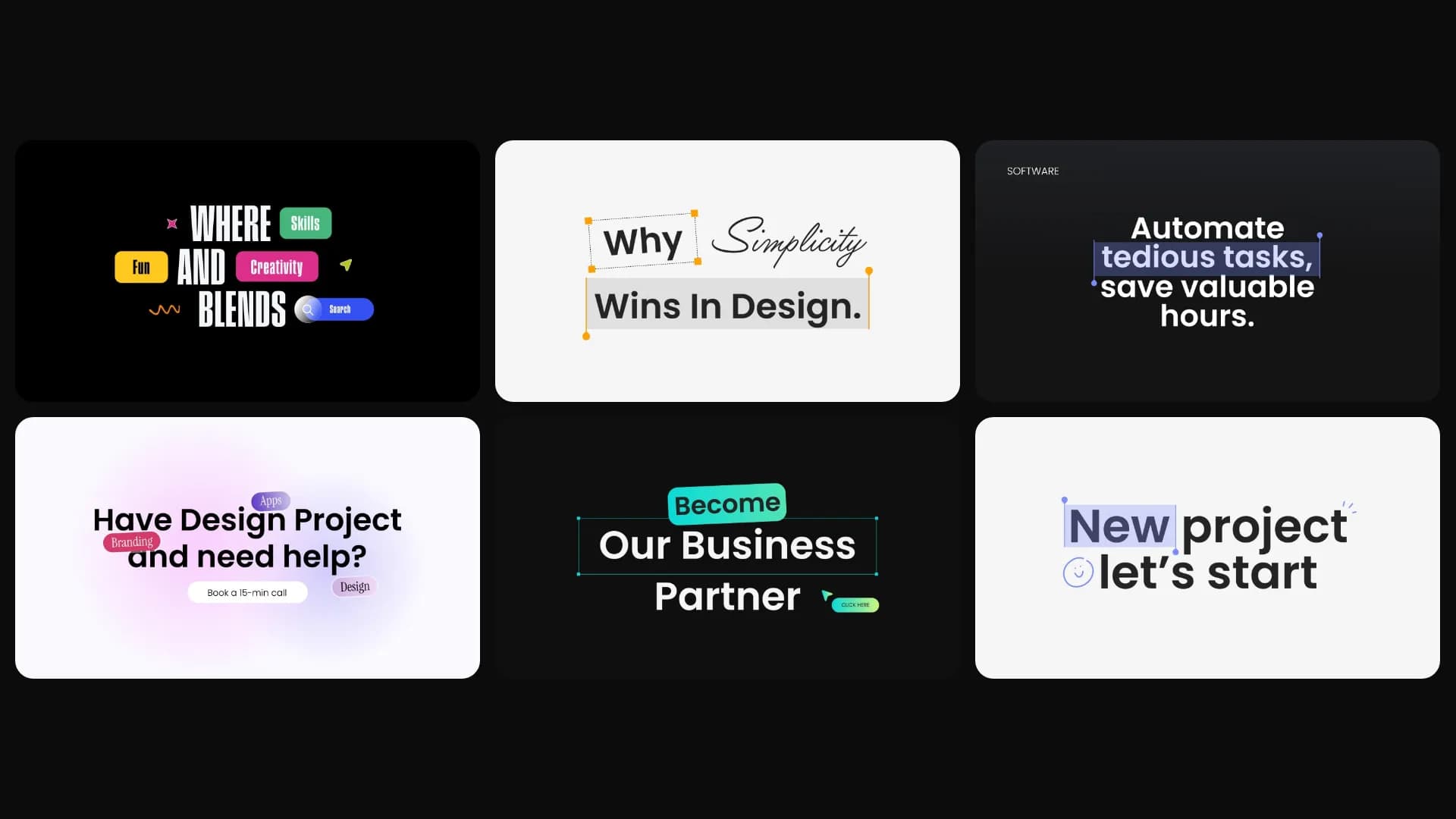
New: Figma Style Titles for Premiere Pro & After Effects
Ready-made titles for product demos and SaaS videos. Type your text in and everything stays in the right place.
 Product Updates
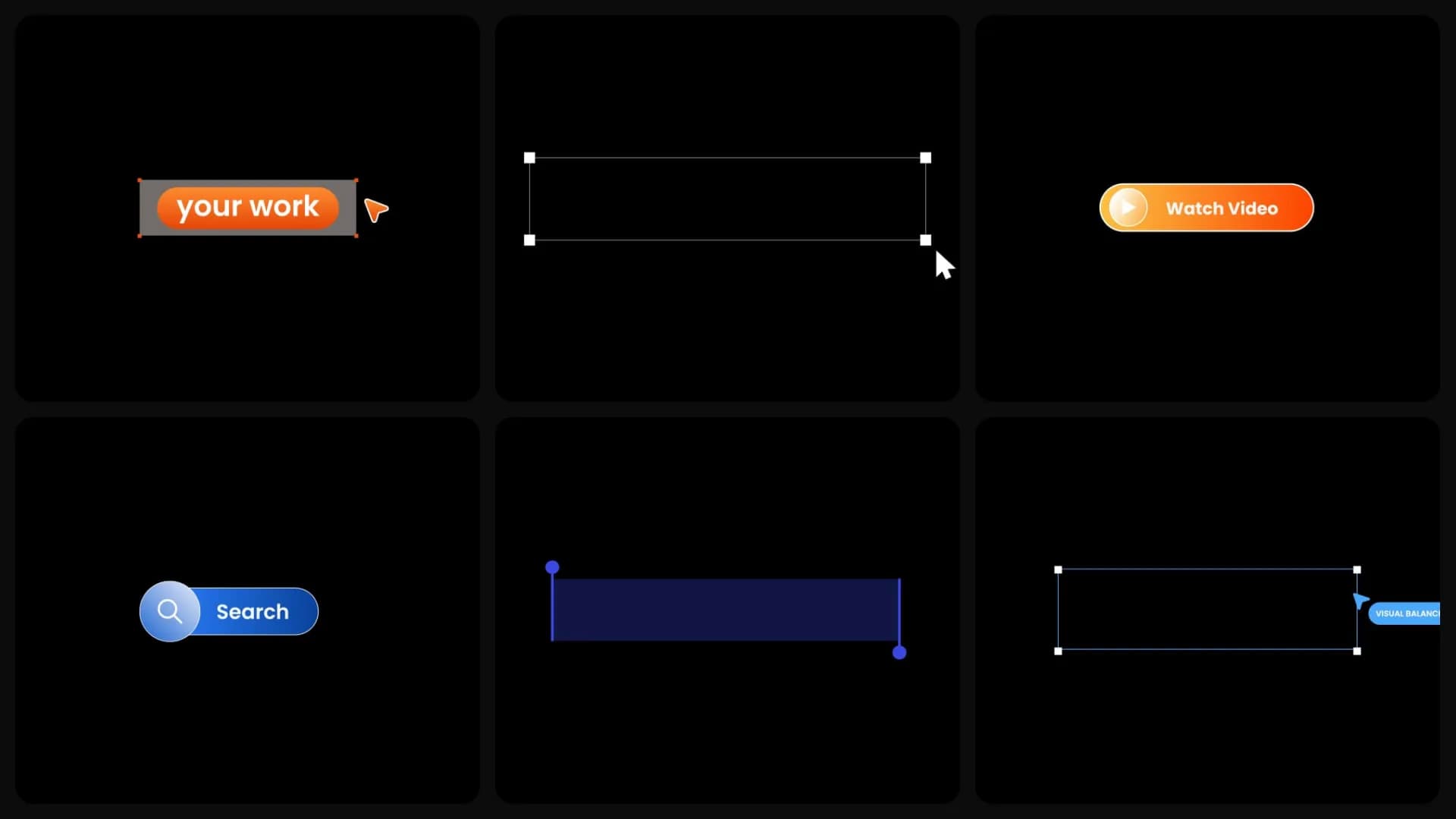
New: UI Buttons for Premiere Pro & After Effects
Ready-made, editable interface elements for Premiere Pro and After Effects. Buttons, search bars, labels, and callouts for product demos, SaaS videos, and app animations.
 Product Updates
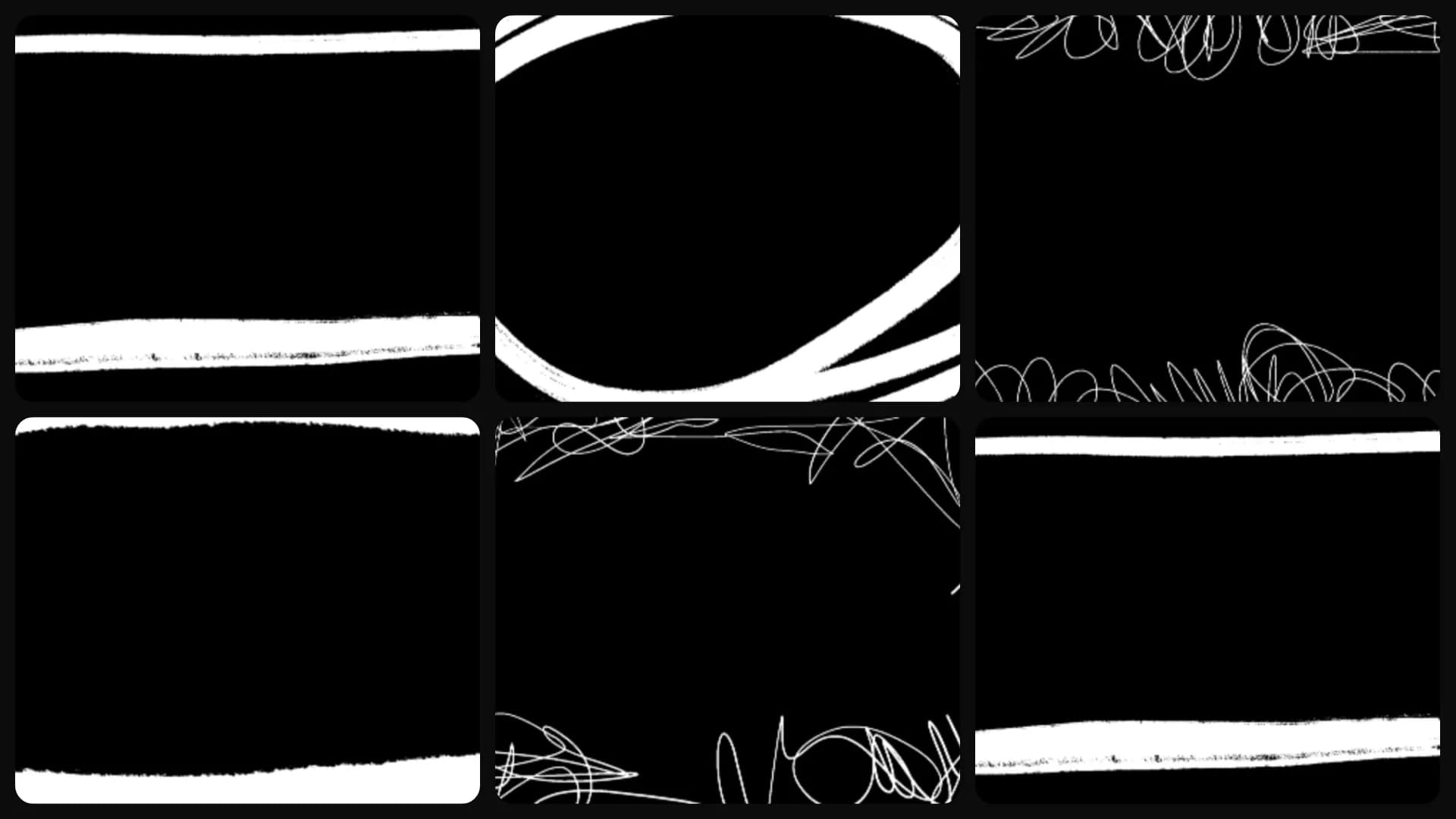
New Hand-Drawn Frames for Premiere Pro and After Effects
Hand-drawn frames for Premiere Pro and After Effects. Wrap the whole shot, or mark one part of the scene so viewers know where to look. Ready in one click.
 Product Updates
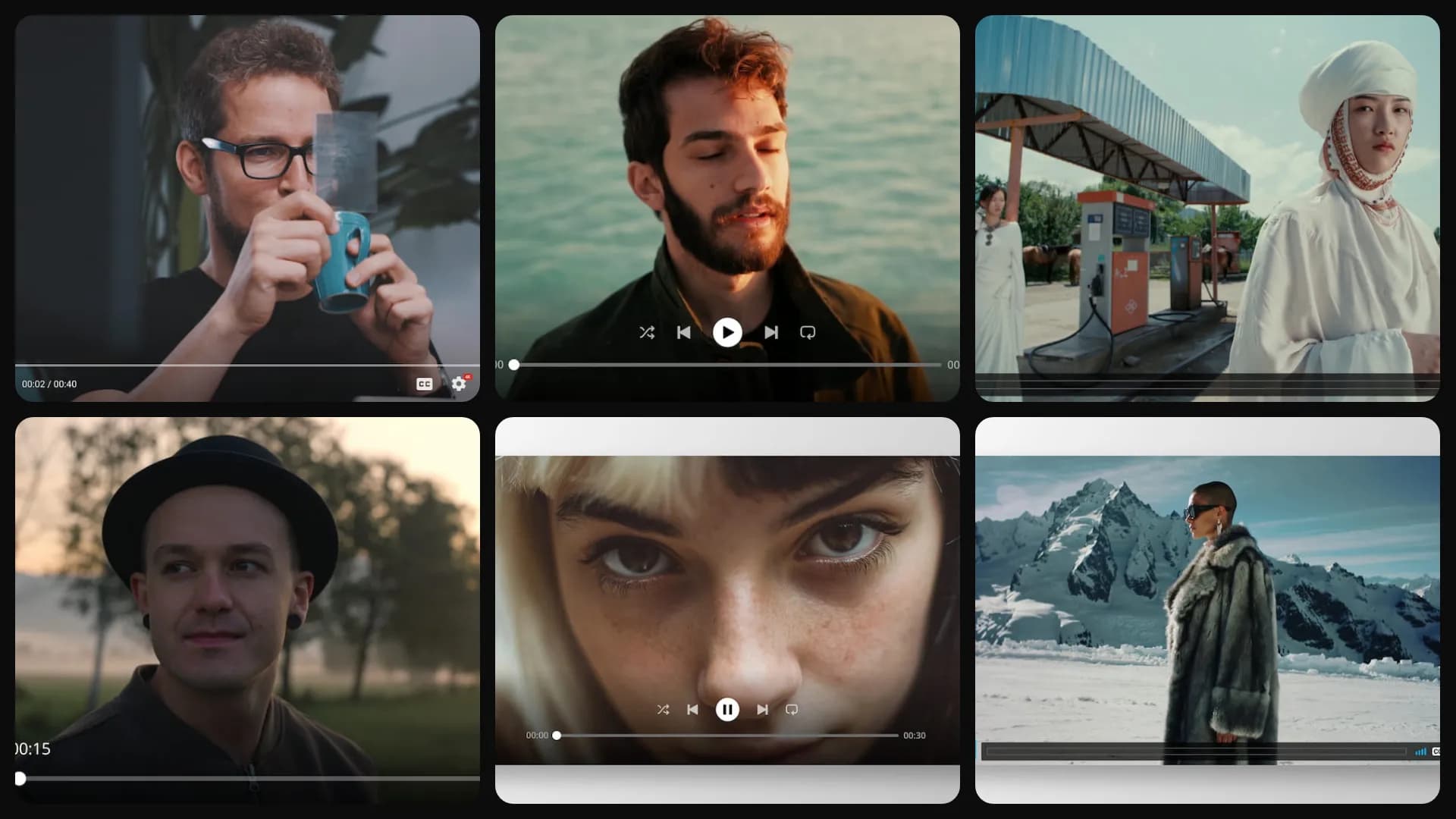
New Video Player Overlays for Premiere Pro and After Effects
Video player overlays for Premiere Pro and After Effects. Make any clip look like it's playing on YouTube, Spotify, Vimeo, or in a browser. Ready in one click.
 Product Updates
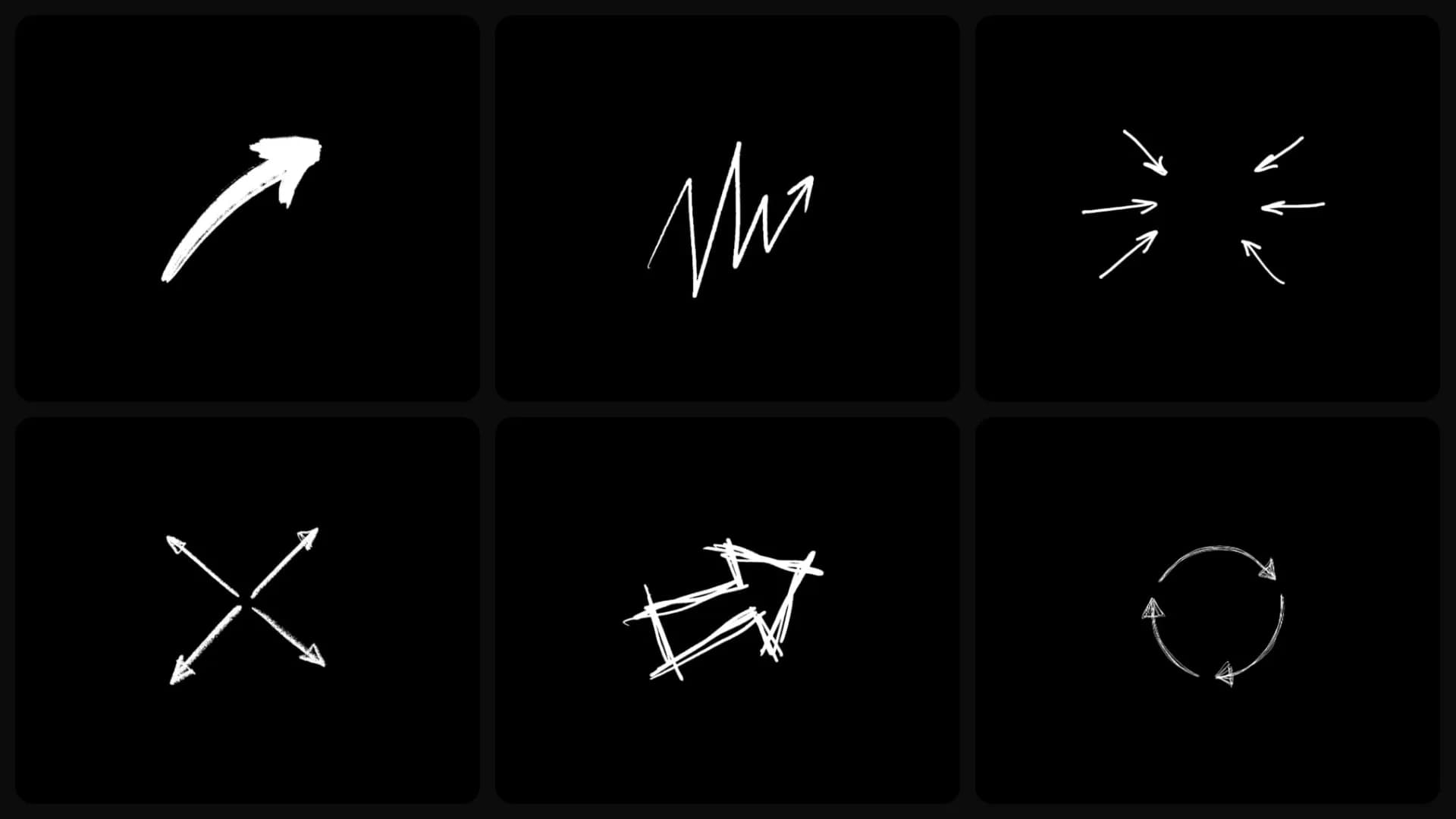
New Hand-Drawn Arrows for Premiere Pro and After Effects
Hand-drawn arrows for Premiere Pro and After Effects. Highlight products, buttons, or any detail your viewers shouldn't miss. Ready in one click.
 Product Updates
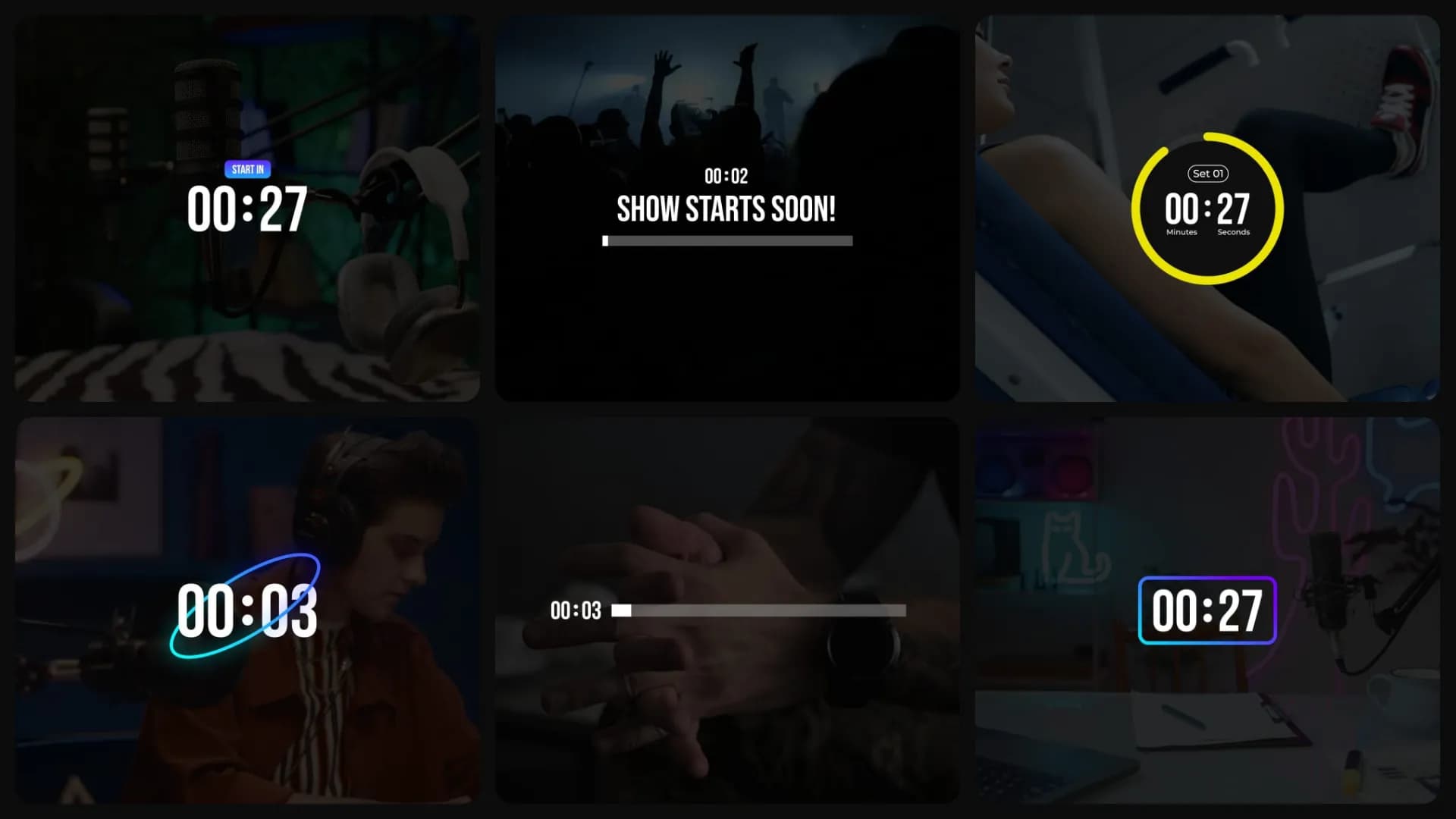
New Countdown Timers for Premiere Pro and After Effects
Countdown timers for Premiere Pro and After Effects. For "Starting Soon" screens, workouts, quizzes, and product launches, ready to use whenever you need one.
 Product Updates
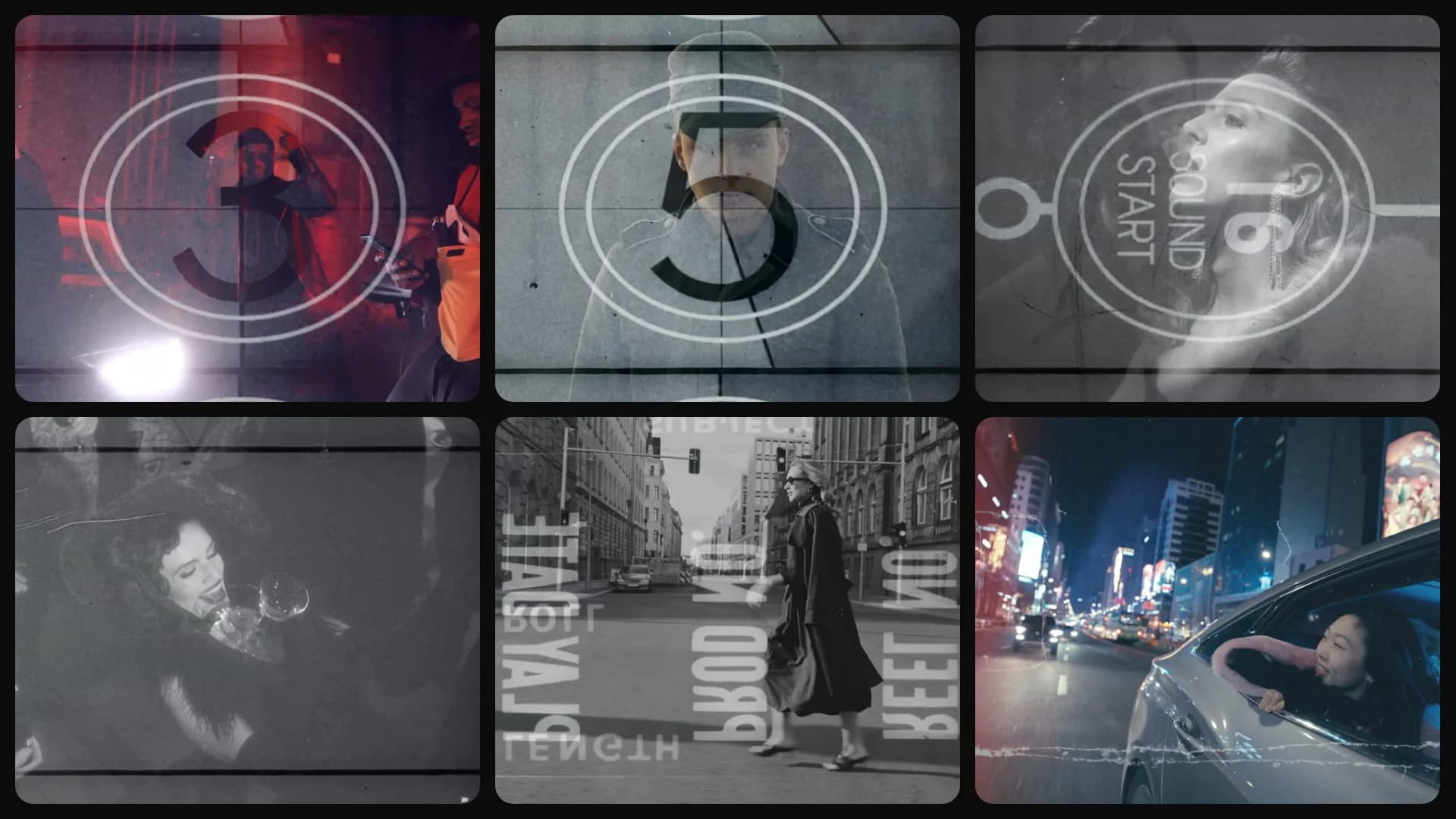
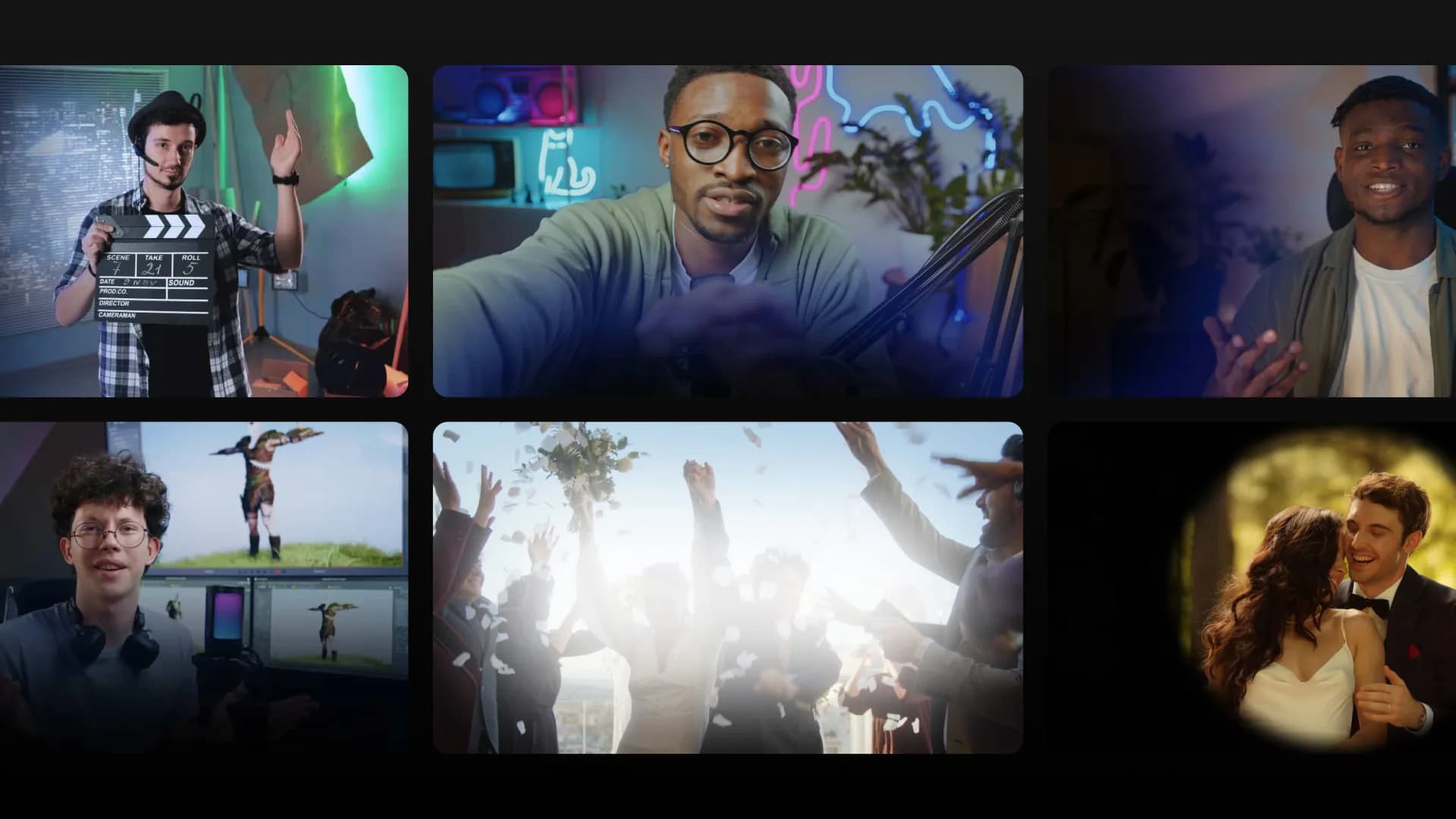
New Film Overlays for Premiere Pro and After Effects
Seven film overlays that give your footage a vintage look, so you get grain, scratches, light leaks, and 3-2-1 countdown leaders without building the look by hand.
 Product Updates
New Fade Overlays for Premiere Pro and After Effects
11 new overlays that fade in over your video. Use them to frame a shot, hold a title, or darken part of the screen for text. They work in both After Effects and Premiere Pro.
 Product Updates
Wedding Reels : Everything You Need to Edit a Wedding Film
Wedding Reels is a full collection of assets built specifically for wedding editors. Openers, text templates, transitions, atmospheric effects, vintage frames, color tones, and more. All inside Spotlight FX for Premiere Pro and After Effects.
 Product Updates
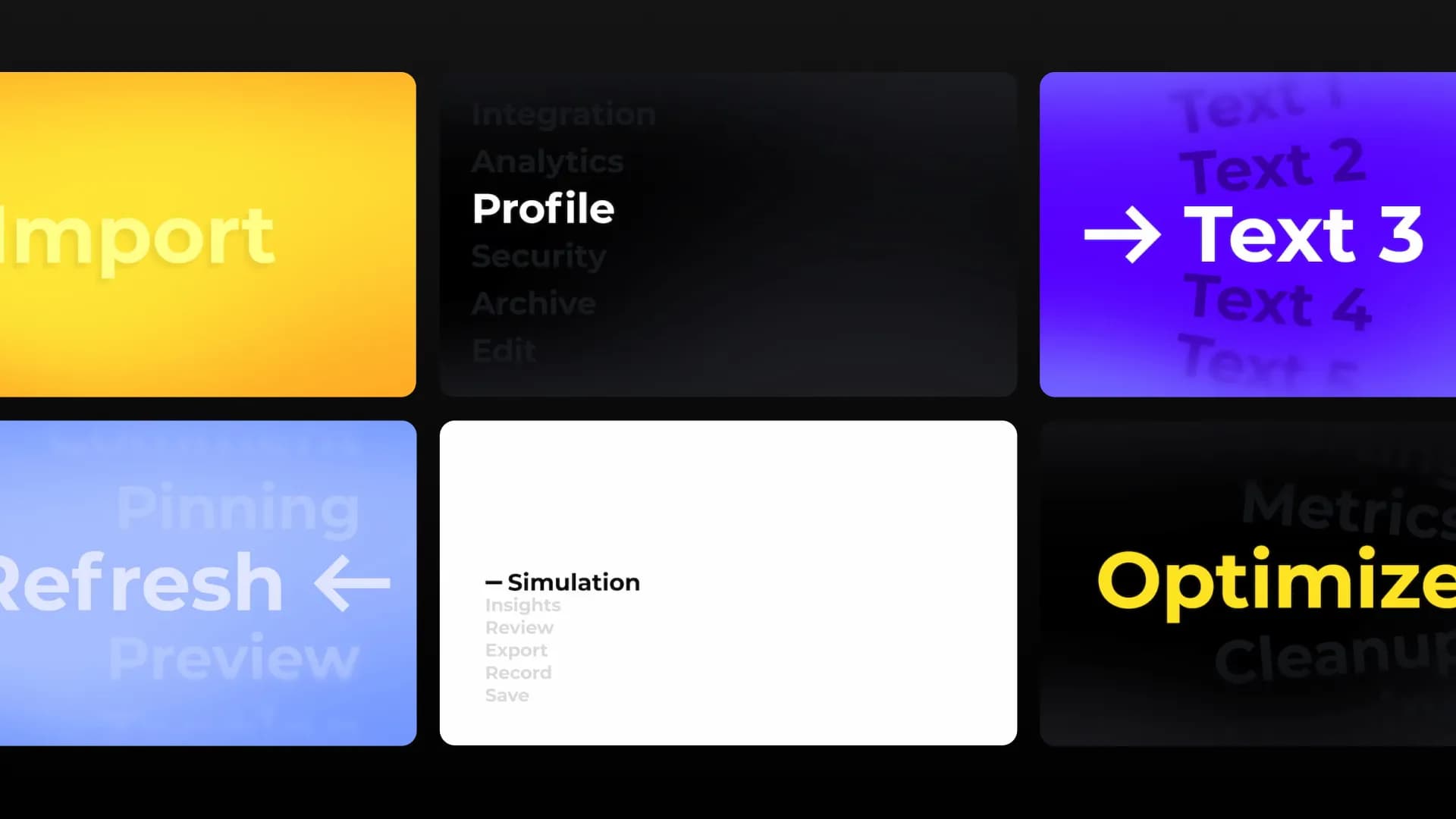
New Animated List Titles for Premiere Pro and After Effects
New animated list titles are now live in Spotlight FX. Use them to guide attention, reveal steps, and make on-screen text easier to follow.
 Product Updates
Zoom in Premiere Pro with one-click
Zoomy is a new tool inside the Spotlight FX Toolbox that lets you create smooth, professional zoom animations with motion blur in Premiere Pro in one click. No keyframing, no Transform effect setup, no manual easing.
 Product Updates
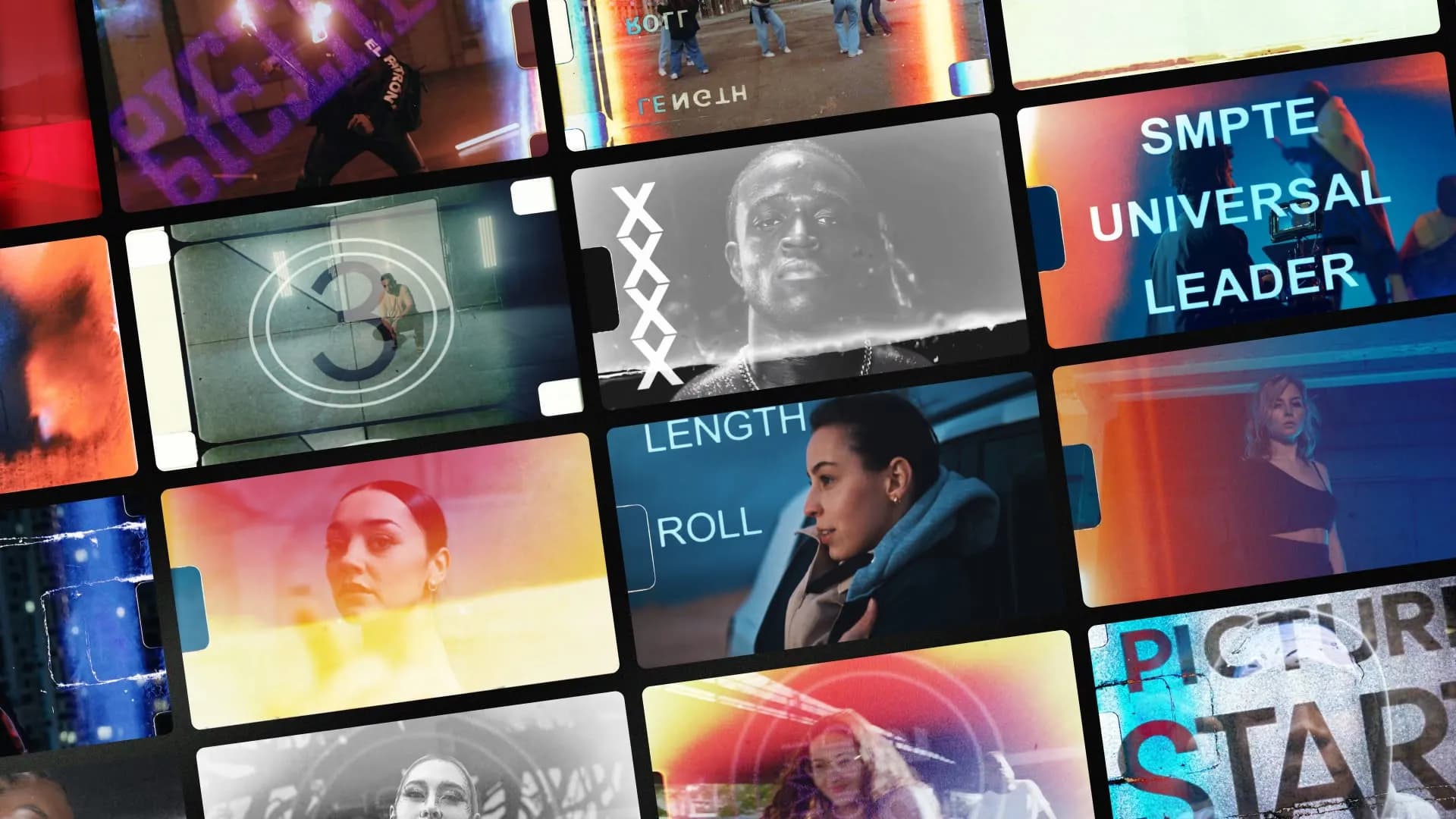
Film Burn Transitions for Premiere Pro and After Effects
We just added 20 film burn transitions to Spotlight FX. Real camera scans with adjustable color, brightness, and flip controls. Works in Premiere Pro and After Effects
 Product Updates
January Update: New Importer, Asset Collection, and OBS Chapter Extraction
We rebuilt the importer from scratch. You can now drop transitions, effects, and titles anywhere without selecting clips first. Plus: automatic asset collection for team workflows and a new OBS chapter extractor that turns recording markers into Premiere timeline markers.
 Product Updates
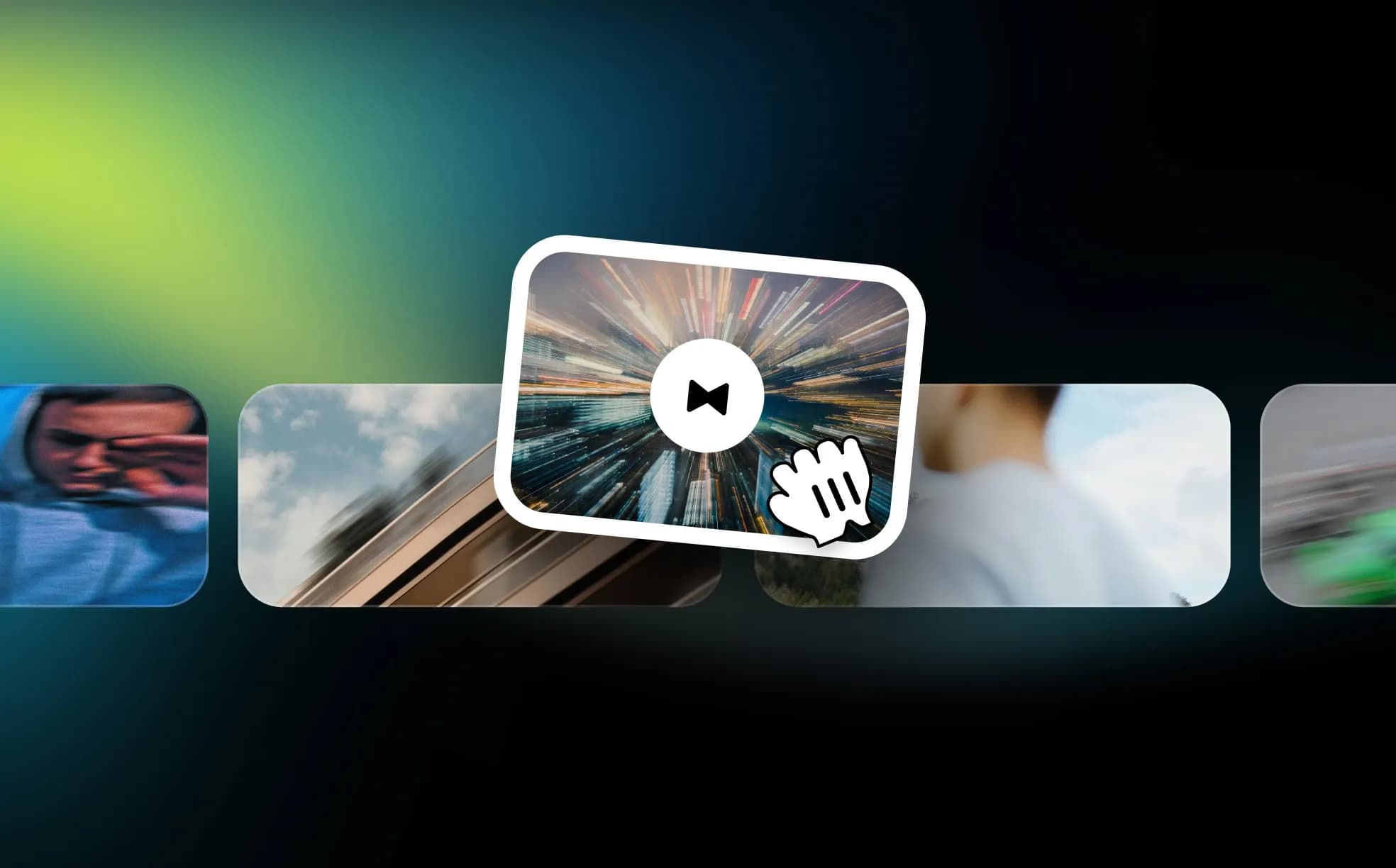
Selection-Free Importing in Premiere Pro
Import items anywhere on your timeline without selecting clips first. Stack transitions, elements, and overlays like layers. Build complex scenes directly in Premiere Pro.
 Product Updates
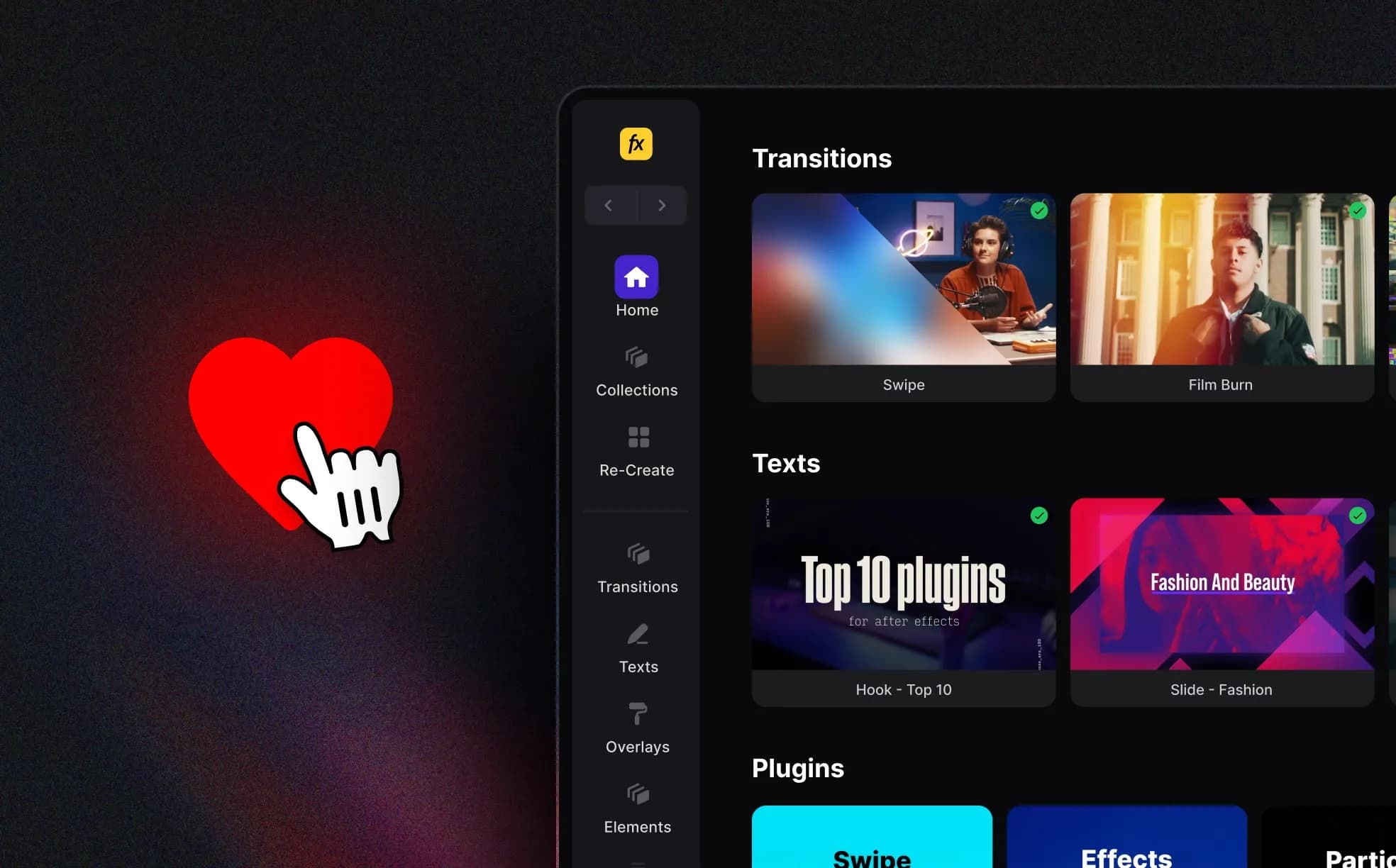
Your saved items just got way easier to use
Spotlight FX now lets you search and filter inside your likes and downloads. You can preview saved items, sort by type, and reuse effects faster than ever.
 Product Updates
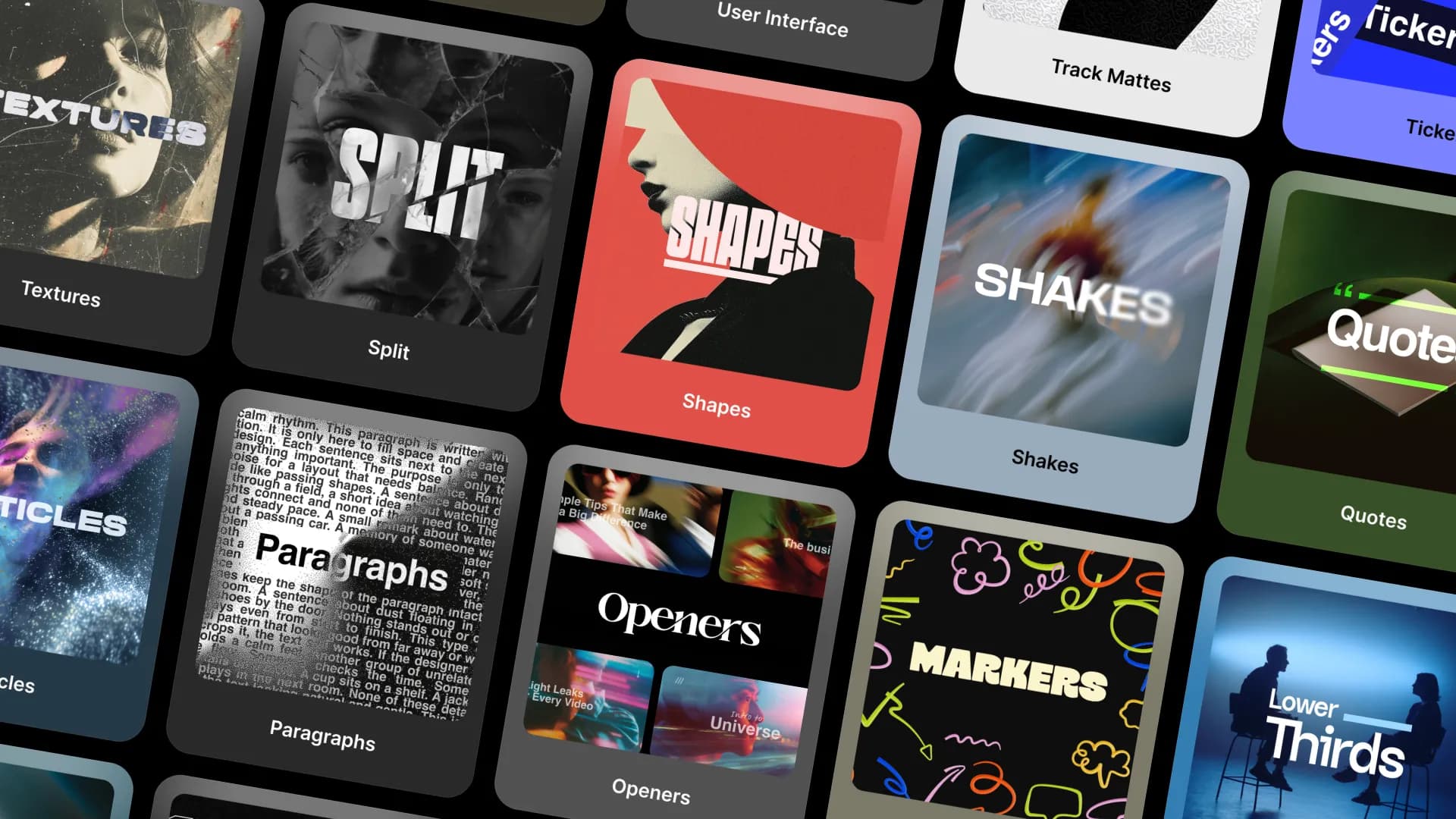
Smarter Browsing, No More Guesswork
Spotlight FX just redesigned how plugins are shown. You’ll now see vertical cards with hover previews, making it faster to find what you need across categories.
 Product Updates
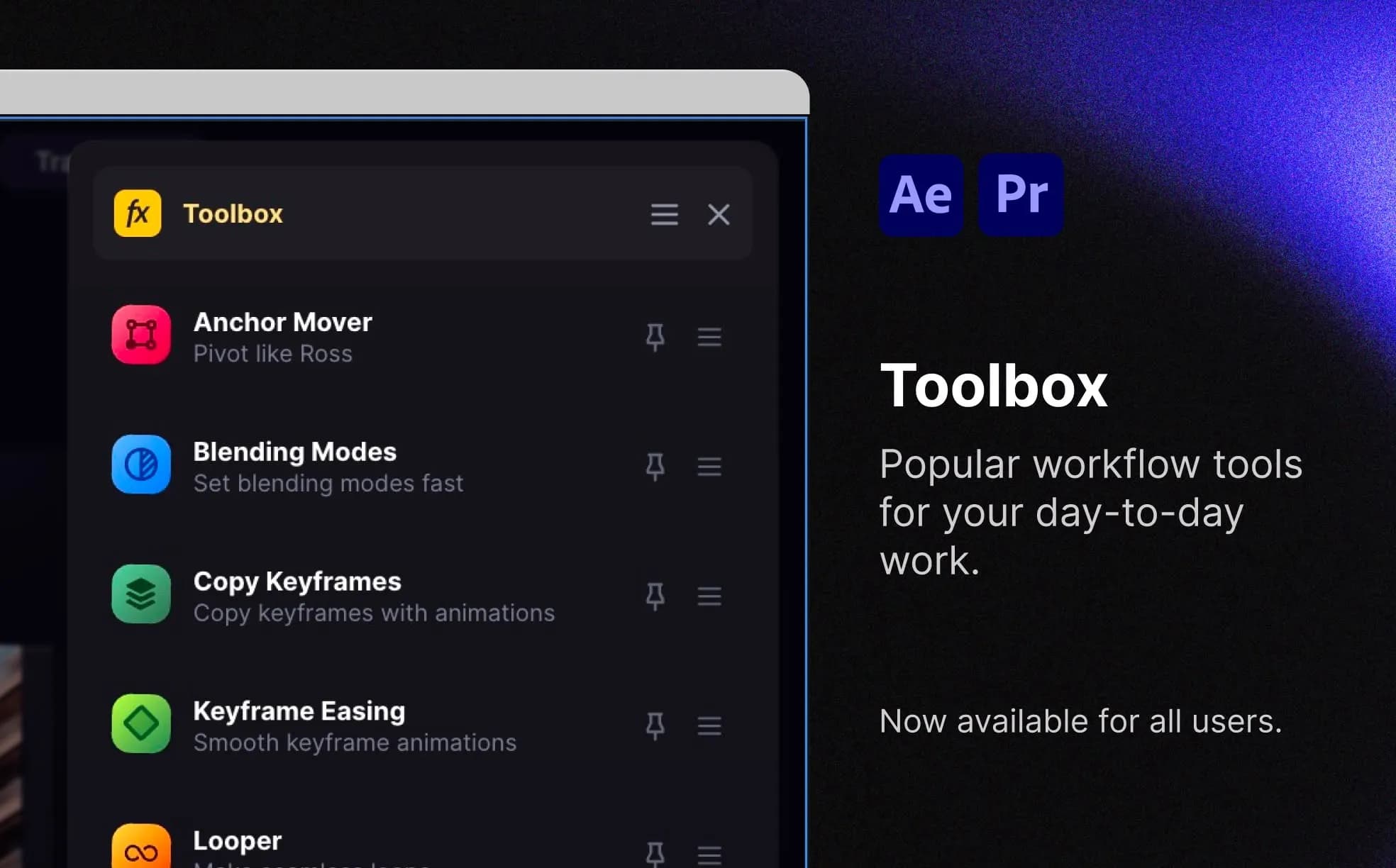
Meet the New Toolbox Panel (It’s a Game-Changer)
Spotlight FX now includes a dockable Toolbox panel for fast access to your most-used tools. Pin scripts, search apps, and organize your layout without breaking flow.
 Product Updates
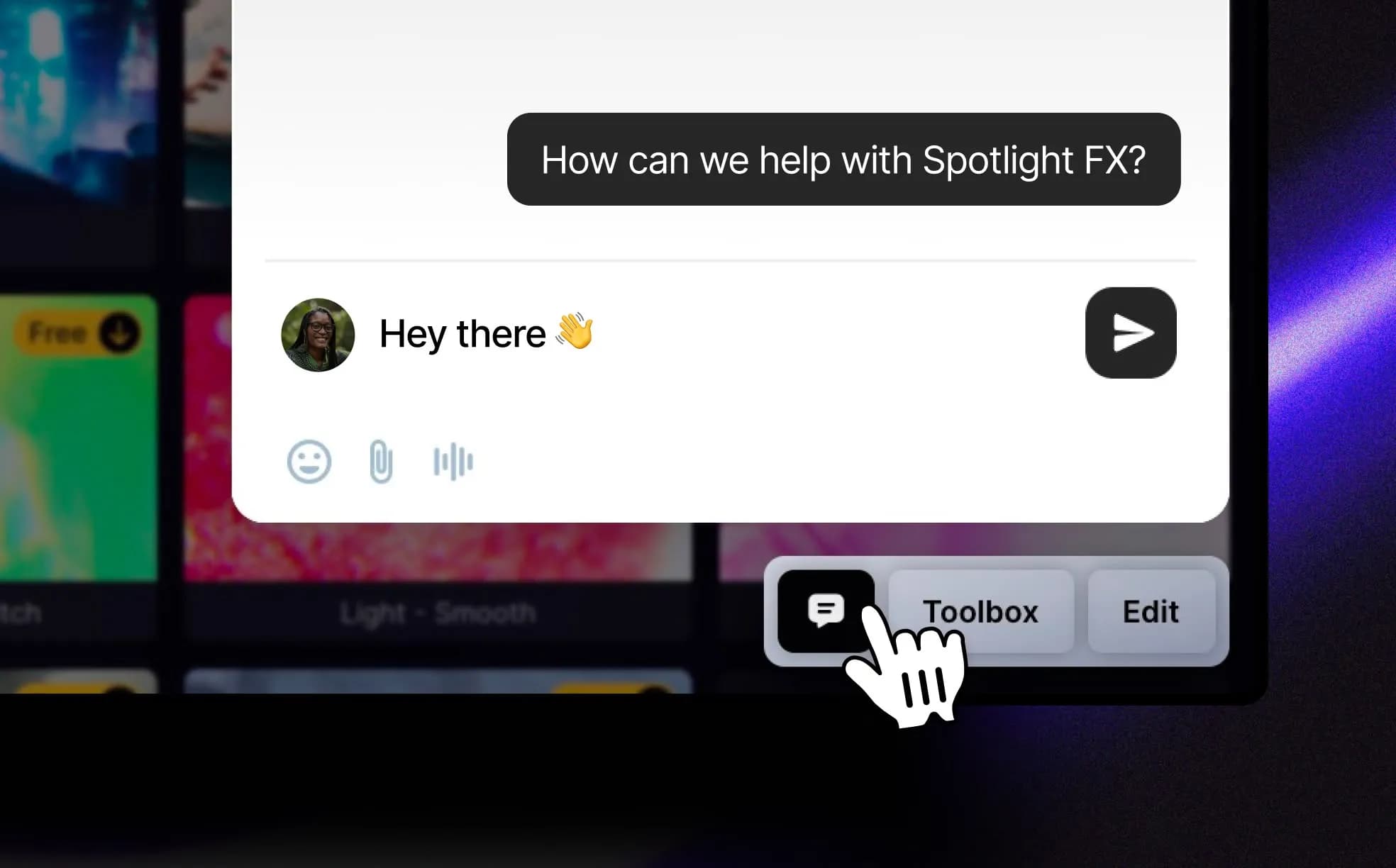
Talk to Us, Right From the App
Spotlight FX now includes a chat bubble so you can reach us directly from the app. Whether you’re reporting a bug, suggesting a feature, or just saying hi, it goes straight to the team, no forms or tickets needed. A small change, but one that makes feedback way easier.
 Product Updates
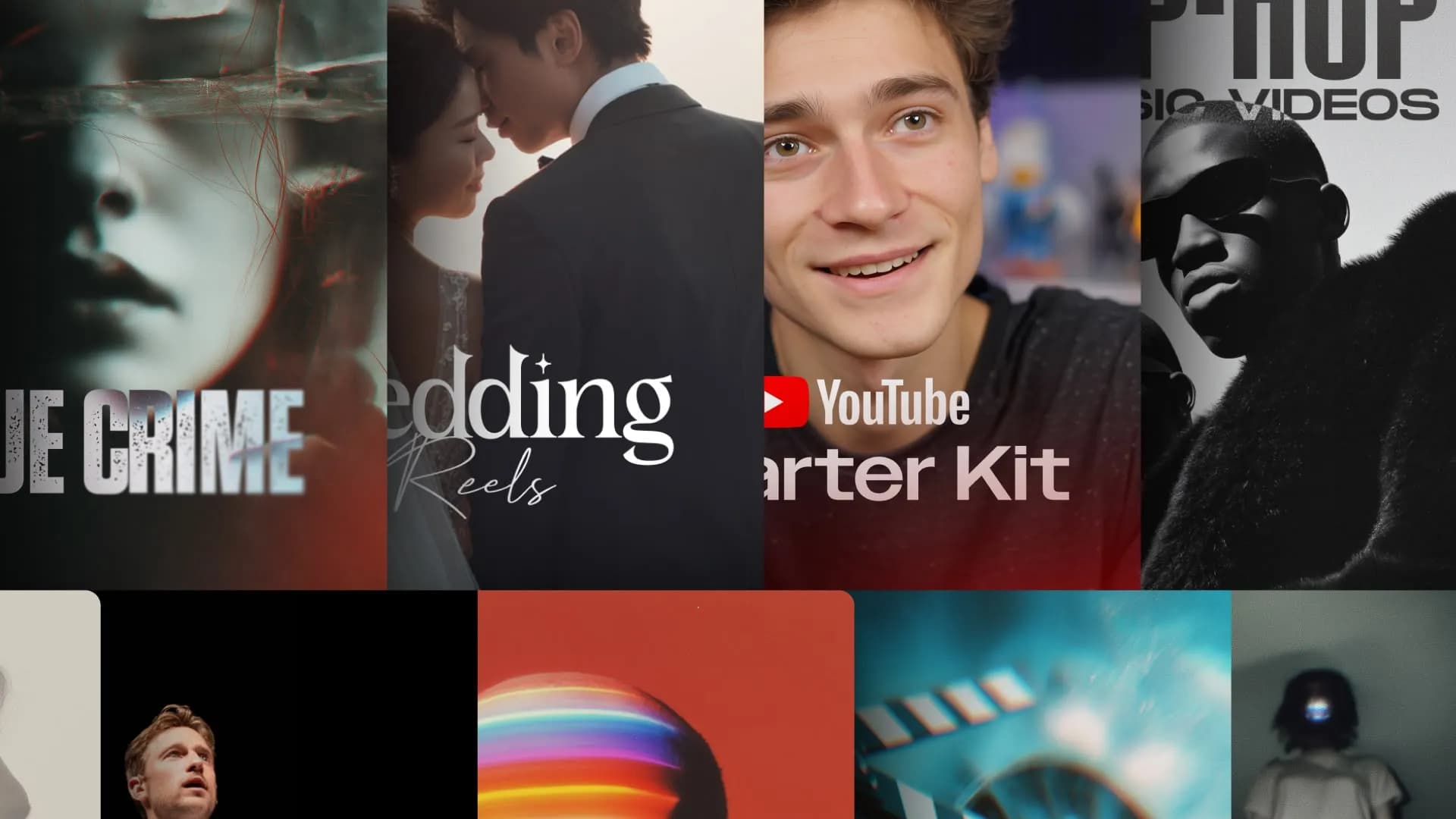
Collections Built Around Real Editing Styles
Spotlight FX now organizes its effects and templates into curated Collections based on real editing styles, like weddings, true crime, or YouTube. No more digging through folders. Just pick your vibe and get started. The Collections tab is live now inside Spotlight FX.
 Product Updates
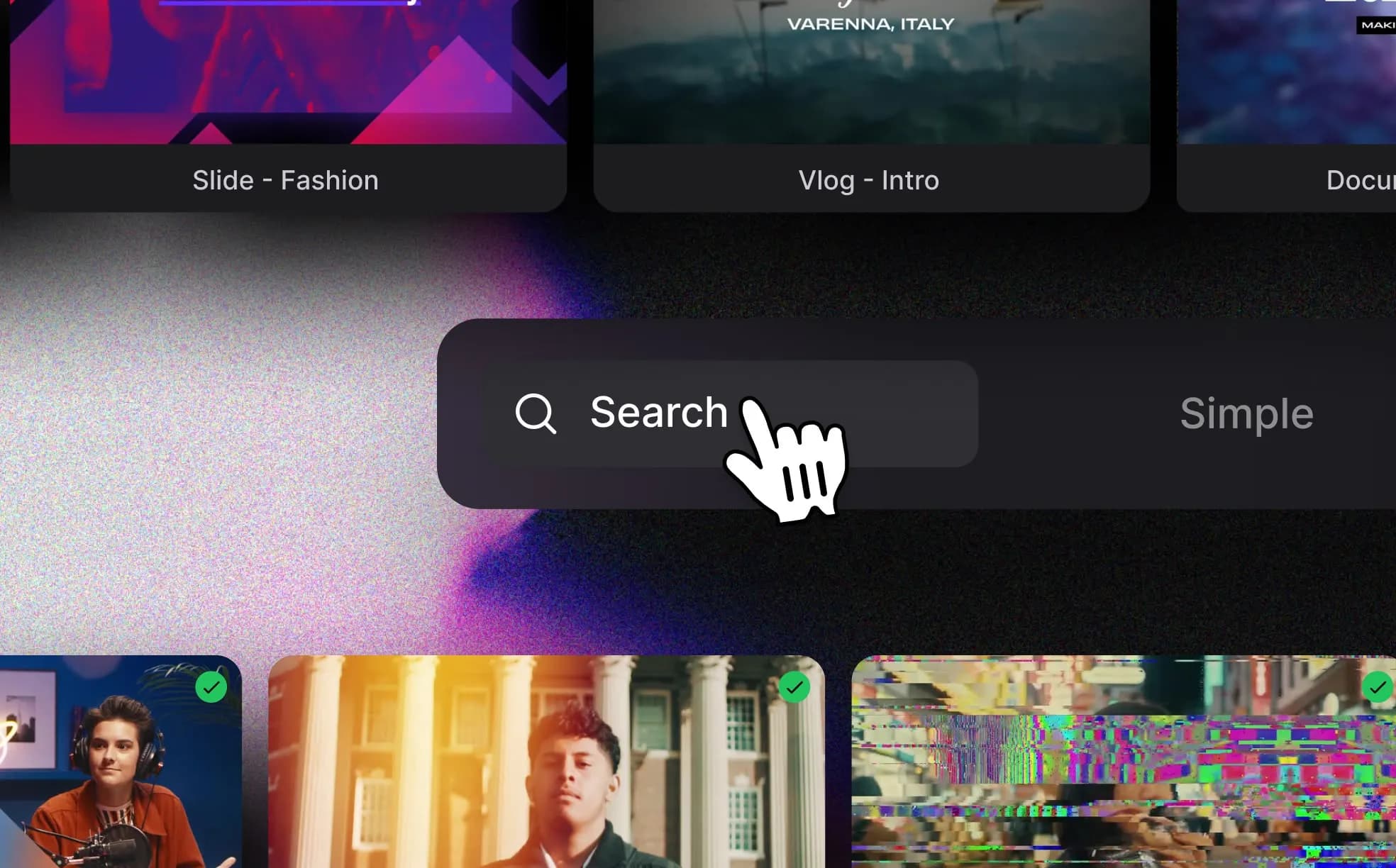
Search by Vibe, Scroll with Autoplay
We just rolled out smarter search and autoplay inside Spotlight FX. You can now find effects by style or keywords like “vhs” or “cinematic,” and preview everything as it plays automatically in the grid. No more guessing or hovering, just scroll and find what fits.