New Hand-Drawn Frames for Premiere Pro and After Effects

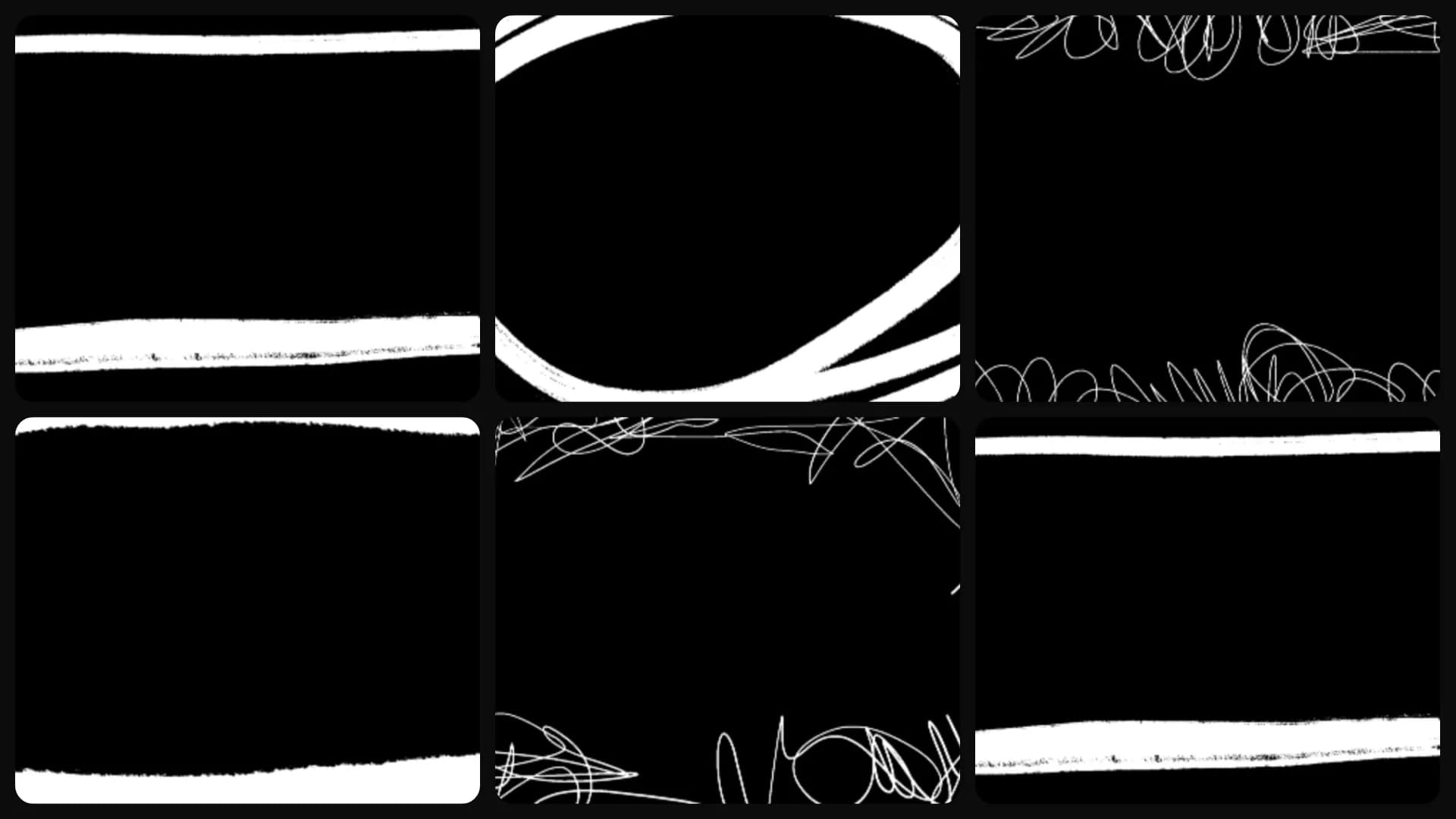
Table of Contents
Sometimes a perfect rectangle looks wrong.
When everything else in your edit feels natural, a perfectly clean shape can stand out for the wrong reason. Hand-drawn frames solve that. They help guide attention without making it obvious that a graphic was added.
Frame the whole shot, or mark one thing in it
There are two ways to use these, and they work in almost opposite ways. Scaled up, a frame wraps the whole shot, which works well for an intro or a title card. Scaled down, it sits over one part of the scene, like a product, a face, or a button, so viewers know where to look.
Pick the one that matches your video
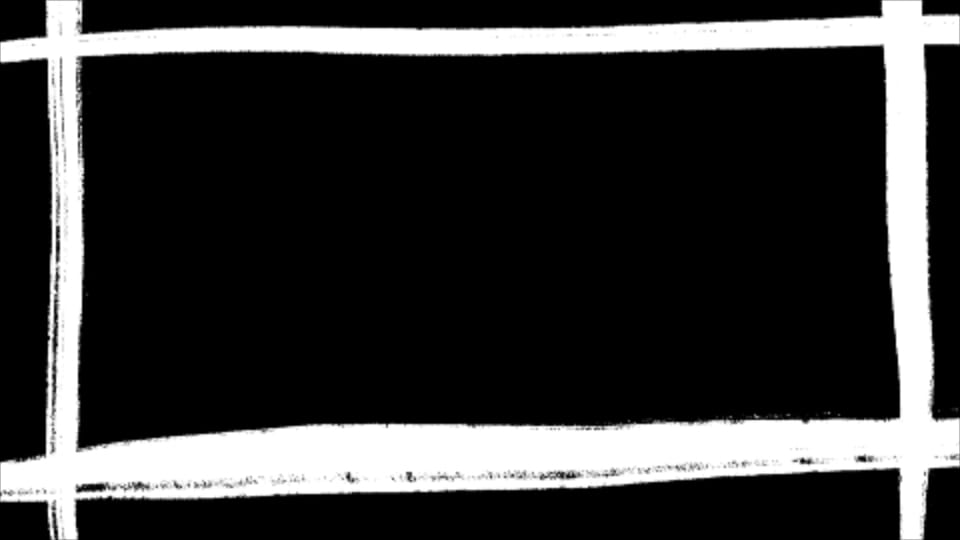
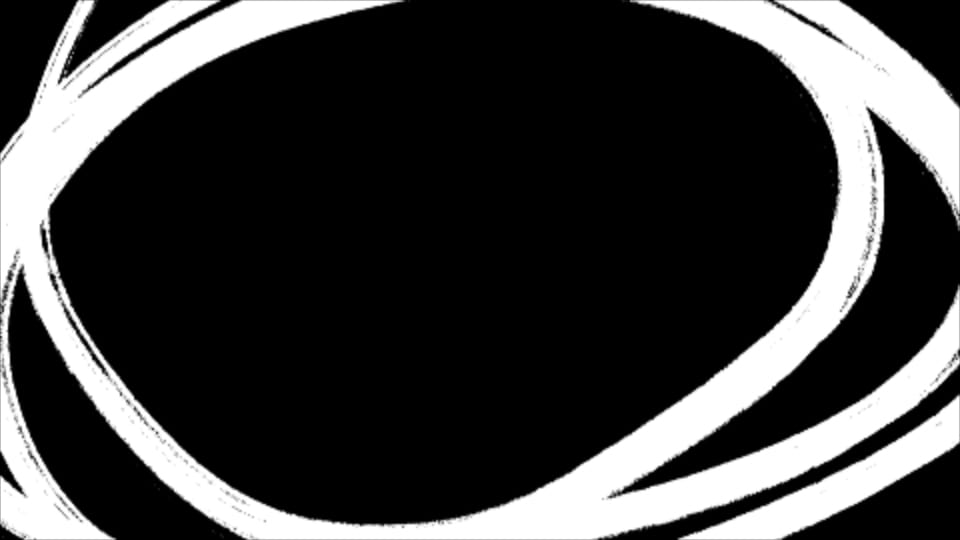
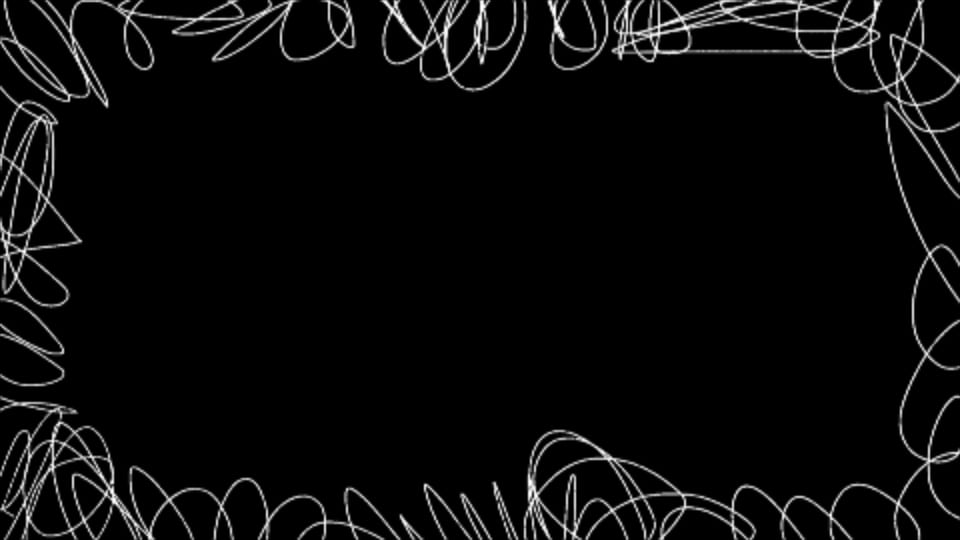
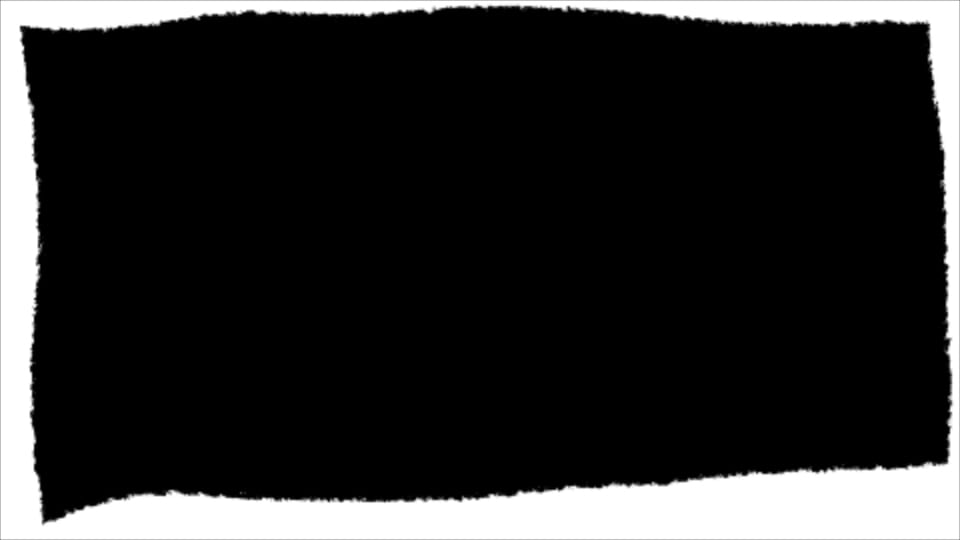
The set covers a few different looks. There's a torn painted edge that wraps the shot in a rough border, and a rectangle made of four thick brush strokes that cross at the corners, which works well behind a title. There's a light loopy scribble for lighter videos, and a busy tangled scribble when you want something messier. There's also a bold circle that loops around twice, for when you want to mark one thing rather than frame everything.
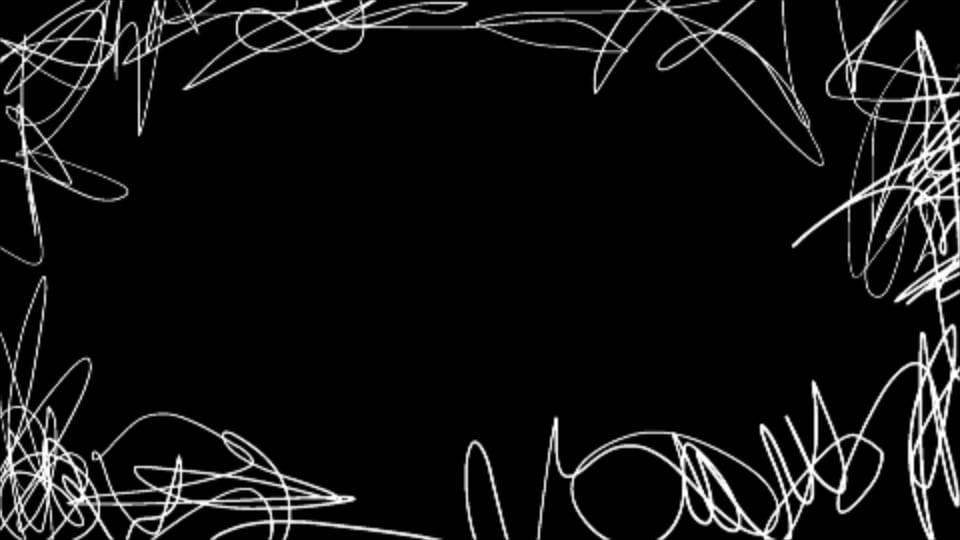
They work the same in Premiere Pro and After Effects. The new frames are live now. Open Spotlight FX and you'll find them on the Home page.