New Video Player Overlays for Premiere Pro and After Effects

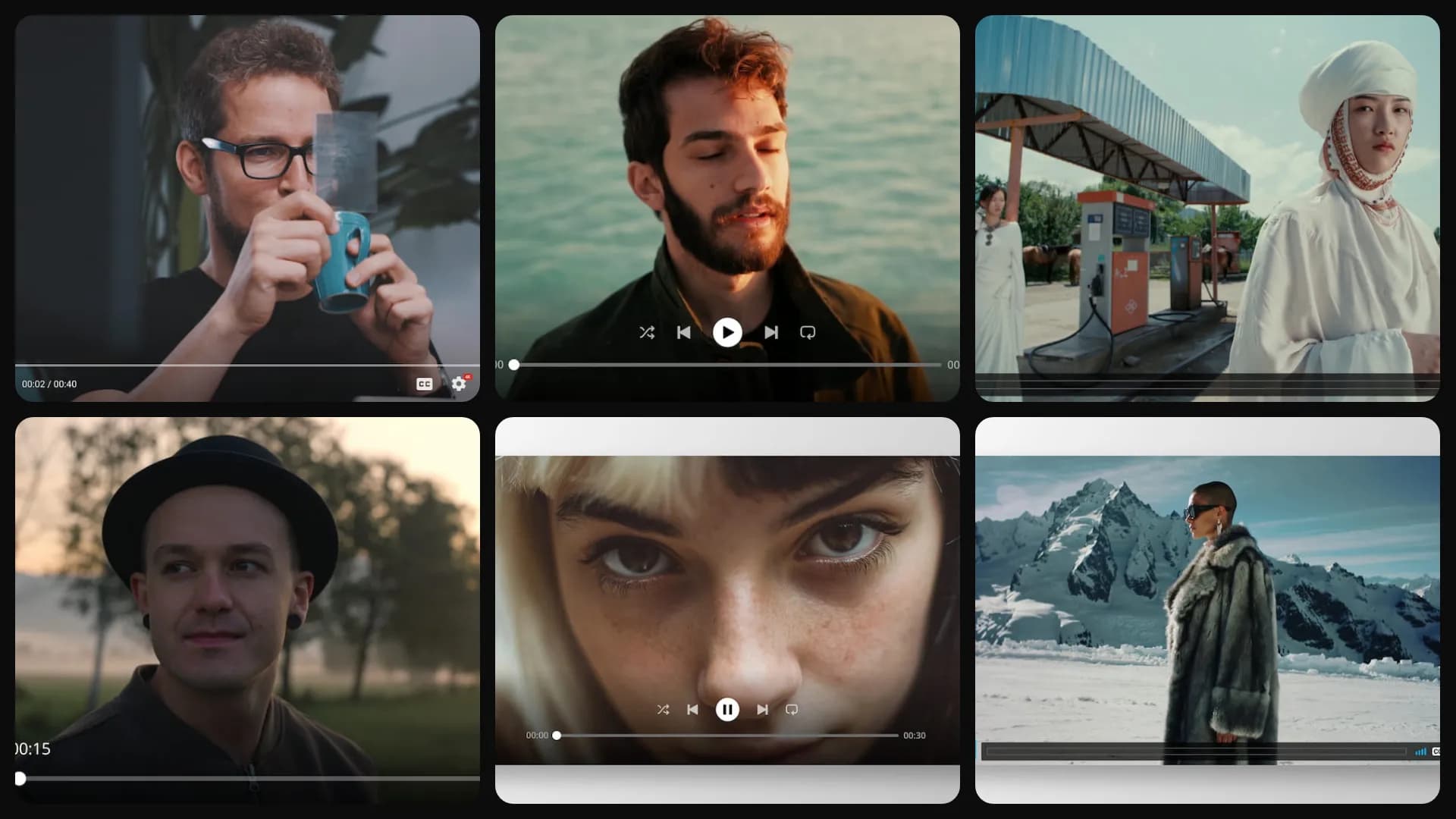
Table of Contents
You've seen this trick everywhere. A reaction video where the clip plays inside a YouTube window. A music promo where the song sits in a Spotify player. A website demo running in a browser. It instantly tells your viewer what they're looking at.
I've tried to fake these players by hand, and it's painful. You rebuild the play button, the progress bar, the little time numbers, and it still looks slightly off. So we made real ones. Video player overlays are live in Spotlight FX.
Your viewers will recognize them instantly
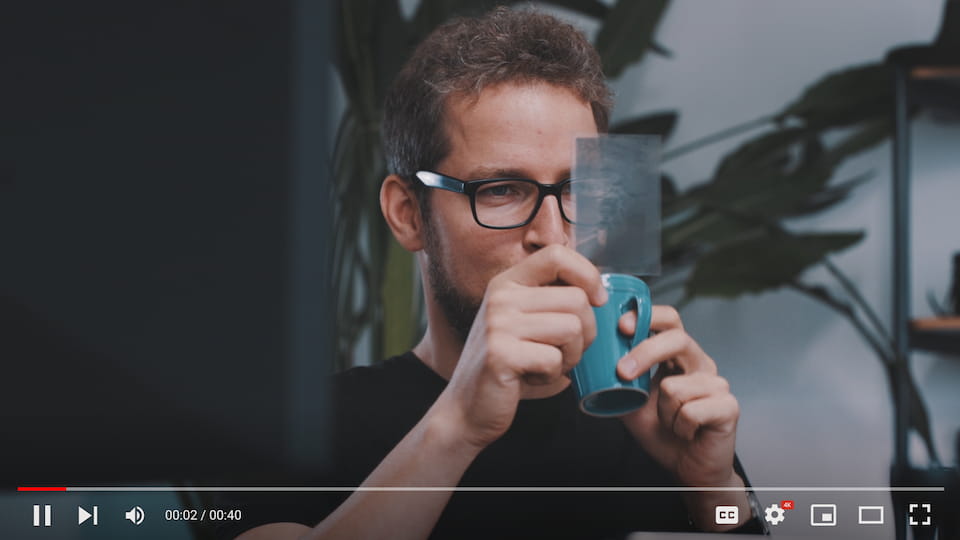
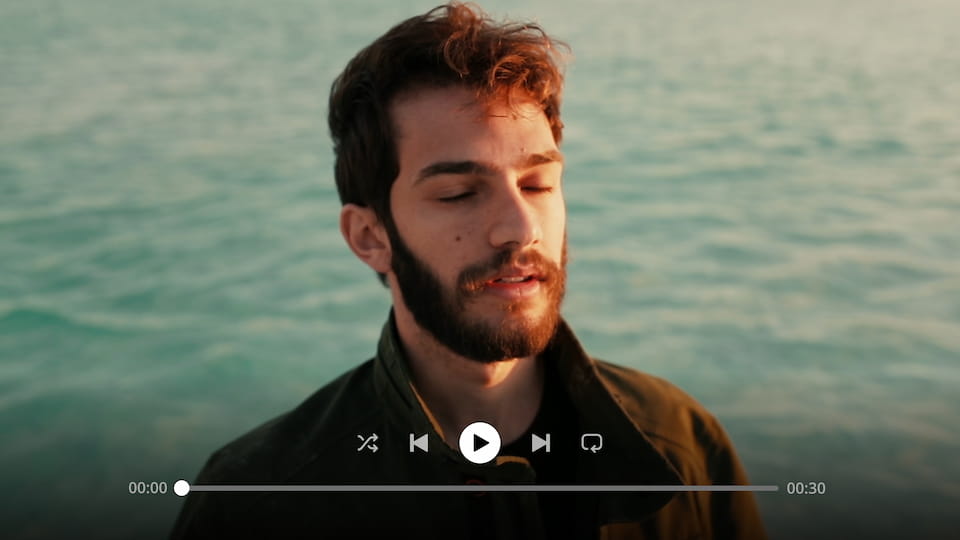
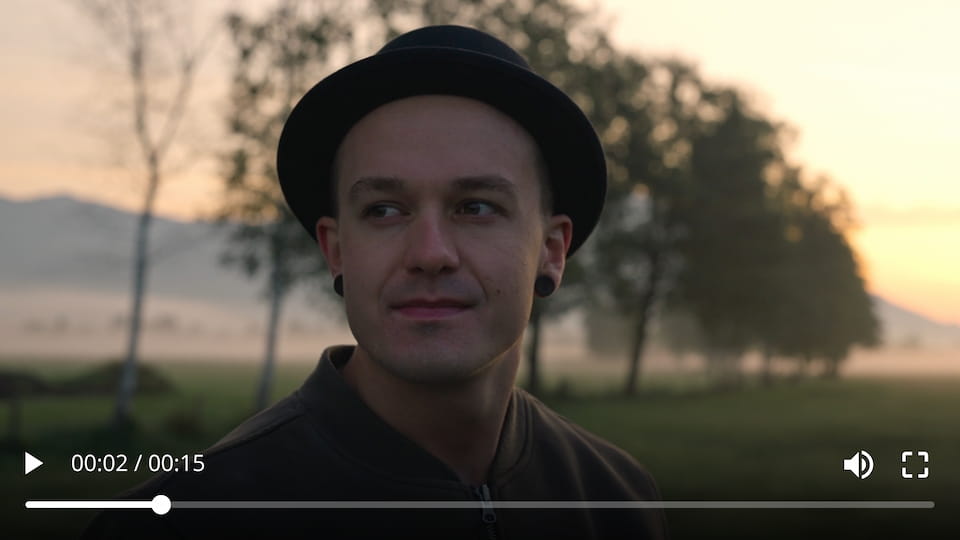
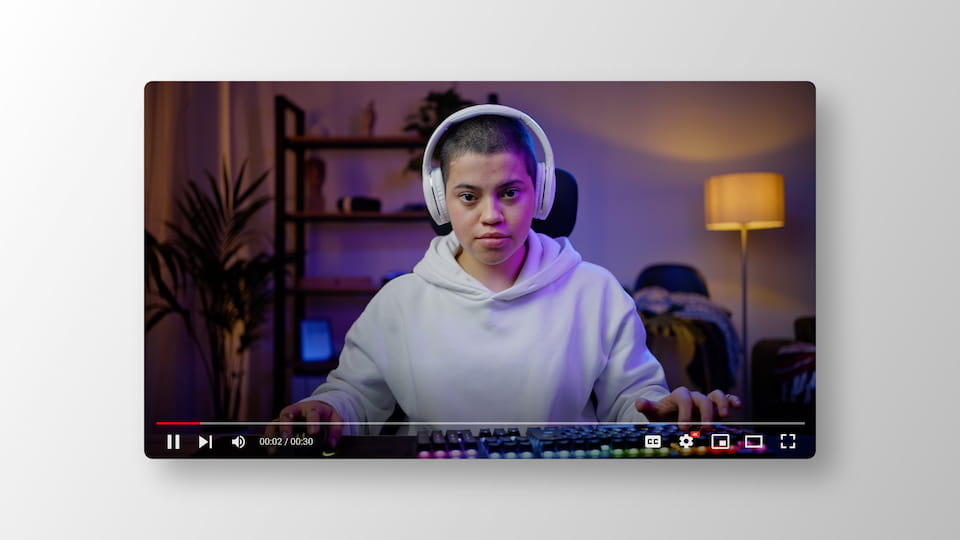
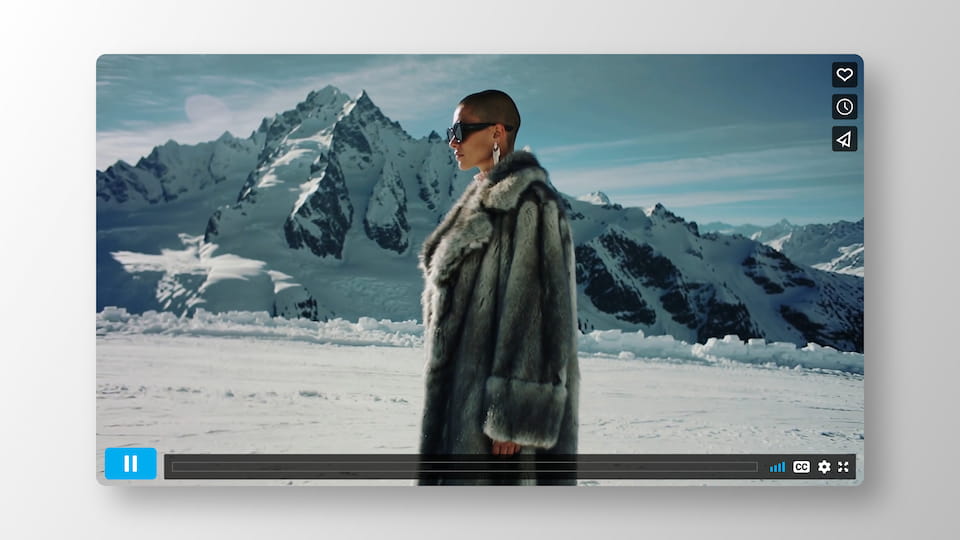
There are looks based on YouTube, Spotify, Vimeo, and the Chrome browser. Your viewers see these players every day, so the moment your clip sits inside one, they get it right away: this is a video, a song, a website.
Two ways to use each look
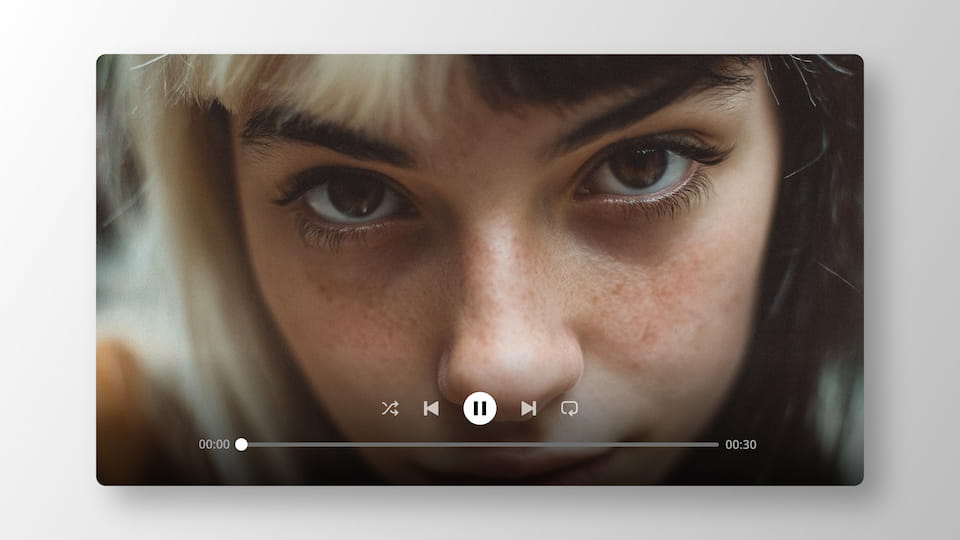
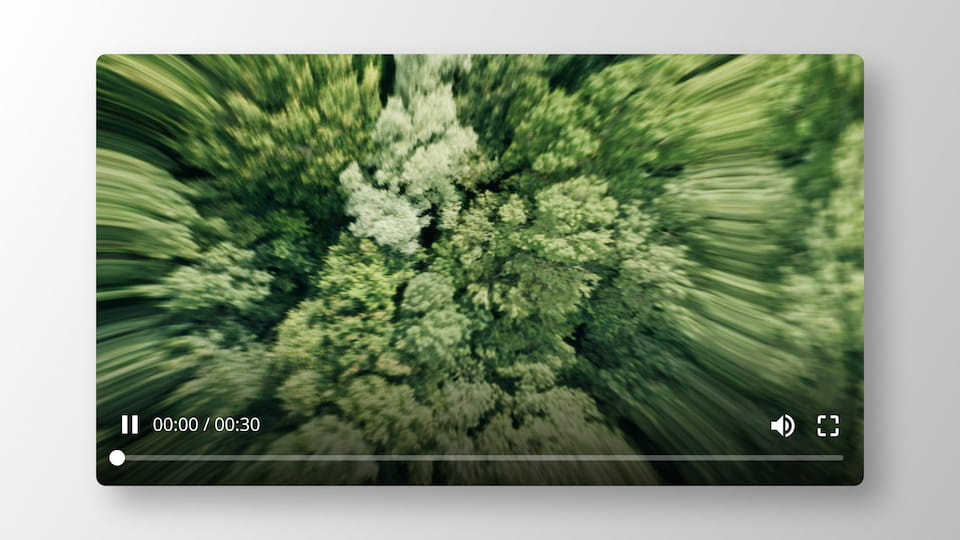
Every player comes in two styles. There's a control bar that sits at the bottom of your footage, for the full-screen look. And there's a rounded floating window with a soft shadow, which turns your clip into a little player card on a clean background. That one is great for mockups, promos, and social posts.

The time matches your edit
Here's the part I care about most. These aren't stiff images. Open the Editor and you can set the current time and the total duration, so the player matches your clip instead of showing random frozen numbers. On the rounded ones you can change the background color too.
Everything works the same in Premiere Pro and After Effects. The new overlays are live now. Open Spotlight FX and you'll find them on the Home page.