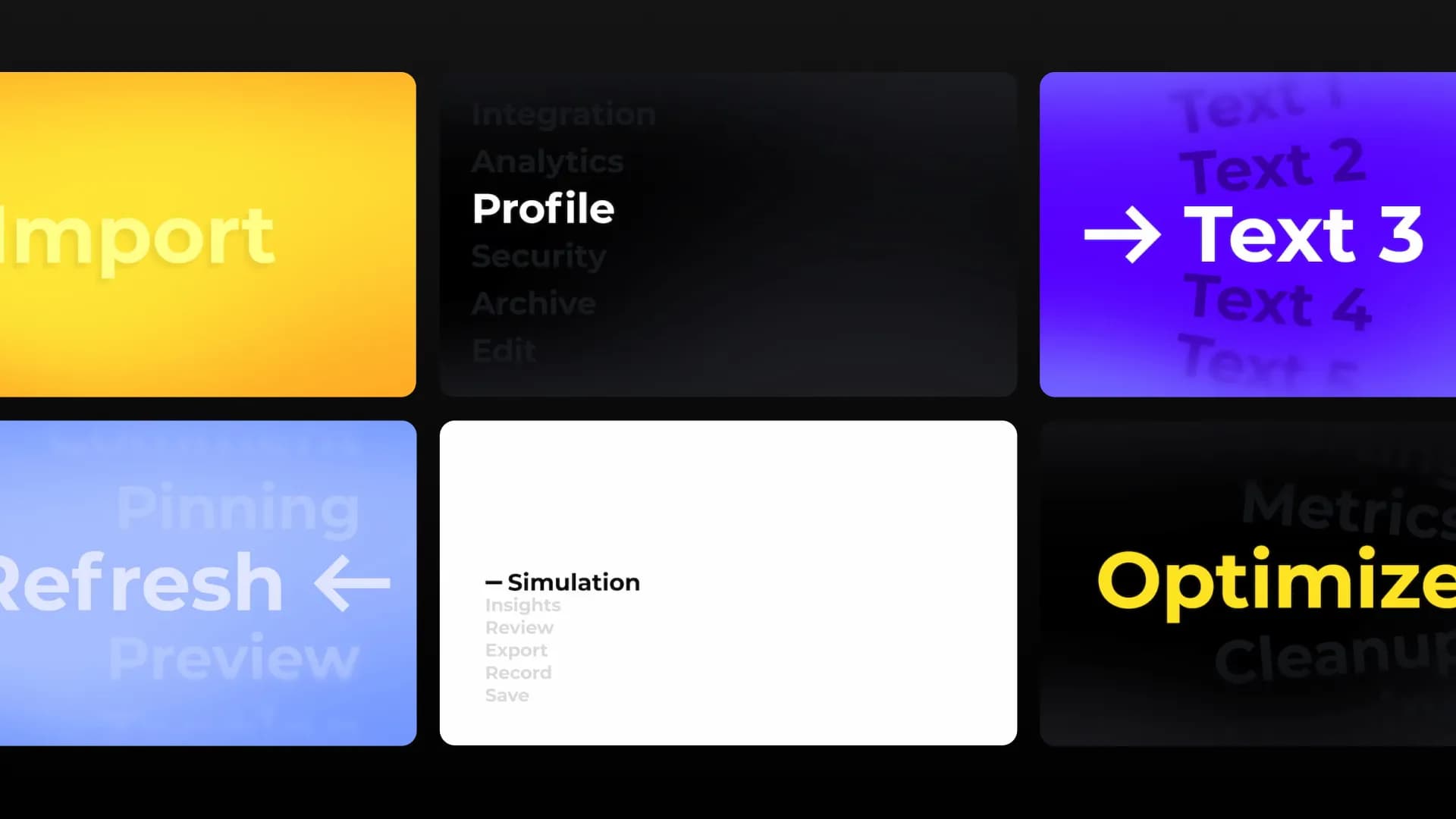
New Fade Overlays for Premiere Pro and After Effects


Table of Contents
Why we made these
You reach for overlays on almost every project, and they are a pain to build from scratch. A background for a title. Some shade so your subtitles are easy to read. Soft dark edges to keep eyes on your subject. So we made a set of 11 that you can add in seconds, and they work the same in After Effects and Premiere Pro.
How to use them
Double-click an overlay to add it to your timeline, then open the Editor to change the color, timing, and size to fit your video. Reach for a background when you need room for text, a vignette when you want focus on your subject, and a fade to move between scenes.
Who they are for
If you make tutorials or reviews, the side panels give you a clean space for callouts or a screenshot next to you. If you shoot weddings or films, the center glow and vignettes frame your subject. And the bottom fades cover the everyday stuff: lower thirds, subtitles, intros, and outros.
overlay
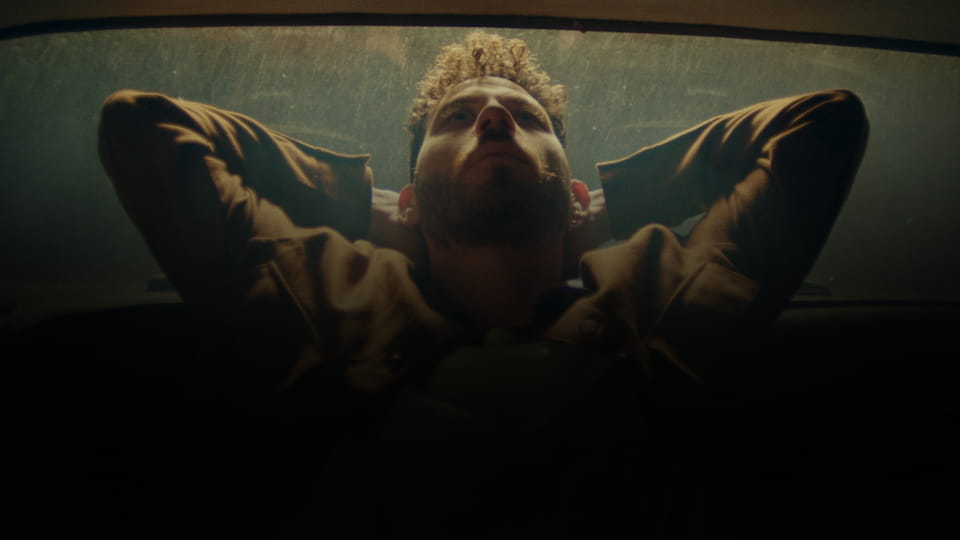
Overlay - Black Bottom Fade
overlay
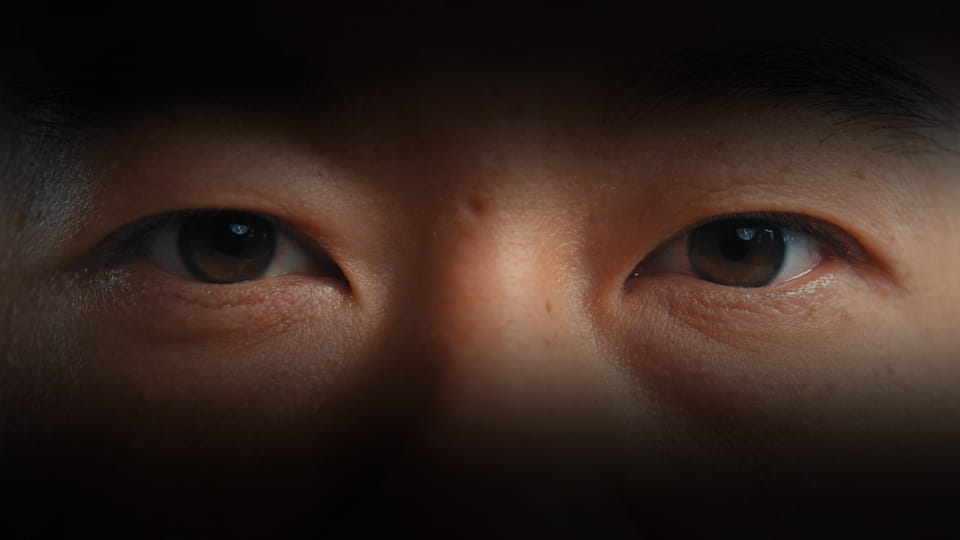
Overlay - Black Top Bottom Fade
overlay

Overlay - Black Corner Vignette
overlay
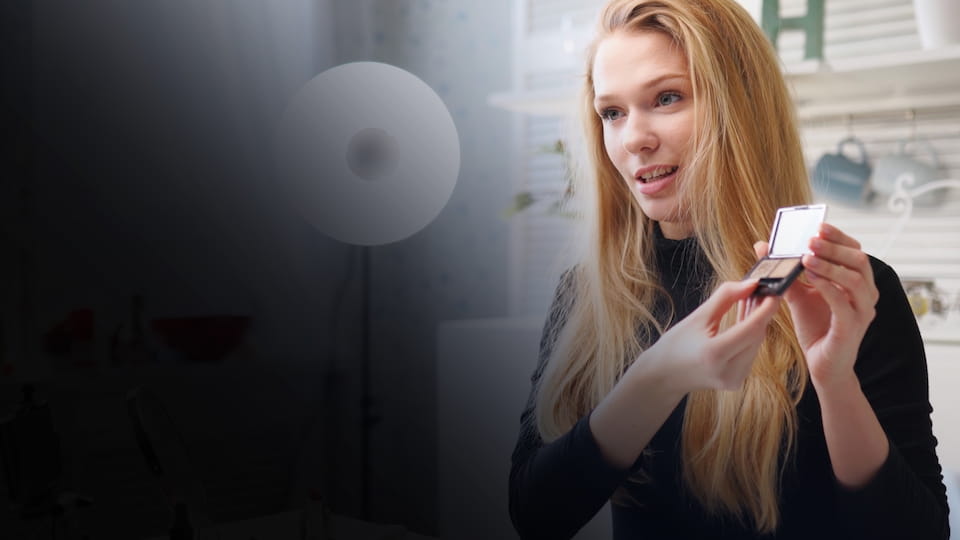
Overlay - Bottom Left Fade
overlay
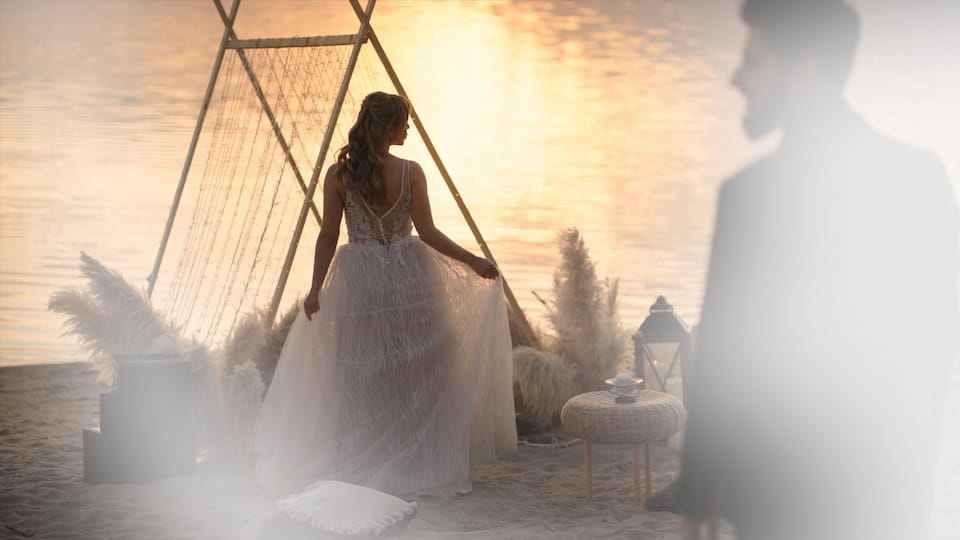
Overlay - White Soft Fade
overlay
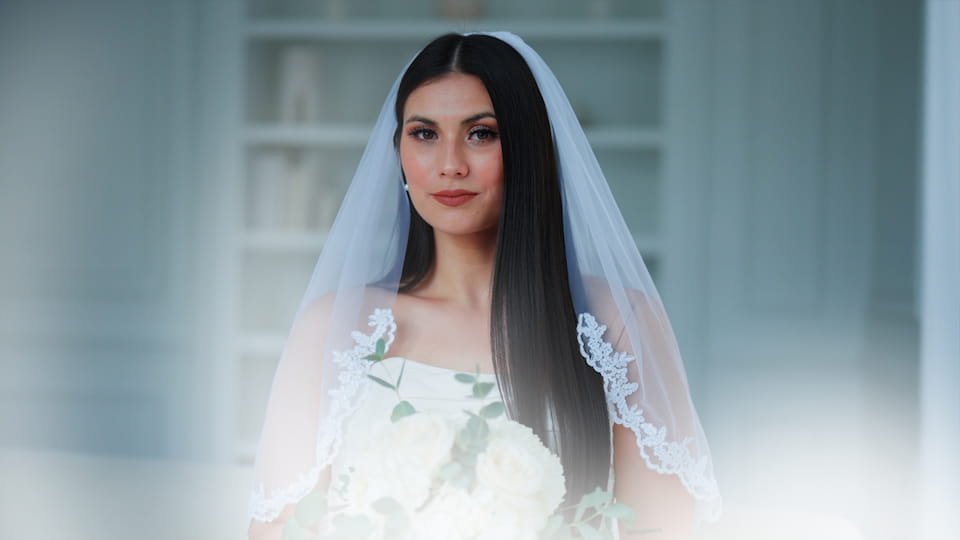
Overlay - White Bottom Glow
overlay

Overlay - Blue Purple Fade
overlay
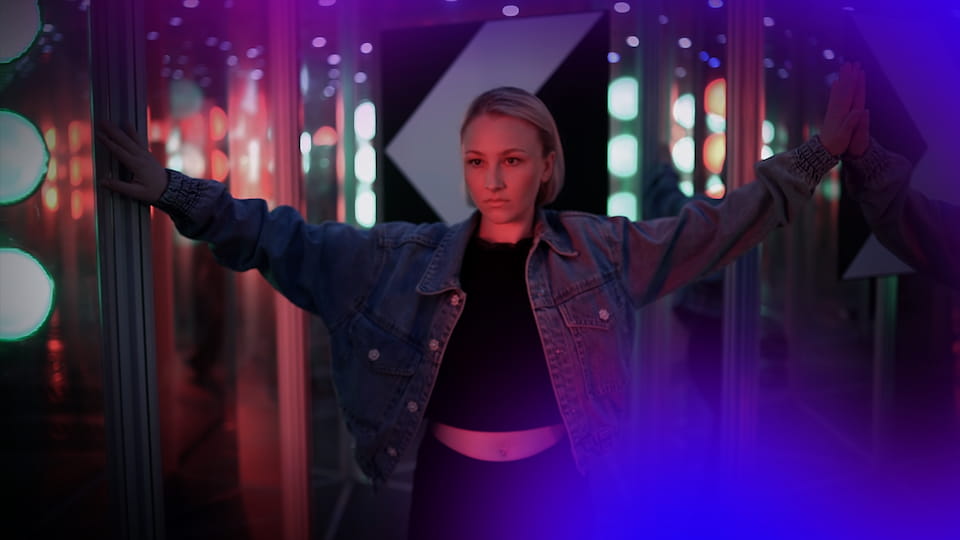
Overlay - Purple Fade
overlay

Overlay - Black Circular Left Fade
overlay

Overlay - Black Blue Bottom Fade
Try them in Spotlight FX
They are live now. Open Spotlight FX, go to the new assets on Home, and give them a go. I'm curious where you'll use them, especially in tutorials and talking head videos.
Denis Stefanides,
Co-Founder of Spotlight FX