Excellent support, Denis helped me resolve my issue in seconds.
Preview 1 of 6
4.9 of 5 (19,686 users)
84 sold this week
All-in-one plugin
Secure Checkout provided by Stripe / Link

14-day money-back guarantee
If you don’t love it, contact us within 14 days for a full refund.

Support from the people who build it
Need a hand getting started? Our team is here to help.
19,686
Users
Built in-house
By the Spotlight FX team
Editor's
Choice
Made for editors
Designed for real projects
4.9 / 5
Rating
Commercial use
For your work and clients
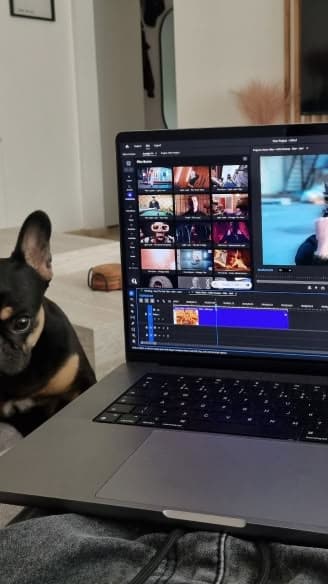

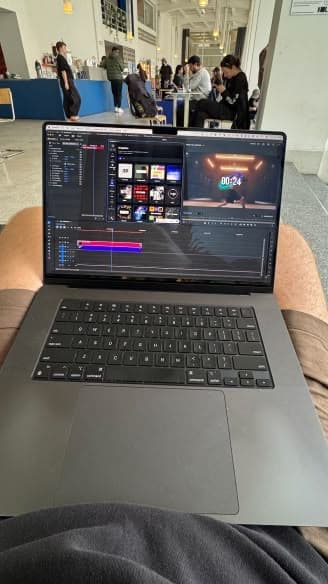

14-day guarantee
Secure checkout
Mac & Windows
Made for your next edit
Adobe integration
Install Spotlight FX and open it inside Premiere Pro or After Effects. Browse, preview and add titles, transitions and effects without leaving your editing app.
The asset library
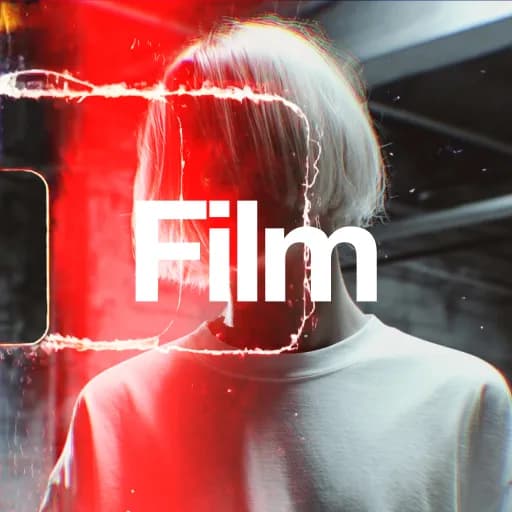
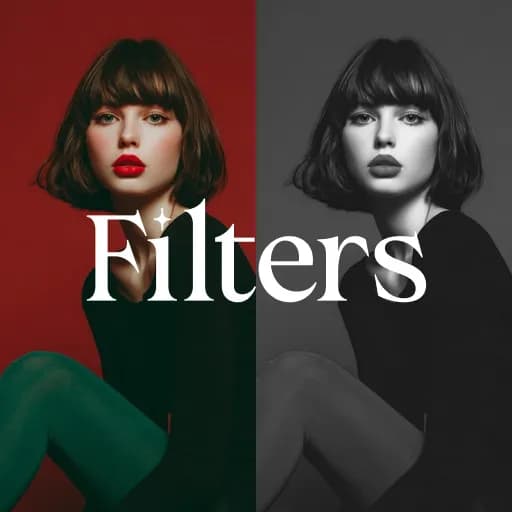
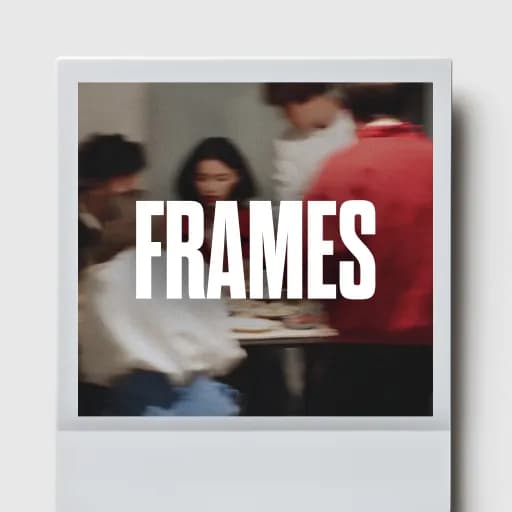
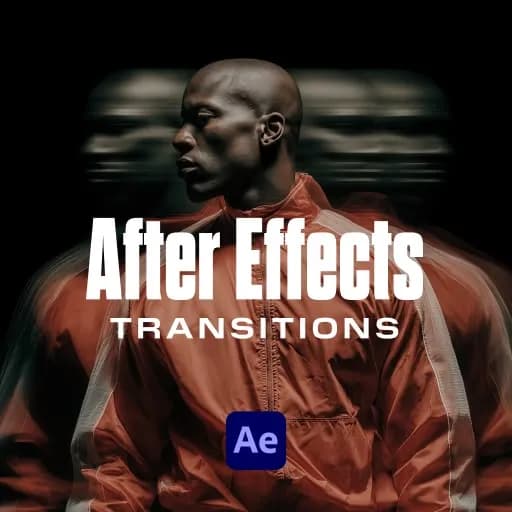
Get titles, transitions, motion graphics, overlays and effects for client promos, YouTube videos and product demos. Start with the free selection or choose a paid plan for the full library.
Weekly releases
Find new titles, transitions and effects in Spotlight FX as they are released. Keep trying different styles through the same plugin, with access to new releases according to your plan.
Made for your next edit
Make it yours
Change the text, colors, fonts and available animation settings in the Spotlight FX editor. Adapt the starting design to your video without rebuilding the animation yourself.
Toolbox included
Use Toolbox for everyday editing tasks as well as library assets. Create smooth zooms in Premiere Pro, or adjust keyframe easing and rename layers in After Effects. Each app shows the tools it supports.
Search and preview
Search titles, transitions, and effects without leaving your project. Watch the previews, compare a few options, and add the one you like to your video.
Excellent support, Denis helped me resolve my issue in seconds.
We are creating many shorts for social media, and even as a beginner in premiere pro, I was able to create good looking videos.
We are a studio of 20 people, and this has completely changed our workflow.
I only discovered extensions yesterday. I can't believe it. All this time I have been designing animations manually.
Perfect! Absolutely astounding support. Thank you!
Thank you very much for your help and congratulations on the amazing work you are doing. Your tools are truly valuable and inspiring for beginner creators like me.
I love the assets, great stuff on that. they aren't too gimmicky like the others in other packs and plugins.
This plugin is absolutely best.
Your workspace
Keep the Toolbox where it's comfortable to use. Leave it in a floating window or dock it beside your video in Premiere Pro. Your controls and the result can sit side by side while you edit.
Your favorites
Save your favorite titles, transitions, and effects in My Library. Keep the assets you use most in one place, ready for your next video.
Client changes
Edit text, fonts, and colors to match your video. Whether you’re trying a different look or updating a client’s details, the controls are right inside the plugin.
A simpler editing workflow
Spend more time on the edit and less time managing your assets.
| Comparison |  Spotlight FX |  Editing packs |
|---|---|---|
| Find your assets | One library inside your editor | Separate folders and packs |
| After Effects + Premiere Pro | Both editors in one plugin | Compatibility varies by pack |
| New items | New designs to explore | Separate pack downloads |
| Curated collections | Browse by style and project | Organize your own folders |
| Workflow tools | Templates and tools together | Find extra tools separately |
| Make it your own | Customize inside your editor | Controls vary by template |
| Add to your edit | Add directly to your timeline | Import each download |
More time for your next edit. Your assets and tools, together in one place.
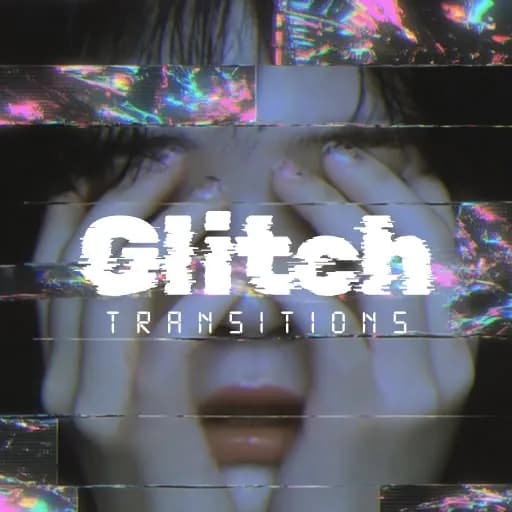
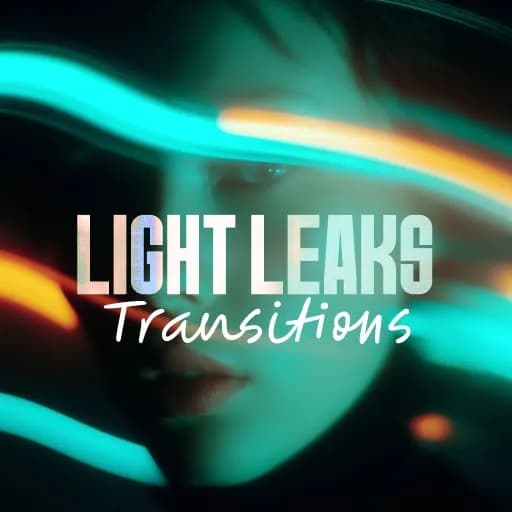
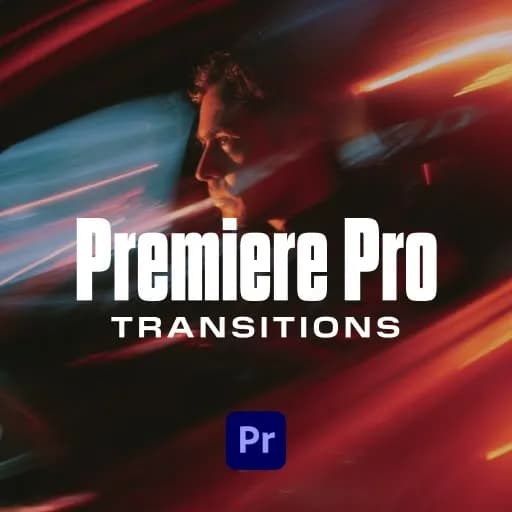
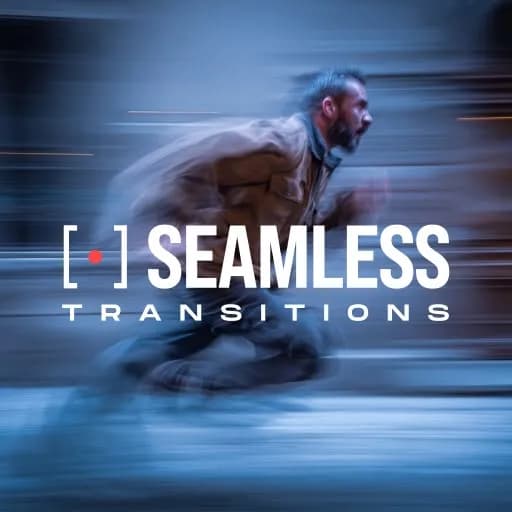
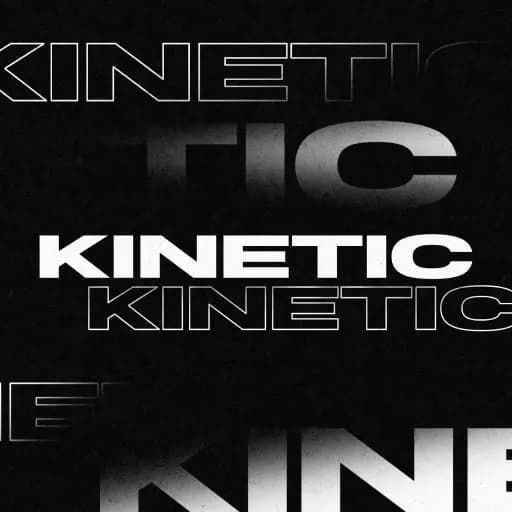
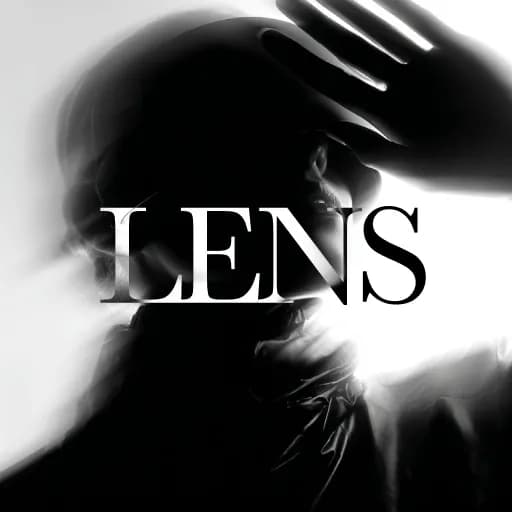
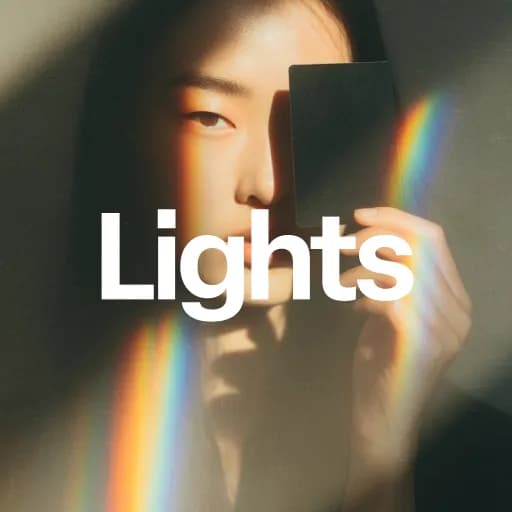
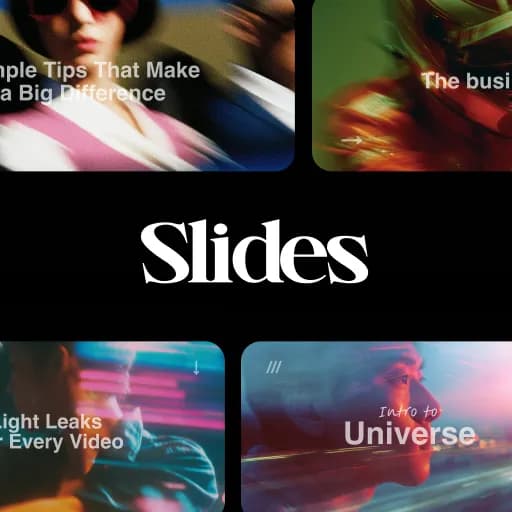
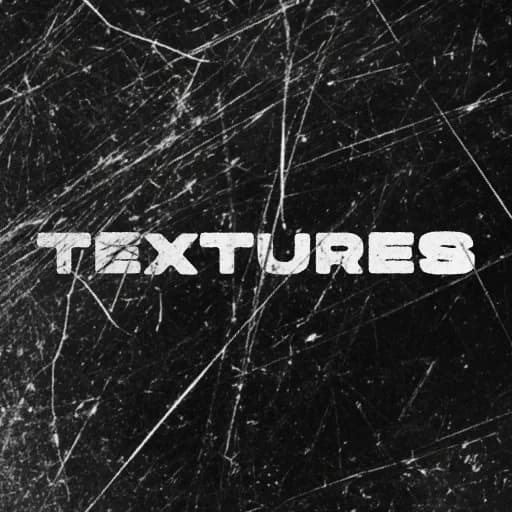
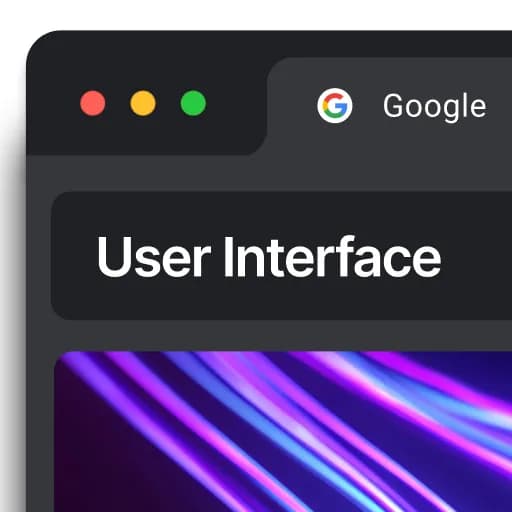
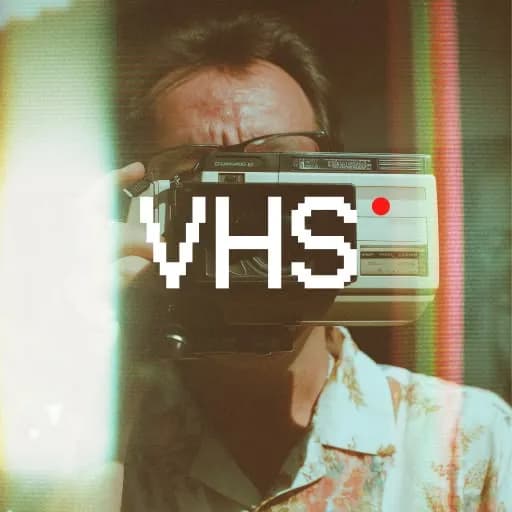
A selection of Spotlight FX creative assets.
Everything for your next edit
From your first title to the final transition. Get the assets and tools together, right inside your editing app.
Your purchase includes
3,153 templates
Titles, transitions, effects and graphics
57 plugins
Organized collections of editing assets
10 collections
Find a look that fits your project
10 workflow tools
Provisional value. Currently free.
Commercial license
For personal and client projects
…
Save approximately $5,276 compared to buying our templates individually
Our promise
Try it in your next edit, or get your money back.
14
Days money-back guarantee
Put Spotlight FX to work in your own projects. If it isn’t the right fit, contact us within 14 days of purchase for a full refund.
Buy Spotlight FX, stress freePreview 1 of 6
4.9 of 5 (19,686 users)
All-in-one plugin
Secure Checkout provided by Stripe / Link
14-day money-back guarantee
If you don’t love it, contact us within 14 days for a full refund.
Support from the people who build it
Need a hand getting started? Our team is here to help.
19,686
Users
Built in-house
By the Spotlight FX team
Editor's
Choice
Made for editors
Designed for real projects
4.9 / 5
Rating
Commercial use
For your work and clients
14-day guarantee
Secure checkout
Mac & Windows
Spotlight FX is a plugin for Adobe Premiere Pro and After Effects that gives you instant access to transitions, text animations, overlays, elements, and workflow tools. Browse inside your editor, double-click an item, and it lands in your timeline ready to customize.
Open Spotlight FX inside Premiere Pro or After Effects, browse the library, and double-click any item you want. It downloads directly to your timeline with full customization controls. Everything is cloud-synced, so new items, fixes, and updates appear automatically.
The free version includes free items across transitions, texts, overlays and elements, plus all workflow tools for Premiere Pro and After Effects. You can use them without watermarks, including in commercial projects.
Your one-time purchase includes Spotlight FX and all assets available when you buy, including transitions, text animations, overlays, elements, plugins, collections and workflow tools for Premiere Pro and After Effects. You also get one year of new library releases free. Everything included at purchase or added during that year is yours to keep and use in new and existing projects. Commercial licensing is included, and Spotlight FX software updates, compatibility fixes and performance improvements continue after the first year.
Buy Spotlight FX outright if you edit regularly and want all current assets to keep, with no recurring payment and one year of new library releases included free. Choose monthly access if you need the full library for a project or a short period; you can cancel anytime. If you only need a few specific templates, use credits to unlock those individually and keep them permanently. See the pricing page for current prices and any available discounts.
Yes. All Spotlight FX items, including free items, include a commercial license. You can use them in client work, monetized videos, branded content, ads, and personal projects. No attribution is required.
Spotlight FX supports the two most recent major versions of Adobe Premiere Pro and After Effects, including current beta releases. Compatibility updates are handled automatically.
A selection of Spotlight FX creative assets.