Excellent support, Denis helped me resolve my issue in seconds.
FOR MUSIC VIDEO EDITORS
Build the artist's look, animate the lyrics and revise the effects without starting each animation from zero.
4.9 of 5 (18,672 users)
18,672
Users
Editor's
Choice
4.9 / 5
Rating
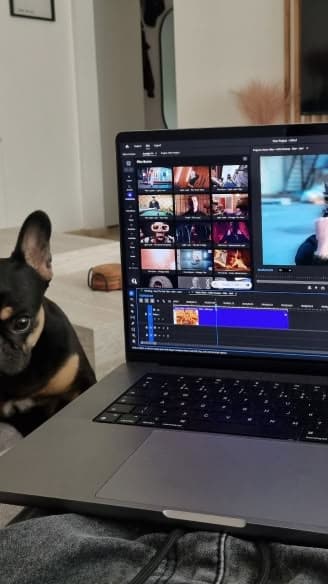
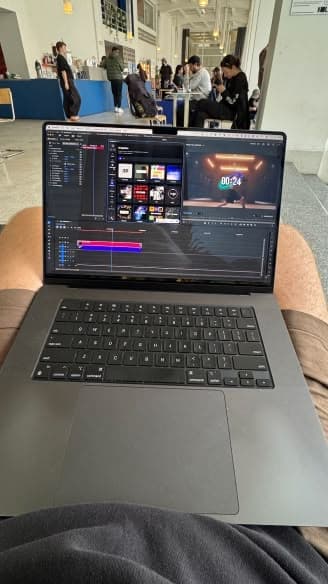
Spotlight FX is a plugin for Premiere Pro and After Effects. Use it for lyric videos, artist promos and release teasers, with text and effects you can change to fit the track.
FROM THE FIRST CUT TO RELEASE DAY
Seven ways to make the lyrics, performance and release clips work together while reducing the animation you build by hand.
Artist identity
The artist wants the video to feel like their music. Choose text and effects, then adjust the colours, fonts and movement to suit their footage. Use Spotlight FX as a starting point for the look they want.
Lyric animation
You have the words and their timing. Building the animation is the part holding up the edit. Start with text you can change in Spotlight FX, then adjust how it moves around the vocal.
Verse and chorus
If the whole video uses the same intensity, the chorus cannot stand out. Keep the verse quieter and add more movement where the track builds. Change the amount of movement to suit each part of the song.
Made for your next edit


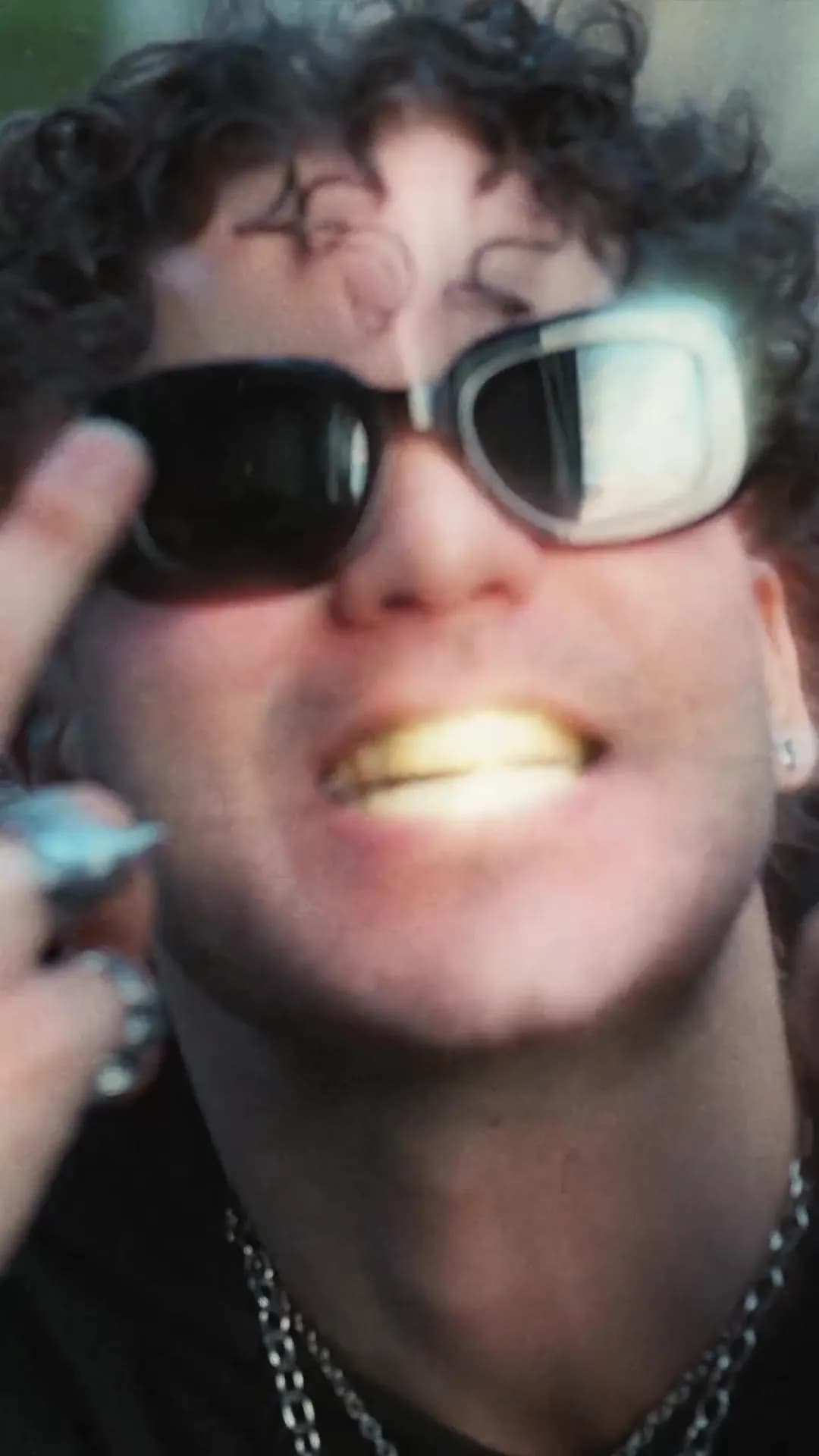
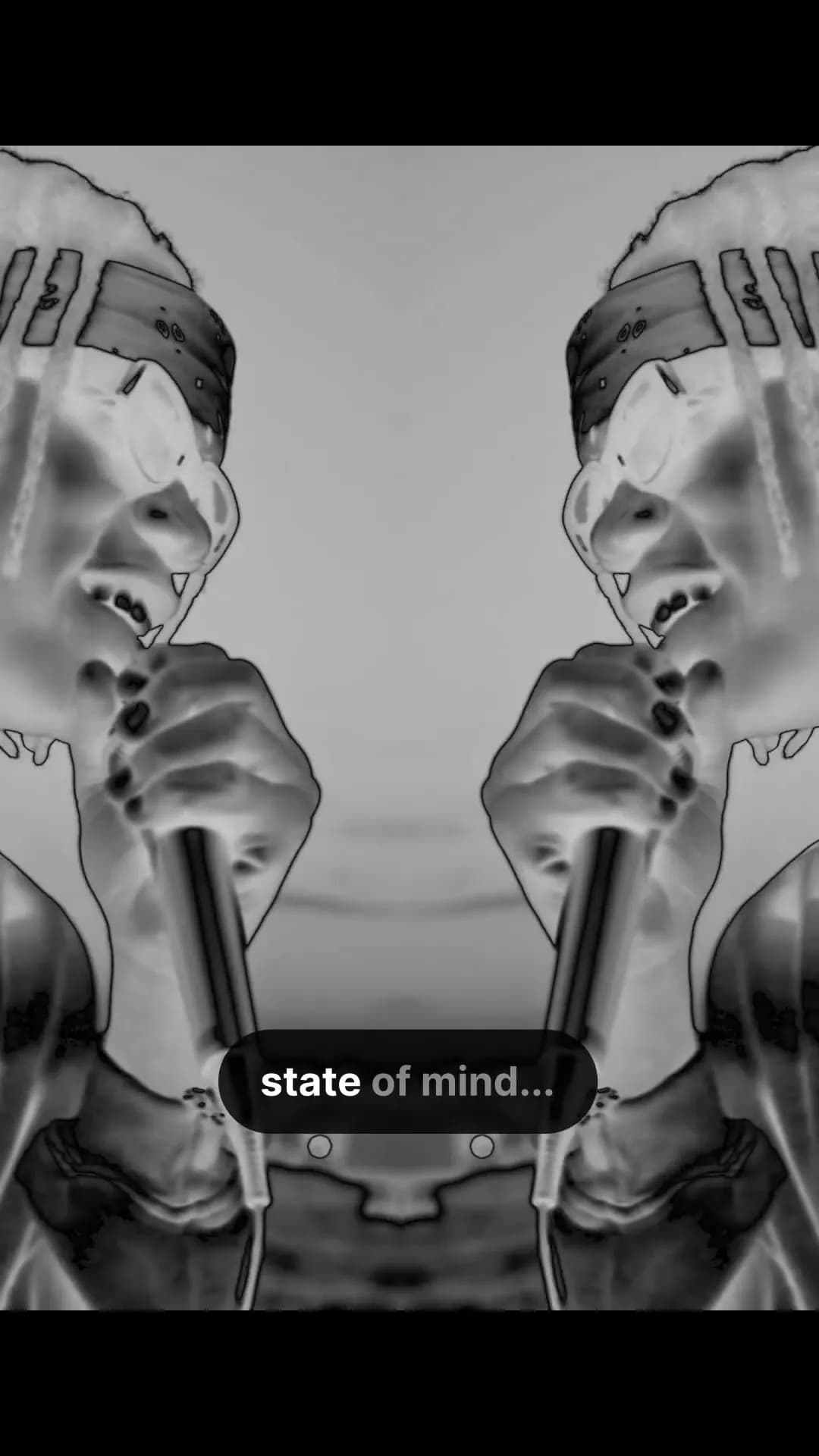
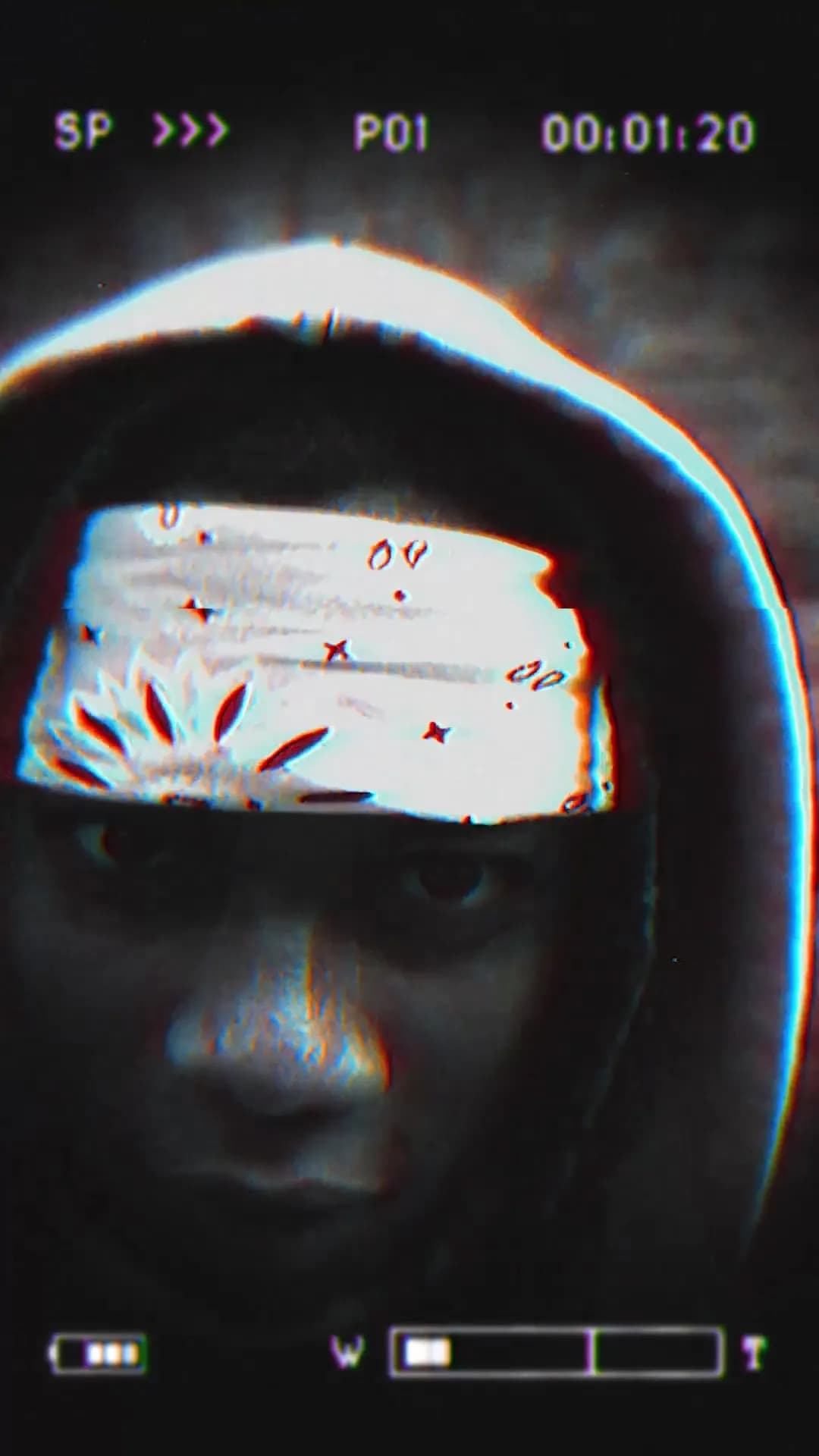
Trying an idea
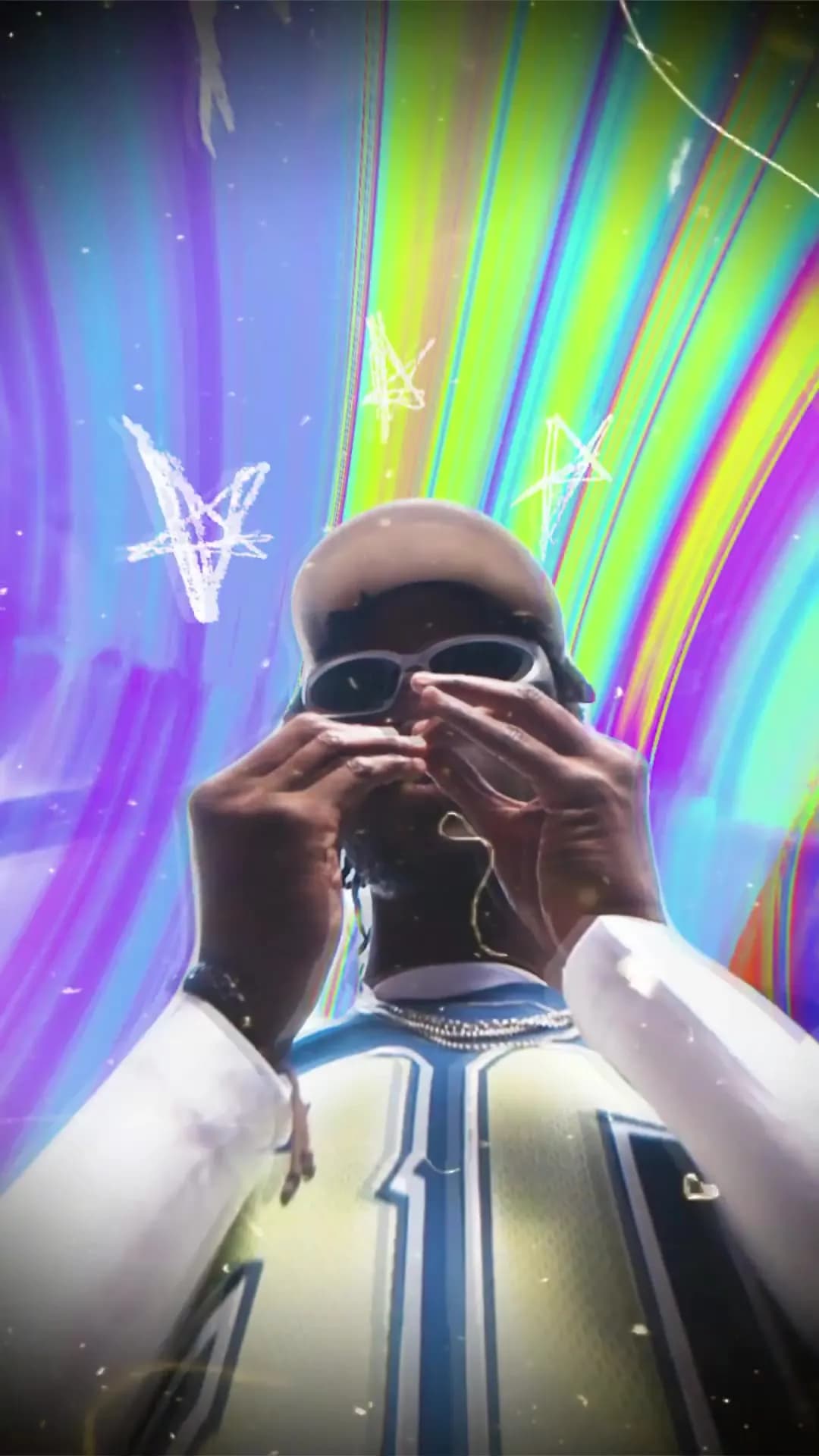
Try a flash, shake or other effect at the beat drop. Add it to your footage and adjust it against the music. See whether it works before spending time building an effect yourself.
Artist feedback
The artist likes the cut but wants less movement or different colours. Keep those choices editable in Spotlight FX. You can revise the look while keeping the parts of the edit they already approved.
Release clips
The artist needs a teaser and a release announcement as well as the full video. Reuse the same fonts, colours and effects across all three. Change the length and pace while keeping the artist’s look.
Excellent support, Denis helped me resolve my issue in seconds.
We are creating many shorts for social media, and even as a beginner in premiere pro, I was able to create good looking videos.
We are a studio of 20 people, and this has completely changed our workflow.
I only discovered extensions yesterday. I can't believe it. All this time I have been designing animations manually.
Perfect! Absolutely astounding support. Thank you!
Thank you very much for your help and congratulations on the amazing work you are doing. Your tools are truly valuable and inspiring for beginner creators like me.
I love the assets, great stuff on that. they aren't too gimmicky like the others in other packs and plugins.
This plugin is absolutely best.
Custom shots
A key performance shot may need an effect made just for it. Use ready-made text and effects for the simpler parts of the video. Leave more of your animation time for the artist’s main shots.
A simpler editing workflow
Spend more time on the edit and less time managing your assets.
| Comparison |  Spotlight FX Spotlight FX |  Editing packs Editing packs |
|---|---|---|
| Find your assets | One library inside your editor | Separate folders and packs |
| After Effects + Premiere Pro | Both editors in one plugin | Compatibility varies by pack |
| New items | New designs to explore | Separate pack downloads |
| Curated collections | Browse by style and project | Organize your own folders |
| Workflow tools | Templates and tools together | Find extra tools separately |
| Make it your own | Customize inside your editor | Controls vary by template |
| Add to your edit | Add directly to your timeline | Import each download |
More time for your next edit. Your assets and tools, together in one place.
Preview 1 of 6
4.9 of 5 (18,672 users)
All-in-one plugin
Secure Checkout provided by Stripe / Link

14-day money-back guarantee
If you don’t love it, contact us within 14 days for a full refund.

Support from the people who build it
Need a hand getting started? Our team is here to help.
18,672
Users
Built in-house
By the Spotlight FX team
Editor's
Choice
Made for editors
Designed for real projects
4.9 / 5
Rating
Commercial use
For your work and clients


14-day guarantee
Secure checkout
Mac & Windows
Made for your next edit
Our promise
Try it in your next edit, or get your money back.
14
Days money-back guarantee
Put Spotlight FX to work in your own projects. If it isn’t the right fit, contact us within 14 days of purchase for a full refund.
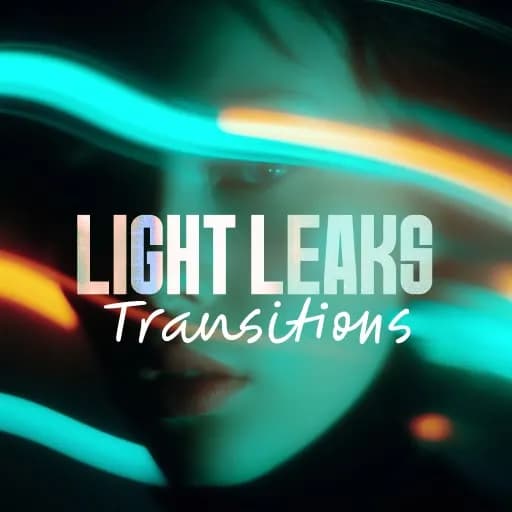
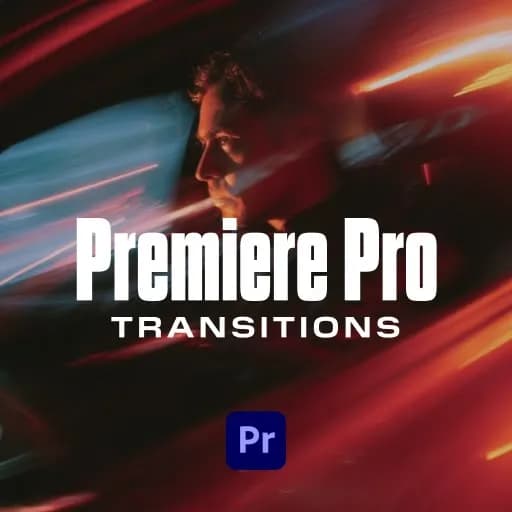
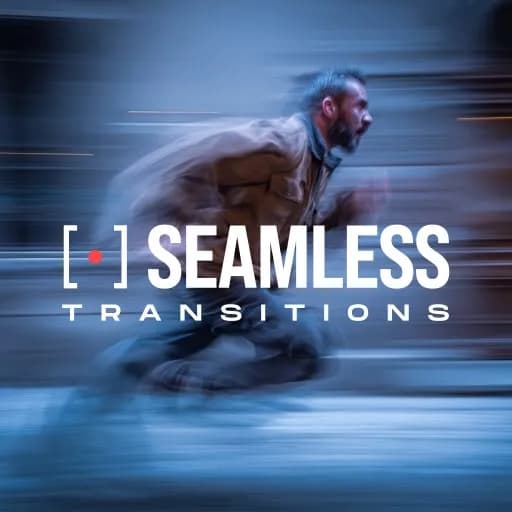
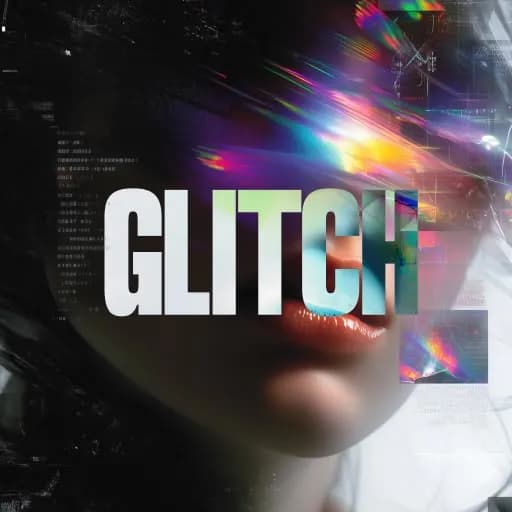
Buy Spotlight FX, stress freeA selection of Spotlight FX creative assets.
Everything for your next edit
From your first title to the final transition. Get the assets and tools together, right inside your editing app.
Your purchase includes
3,045 templates
Titles, transitions, effects and graphics
57 plugins
Organized collections of editing assets
10 collections
Find a look that fits your project
10 workflow tools
Provisional value. Currently free.
Commercial license
For personal and client projects
$399.00
Save approximately $4,875 compared to buying our templates individually
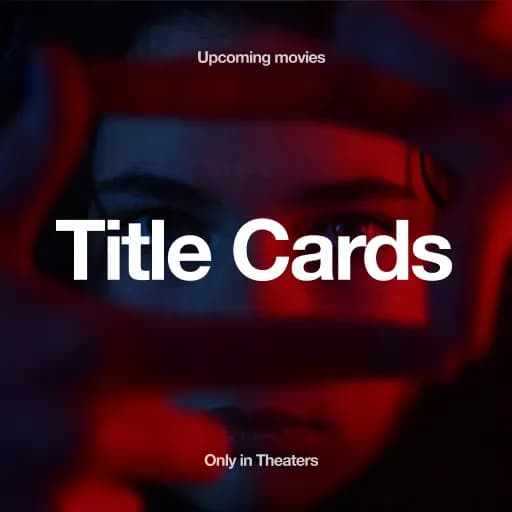
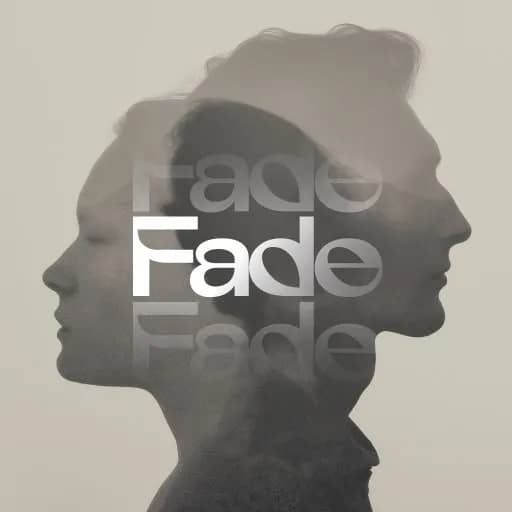
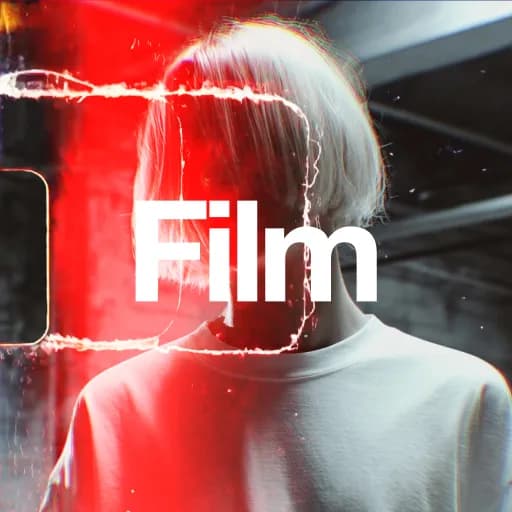
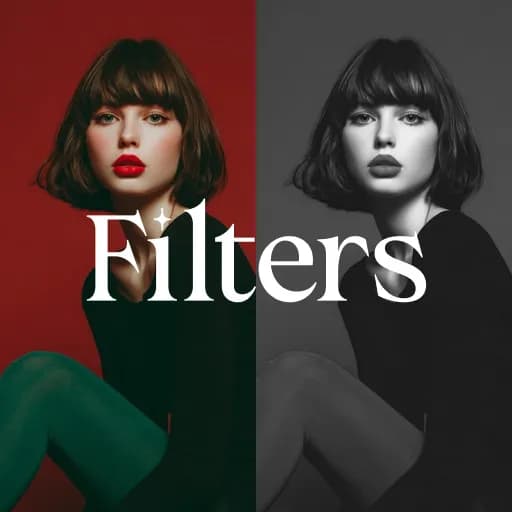
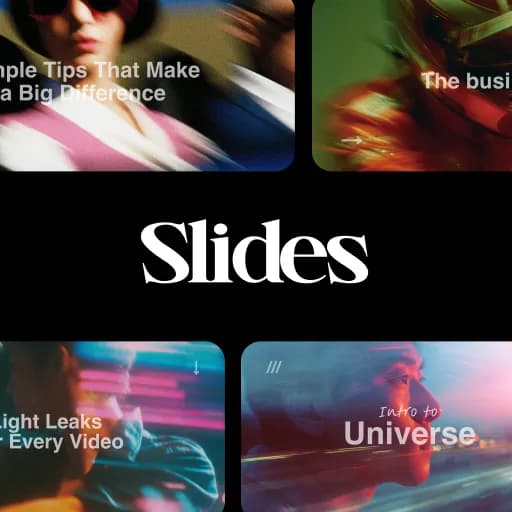
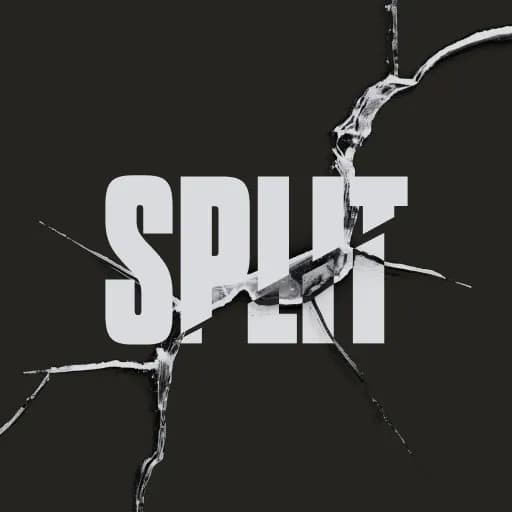
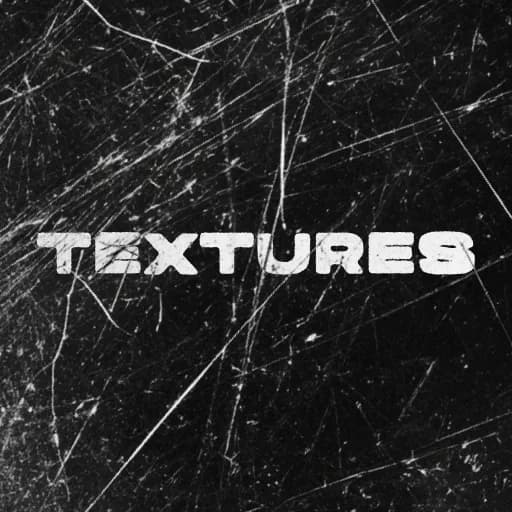
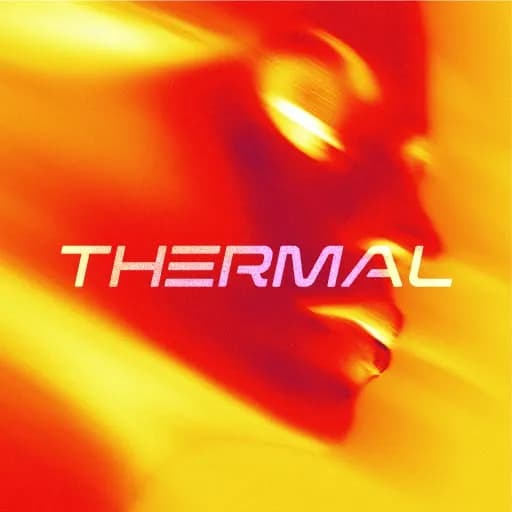
A selection of Spotlight FX creative assets.