Marker Element for Premiere Pro
4.9 of 5 (17,515 users)
96 sold this week
Adding hand-drawn circles, arrows, and annotations to highlight key moments usually means external graphics or limited built-in tools. This plugin drops animated markers straight into your timeline. Hand-drawn circles, arrows, underlines, highlights, checkmarks. Position over footage, adjust colors and animation speed right in Premiere. Get tutorial-style annotations that grab attention without the design work.
billed as $144 every 12 months
Select a subscription plan
- Includes all 3,454+ Templates
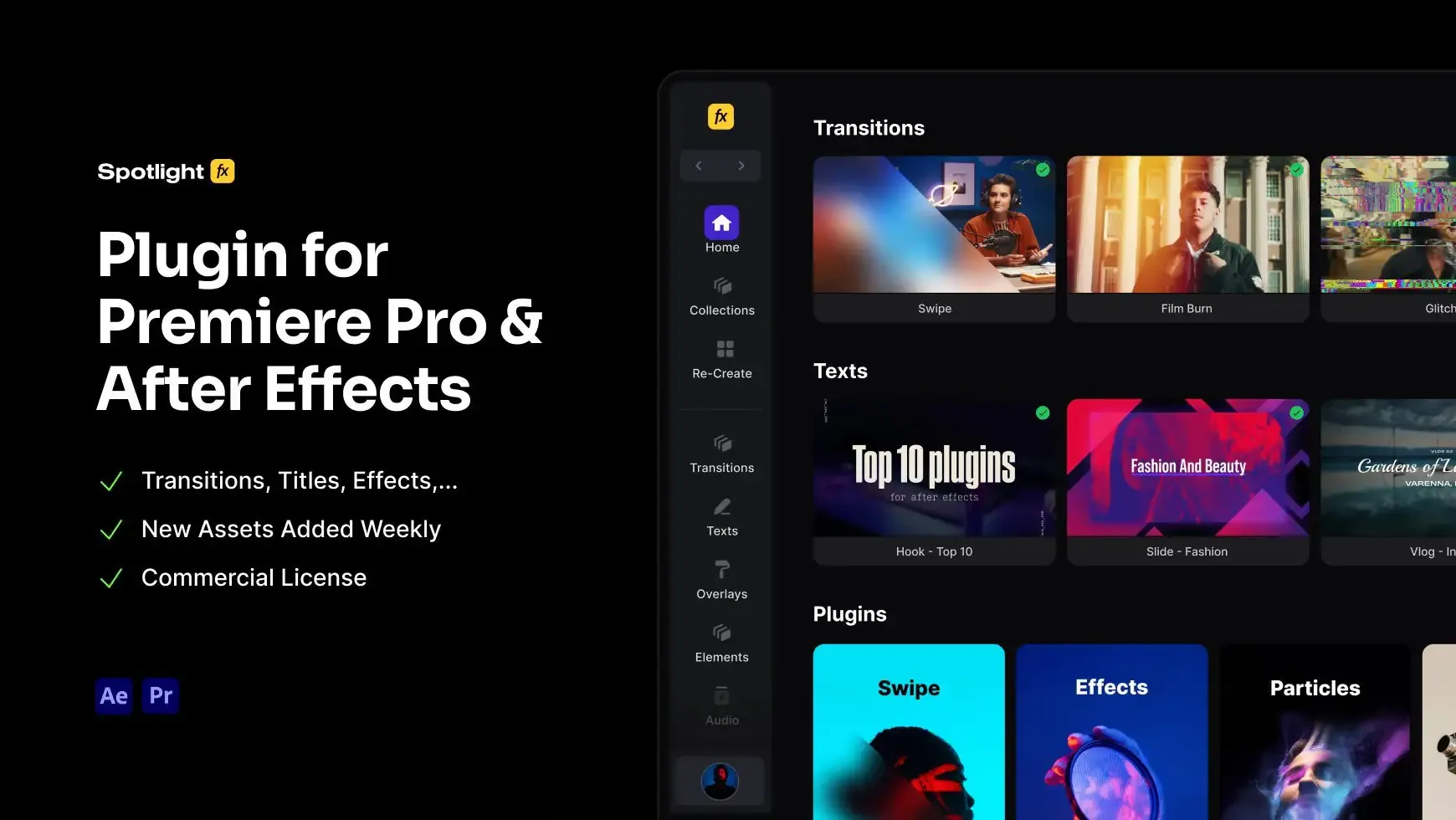
- Premiere Pro & After Effects Plugin
- Commercial License
- Assets, Plugins, Tools (all included)
14 Days Money-Back Guarantee
We stand behind the quality of Spotlight FX. If you don't love it, we will refund you the full purchase price
Only 0.4% of people used our money-back guarantee in the last month.
Using After Effects? Check out the After Effects version of Markers.
What's Included?
Adding hand-drawn circles, arrows, and annotations to highlight key moments usually means external graphics or limited built-in tools. This plugin drops animated markers straight into your timeline. Hand-drawn circles, arrows, underlines, highlights, checkmarks. Position over footage, adjust colors and animation speed right in Premiere. Get tutorial-style annotations that grab attention without the design work.
motion graphic
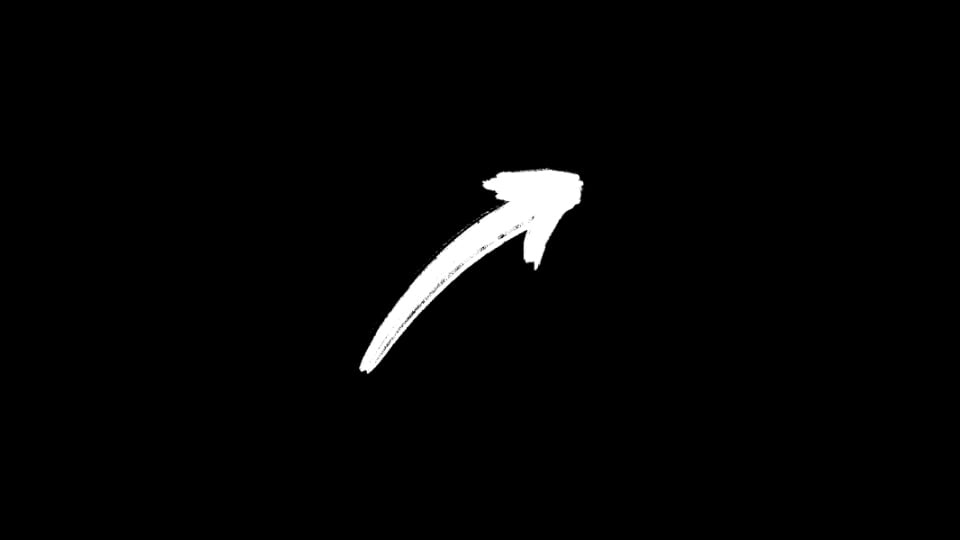
Arrow - Bold Brush Up Right
motion graphic
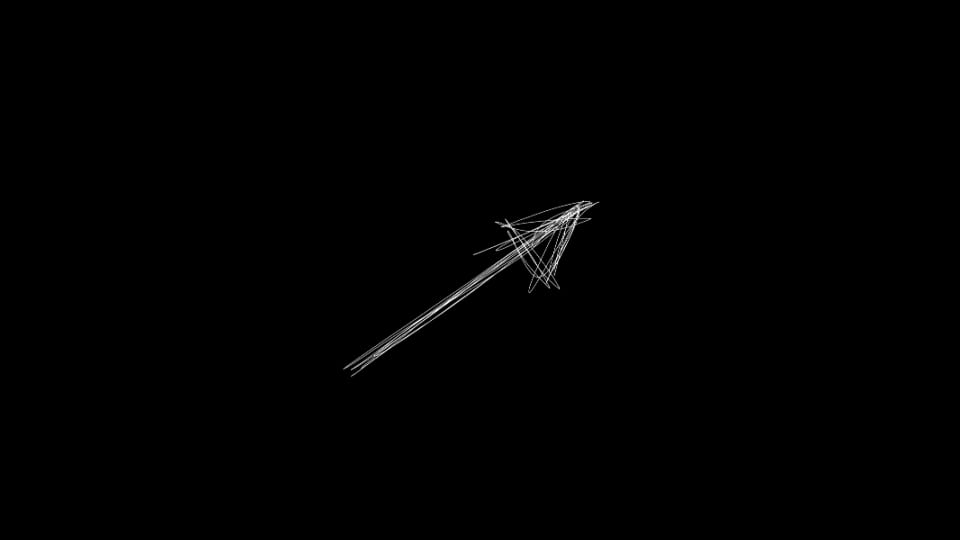
Arrow - Sketch Line Up Right
motion graphic
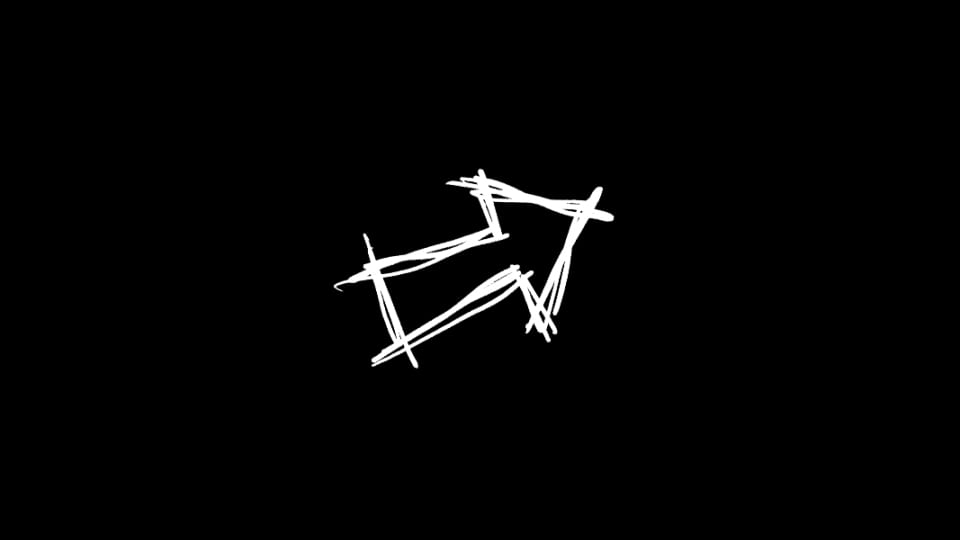
Arrow - Scribble Right
motion graphic
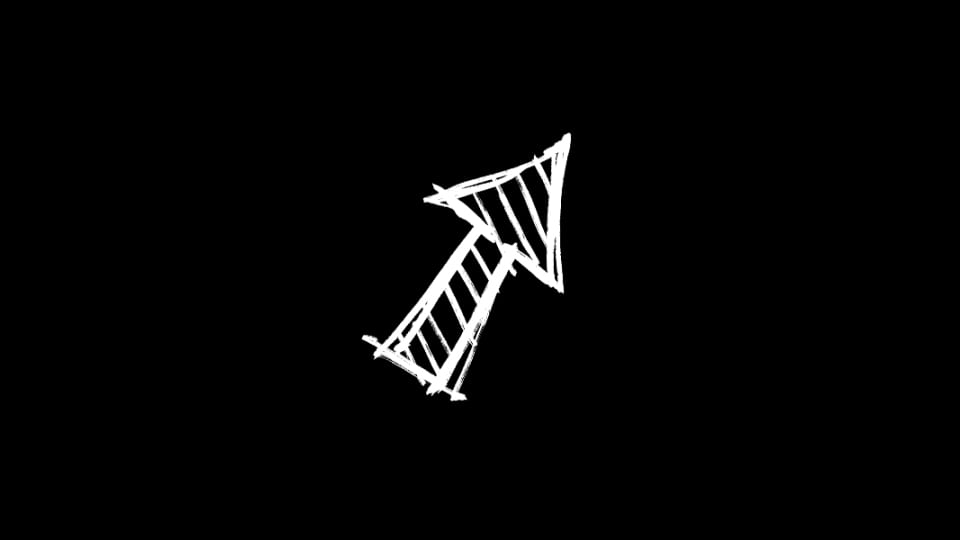
Arrow - Sketch Hatched Up Right
motion graphic
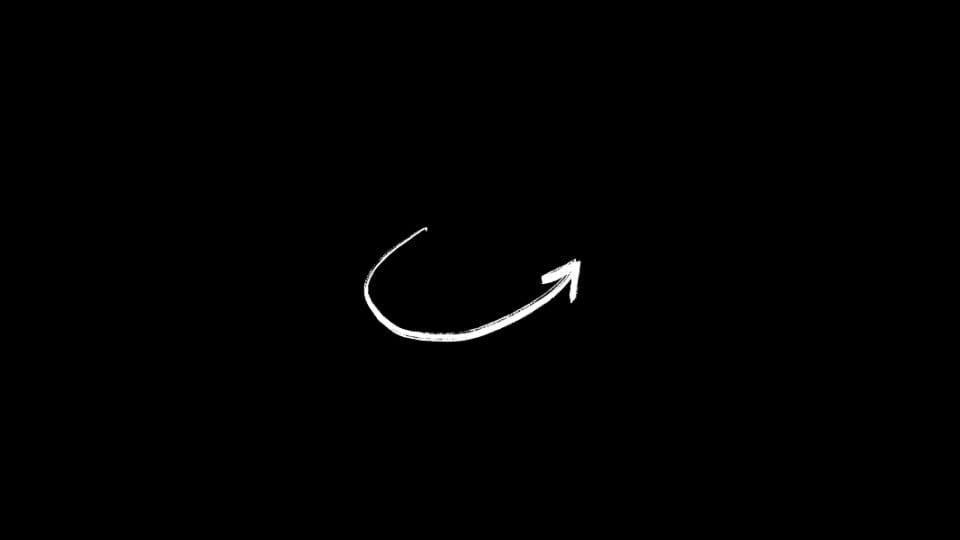
Arrow - Curved Swoosh Up Right
motion graphic
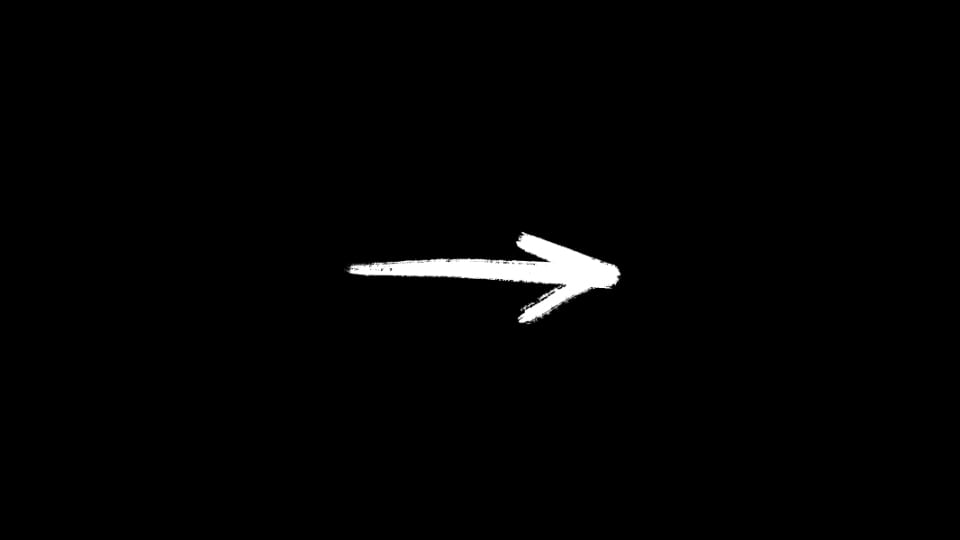
Arrow - Bold Brush Right
motion graphic
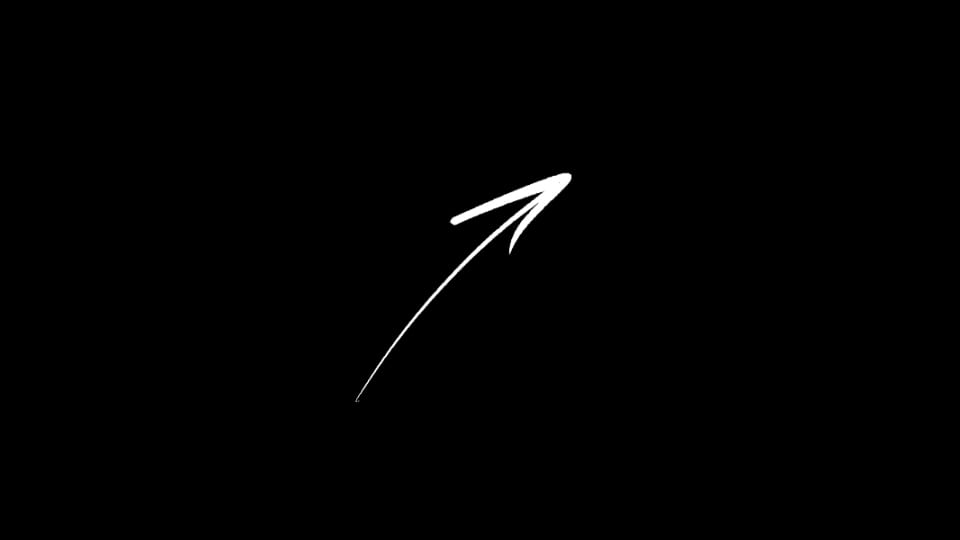
Arrow - Slim Curved Up Right
motion graphic
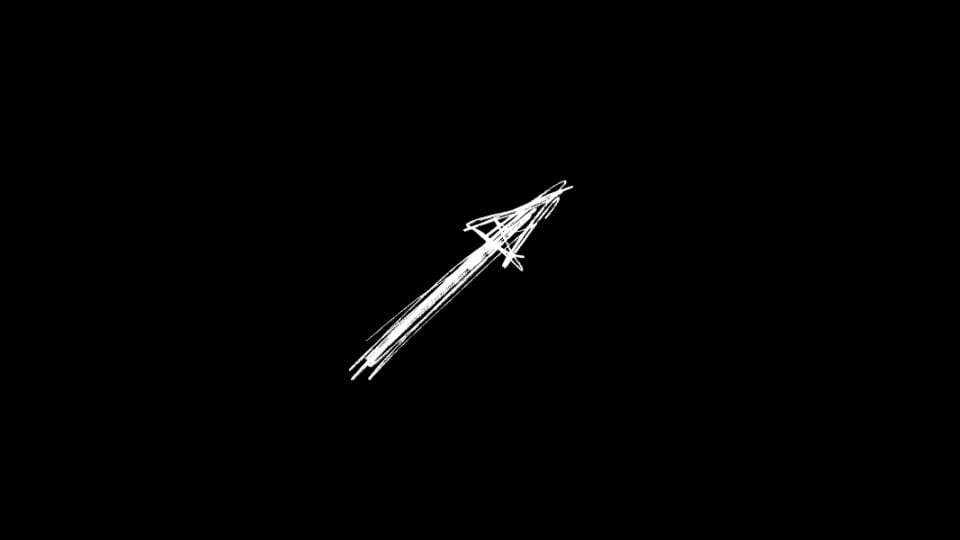
Arrow - Spiky Sketch Up Right
motion graphic
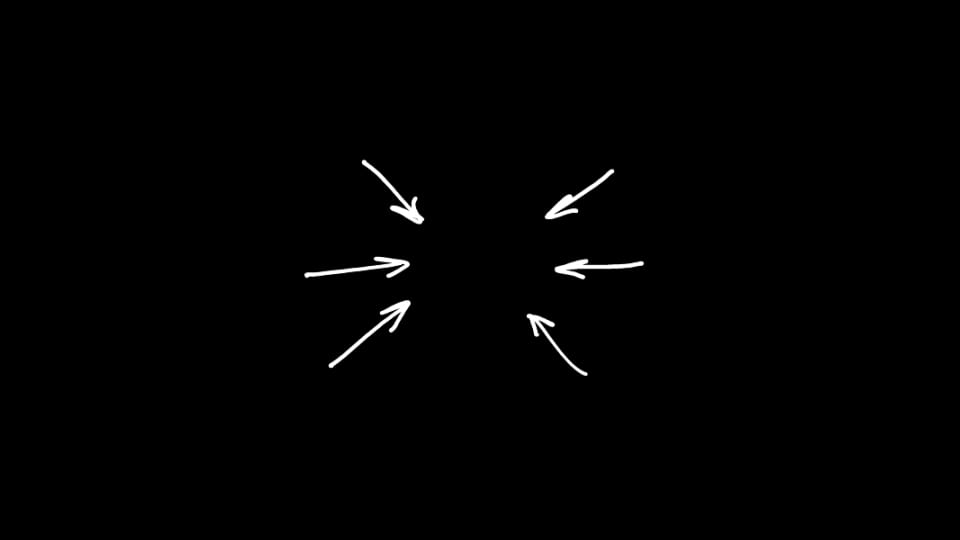
Arrows - Converging Focus Set
motion graphic
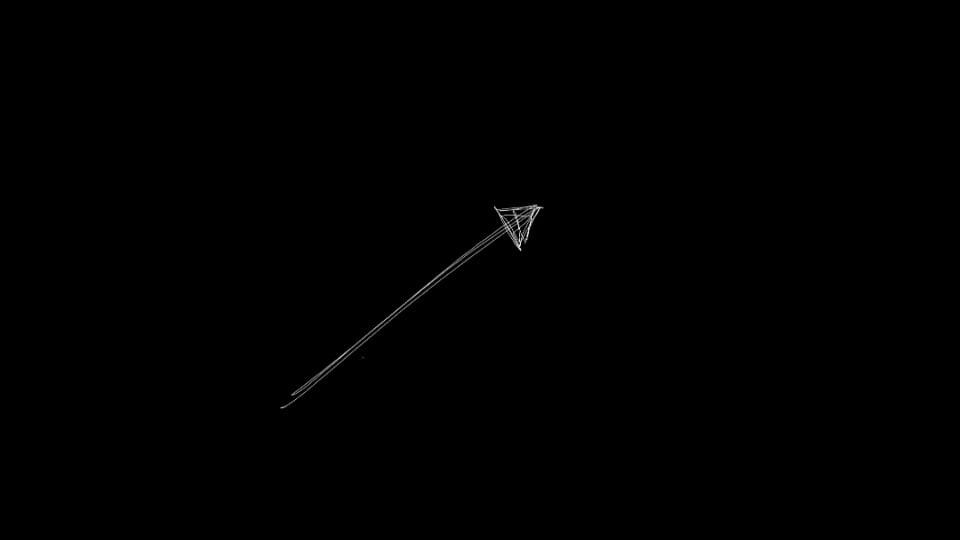
Arrow - Straight Pencil Up Right
motion graphic
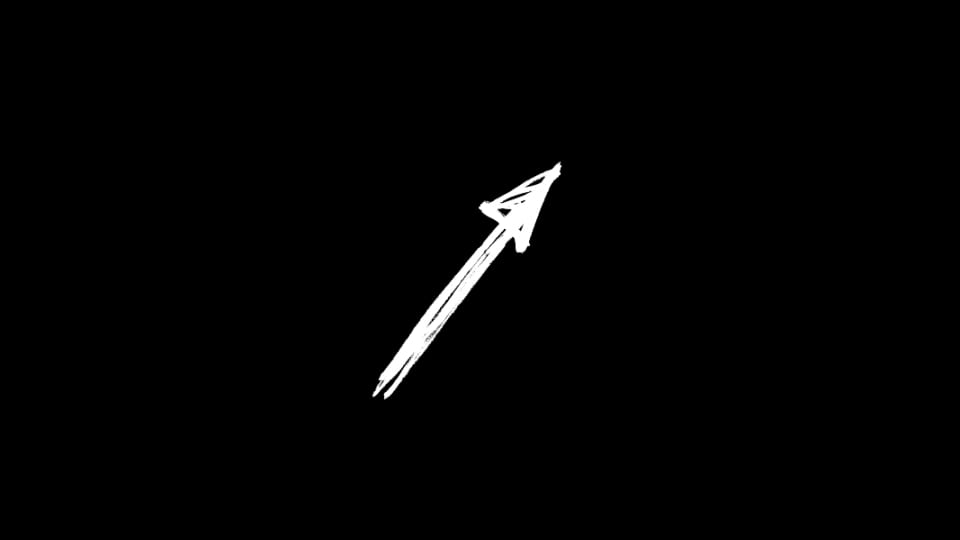
Arrow - Bold Sketch Up Right
motion graphic
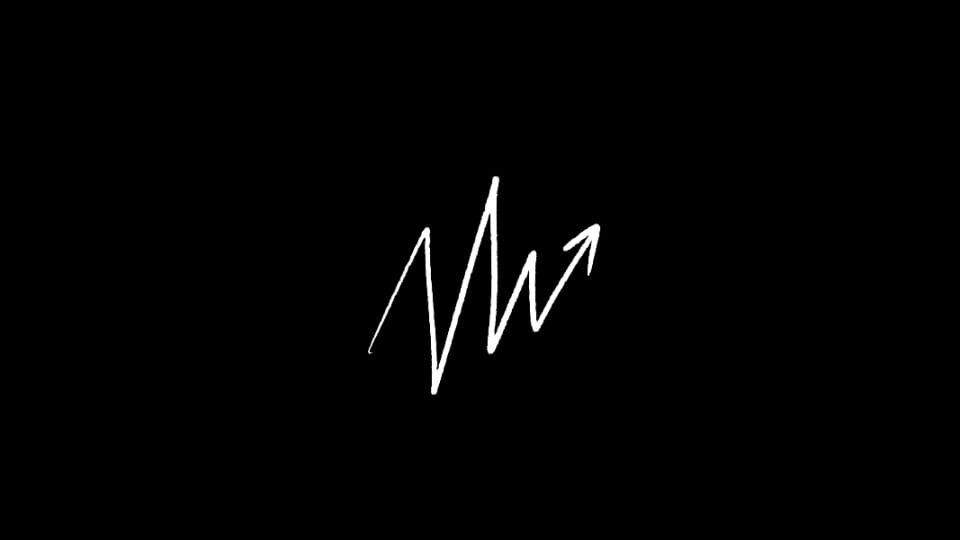
Arrow - Jagged Growth Up Right
motion graphic
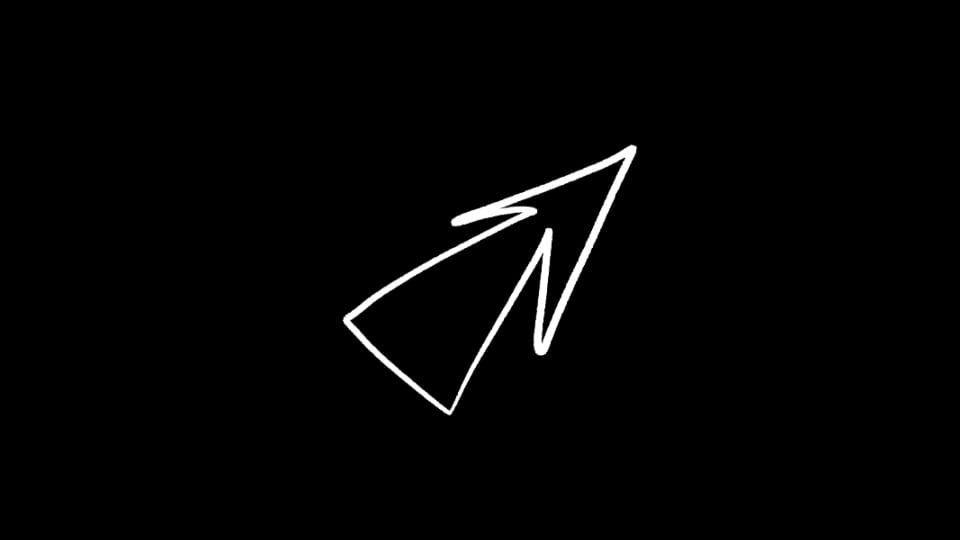
Arrow - Hollow Outline Up Right
motion graphic
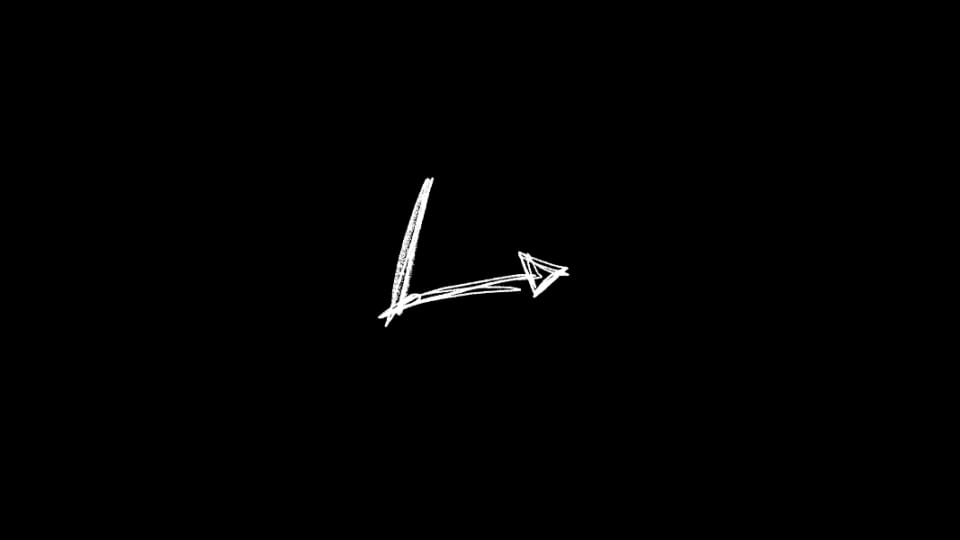
Arrow - Right-Angle Turn
motion graphic
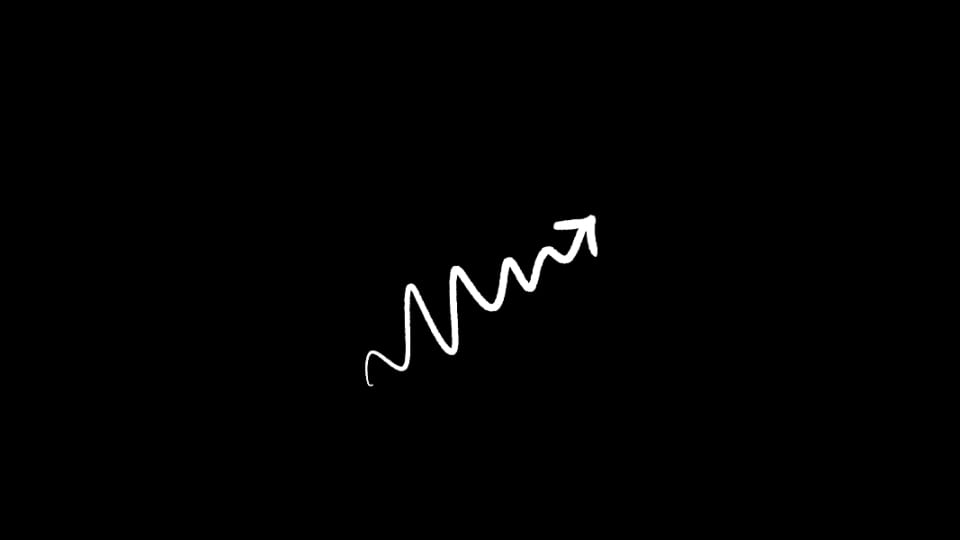
Arrow - Wavy Squiggle Up Right
motion graphic
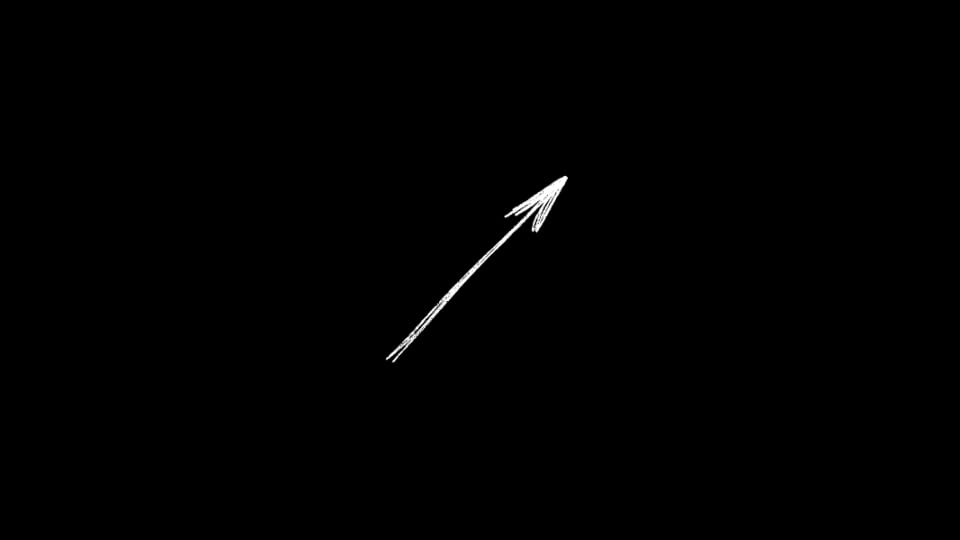
Arrow - Feathered Diagonal Up Right
motion graphic
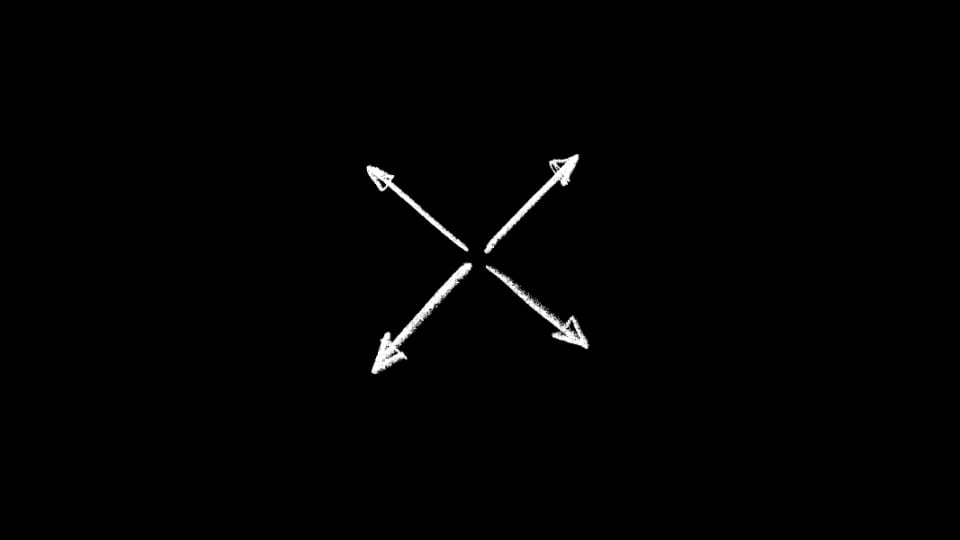
Arrows - Four-Way Expand Out
motion graphic
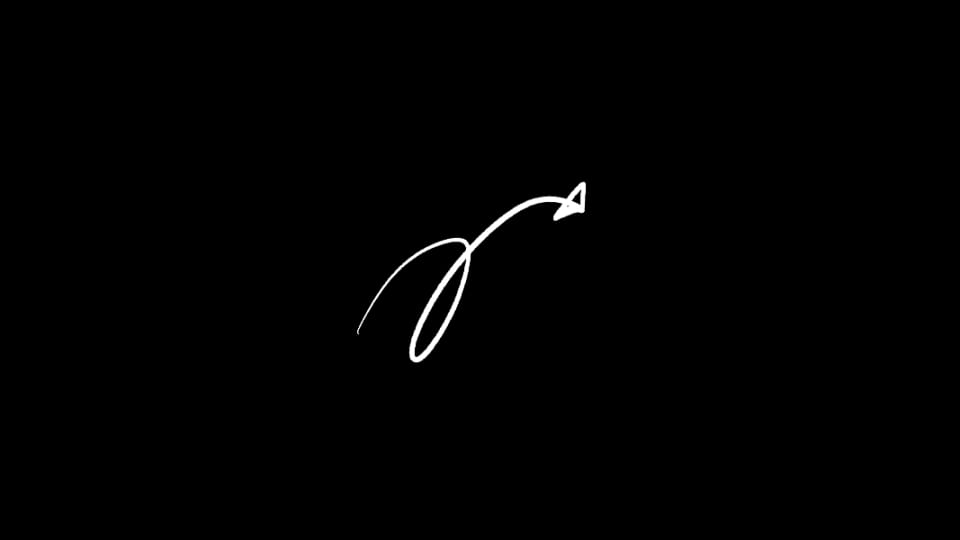
Arrow - Cursive Loop Up Right
motion graphic
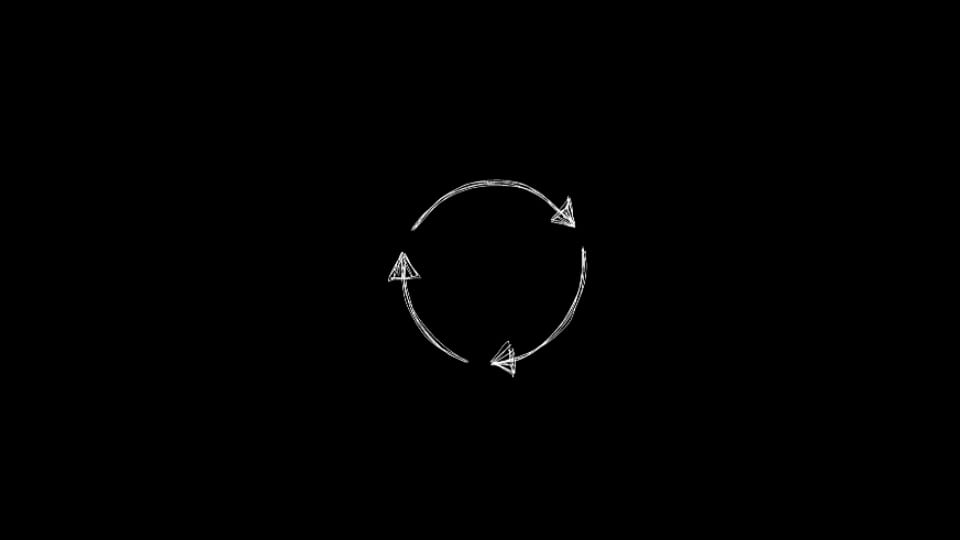
Arrows - Refresh Cycle Loop
motion graphic
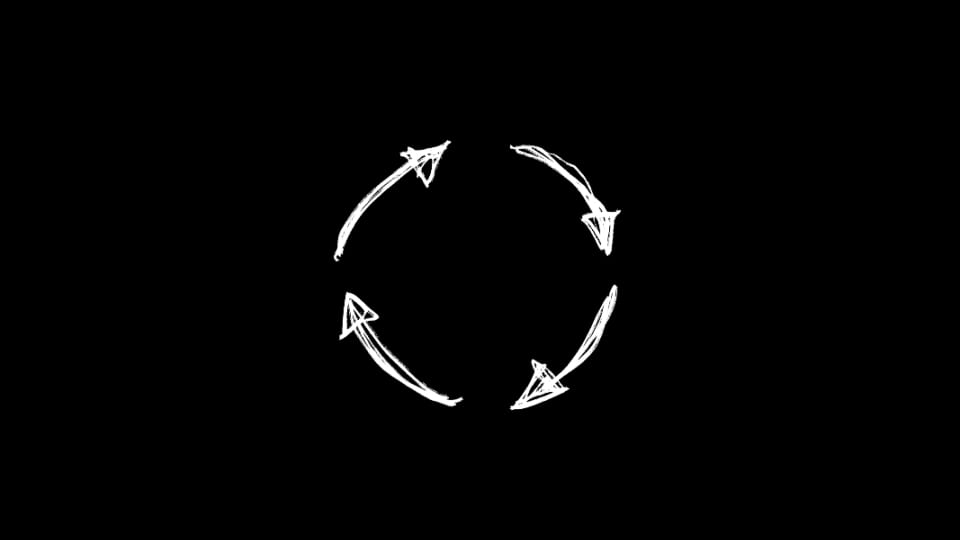
Arrows - Sketch Rotate Ring
motion graphic
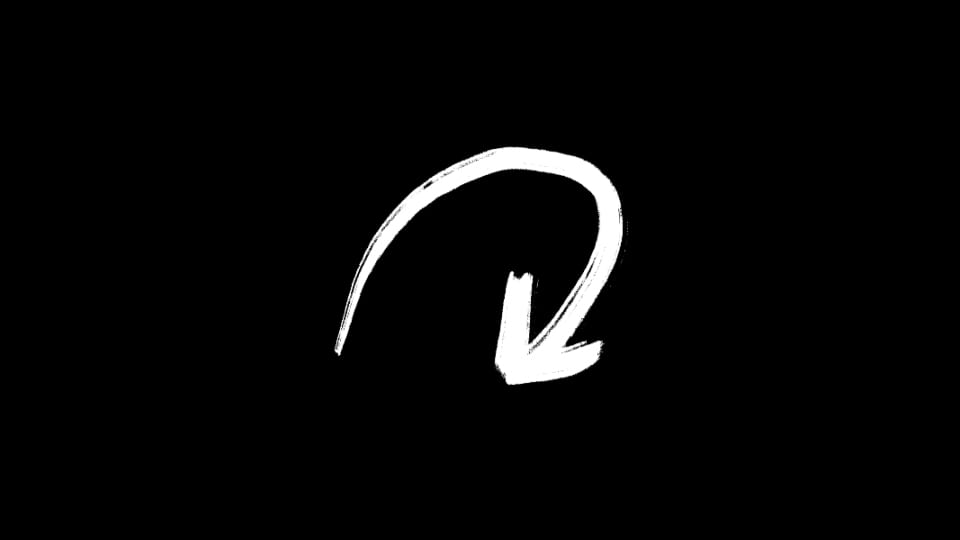
Arrow - Bold Brush Curve Down
motion graphic

Underline - Scribble Horizontal
motion graphic

Underline - One Line
motion graphic
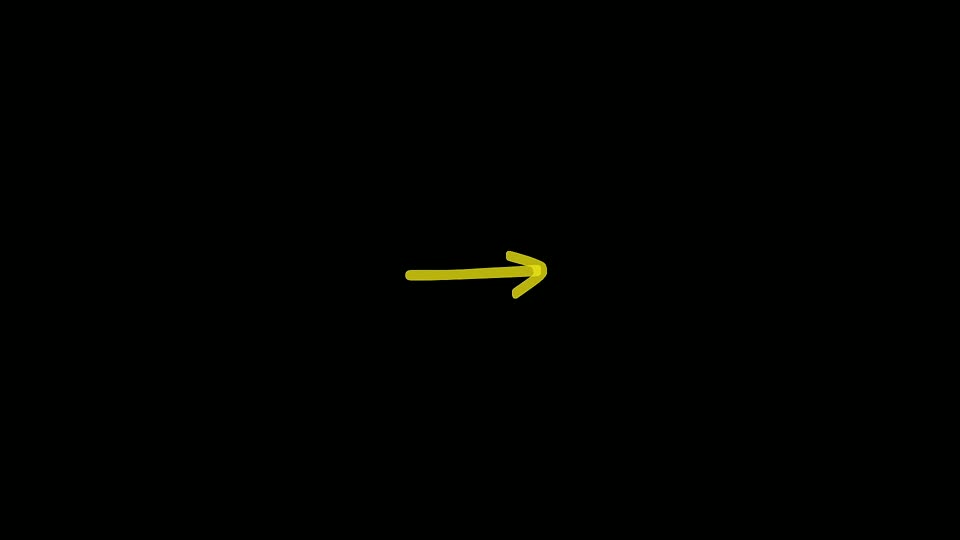
Arrow - Classic
motion graphic
Object - Direction
motion graphic

Underline - Scribble Rotated
motion graphic

Circle - Tall
motion graphic

Basic - Square
motion graphic

Circle - Wide
motion graphic

Symbol - Check
motion graphic

Basic - Circle
motion graphic

Arrow - Curved
motion graphic
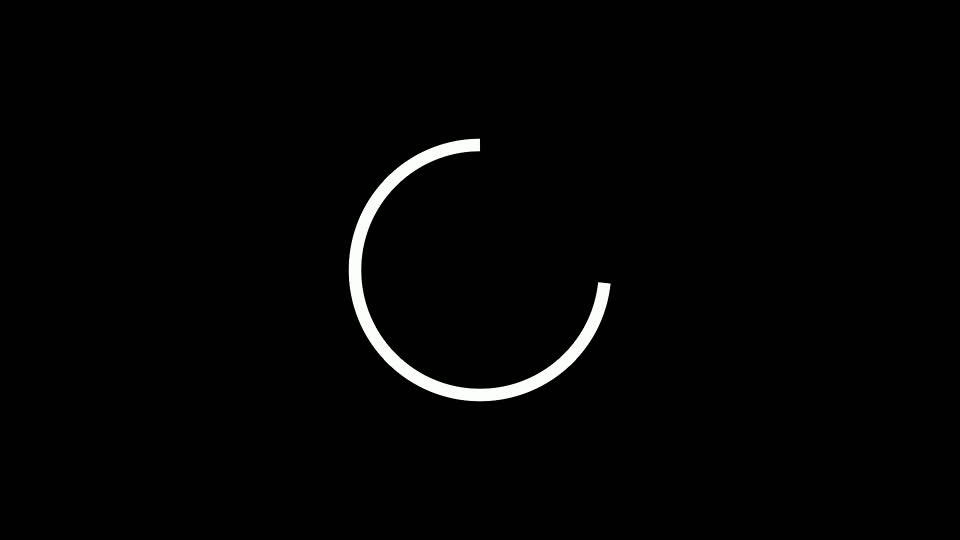
Circle - Static Trim
motion graphic
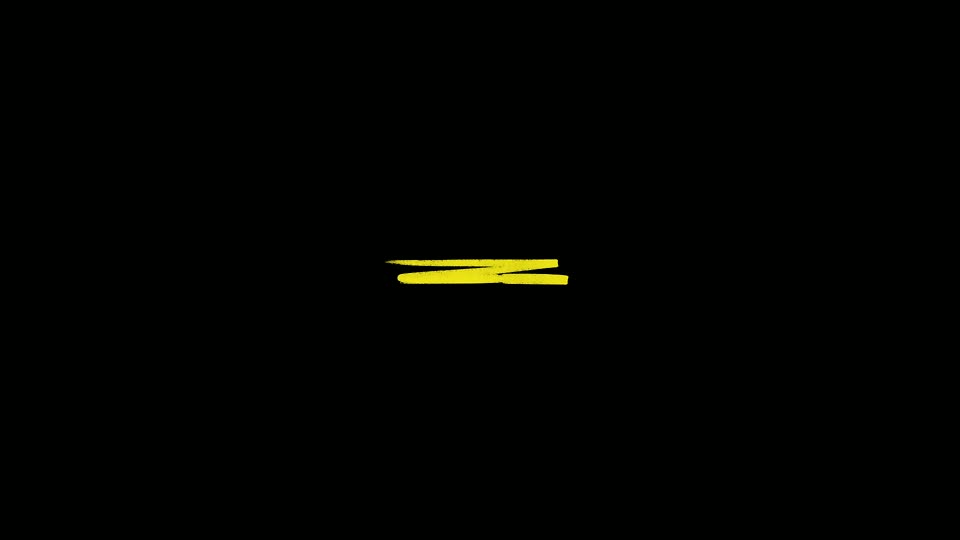
Underline - Three Lines
motion graphic
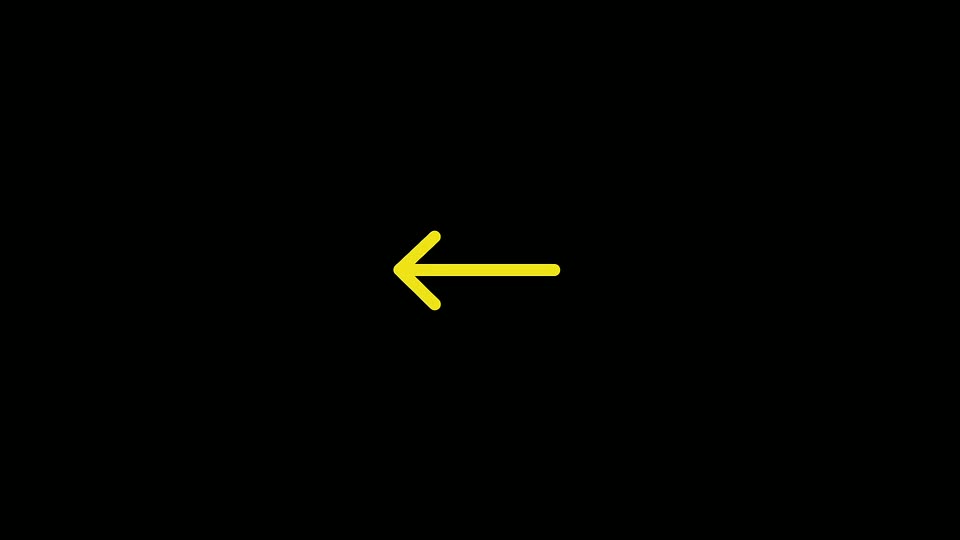
Arrow - Simple
motion graphic
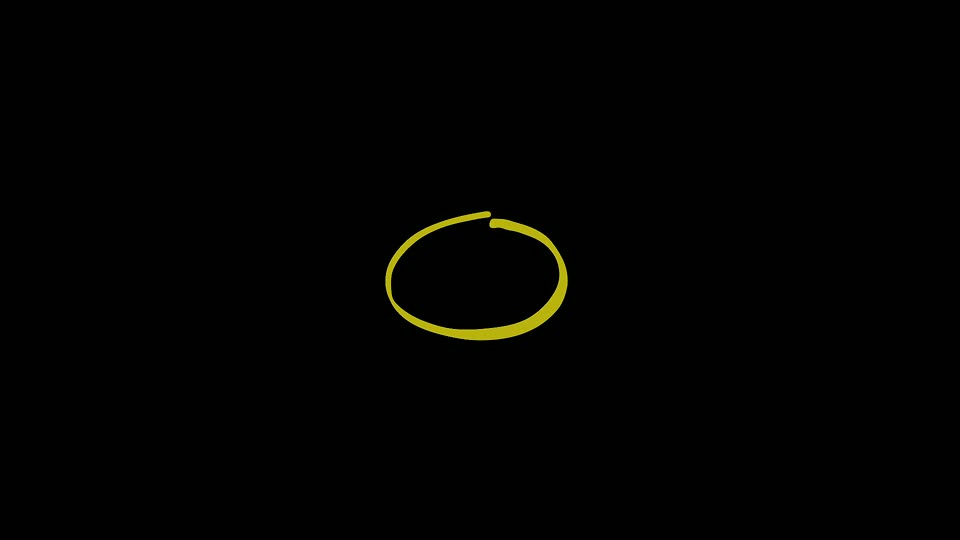
Circle - Classic
motion graphic

Symbol - Cross
motion graphic

Circle - Rotated Trim
motion graphic
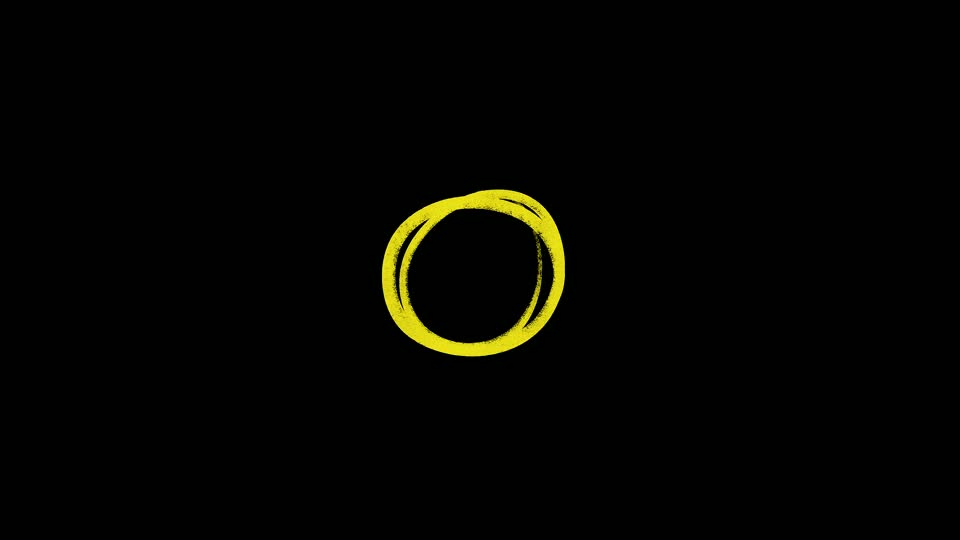
Circle - Double
motion graphic

Underline - Two Lines
motion graphic
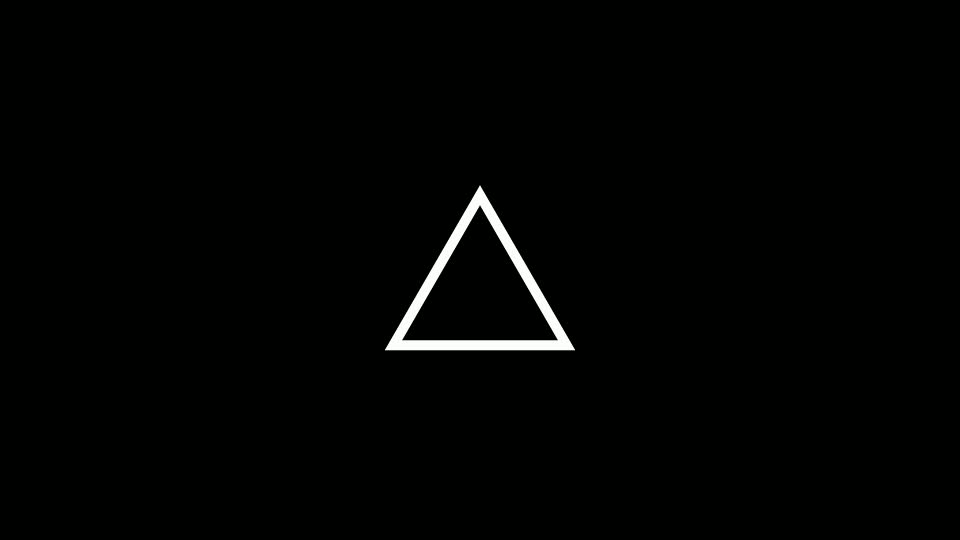
Basic - Triangle
.jpg&w=3840&q=100)

Have Questions?
- Tom & Denis, co-founders, not a chatbot
14 Days Money-Back Guarantee
We stand behind the quality of Spotlight FX. If you don't love it, we will refund you the full purchase price
Secure Checkout
Secure checkout provided by Stripe, encrypted and protected.
See How It Works
Learn how easy it is to use Marker Element for Premiere Pro and other Spotlight FX tools.
1. Import
Imports happens automatically, no manual setup needed.
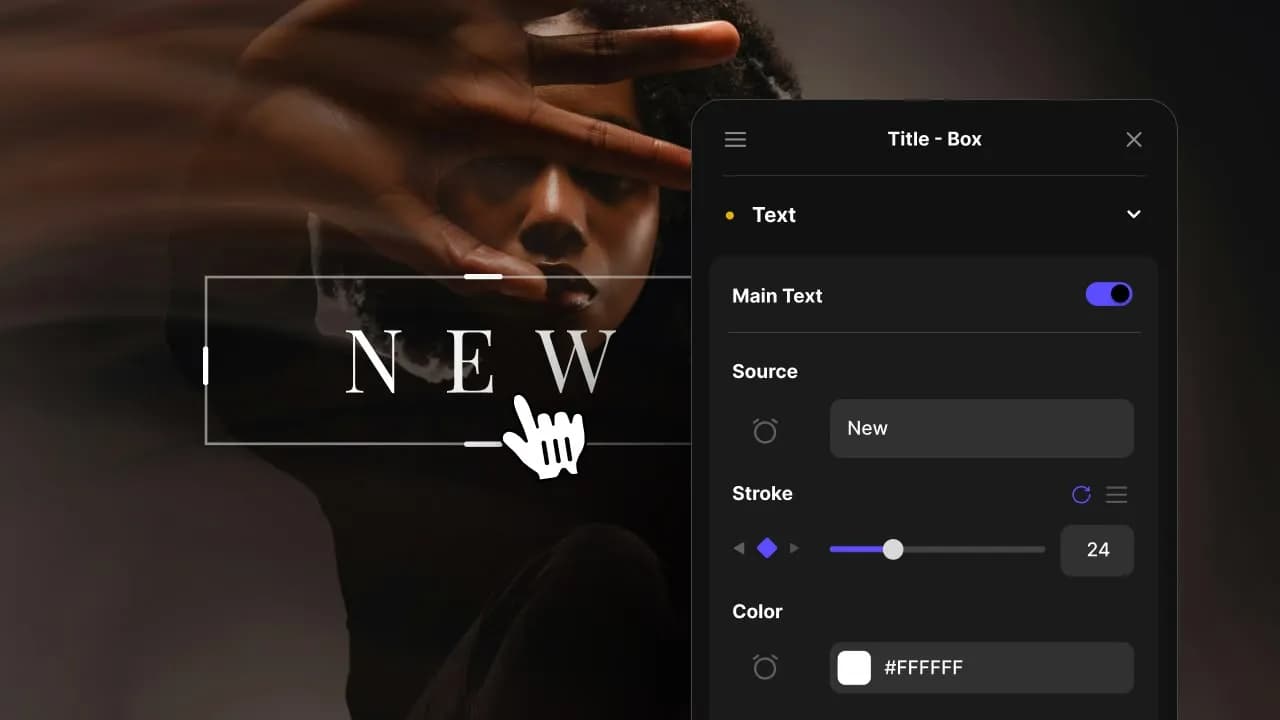
2. Customize
Every item is fully customizable to match the look of your project.
3. Render
Preview the results and export your finished video.
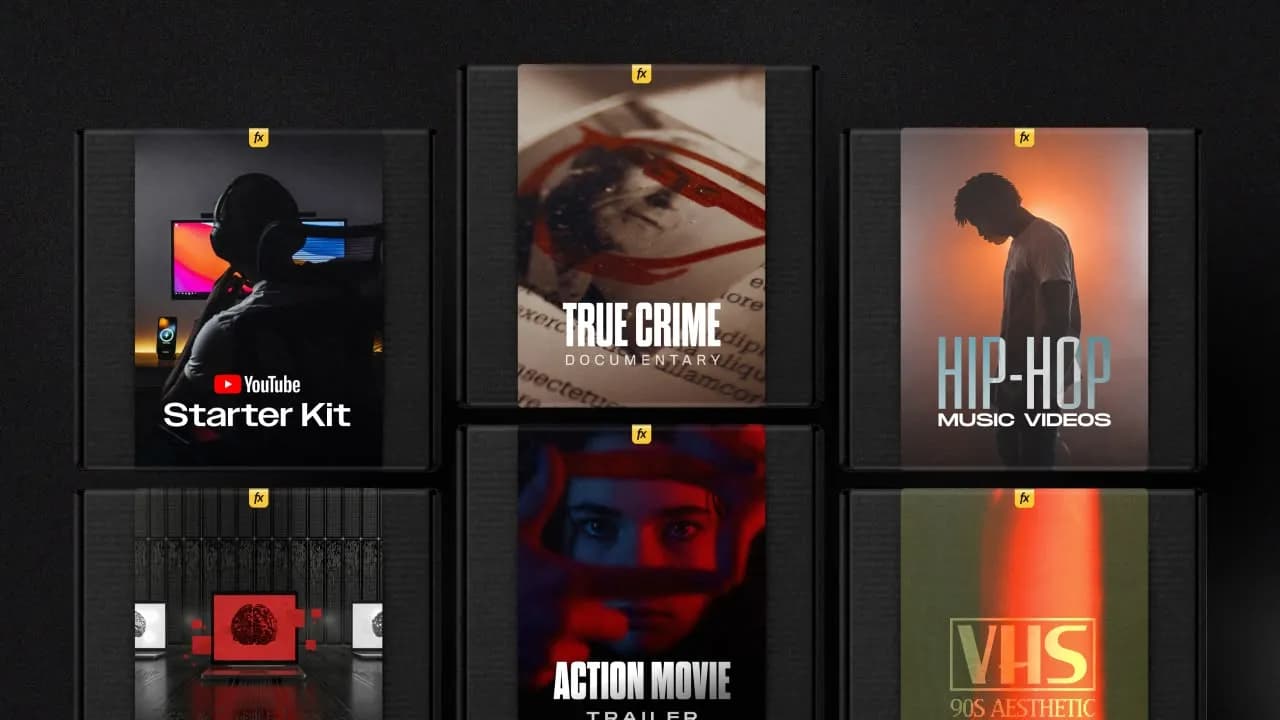
3454+ Templates & Tools Included with Spotlight FX Plugin
With Spotlight FX, you have access to a full library of customizable templates & tools, so you never have to start from scratch again.
Frequently
Asked Questions.

Start saving hours of work on every edit.
Explore All AssetsDiscover more Premiere Pro Plugins
Explore our collection of professional Premiere Pro plugins designed to speed up your video editing workflow.