
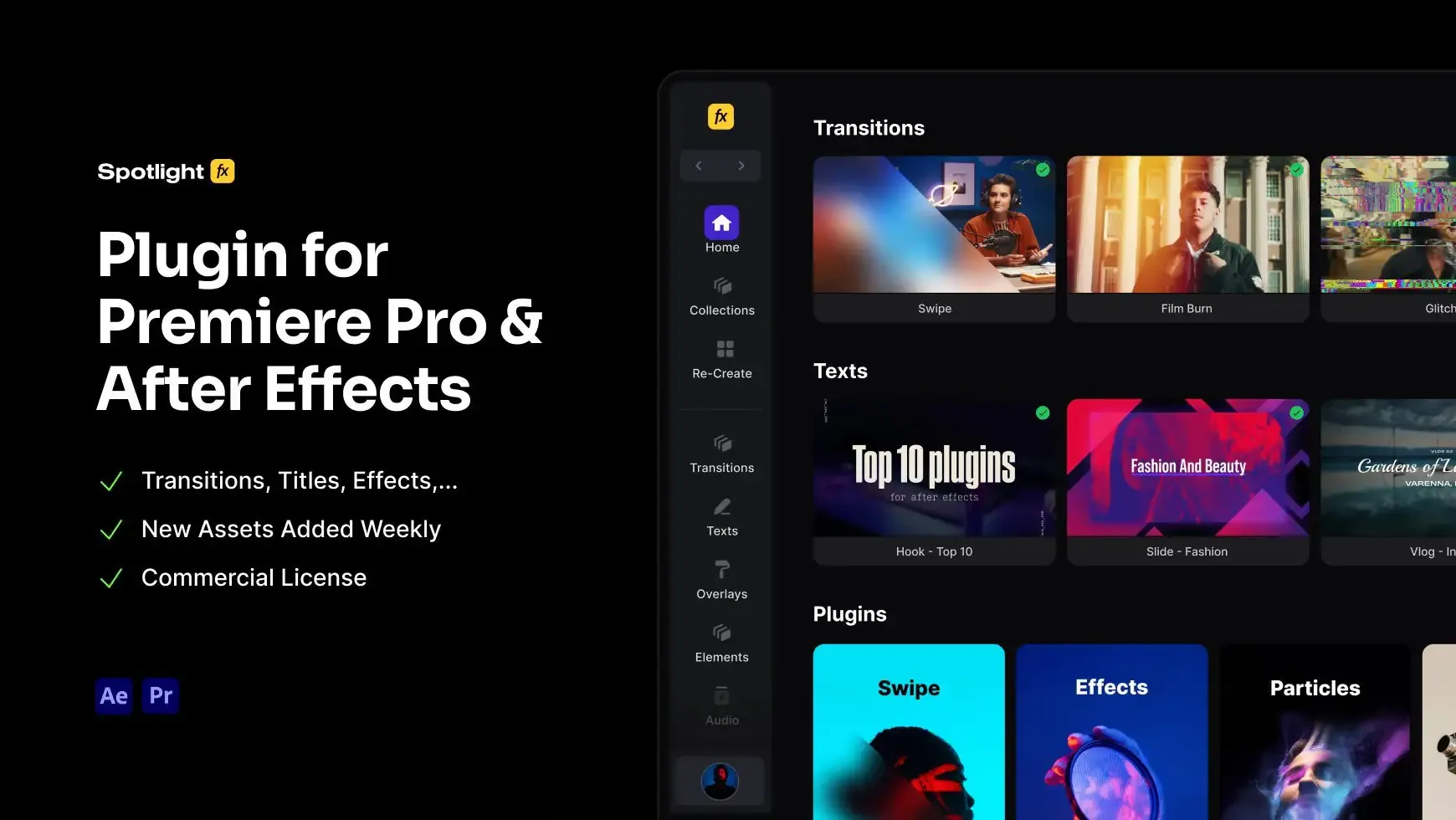
Footage Movement Tool for Premiere Pro
4.9 of 5 (18,300 users)
Moving footage in Premiere Pro means keyframes, Position values, Bezier curve tweaking, and manual motion blur every single time. Moovy replaces all of it in one click. Grab your clip in the canvas, drag from any point to any other point, and the move is on your timeline. Use built-in slide presets for common moves like left to center or top to center, or set fully custom start and end points for anything else. Adjust speed, easing, and motion blur to match the feel of your edit. Everything sits on an adjustment layer so your footage stays untouched.
Free
Included in Spotlight FX (free).jpg&w=3840&q=100)

Have Questions?
- Tom & Denis, co-founders, not a chatbot
14 Days Money-Back Guarantee
We stand behind the quality of Spotlight FX. If you don't love it, we will refund you the full purchase price
Secure Checkout
Secure checkout provided by Stripe, encrypted and protected.
See How It Works
Learn how easy it is to use Footage Movement Tool for Premiere Pro and other Spotlight FX tools.
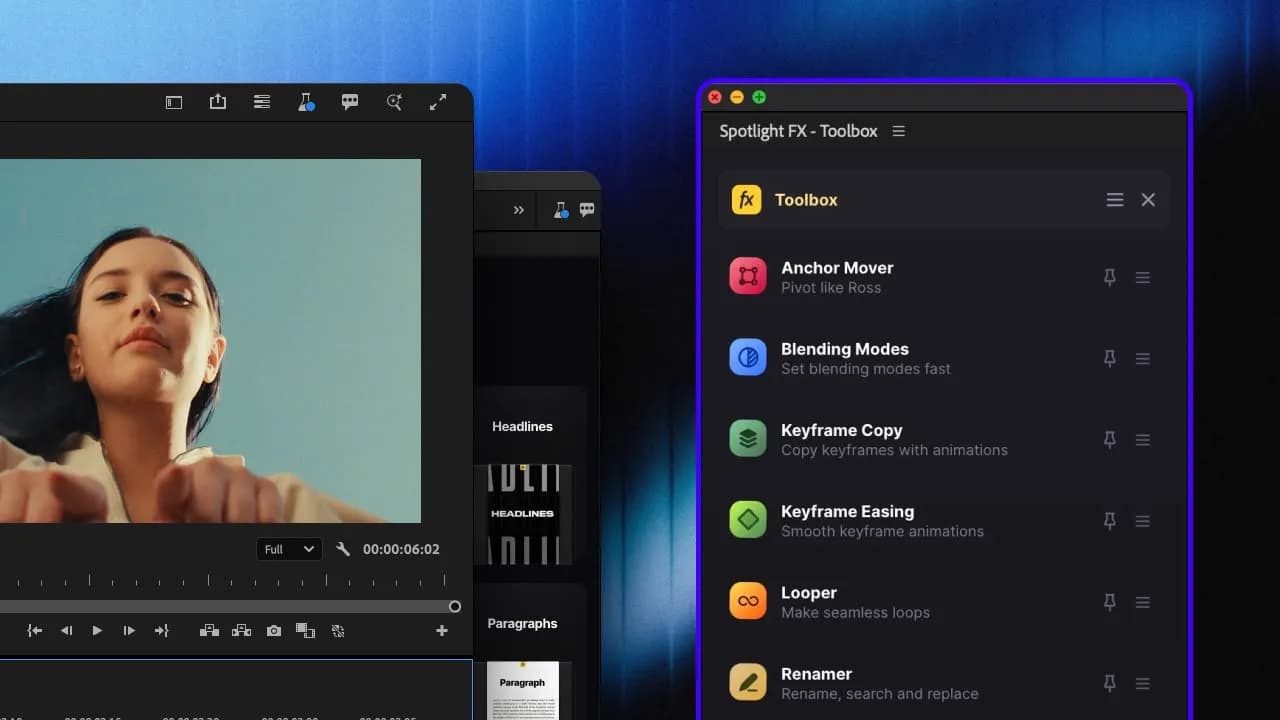
1. Open
Choose the script you want to use from the Spotlight FX Toolbox.
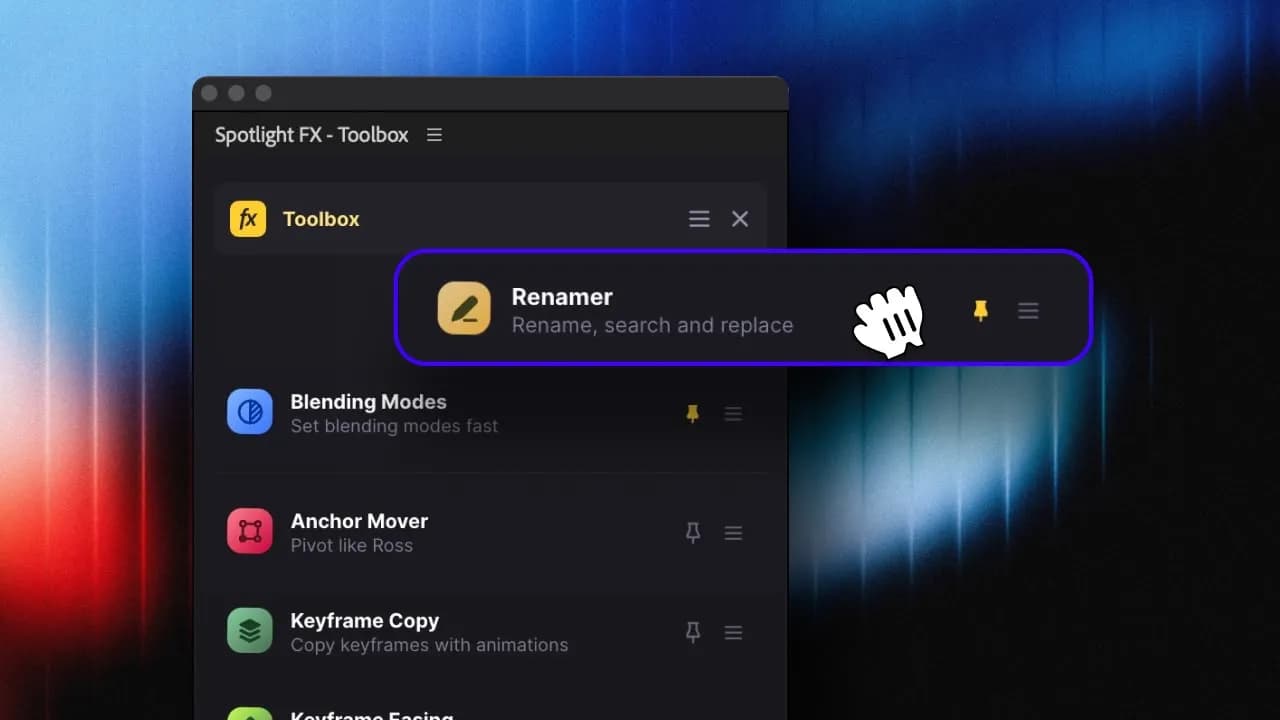
2. Adjust
Pin your favorite scripts or reorder them to your liking.
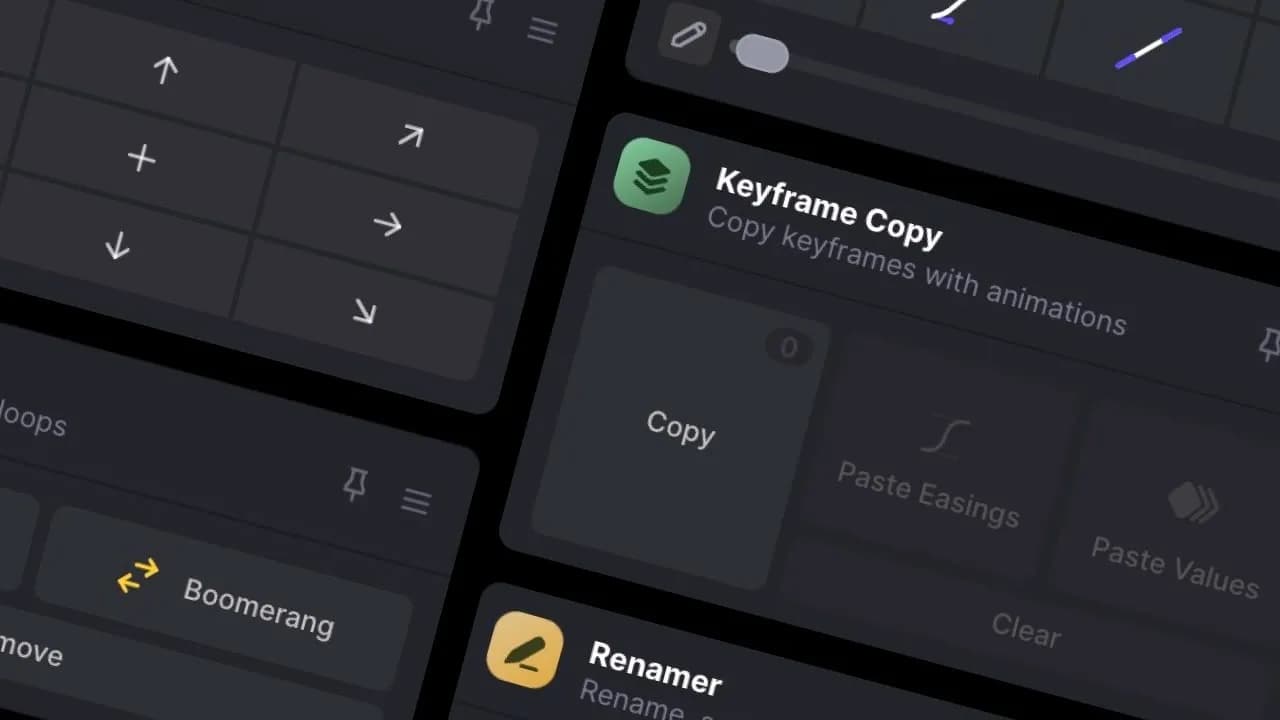
3. Run
Play around with the settings and see the results.
3454+ Templates & Tools Included with Spotlight FX Plugin
With Spotlight FX, you have access to a full library of customizable templates & tools, so you never have to start from scratch again.
Frequently
Asked Questions.

Start saving hours of work on every edit.
Explore All AssetsDiscover more Premiere Pro Scripts
Browse our extensive library of Premiere Pro scripts to automate tasks and boost productivity.