
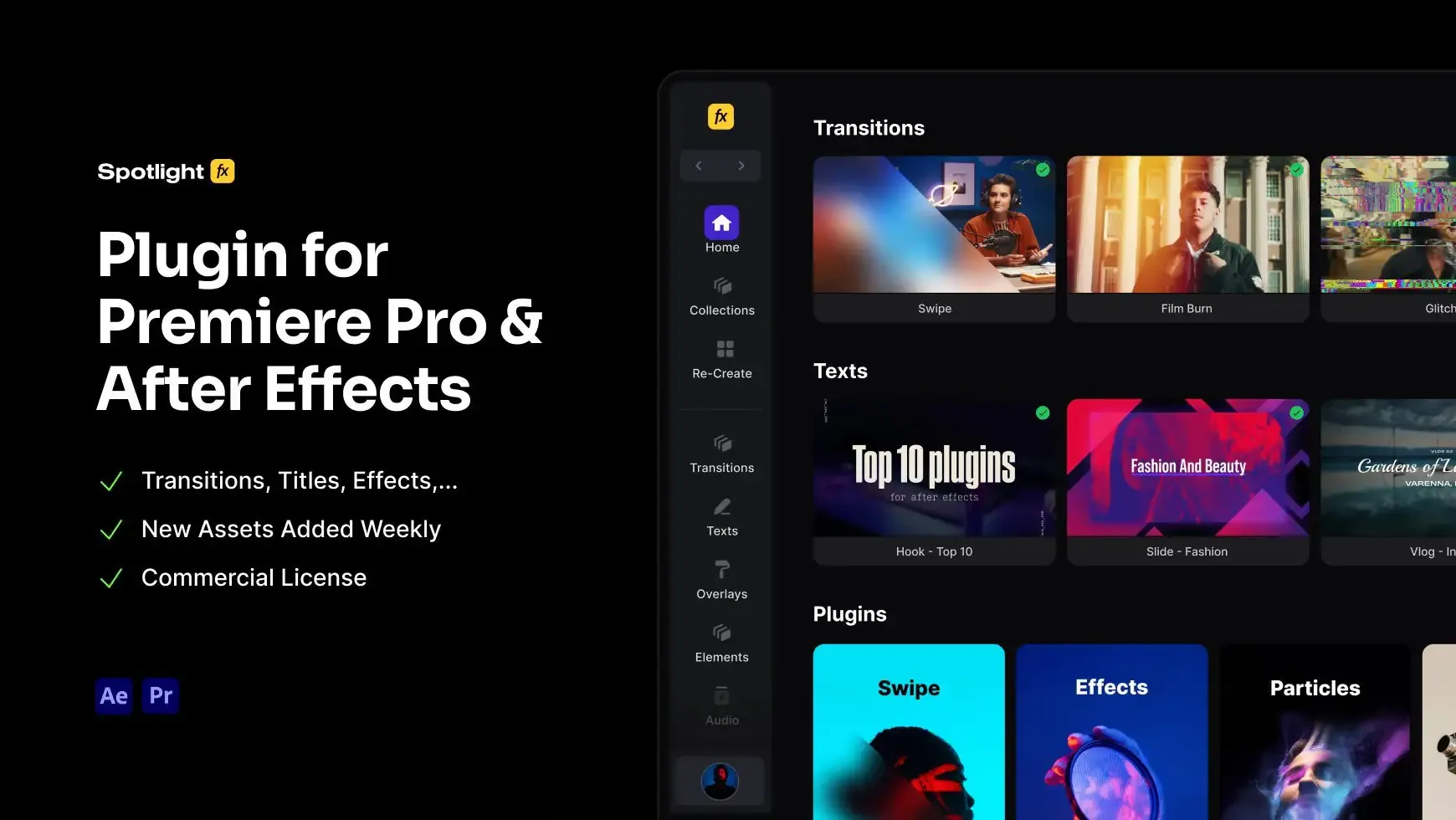
Keyframe Copy Script for After Effects
4.9 of 5 (18,226 users)
Copy and paste keyframe easings or animation values with one click. Copy easing from any keyframe and apply to multiple animations for consistent motion. Transfer position, scale, opacity, or effect values between layers without manual adjustments. Reuse the same easing or value across your project as many times as needed. Reset anytime to copy fresh values. Apply consistent animation timing and values instantly.
Free
Included in Spotlight FX (free).jpg&w=3840&q=100)

Have Questions?
- Tom & Denis, co-founders, not a chatbot
14 Days Money-Back Guarantee
We stand behind the quality of Spotlight FX. If you don't love it, we will refund you the full purchase price
Secure Checkout
Secure checkout provided by Stripe, encrypted and protected.
See How It Works
Learn how easy it is to use Keyframe Copy Script for After Effects and other Spotlight FX tools.
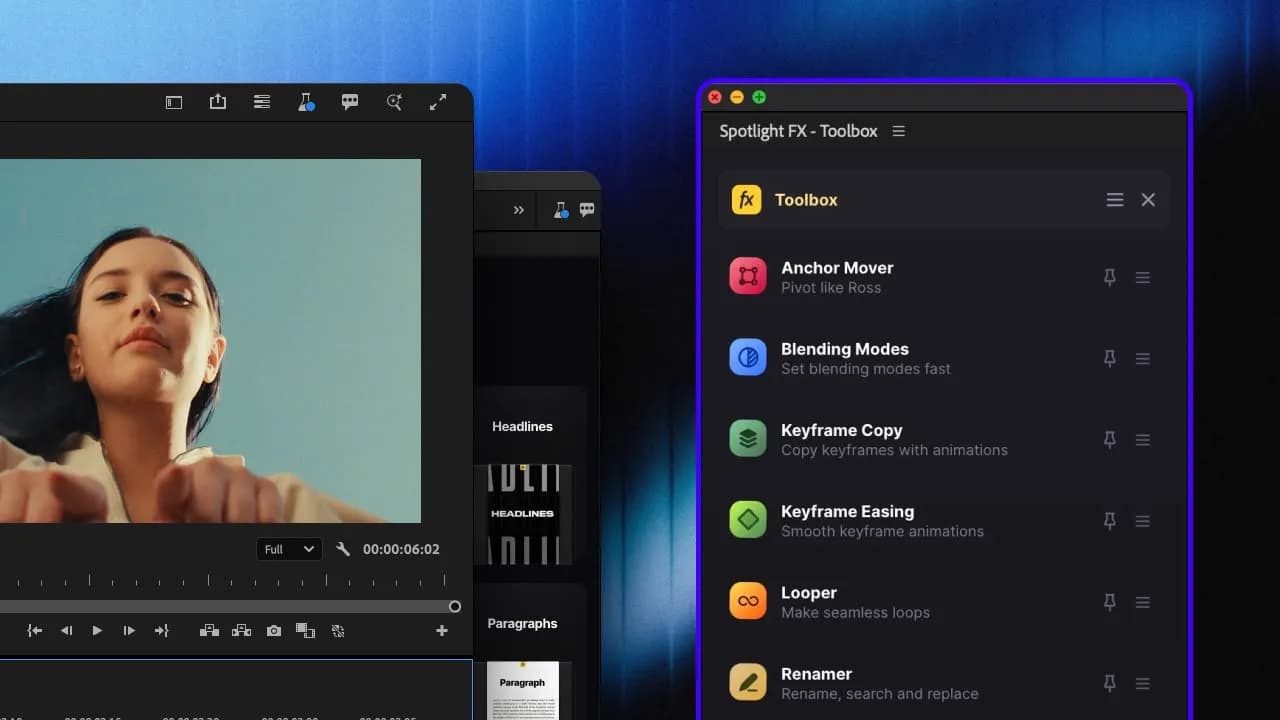
1. Open
Choose the script you want to use from the Spotlight FX Toolbox.
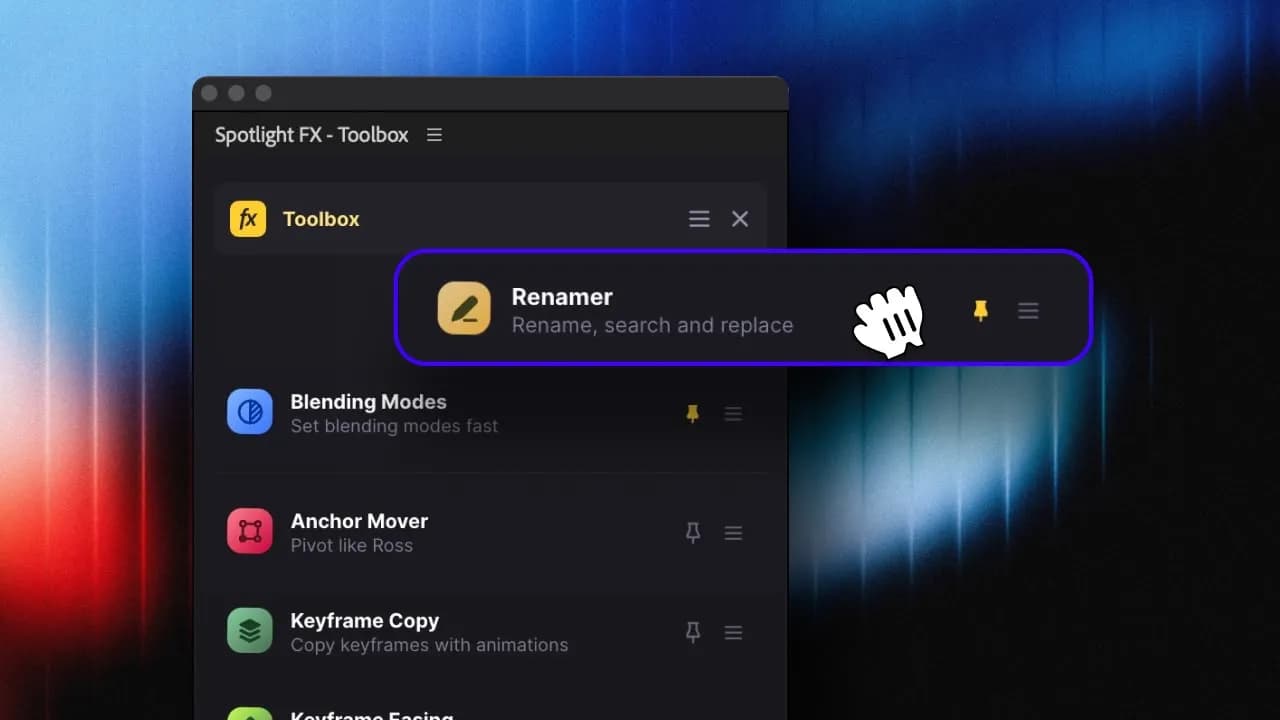
2. Adjust
Pin your favorite scripts or reorder them to your liking.
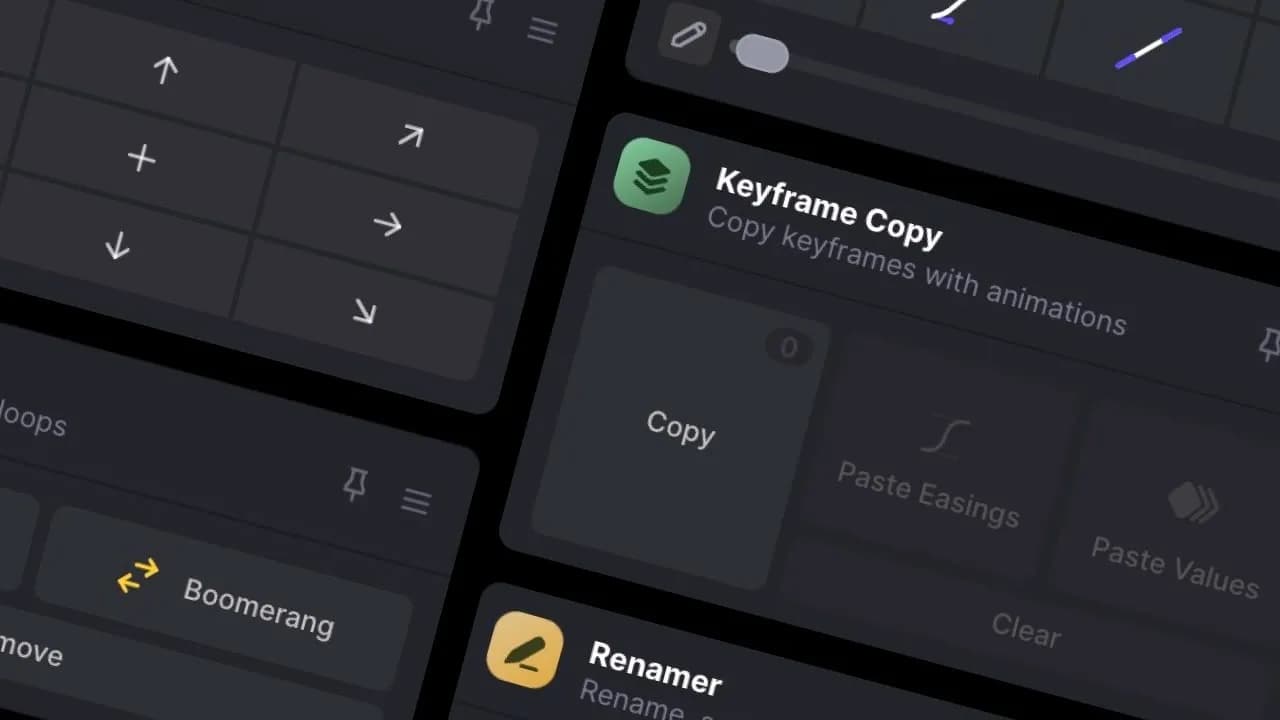
3. Run
Play around with the settings and see the results.
3454+ Templates & Tools Included with Spotlight FX Plugin
With Spotlight FX, you have access to a full library of customizable templates & tools, so you never have to start from scratch again.
Frequently
Asked Questions.

Start saving hours of work on every edit.
Explore All AssetsDiscover more After Effects Scripts
Browse our extensive library of After Effects scripts to automate tasks and boost productivity.