
Using After Effects? Check out the After Effects version of Blur Effects
Premiere Pro Blur Effects Plugin
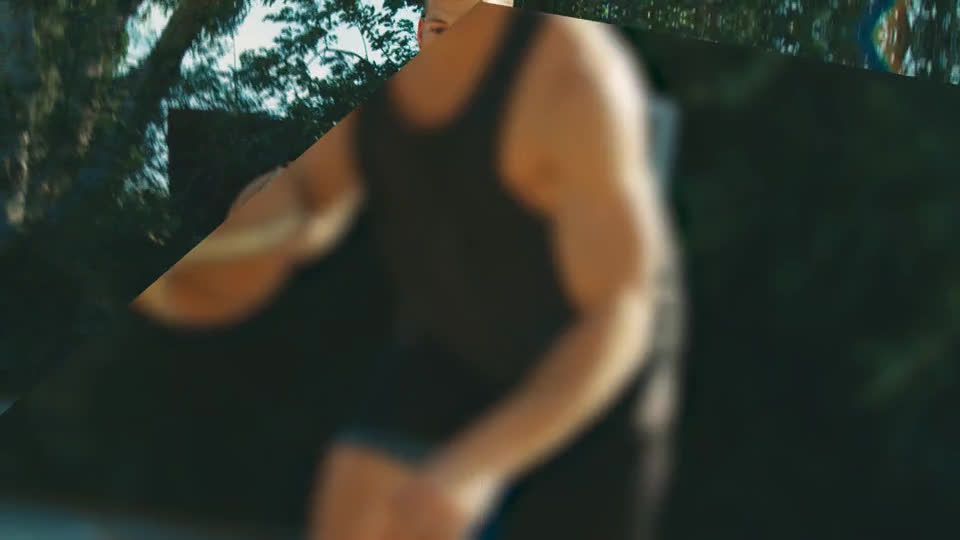
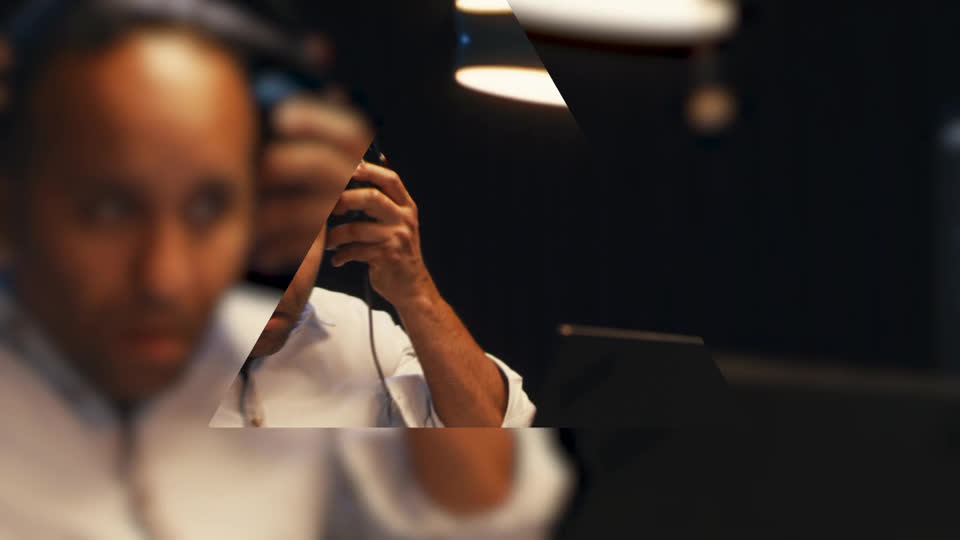
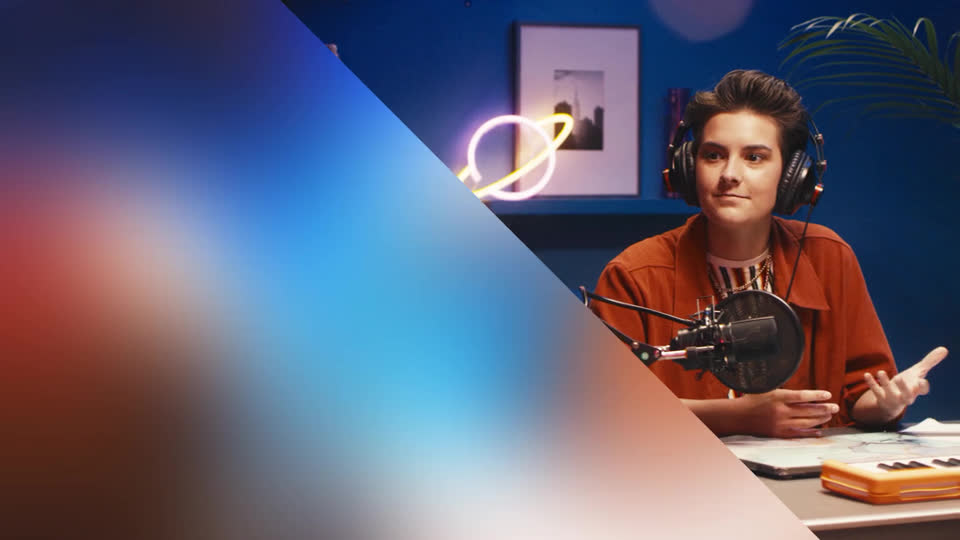
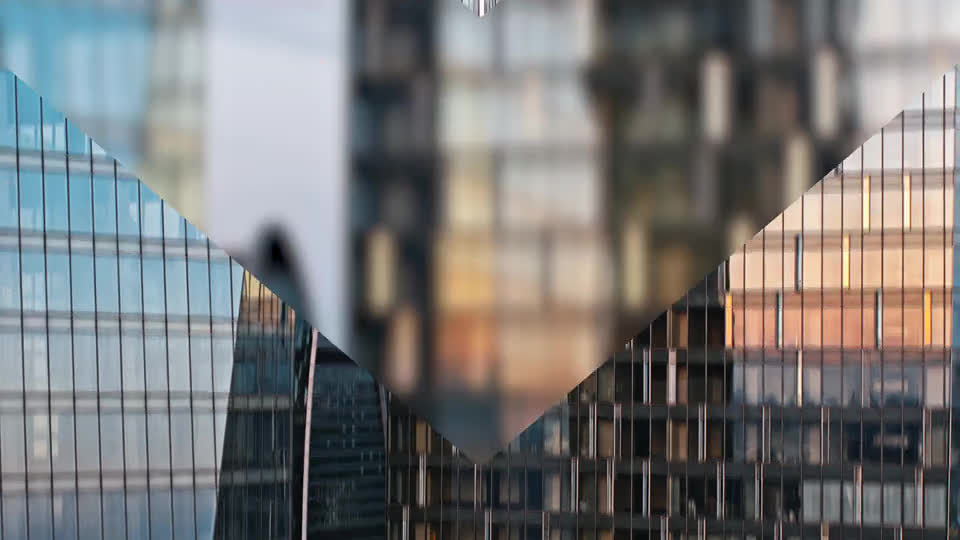
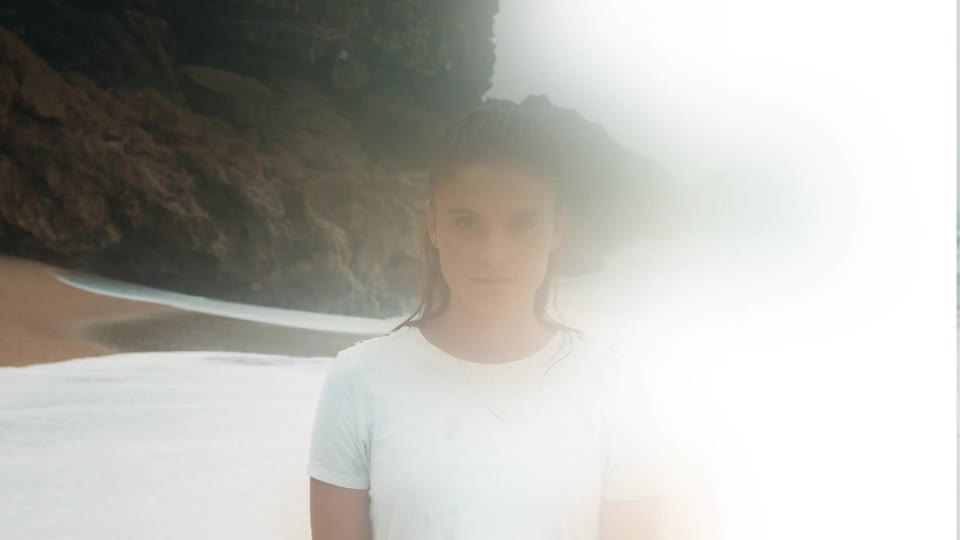
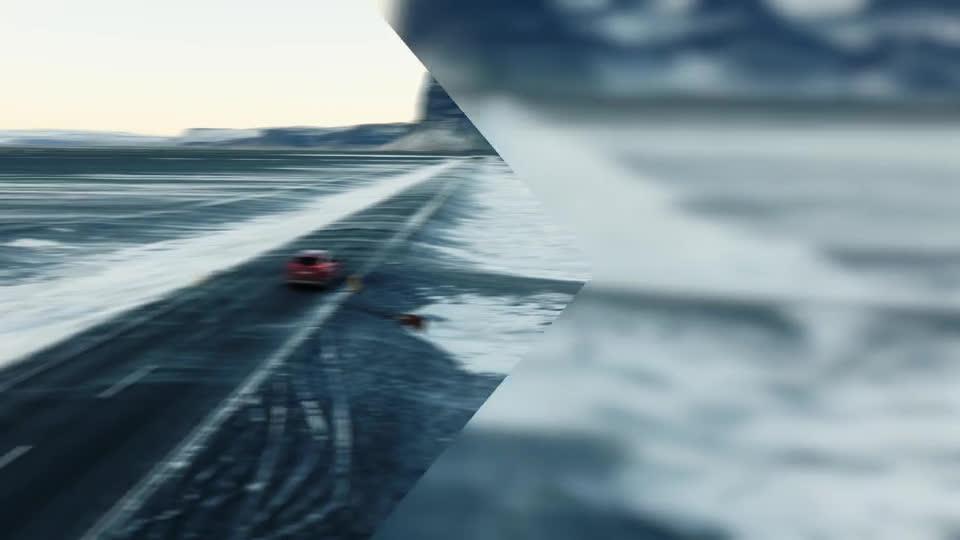
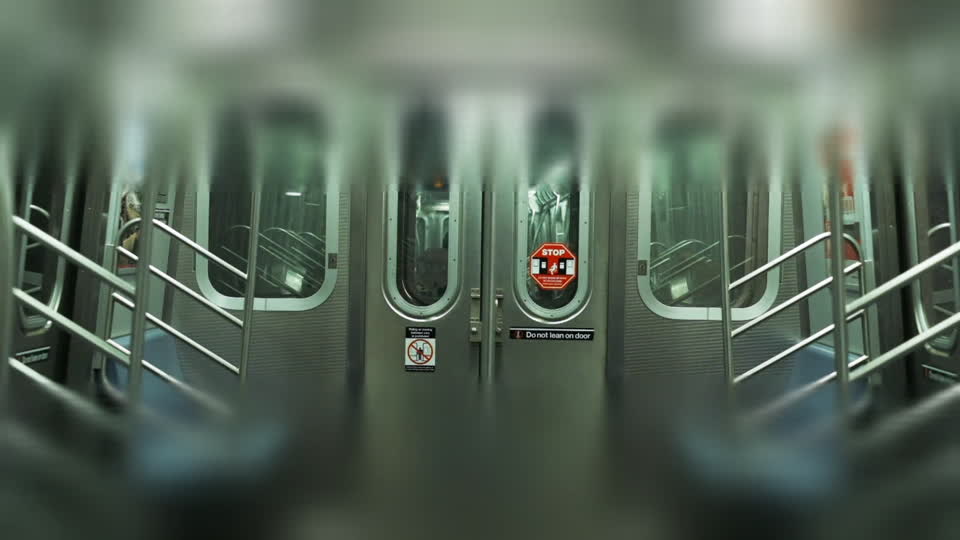
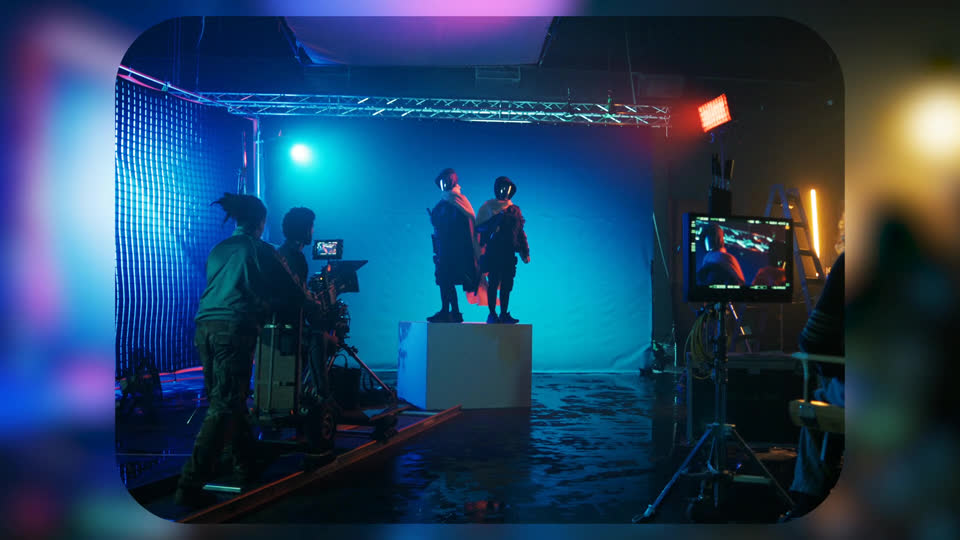
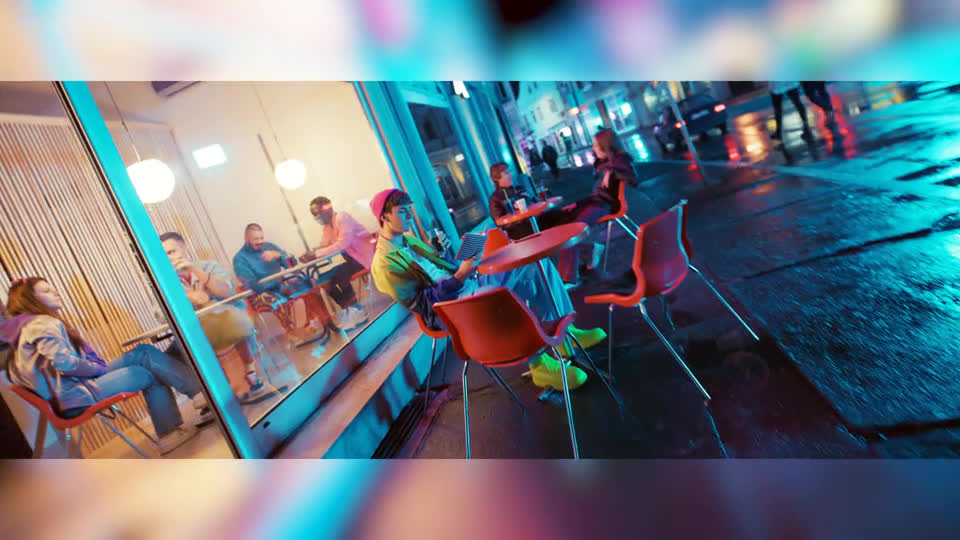
Add professional blur effects to Premiere Pro with gaussian, linear, radial, and reflected blur tools. Perfect for creating depth of field, background separation, and smooth focus transitions in your video edits. Fully customizable parameters give you precise control over blur intensity and style.
4.9 of 5
- Premiere Pro Blur Effects Plugin
- 2856+ templates included in price
- 65+ plugins, scripts, and collections included
- Spotlight FX plugin included


- No risk, 14-Day Money-Back Guarantee
$14.79
14-Day Money-Back Guarantee
We stand behind the quality of our products, but we understand if you change your mind. So if you don't love it, you have 14 days to request a full refund. No questions asked.
See How It Works
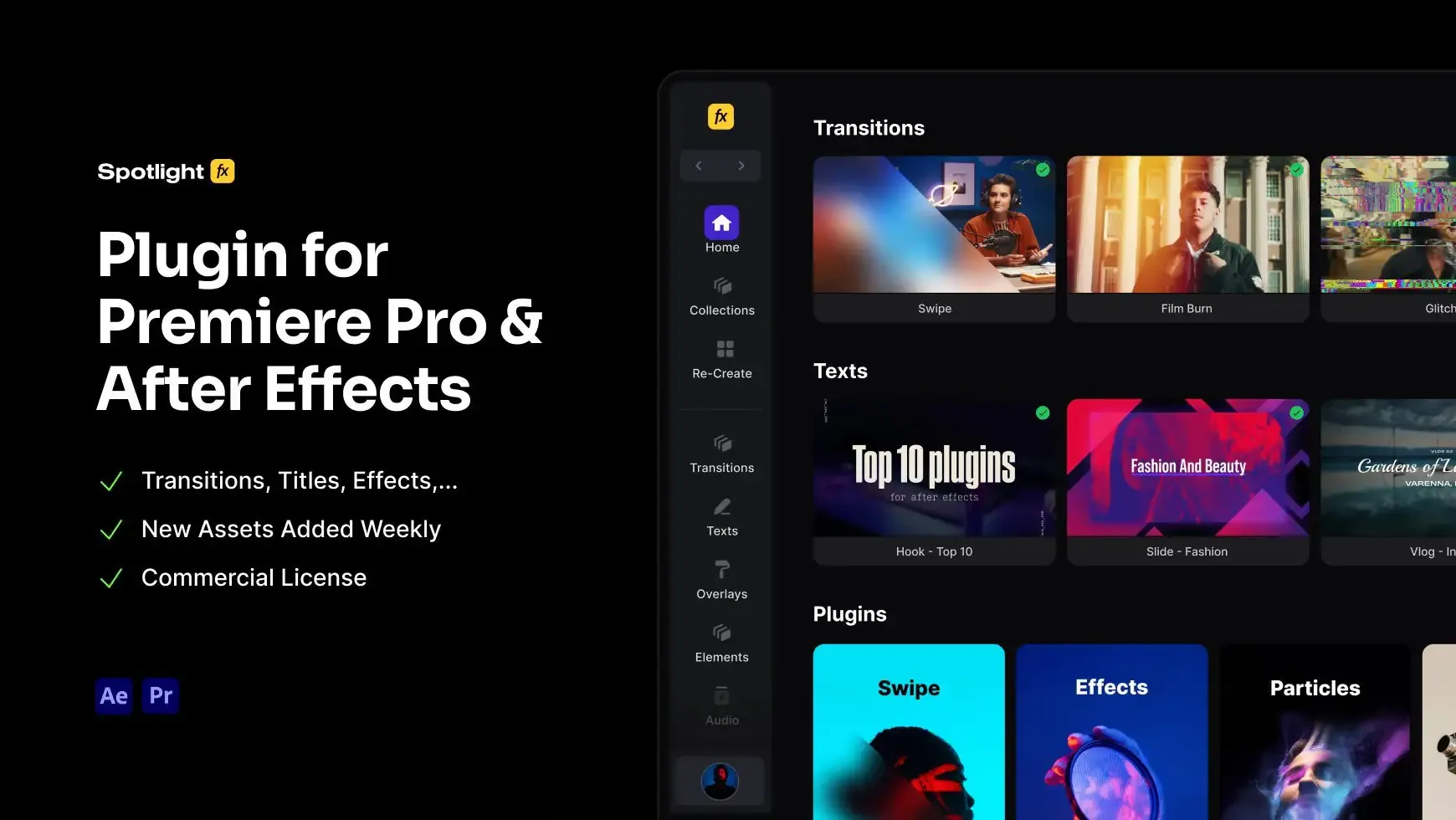
Learn how easy it is to use Premiere Pro Blur Effects Plugin and other Spotlight FX tools.
1

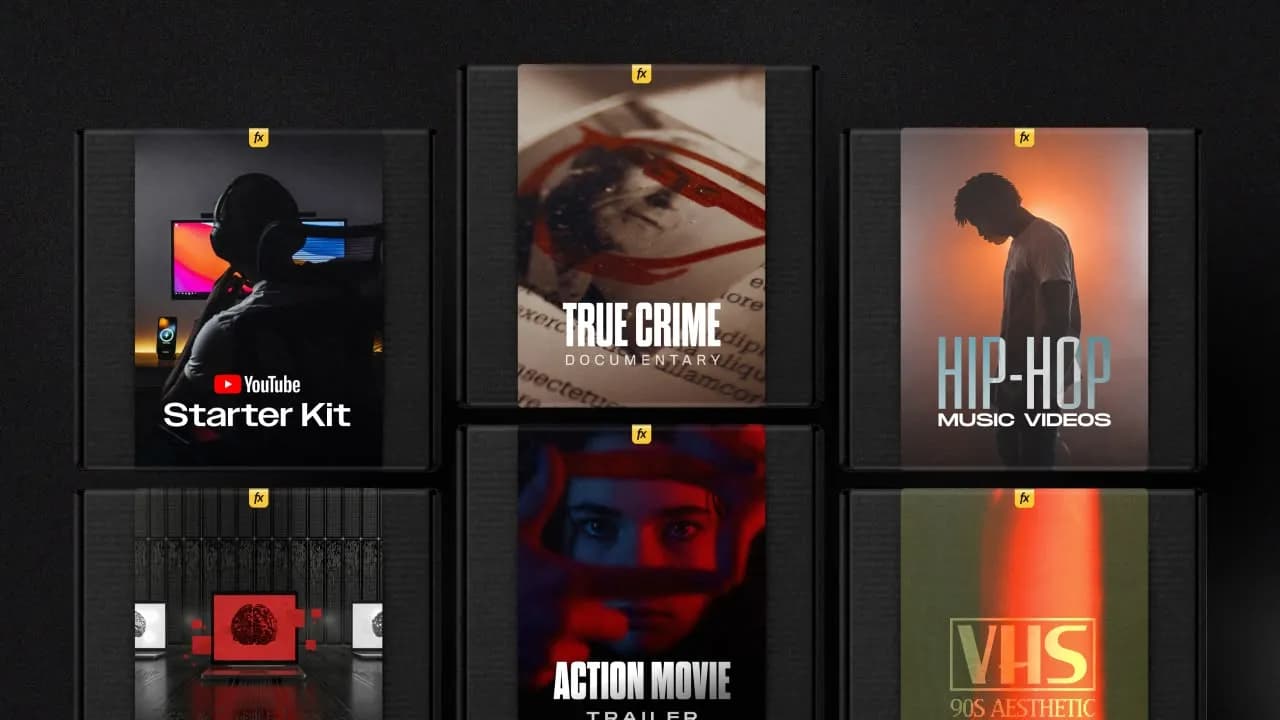
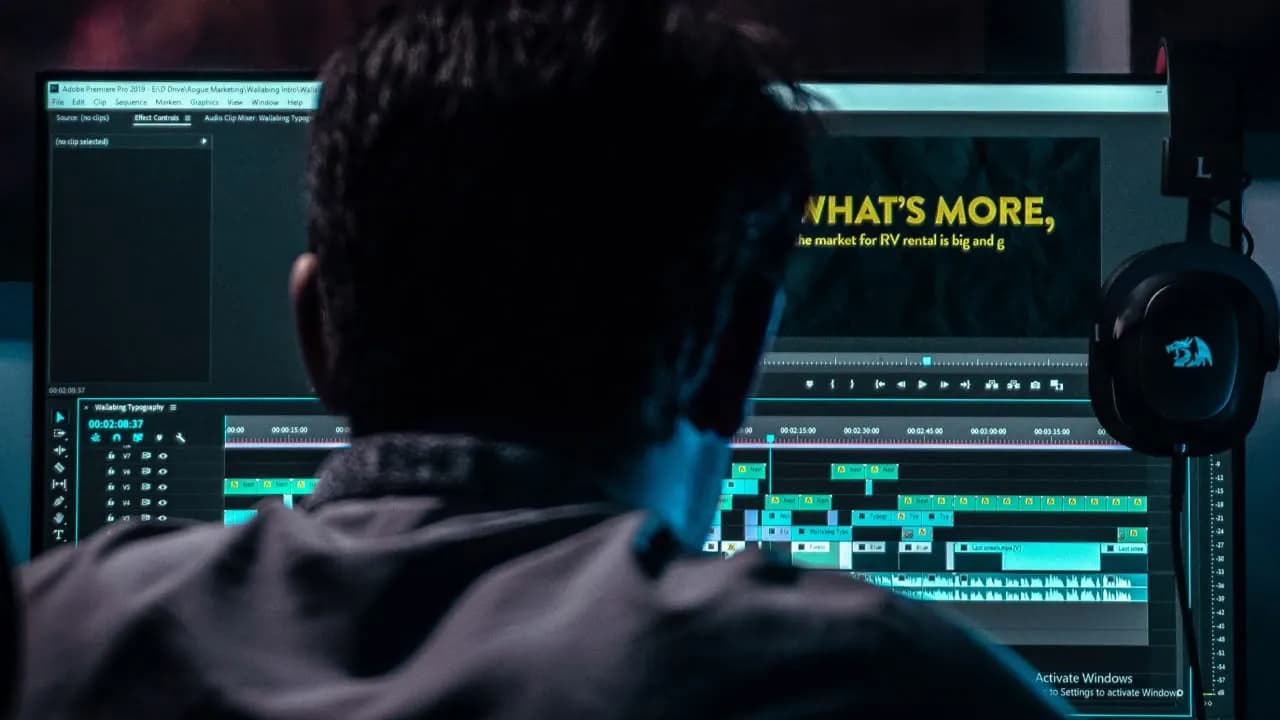
1. Import
Imports happens automatically, no manual setup needed.
2

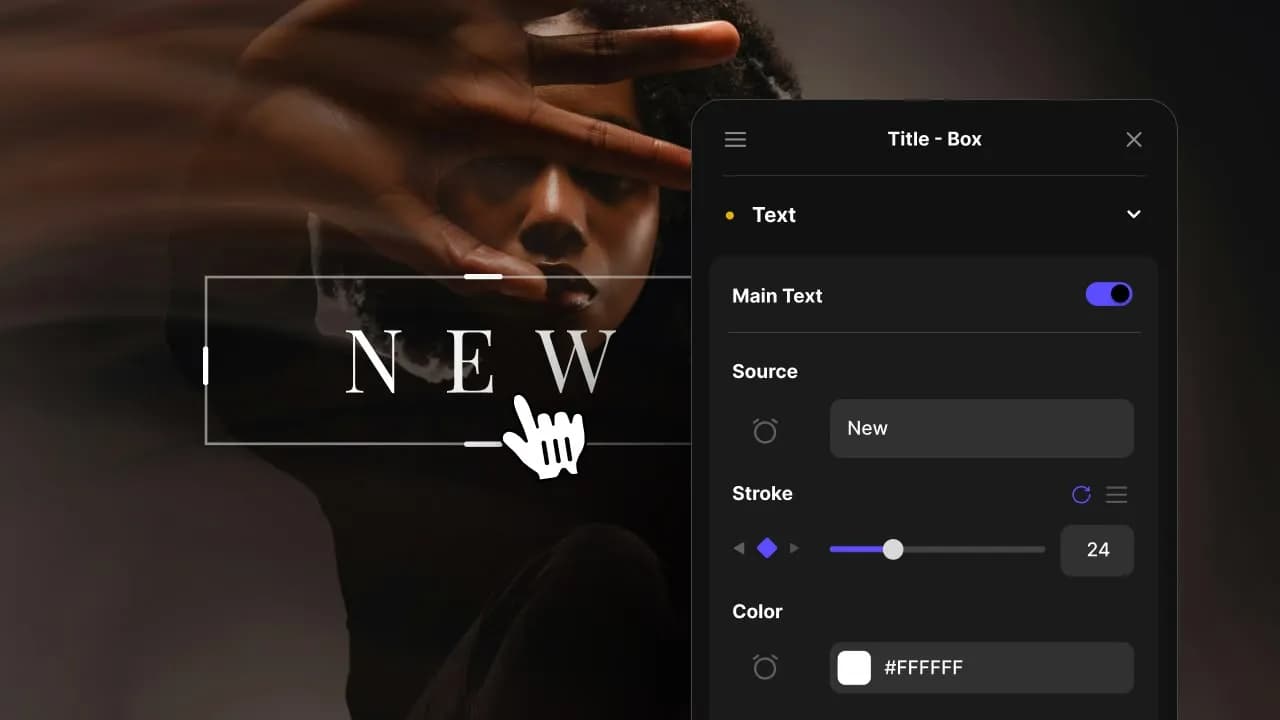
2. Customize
Every item is fully customizable to match the look of your project.
3

3. Render
Preview the results and export your finished video.
30 Templates included
in this Plugin
Explore all included assets and see how they can be used in your edits.
Supports one-click import into Premiere Pro
transition

Fade - Black with Blur
Supports one-click import into Premiere Pro
transition

Fade - White with Blur
Supports one-click import into Premiere Pro
overlay

Blur - Linear Right
Supports one-click import into Premiere Pro
overlay

Blur - Reflected Top & Bot
Supports one-click import into Premiere Pro
overlay

Blur - Radial
Supports one-click import into Premiere Pro
overlay

Blur - Full with Color
Supports one-click import into Premiere Pro
transition

Swipe - Blur Top Right
Supports one-click import into Premiere Pro
transition

Swipe - Blur Down Right
Supports one-click import into Premiere Pro
transition

Swipe - Blur Right
Supports one-click import into Premiere Pro
transition

Swipe - Square
Supports one-click import into Premiere Pro
transition

Swipe - Triangle
Supports one-click import into Premiere Pro
transition

Swipe - Counterclockwise
Supports one-click import into Premiere Pro
transition

Swipe - Linear Right
Supports one-click import into Premiere Pro
transition

Swipe - Linear Top
Supports one-click import into Premiere Pro
transition

Swipe - Linear Down Right
Supports one-click import into Premiere Pro
transition

Swipe - Arrow Right
Supports one-click import into Premiere Pro
transition

Swipe - Arrow Down
Supports one-click import into Premiere Pro
transition

Swipe - In Vertical
Supports one-click import into Premiere Pro
transition

Swipe - In Horizontal
Supports one-click import into Premiere Pro
transition

Swipe - Clock Top Left
Supports one-click import into Premiere Pro
transition

Swipe - Clock Down Right
Supports one-click import into Premiere Pro
overlay

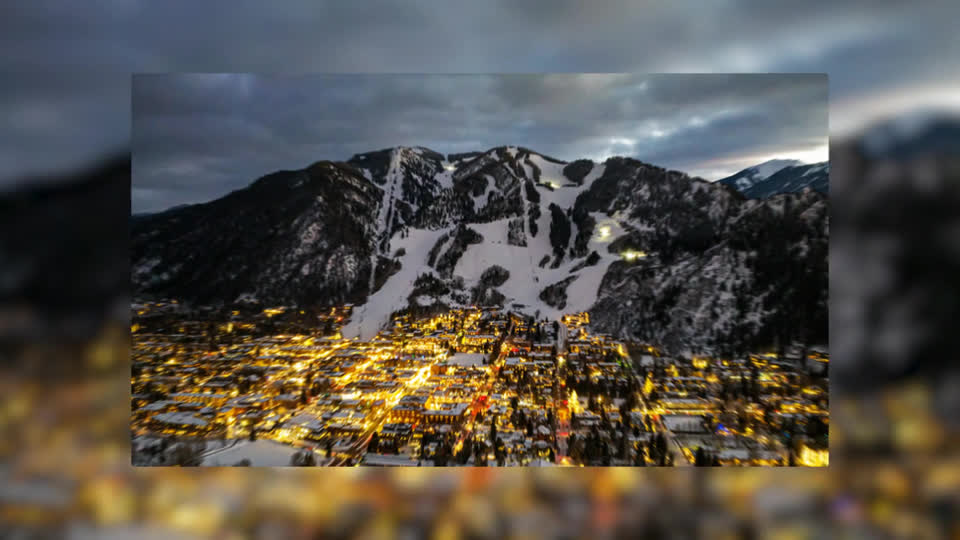
Frame - Picture
Supports one-click import into Premiere Pro
overlay

Frame - Top / Bot
Supports one-click import into Premiere Pro
overlay

Frame - Left / Right
Supports one-click import into Premiere Pro
overlay

Frame - Highlight
Supports one-click import into Premiere Pro
overlay

Focus - Rectangle
Supports one-click import into Premiere Pro
overlay

Focus - Middle
Supports one-click import into Premiere Pro
overlay

Focus - Square
Supports one-click import into Premiere Pro
overlay

Focus - Static Texture
2856+ Templates & Tools
Ready to be Imported
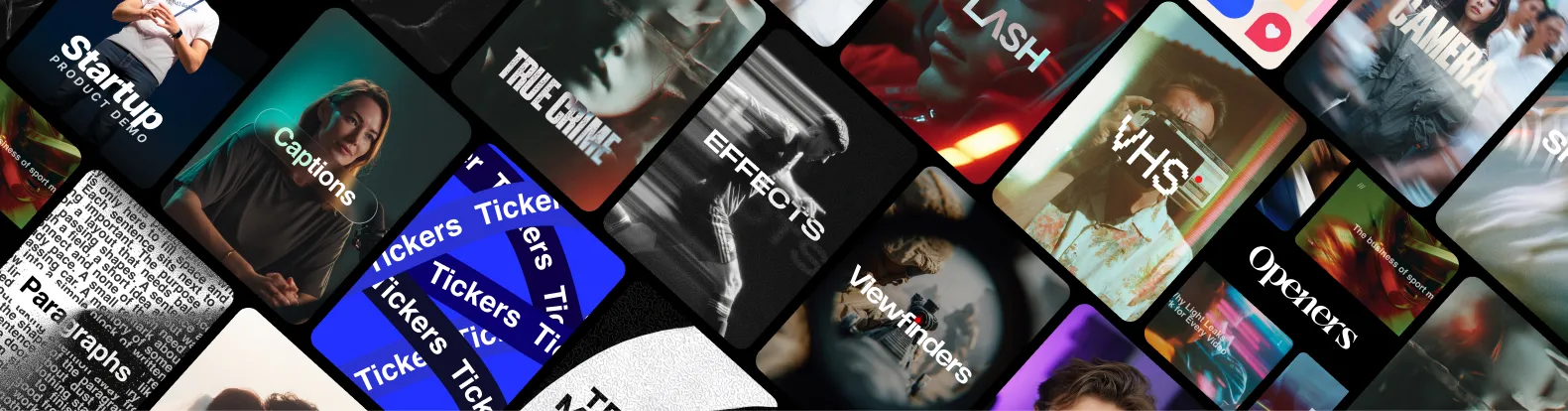
With Spotlight FX, you have access to a full library of customizable templates & tools, so you never have to start from scratch again.
Frequently
Asked Questions.
No manual importing is needed. Open Spotlight FX while working in Premiere Pro, find the plugin you need, and double-click to add it directly to your current sequence. The item appears on your timeline instantly, eliminating the need to navigate through the Essential Graphics panel (or Graphics Templates in Premiere Pro 2025+).
Spotlight FX plugins are optimized for Premiere Pro's timeline performance. Each item is built as a MOGRT that renders efficiently, and because they download directly to your project location, there's no additional strain from external file references. You can also create proxies if working with 4K timelines.
Yes, everything is editable directly in Premiere Pro. Select any plugin item on your timeline, and the Essential Graphics panel (or Properties panel in Premiere Pro 2025+) displays all customizable controls. Change text, adjust colors, modify timing, all without switching to After Effects or any other application.
Yes. Any plugin items you've added to your timeline during your subscription remain in your projects permanently. You can continue editing those items and exporting your videos. The only limitation is you won't be able to download new plugin items added to Spotlight FX after your subscription ends.
Spotlight FX plugins support the last two versions of Premiere Pro. Our cloud-based delivery system ensures that compatibility updates are automatically rolled out when Adobe releases new versions. You'll never have to manually check for updates or reinstall plugins to keep your editing software compatible.
In Spotlight FX, plugins are organized packs of timeline-ready items grouped by purpose or style. Open any plugin to browse its contents, then add individual items to your sequence with a double-click. Each item includes controls in the Essential Graphics panel, so you can customize without touching the underlying composition.
We started Spotlight FX to make editing faster and more fun for creators like you. If something doesn't work as expected, or if you just want to ask a question, don't hesitate to message us. We personally read and reply to every note that comes through.

Save hours on every edit
Download Spotlight FX and start creating amazing videos in no time
Get Spotlight FXDiscover more Premiere Pro Plugins
Explore our collection of professional Premiere Pro plugins designed to speed up your video editing workflow.
plugin
Included

3D Screen
plugin
Included

Tickers
plugin
Included
Buttons
plugin
Included

Captions
plugin
Included

Effects
plugin
Included

Filters
plugin
Included

Frames
plugin
Included

Headlines
plugin
Included

Artifacts
plugin
Included

Kinetic
plugin
Included

Lower Thirds
.jpg&w=3840&q=100)