Counterclockwise Swipe Transition with Blur Effect
4.9 of 5 (18,226 users)
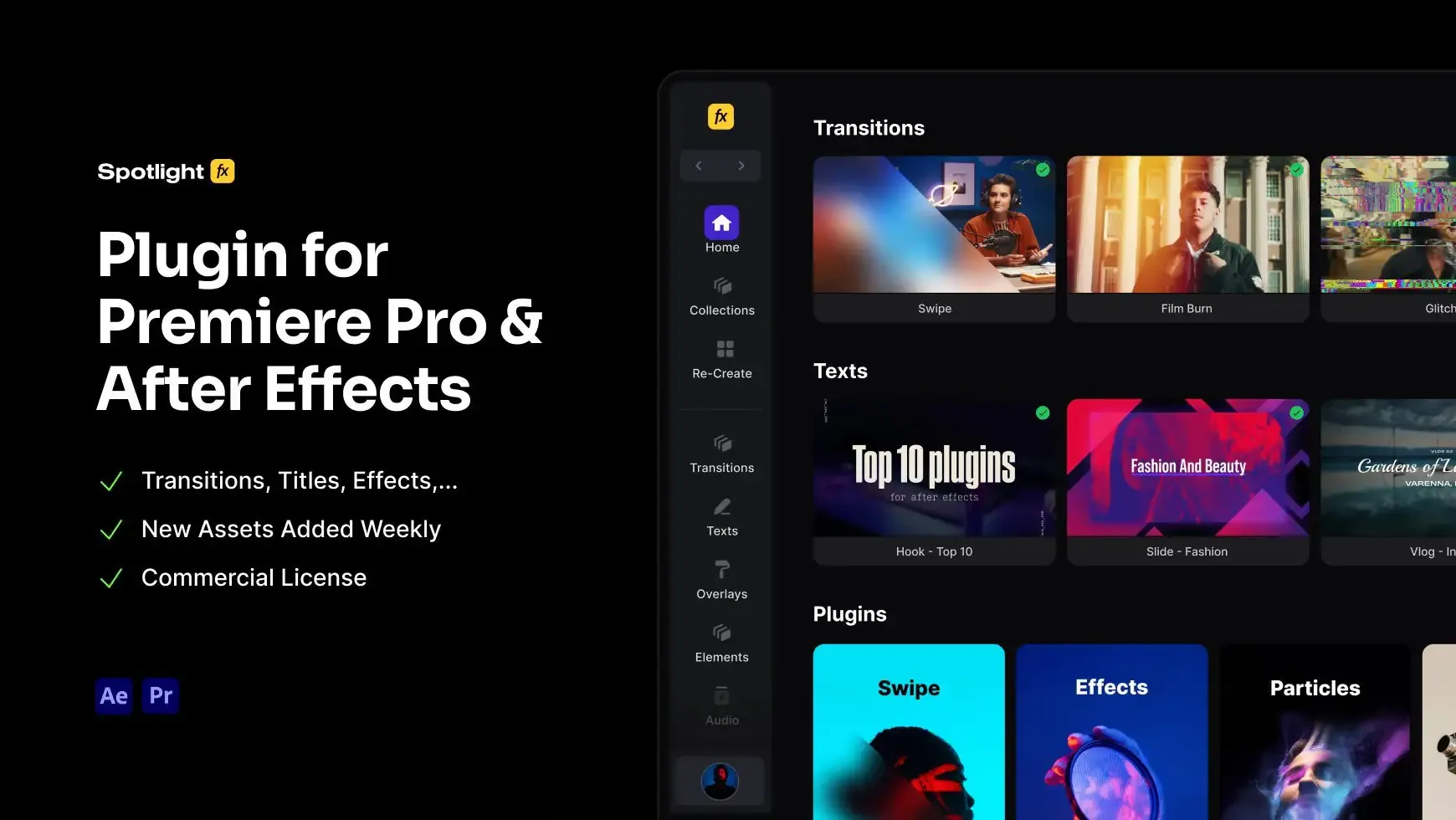
Introduce a dynamic counterclockwise swipe transition with a blur effect into your Premiere Pro edits. This transition, featuring vibrant purple and pink hues, is perfect for creating smooth and seamless scene changes. Drag and drop it into your timeline for quick adjustments. Ideal for filmmakers, freelance editors, and content creators.
Free
Included in Spotlight FX (free)Using After Effects? Check out the After Effects version of Counterclockwise Swipe Transition with Blur Effect.
.jpg&w=3840&q=100)

Have Questions?
- Tom & Denis, co-founders, not a chatbot
14 Days Money-Back Guarantee
We stand behind the quality of Spotlight FX. If you don't love it, we will refund you the full purchase price
Secure Checkout
Secure checkout provided by Stripe, encrypted and protected.
See How It Works
Learn how easy is to use Spotlight FX templates.
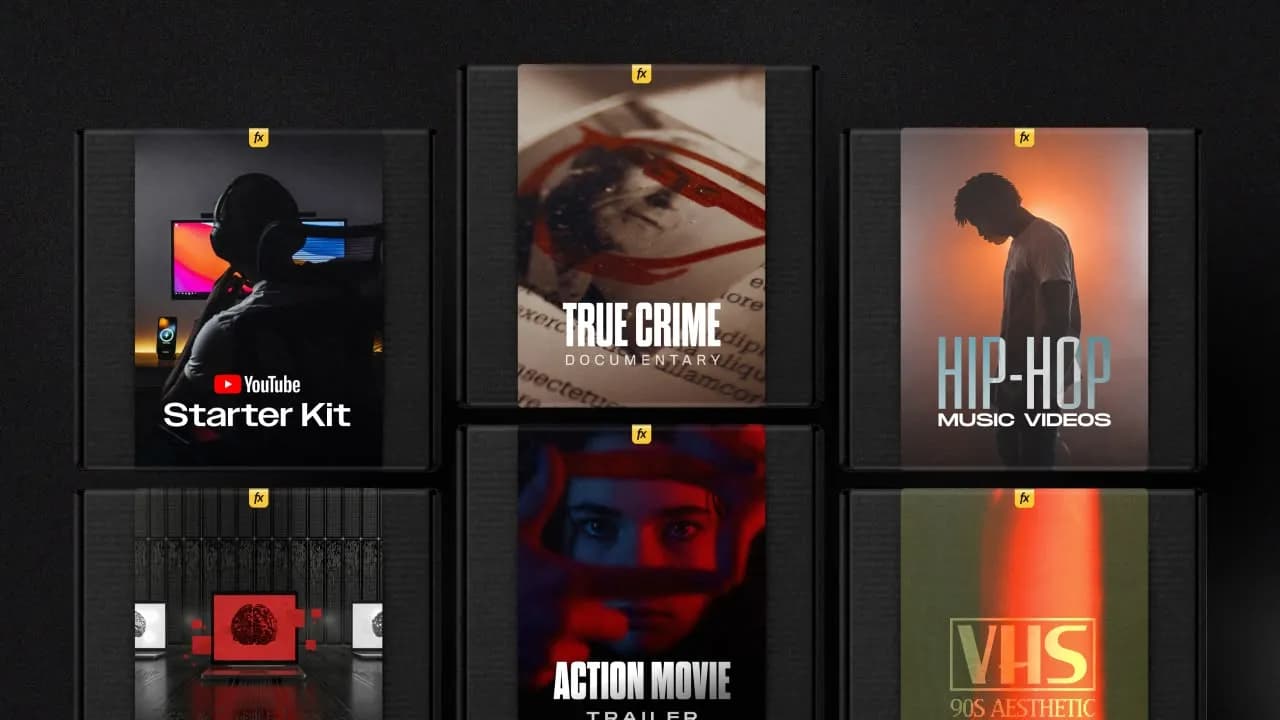
1. Import
Imports happens automatically, no manual setup needed.
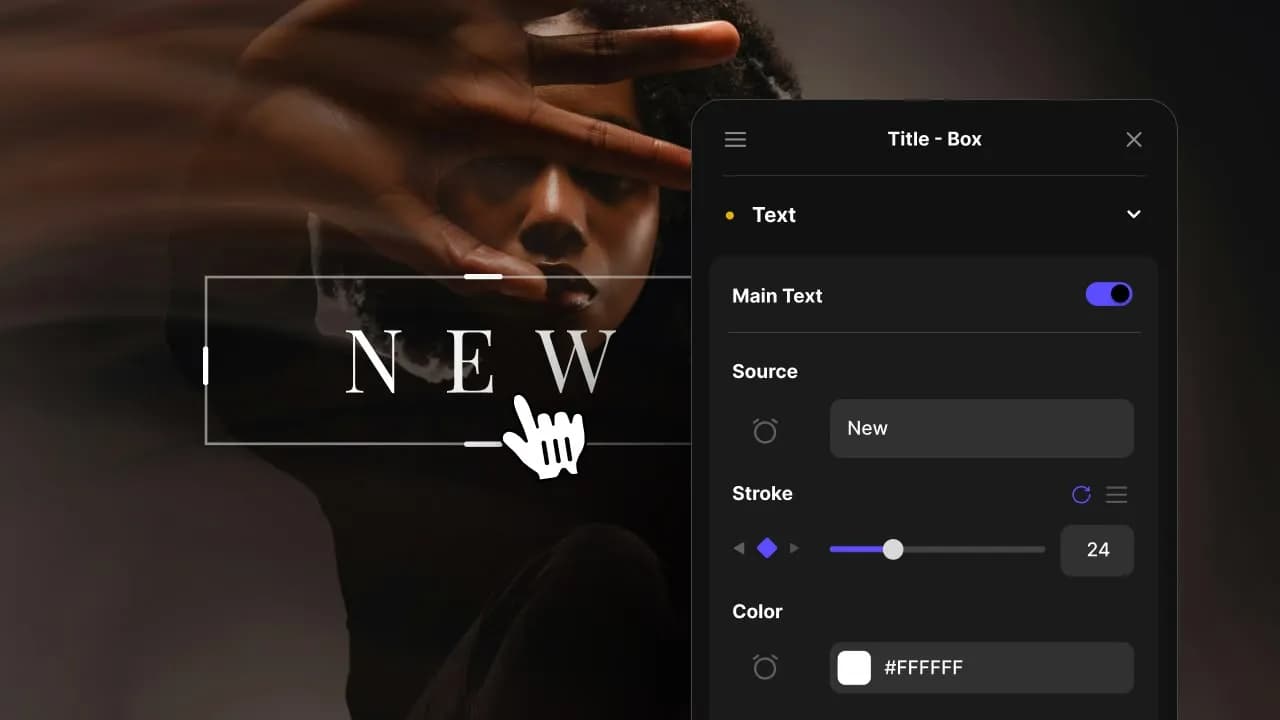
2. Customize
Every item is fully customizable to match the look of your project.
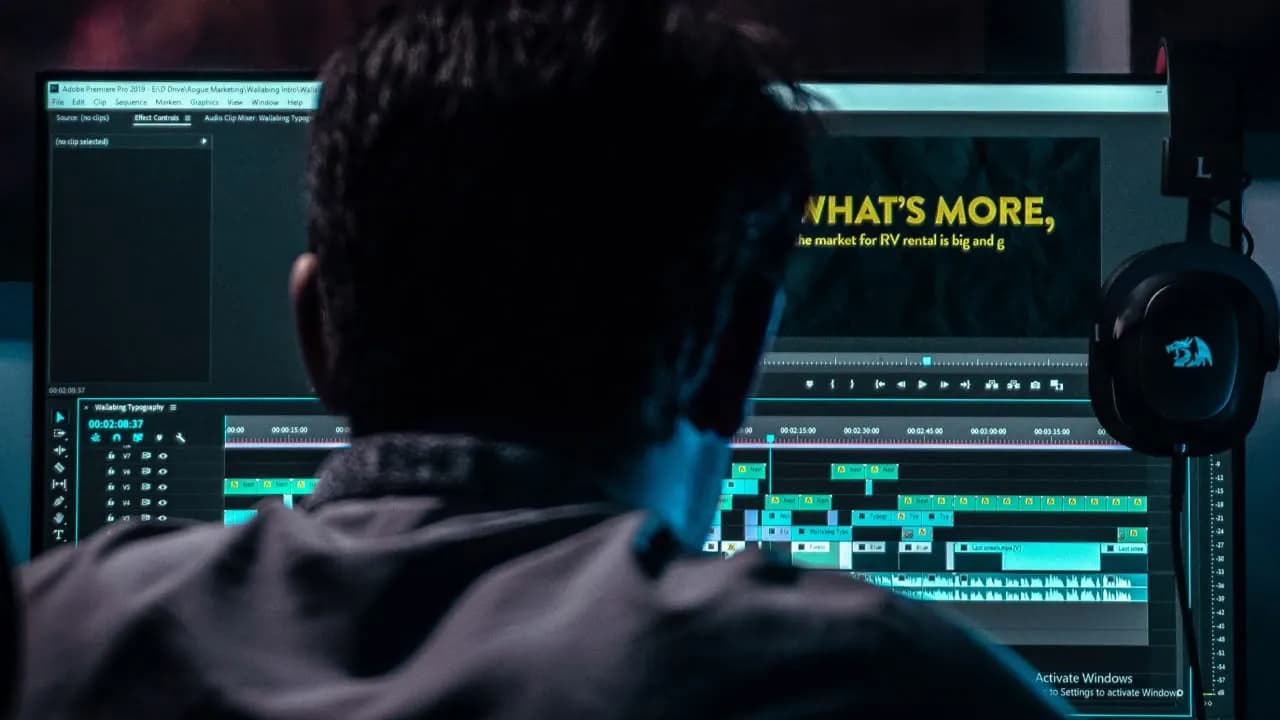
3. Render
Preview the results and export your finished video.
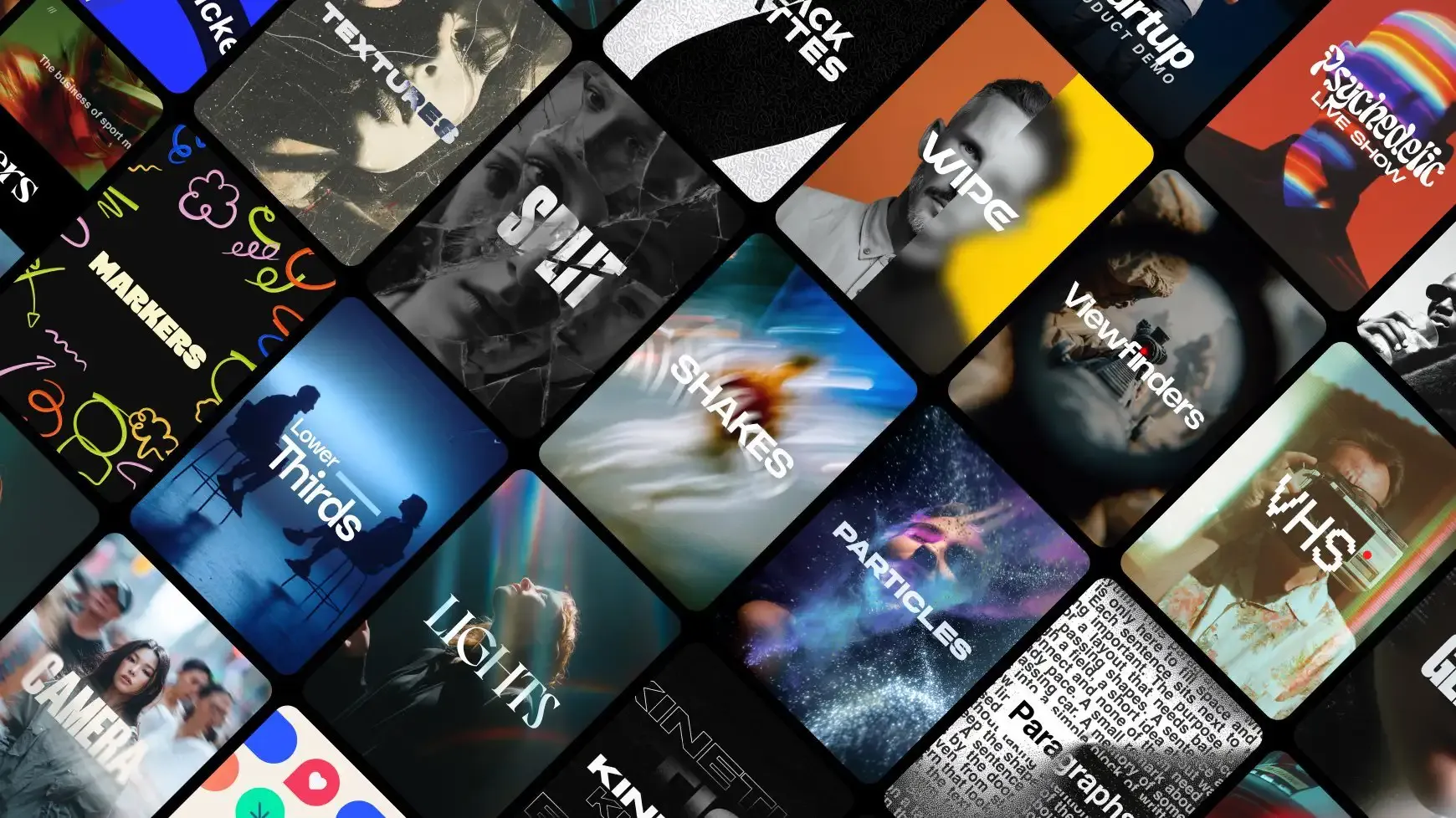
3454+ Templates Included with Spotlight FX Plugin
With Spotlight FX, you have access to a full library of customizable templates, so you never have to start from scratch again.
Frequently
Asked Questions.

Start saving hours of work on every edit.
Explore All AssetsDiscover more Premiere Pro Templates
Explore our collection of professional Premiere Pro templates designed to speed up your video editing workflow.
transition
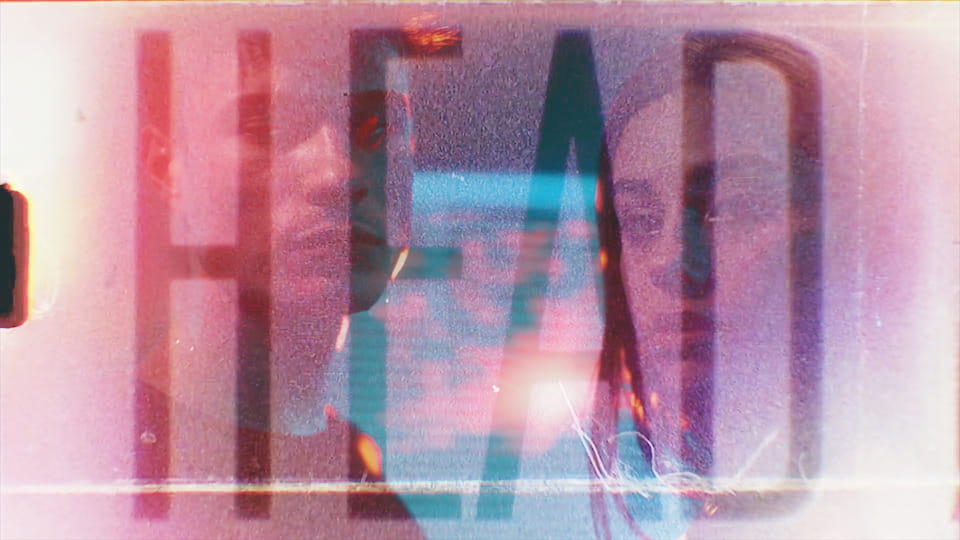
Film Light Leak - Text Strip
transition
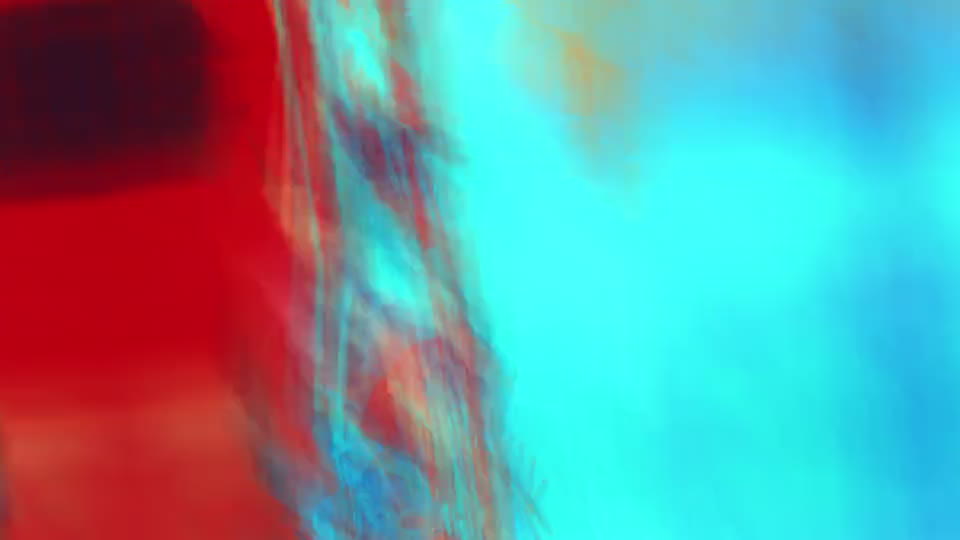
RGB Shake - Edges Rotation
transition
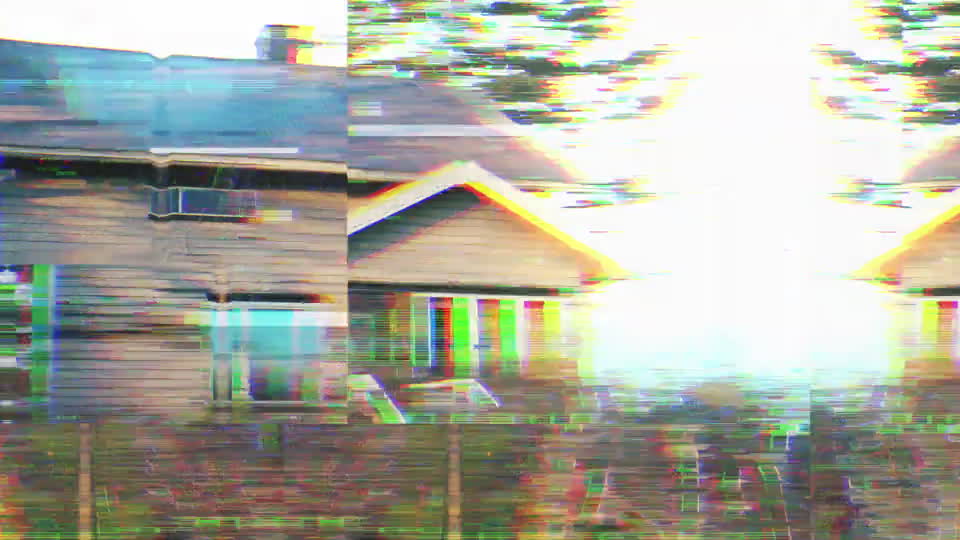
Recording - Camera Error
transition
Warp - Down Left
transition
Damage - Cut
transition
Optical - Middle
transition

Swipe - Right
transition

Fast Pan - Down Left
transition

Arrow - Down