Excellent support, Denis helped me resolve my issue in seconds.
Preview 1 of 6
4.9 of 5 (18,672 users)
All-in-one plugin
Secure Checkout provided by Stripe / Link

14-day money-back guarantee
If you don’t love it, contact us within 14 days for a full refund.

Support from the people who build it
Need a hand getting started? Our team is here to help.
18,672
Users
Built in-house
By the Spotlight FX team
Editor's
Choice
Made for editors
Designed for real projects
4.9 / 5
Rating
Commercial use
For your work and clients


14-day guarantee
Secure checkout
Mac & Windows
One script is just the start
Spotlight FX is a plugin for Adobe Premiere Pro and After Effects with 3,045 customizable assets and a growing set of editing tools. Discover more ways to animate, style your footage and skip repetitive work, all in one place.
Meet the Toolbox
Add a zoom to a YouTube video, move across a photo in a documentary or change an overlay in a wedding film. The Spotlight FX Toolbox brings these editing tools into your Adobe app, so you can keep working on the video.
Zoomy · Premiere Pro
Bring the viewer closer to a face or a detail in your shot. Pick the zoom point, amount and speed, then apply the move. Zoomy builds the animation in Premiere Pro so you don't have to set up each zoom by hand.
Moovy · Premiere Pro
A photo or newspaper clipping can stay on screen while your story moves on. Use Moovy to move across it, choose the speed and add another move where you need it. You can guide the viewer from one detail to the next without building each movement from scratch.
Made for your next edit
Keyframe easing · After Effects
When text and graphics start or stop too suddenly, easing softens the movement. Select the keyframes that control your animations and choose a curve. Apply the same easing across your selection instead of adjusting every layer separately.
Copy easing · After Effects
Once an animation feels right, the next one shouldn't need the same adjustments again. Copy its easing and paste it onto other keyframes. Your text and graphics can share the same smooth start and finish while keeping their own positions and sizes.
Looper · After Effects
Need a short clip to last through a longer scene? Select it and apply Looper to repeat the footage in After Effects. Keep the movement going without filling the timeline with copies of the same clip.
Made for your next edit
Anchor point · After Effects
The anchor point decides where a layer turns or grows from. Move it to the center, an edge or a corner with a button. Your graphic stays in place while you set up the point it will rotate or scale around.
Renamer · After Effects
A project full of long file names is harder to scan. Select the items, type a name and add a number sequence. Renamer gives them clear, consistent names without making you open and edit each one.
Blending modes · Premiere Pro
A light effect can look very different depending on how it mixes with the footage below. Switch between blending modes from the Toolbox and compare the result in your video. Keep the look that suits the shot.
Your workspace
Keep the Toolbox where it's comfortable to use. Leave it in a floating window or dock it beside your video in Premiere Pro. Your controls and the result can sit side by side while you edit.
Your favorites
If you keep reaching for the same tools, pin them to the top of the list. Arrange your favorites in the order you use them, then open the controls you need. Less scrolling between the small jobs you repeat throughout an edit.
Excellent support, Denis helped me resolve my issue in seconds.
We are creating many shorts for social media, and even as a beginner in premiere pro, I was able to create good looking videos.
We are a studio of 20 people, and this has completely changed our workflow.
I only discovered extensions yesterday. I can't believe it. All this time I have been designing animations manually.
Perfect! Absolutely astounding support. Thank you!
Thank you very much for your help and congratulations on the amazing work you are doing. Your tools are truly valuable and inspiring for beginner creators like me.
I love the assets, great stuff on that. they aren't too gimmicky like the others in other packs and plugins.
This plugin is absolutely best.
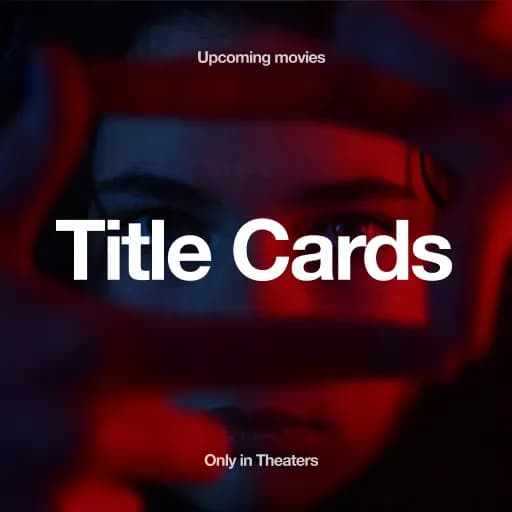
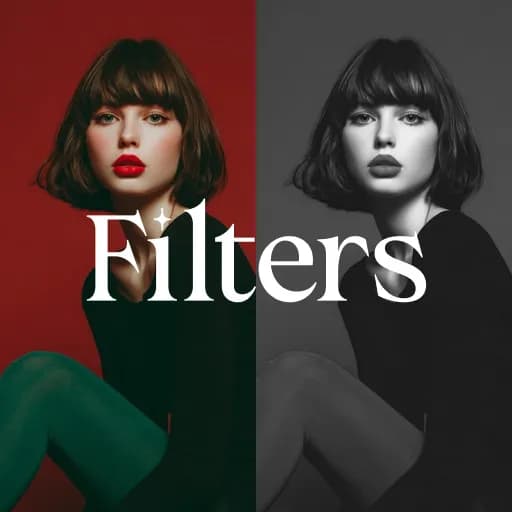
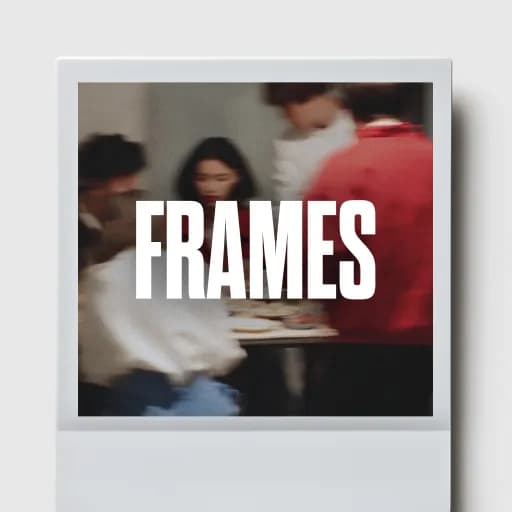
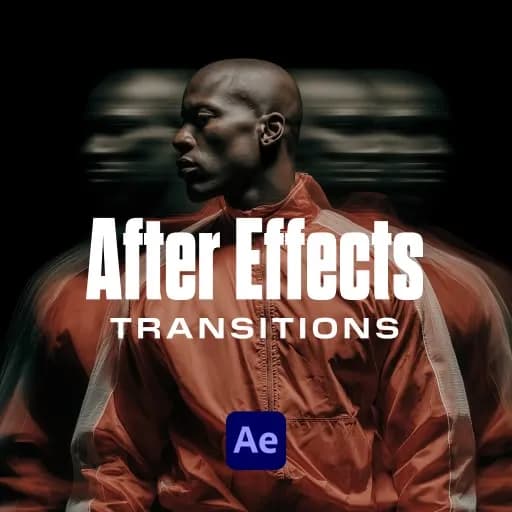
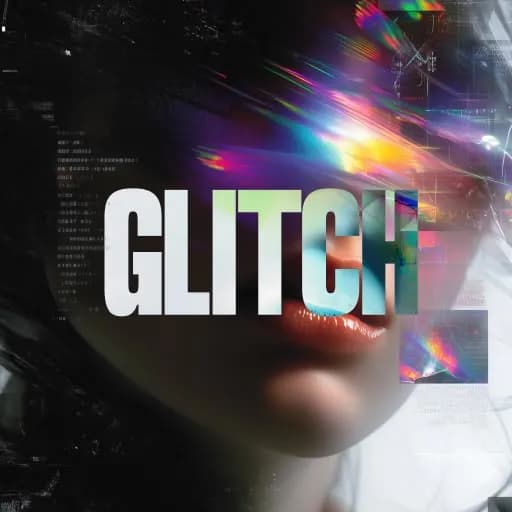
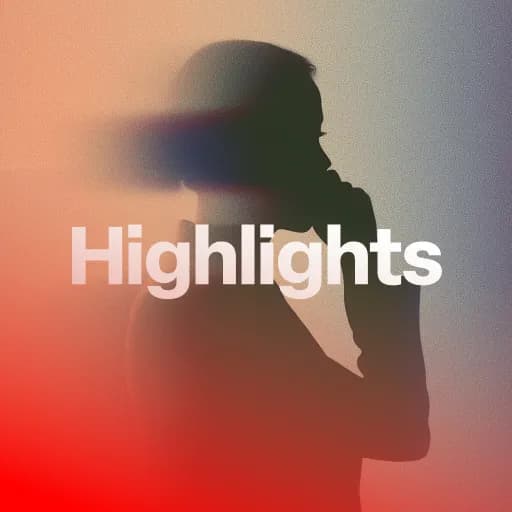
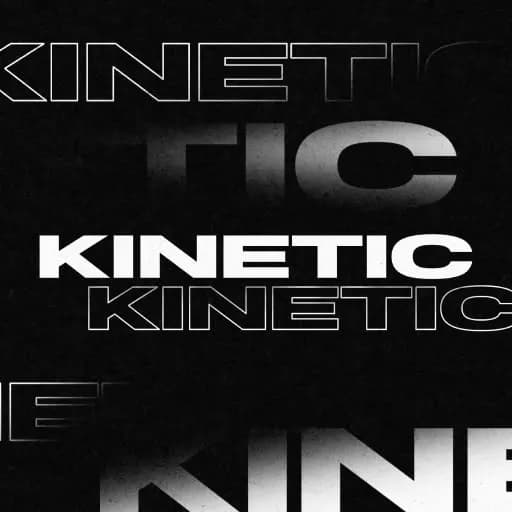
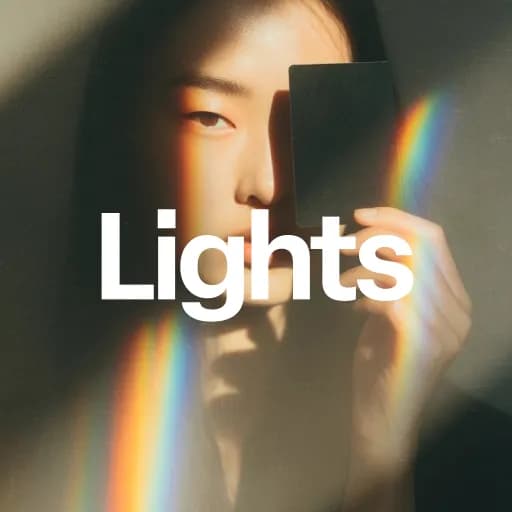
A selection of Spotlight FX creative assets.
Everything for your next edit
From your first title to the final transition. Get the assets and tools together, right inside your editing app.
Your purchase includes
3,045 templates
Titles, transitions, effects and graphics
57 plugins
Organized collections of editing assets
10 collections
Find a look that fits your project
10 workflow tools
Provisional value. Currently free.
Commercial license
For personal and client projects
$399.00
Save approximately $4,875 compared to buying our templates individually
Our promise
Try it in your next edit, or get your money back.
14
Days money-back guarantee
Put Spotlight FX to work in your own projects. If it isn’t the right fit, contact us within 14 days of purchase for a full refund.
Buy Spotlight FX, stress freeA selection of Spotlight FX creative assets.
Browse our extensive library of After Effects scripts to automate tasks and boost productivity.