Excellent support, Denis helped me resolve my issue in seconds.
FOR TRUE CRIME VIDEO CREATORS
Explain names, dates and evidence clearly, with graphics you can change for each case.
4.9 of 5 (18,672 users)
18,672
Users
Editor's
Choice
4.9 / 5
Rating
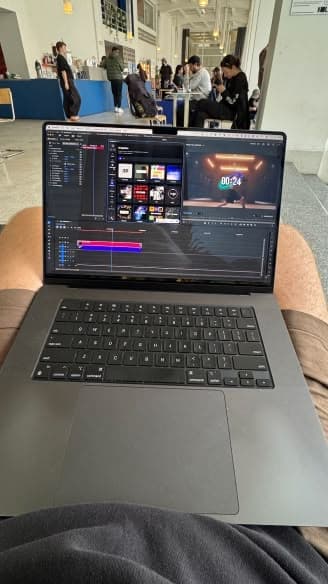
Spotlight FX is a plugin for Premiere Pro and After Effects. Build the visual explanation around your research with editable text and graphics for case episodes and documentary analysis.
YOU HAVE RESEARCHED THE CASE
Seven ways to present the evidence, vary the graphics and correct the on-screen facts while keeping your attention on the account you are telling.
Case clarity
You know the case. Someone hearing it for the first time does not. Put the relevant name, date or place beside the material you discuss, so the viewer can follow each change without remembering every detail from the narration.
Visible evidence
A full page of a report gives the viewer too much to read at once. Direct attention to the passage or detail in your narration. Keep the source visible so the explanation stays connected to the evidence.
Episode variety
You have used the same graphics in several episodes and are running out of ways to vary them. Choose another style in Spotlight FX and adapt it to this case. Keep the channel familiar without repeating every graphic.
Made for your next edit
Long-form workload
The case already needs research, writing and a recorded narration. Use editable graphics for the names, documents and explanations around that work. Start with their animation built, then enter the material your episode needs.
Responsible tone
A victim’s photograph may need a name and date, with little else added. Choose simple text and reduce the movement around sensitive material. Help viewers follow the facts while keeping attention on the people in the story.
Changing details
You catch a wrong date or revise a name while checking the narration. Update the matching on-screen text in the existing graphic. Check it against the script without rebuilding the animation just to make the correction.
Excellent support, Denis helped me resolve my issue in seconds.
We are creating many shorts for social media, and even as a beginner in premiere pro, I was able to create good looking videos.
We are a studio of 20 people, and this has completely changed our workflow.
I only discovered extensions yesterday. I can't believe it. All this time I have been designing animations manually.
Perfect! Absolutely astounding support. Thank you!
Thank you very much for your help and congratulations on the amazing work you are doing. Your tools are truly valuable and inspiring for beginner creators like me.
I love the assets, great stuff on that. they aren't too gimmicky like the others in other packs and plugins.
This plugin is absolutely best.
Channel identity
An episode may combine police reports, news clips and family photos. Give them a shared style for names, dates and source labels. Keep the original material visible while making the episode’s graphics consistent.
A simpler editing workflow
Spend more time on the edit and less time managing your assets.
| Comparison |  Spotlight FX Spotlight FX |  Editing packs Editing packs |
|---|---|---|
| Find your assets | One library inside your editor | Separate folders and packs |
| After Effects + Premiere Pro | Both editors in one plugin | Compatibility varies by pack |
| New items | New designs to explore | Separate pack downloads |
| Curated collections | Browse by style and project | Organize your own folders |
| Workflow tools | Templates and tools together | Find extra tools separately |
| Make it your own | Customize inside your editor | Controls vary by template |
| Add to your edit | Add directly to your timeline | Import each download |
More time for your next edit. Your assets and tools, together in one place.
Preview 1 of 6
4.9 of 5 (18,672 users)
All-in-one plugin
Secure Checkout provided by Stripe / Link

14-day money-back guarantee
If you don’t love it, contact us within 14 days for a full refund.

Support from the people who build it
Need a hand getting started? Our team is here to help.
18,672
Users
Built in-house
By the Spotlight FX team
Editor's
Choice
Made for editors
Designed for real projects
4.9 / 5
Rating
Commercial use
For your work and clients


14-day guarantee
Secure checkout
Mac & Windows
Made for your next edit
Our promise
Try it in your next edit, or get your money back.
14
Days money-back guarantee
Put Spotlight FX to work in your own projects. If it isn’t the right fit, contact us within 14 days of purchase for a full refund.
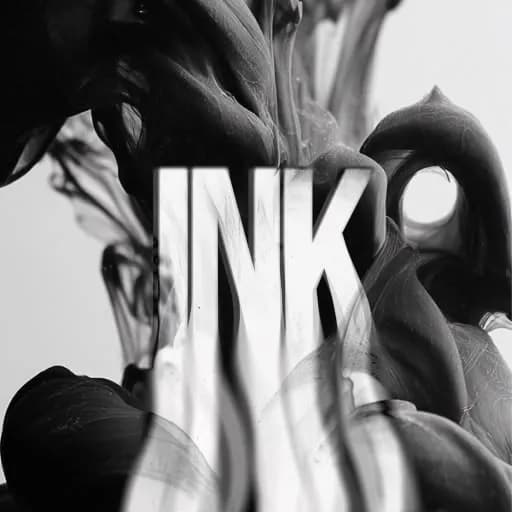
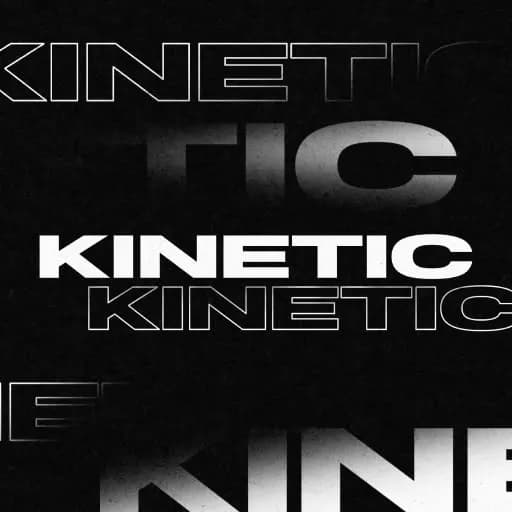
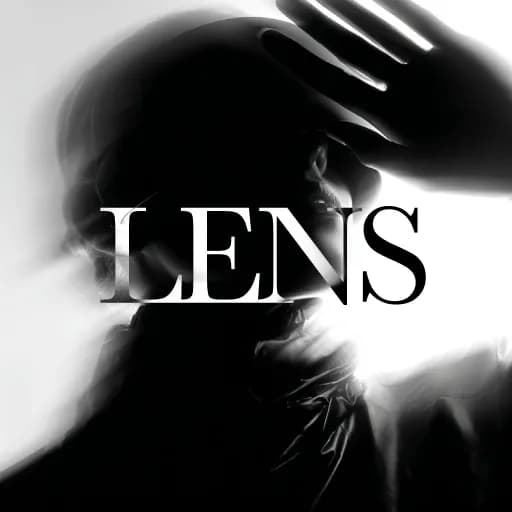
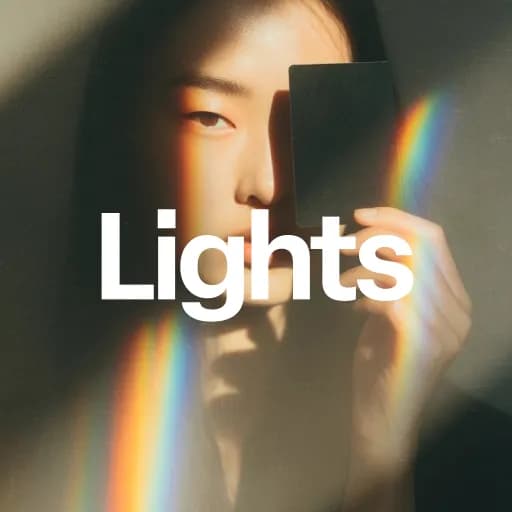
Buy Spotlight FX, stress freeA selection of Spotlight FX creative assets.
Everything for your next edit
From your first title to the final transition. Get the assets and tools together, right inside your editing app.
Your purchase includes
3,045 templates
Titles, transitions, effects and graphics
57 plugins
Organized collections of editing assets
10 collections
Find a look that fits your project
10 workflow tools
Provisional value. Currently free.
Commercial license
For personal and client projects
$399.00
Save approximately $4,875 compared to buying our templates individually
A selection of Spotlight FX creative assets.