New Film Overlays for Premiere Pro and After Effects

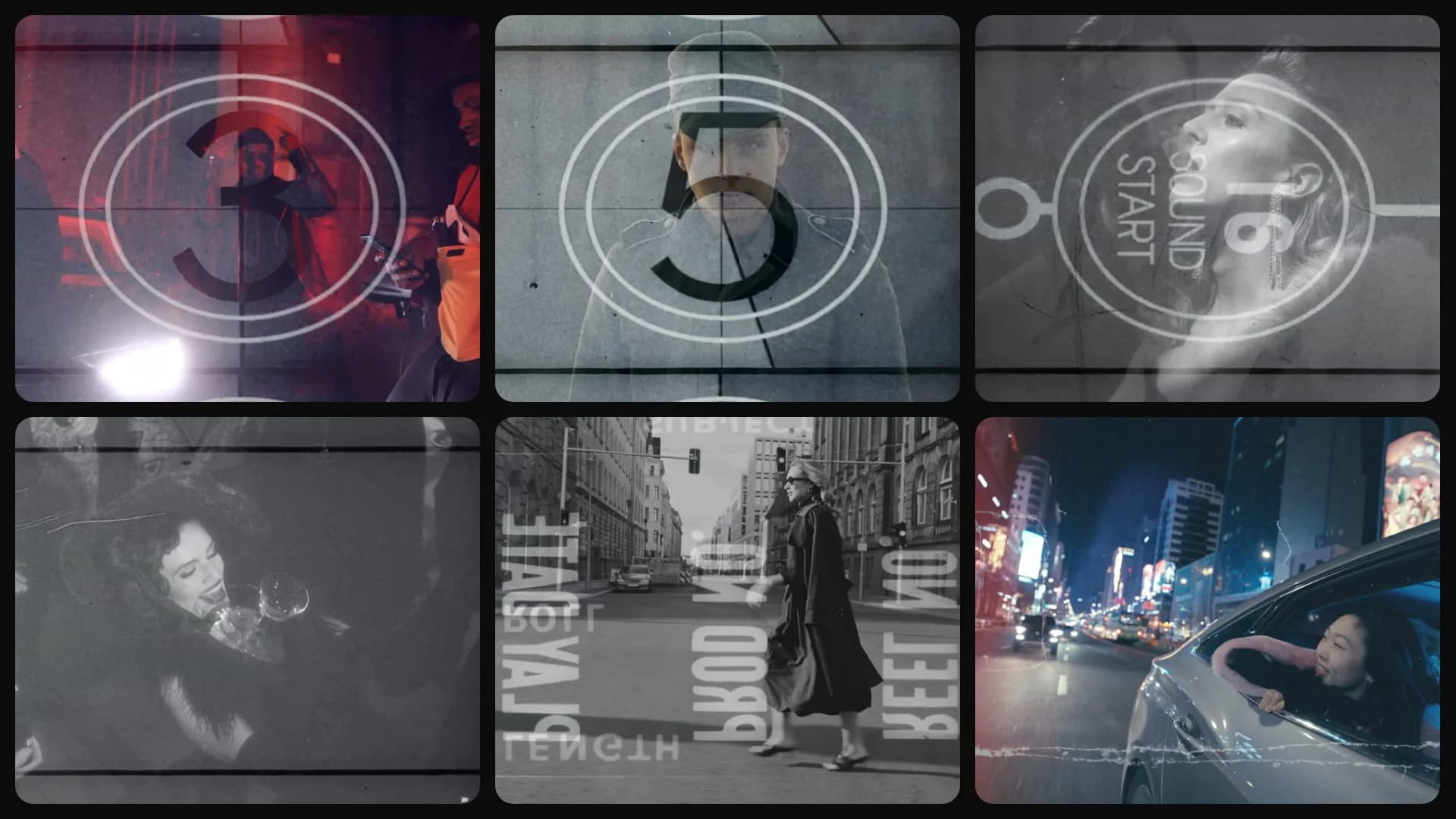
Table of Contents
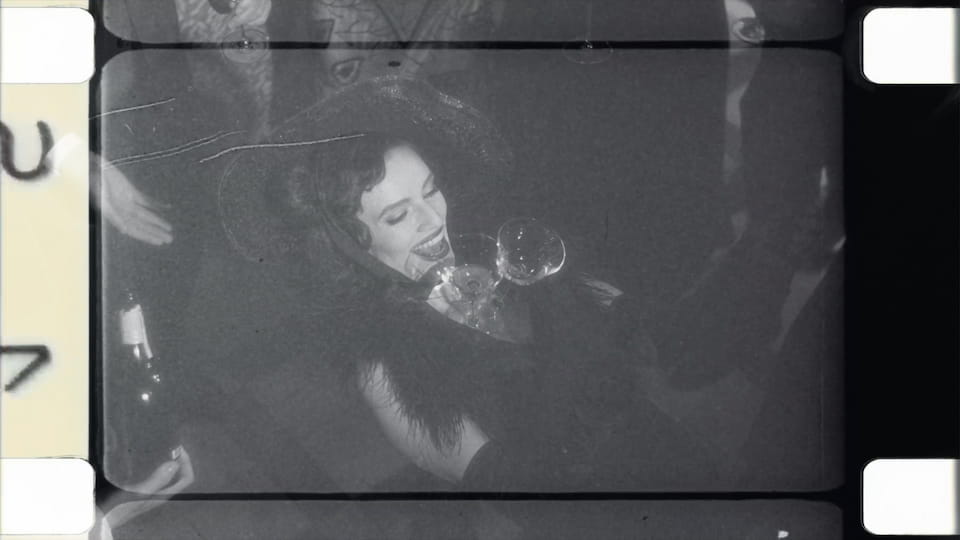
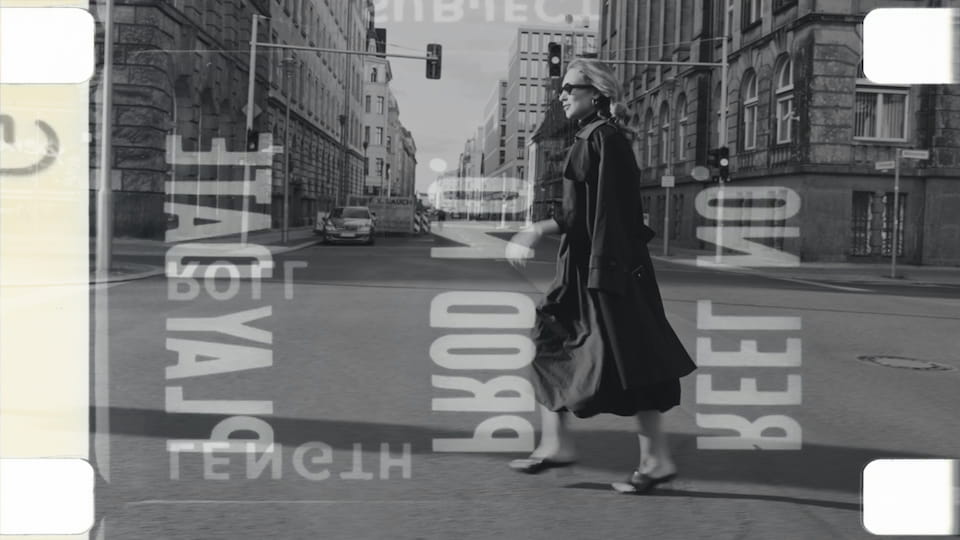
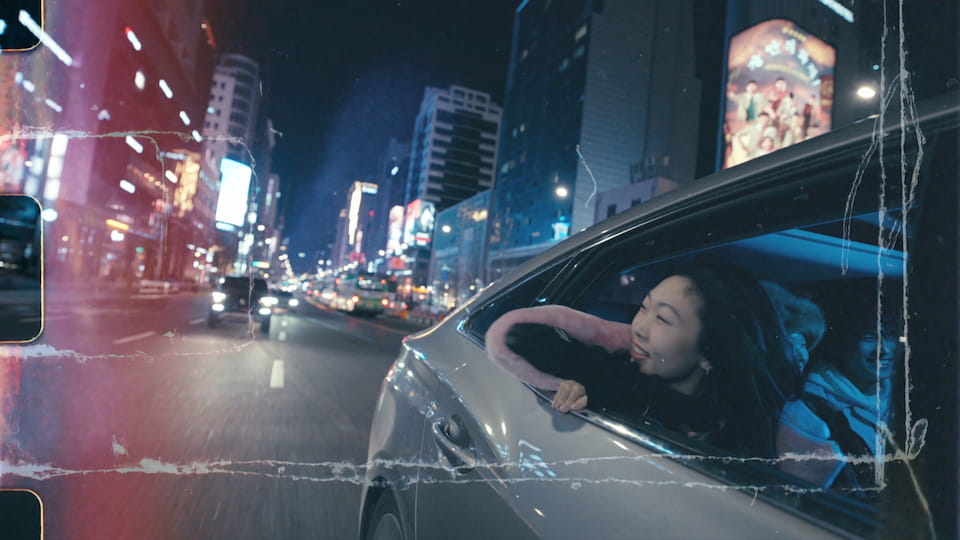
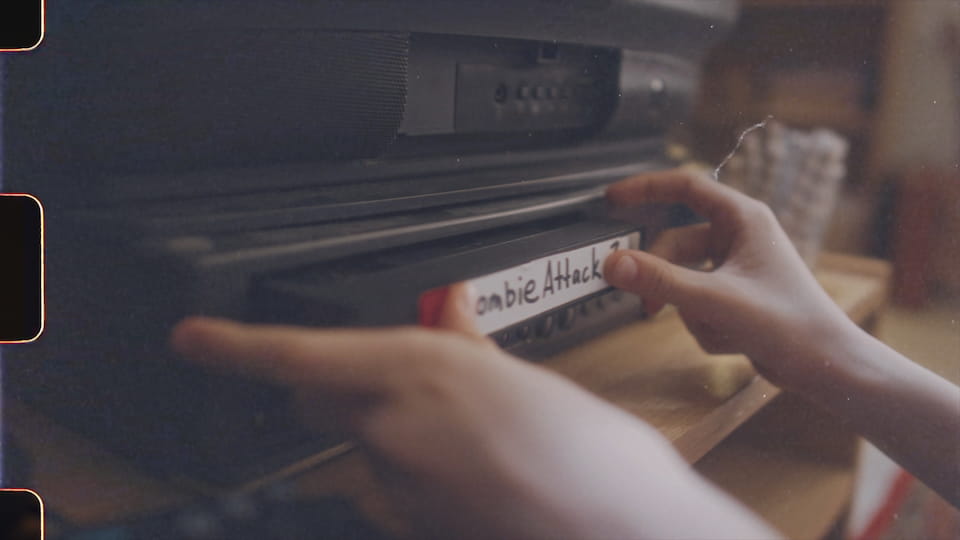
This week we added 7 film overlays. Getting that vintage film look usually means stacking grain, scratches, and frame borders by hand. Now you bring the whole look into your timeline in one click, from soft Super 8mm grain to scratched 35mm with light leaks and a 3-2-1 countdown leader for your intro.
Where the film look comes from
The retro film aesthetic keeps coming back, in music videos, title sequences, and the moody b-roll everyone saves to a mood board. Building it from scratch eats time and rarely sits right the first try. We wanted the whole look ready to use so you spend your time editing, not layering textures.
Film Frames, Leaders, and Countdowns
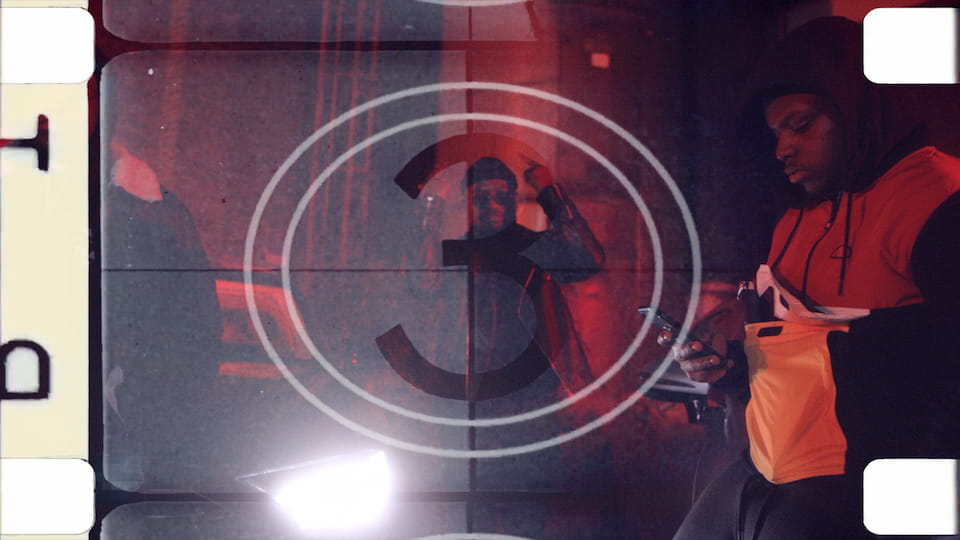
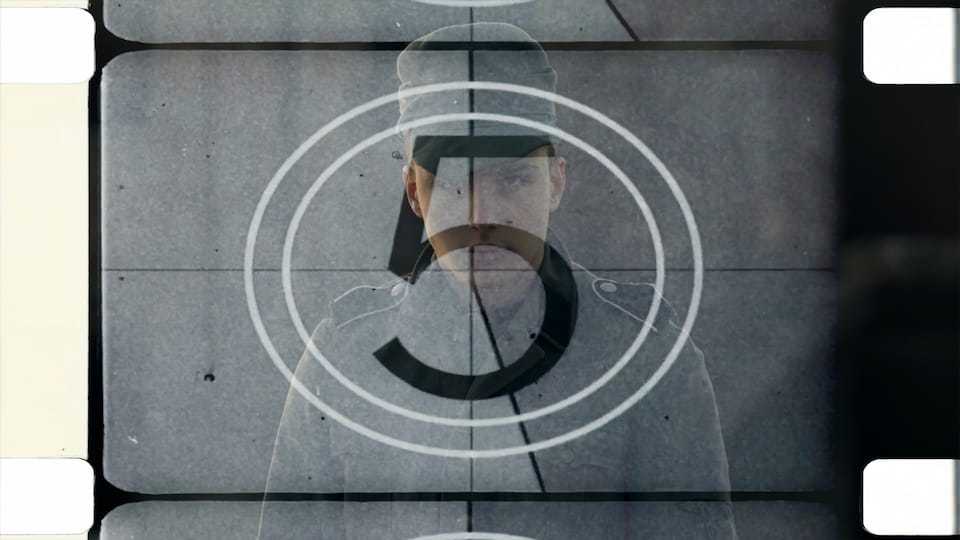
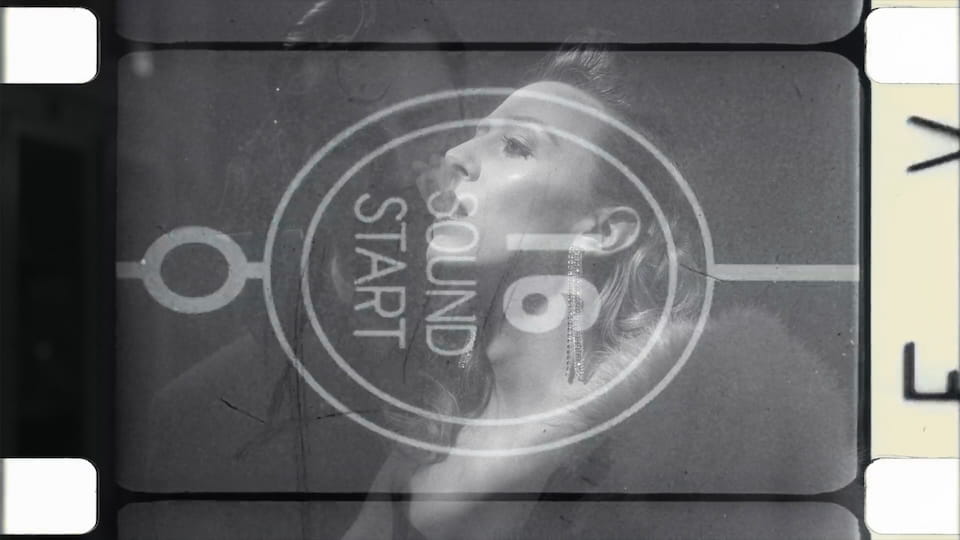
Each one makes fresh footage feel aged and cinematic. Super 8mm and Super 16mm frames with rounded gates and sprocket holes, a grainy scratched 35mm frame with light leaks, a typographic film frame, and two countdown leaders that tick from 3 down to your first shot.
Bring them into your edit
Double-click any overlay to add it straight to your timeline, then open the Editor to set the strength, color, and timing to match your footage. Each one lives on its own layer, so nothing is baked onto your clip and you stay in full control of how heavy the grain and scratches feel. They work the same in both Premiere Pro and After Effects, and they are live now. Just open the plugin and check the new assets on Home.