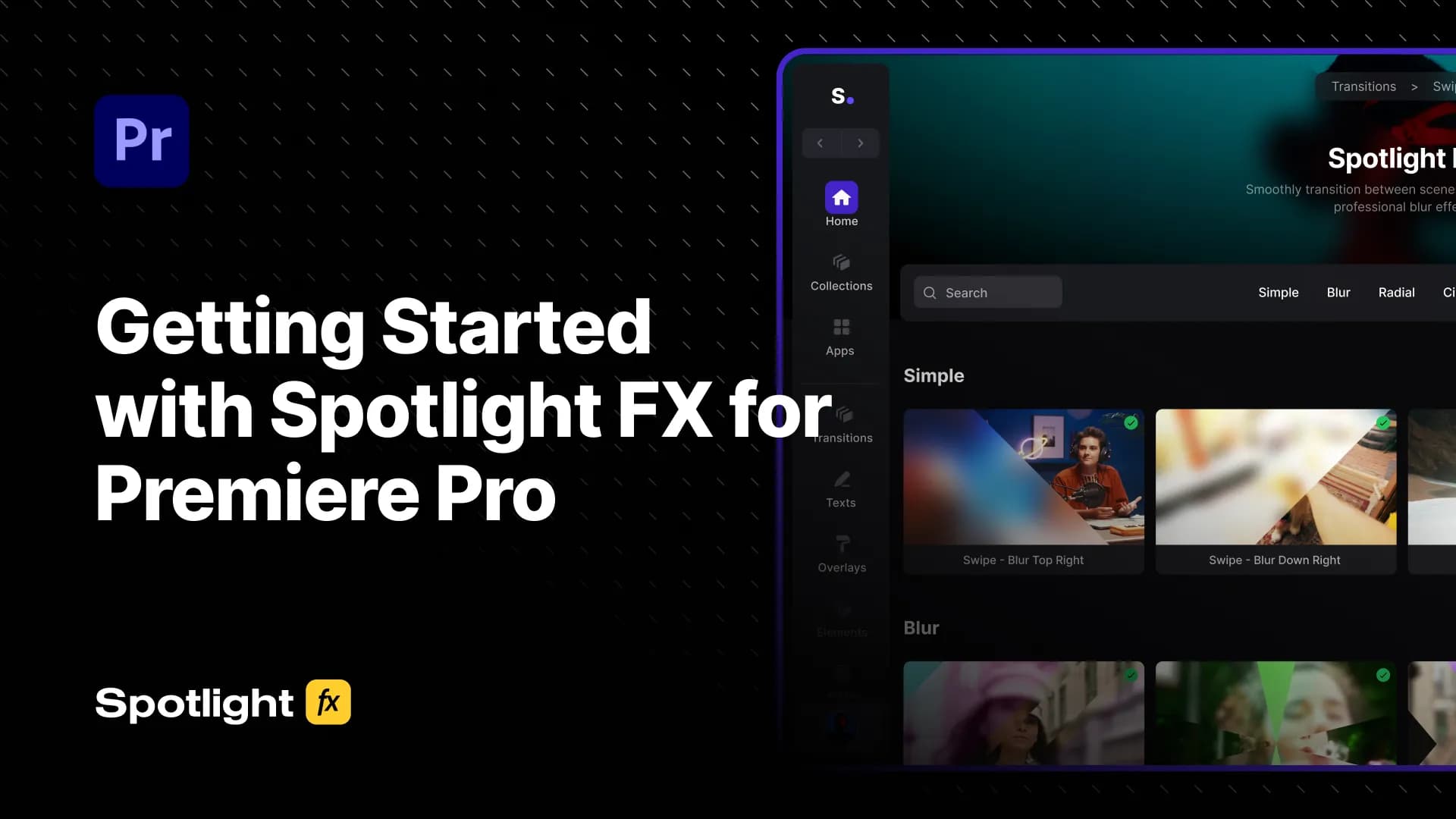
Getting Started with Spotlight FX for Premiere Pro
New to Spotlight FX? This guide walks you through everything, from installing the plugin to importing items, editing them, using the Toolbox, and finding the right assets fast with Collections and search.
Premiere Pro Tutorials & Articles
Learn Adobe Premiere Pro editing techniques, workflows, and tips to enhance your video editing skills.
 Premiere Pro
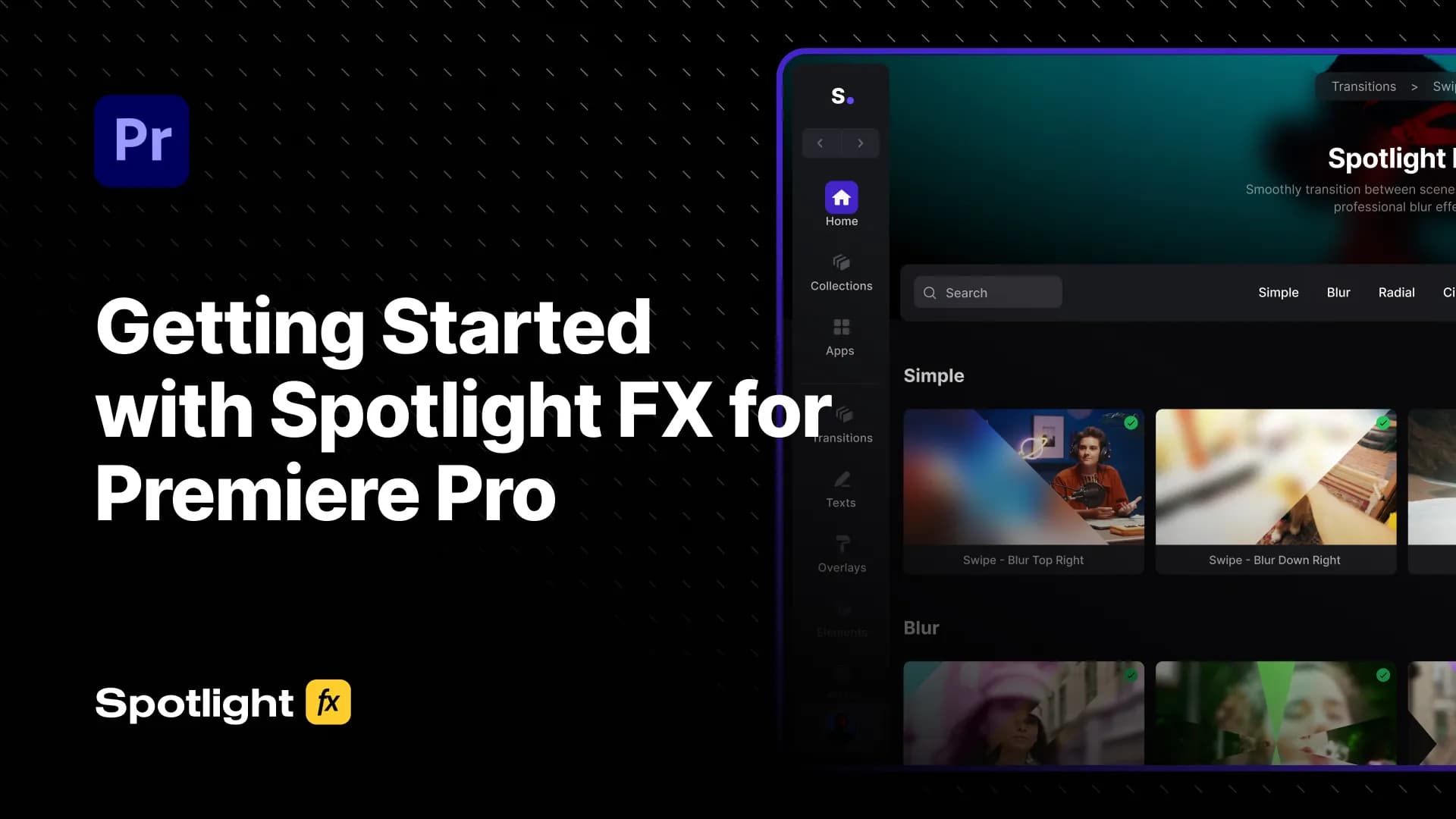
Getting Started with Spotlight FX for Premiere Pro
New to Spotlight FX? This guide walks you through everything, from installing the plugin to importing items, editing them, using the Toolbox, and finding the right assets fast with Collections and search.
 After Effects
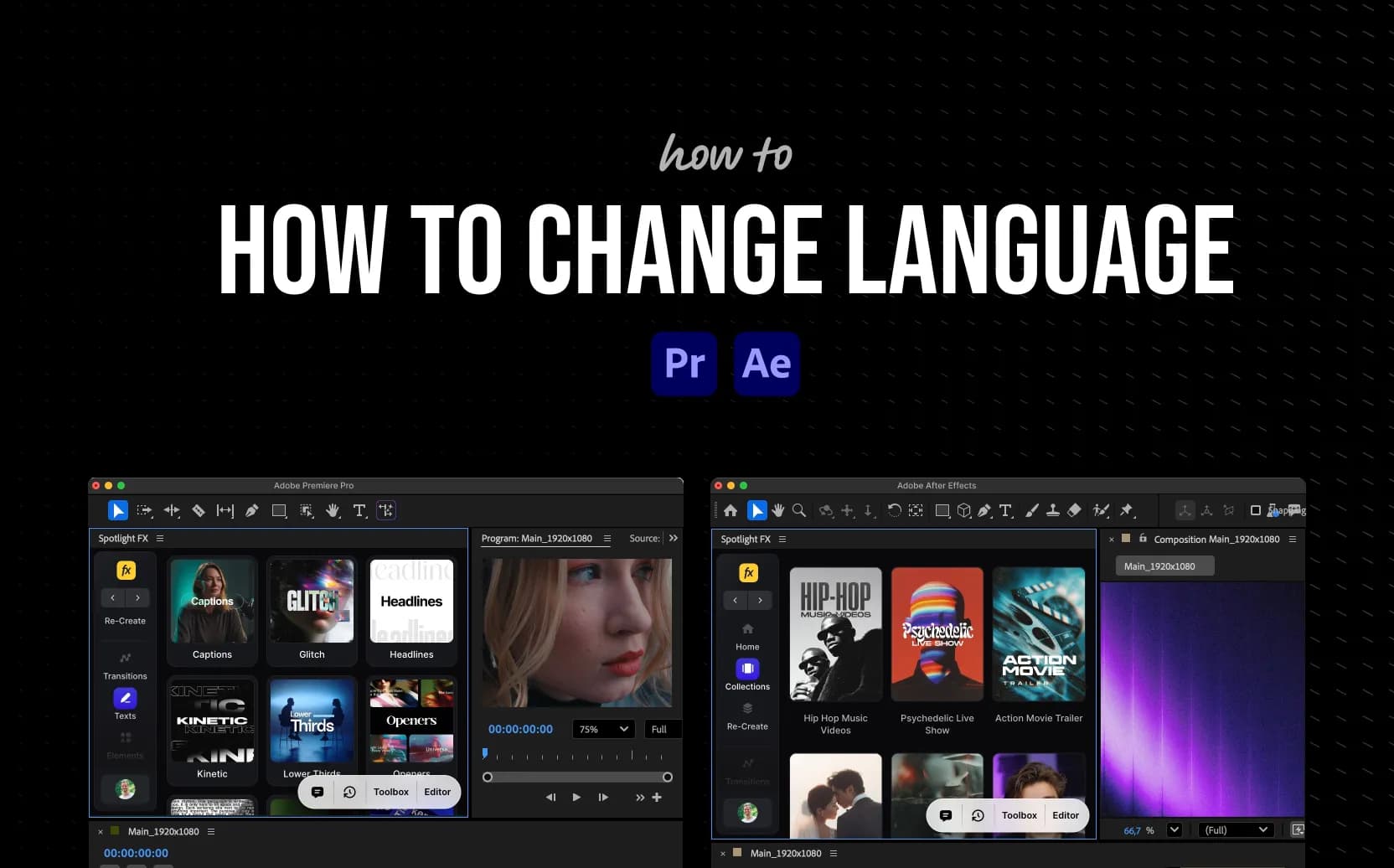
How to Change Language in Premiere Pro and After Effects (Step-by-Step)
Learn how to change the language in Adobe Premiere Pro and After Effects using the built-in developer console. Follow our simple step-by-step guide and find all supported language codes in one place. Premiere Pro users can also do it in one click with our free script.
 Premiere Pro
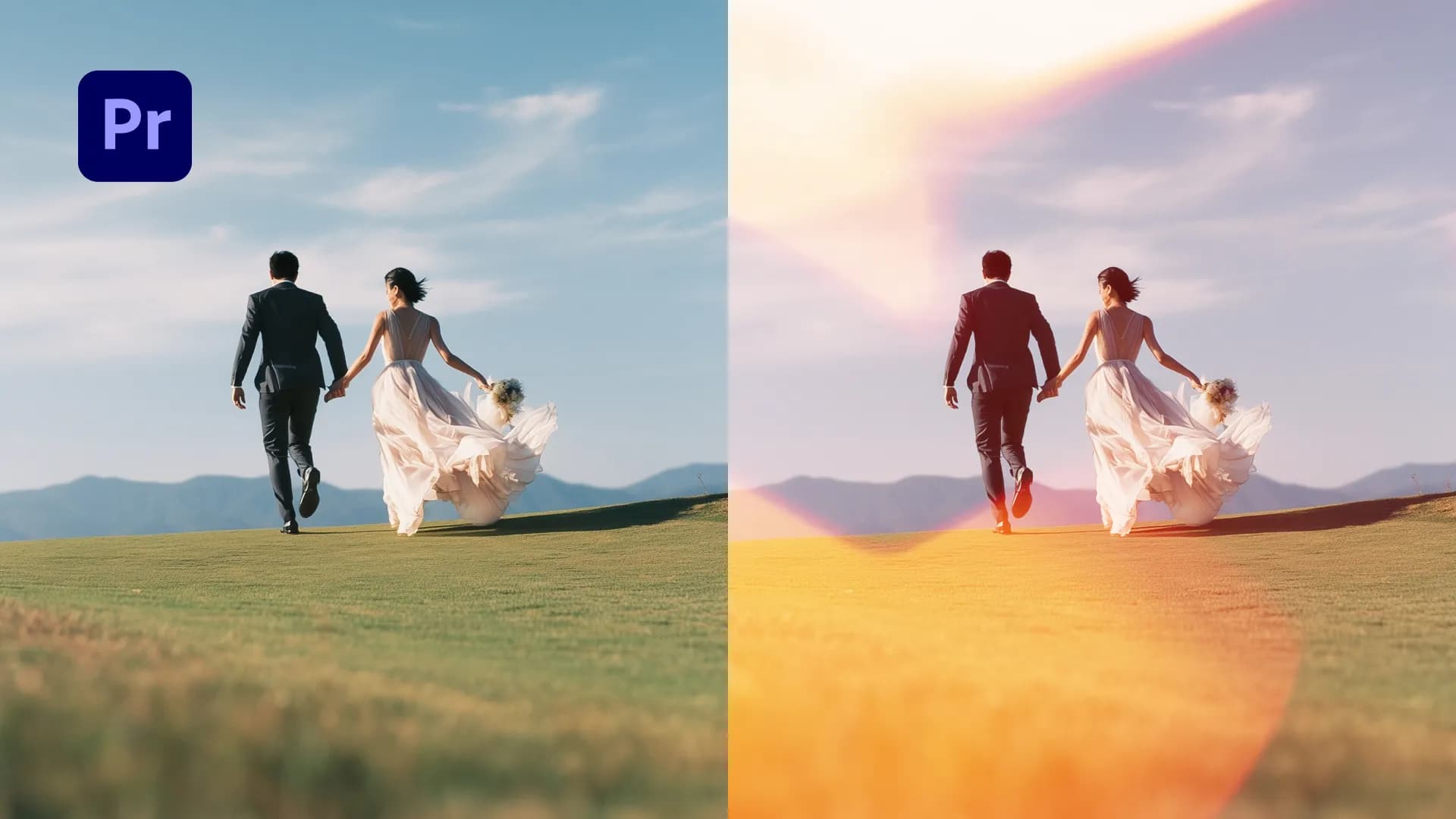
How to Create Cinematic Wedding Videos in Premiere Pro
Learn how to create professional wedding videos with the Wedding Collection. Elegant titles, light transitions, camera effects, and atmospheric overlays built specifically for wedding filmmakers.
 Premiere Pro
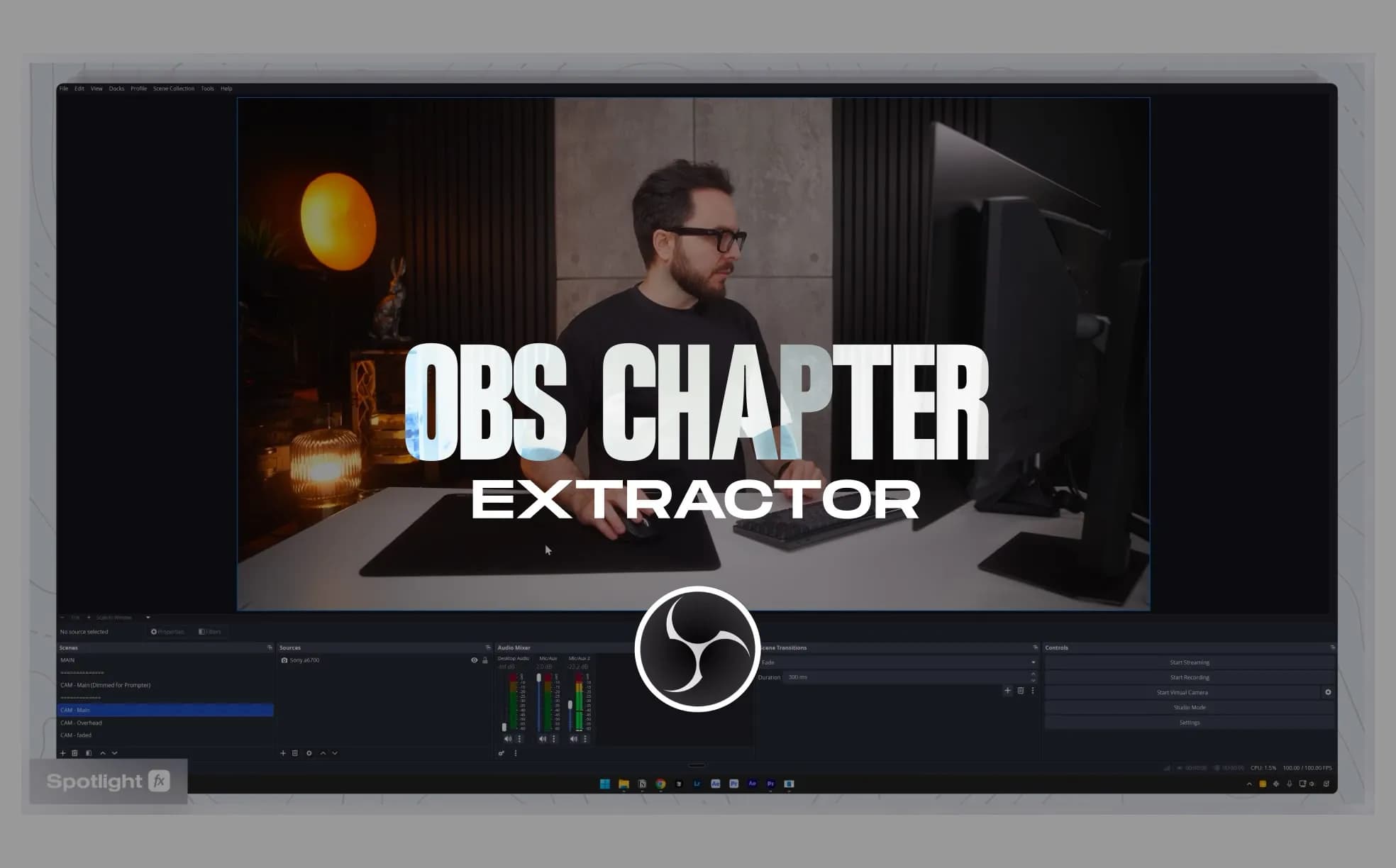
OBS Chapter Extractor for Premiere Pro
A free script that converts OBS chapter markers into Premiere Pro timeline markers or regions. Set markers while recording in OBS, then extract them directly into your timeline for faster navigation.
 Premiere Pro
No More After Effects? Premiere Pro's AI Masking Is Here
Discover how Premiere Pro’s new AI object masking tools speed up face blurring, color grading, and effect isolation. This step-by-step guide shows how to create, track, and refine masks, all without leaving Premiere. Perfect for editors who want fast, pro-level results.
 Premiere Pro
How to Animate Text in Premiere Pro (5 Easy Steps)
Want to make your text move, fade, or type itself out in Premiere Pro? This guide walks you through how to animate text using keyframes and effects, whether you're working on titles, captions, or lower thirds.
 Premiere Pro
How to Rotate Video in Premiere Pro (3 Easy Steps)
Need to fix a sideways or upside-down clip? This guide shows you how to rotate video in Premiere Pro using simple tools. Whether you're flipping vertical footage or just straightening a shot, it's quick and easy once you know where to look.
 Premiere Pro
How to Change Font in Premiere Pro (3 Easy Steps)
Changing fonts in Premiere Pro is super simple once you know where to look. This guide walks you through how to switch fonts, adjust styles, and even use custom ones inside the Essential Graphics panel.
 Premiere Pro
How to Make Proxies in Premiere Pro (5 Easy Steps)
Want faster playback in Premiere Pro? Learn how to make proxies using built-in tools so you can edit high-res footage without lag. This guide walks you through the full setup, from creating proxies to attaching them later if needed.
 Premiere Pro
How to Split Audio in Premiere Pro (3 Easy Steps)
Need to cut or trim audio in Adobe Premiere Pro? This guide walks you through how to split audio clips using the Razor Tool or keyboard shortcuts so you can edit with precision and speed.
 Premiere Pro
How to Add Motion Blur in Premiere Pro (Using Transform Effect)
Want smoother animations in Premiere Pro? This guide shows how to add motion blur using the built-in Transform effect. No plugins needed, and it works great for keyframed motion like zooms or slides.
 Premiere Pro
How to Change Resolution in Premiere Pro (3 Easy Steps)
Need to change your video resolution in Premiere Pro? This guide walks you through adjusting sequence settings, resizing clips, and exporting in 1920x1080 or any resolution you need.
 Premiere Pro
How to Edit Audio in Premiere Pro (5 Easy Steps)
Want to clean up your audio or make it sound more polished in Premiere Pro? This guide walks you through simple steps to trim, adjust, and improve audio using built-in tools. No extra plugins needed, just the basics that actually work.
 Premiere Pro
How to Add Another Audio Track in Premiere Pro (3 Easy Steps)
Need more audio layers in your Premiere Pro timeline? This guide shows you how to add another audio track, bring in multiple files, and combine them into one. Perfect for mixing music, voiceovers, or sound effects without the stress.
 Premiere Pro
How to Add Fade in Premiere Pro (3 Easy Ways)
Want your clips to fade in or out smoothly in Premiere Pro? This guide walks you through the easiest ways to add fades using keyframes and transitions, whether you're working with video or audio.
 Premiere Pro
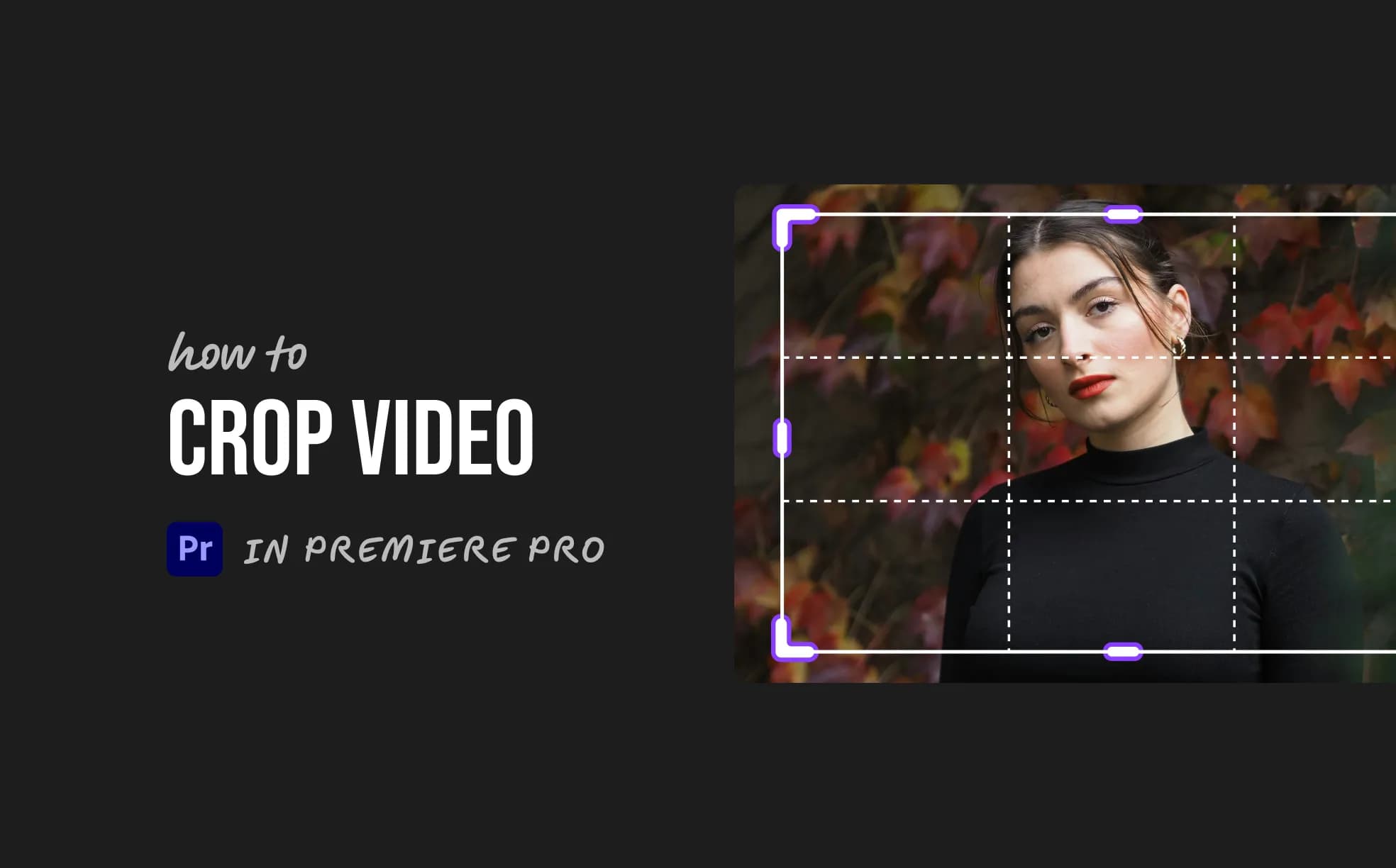
How to Crop Video in Premiere Pro (3 Easy Steps)
Want to crop a video in Premiere Pro without overcomplicating things? This quick guide shows you how to use the Crop effect, adjust framing, and fine-tune your shot in just a few steps.
 Premiere Pro
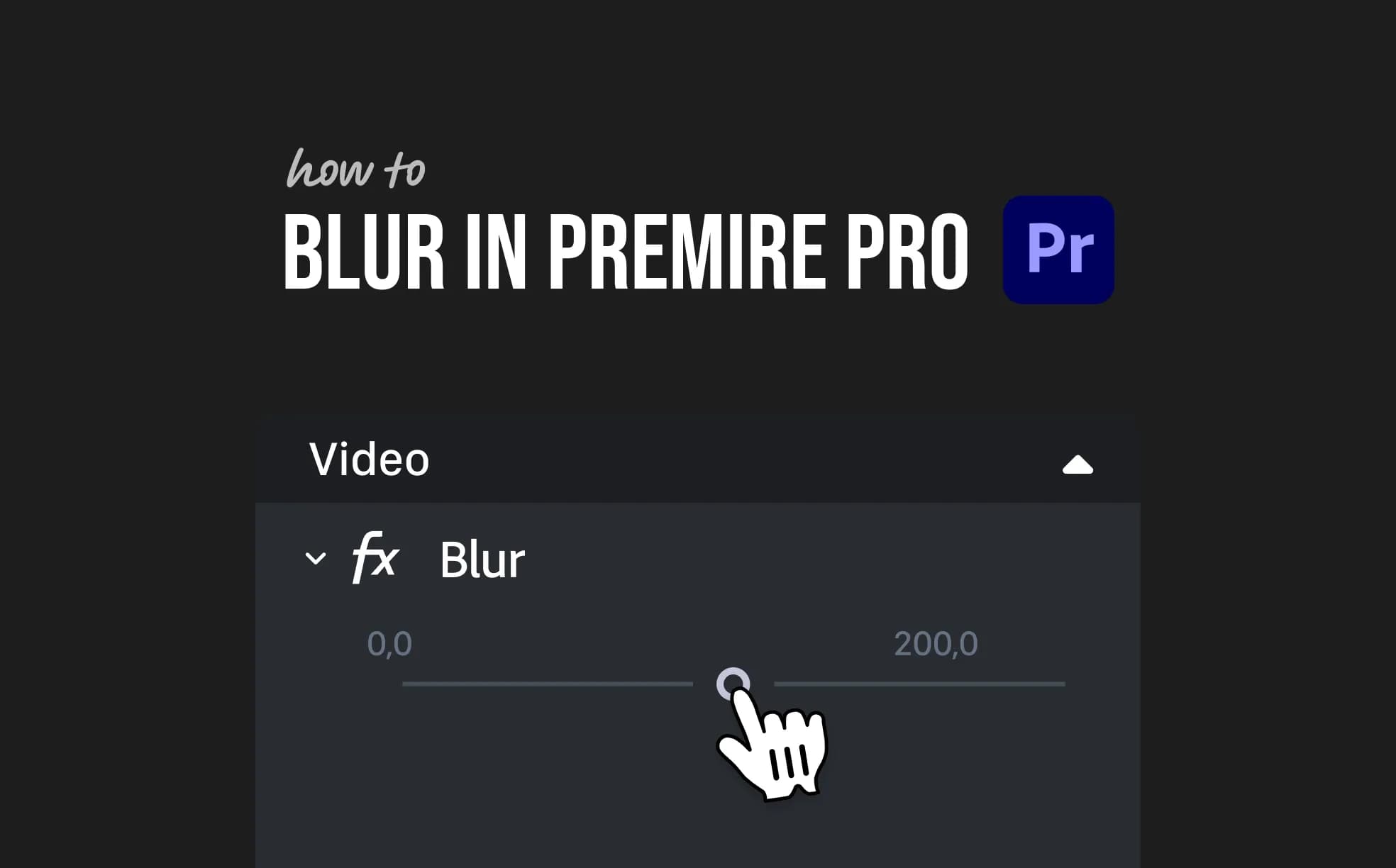
How to Blur in Premiere Pro (4 Easy Steps)
Want to blur something in Premiere Pro? This guide shows you how to blur faces, objects, or backgrounds using built-in effects. Whether you need a quick fix or a gradual blur, we’ve got you covered with simple steps anyone can follow.
 Premiere Pro
How to Clear Media Cache in Premiere Pro (3 Easy Steps)
Clearing your media cache in Premiere Pro can fix playback issues and free up disk space. This guide walks you through the exact steps to safely clear cache files and improve performance.
 Premiere Pro
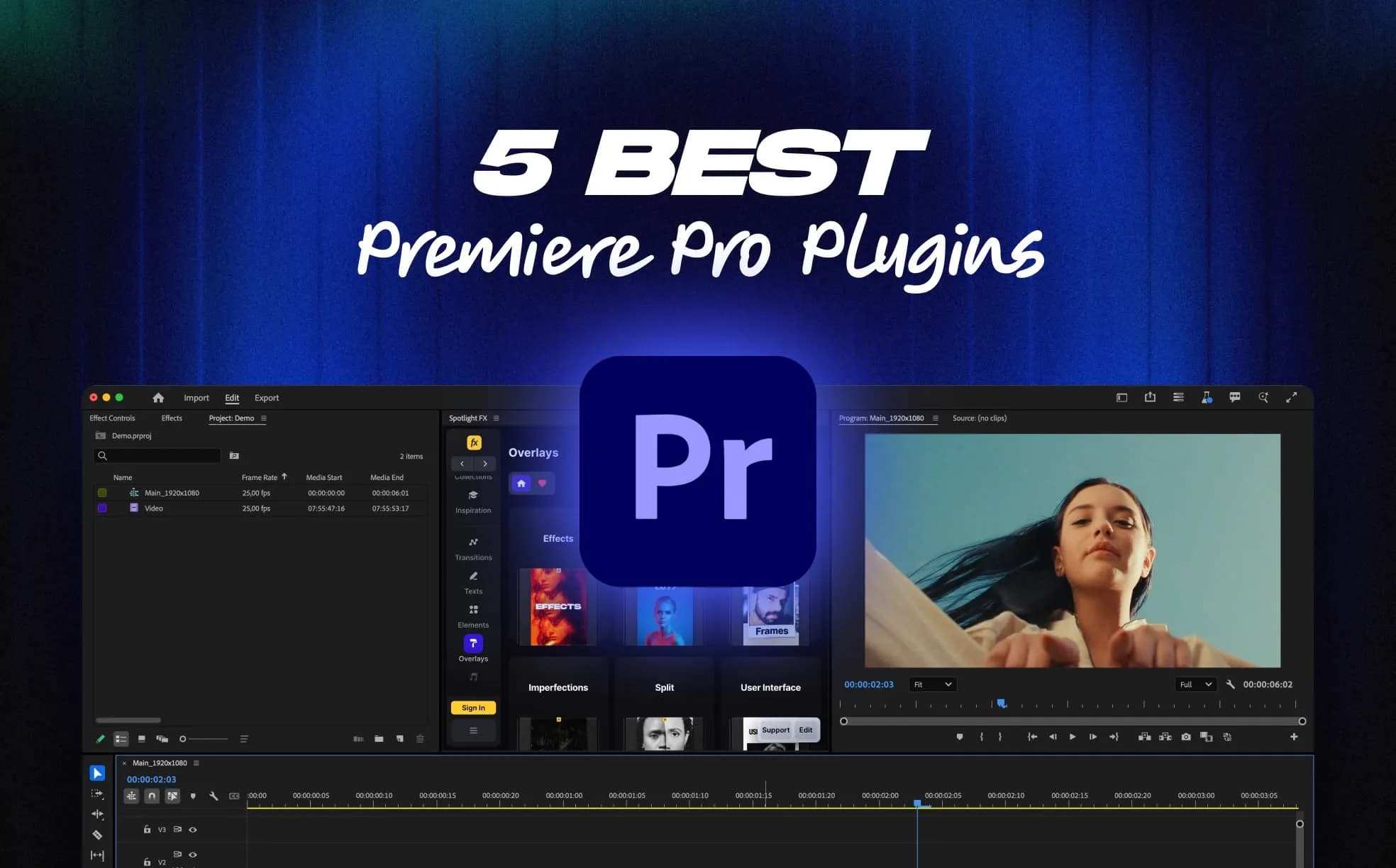
5 Best Premiere Pro Plugins Every Editor Should Try in 2026
5 Premiere Pro plugins that solve real editing problems. From faster transitions to advanced automation, these tools cut down on repetitive work and help you edit more efficiently inside your timeline.
 Premiere Pro
How to Use Green Screen in Premiere Pro (4 Easy Steps)
Want to swap out a green screen background in Premiere Pro? This guide shows you how to key out green, add a new background, and clean up the edges using the Ultra Key effect. Perfect for interviews, YouTube videos, or creative edits.
 Premiere Pro
How to Change Frame Size in Premiere Pro (3 Easy Ways)
Need to adjust your video dimensions? This guide shows how to change frame size in Premiere Pro, whether you're switching to 1920x1080, changing aspect ratio, or resizing clips.
 Premiere Pro
How to Import LUTs into Premiere Pro (3 Easy Steps)
Want to use custom LUTs in Premiere Pro? This guide shows you exactly how to import and apply them using the Lumetri Color panel, whether you're working with .cube files or downloading new ones.
 Premiere Pro
How to Fade Out Audio in Premiere Pro (2 Easy Ways)
Want to smoothly fade out your audio in Premiere Pro? This guide walks you through three easy ways to lower volume gradually at the end of a clip using built-in tools.
 Premiere Pro
How to Slow Down a Video in Premiere Pro (2 Easy Ways)
Want to create smooth slow-motion in Premiere Pro? This guide shows you two easy ways to slow down any video clip, whether you're going for dramatic or subtle effects. No plugins needed, just built-in tools that work fast.