How to Create Cinematic Wedding Videos in Premiere Pro

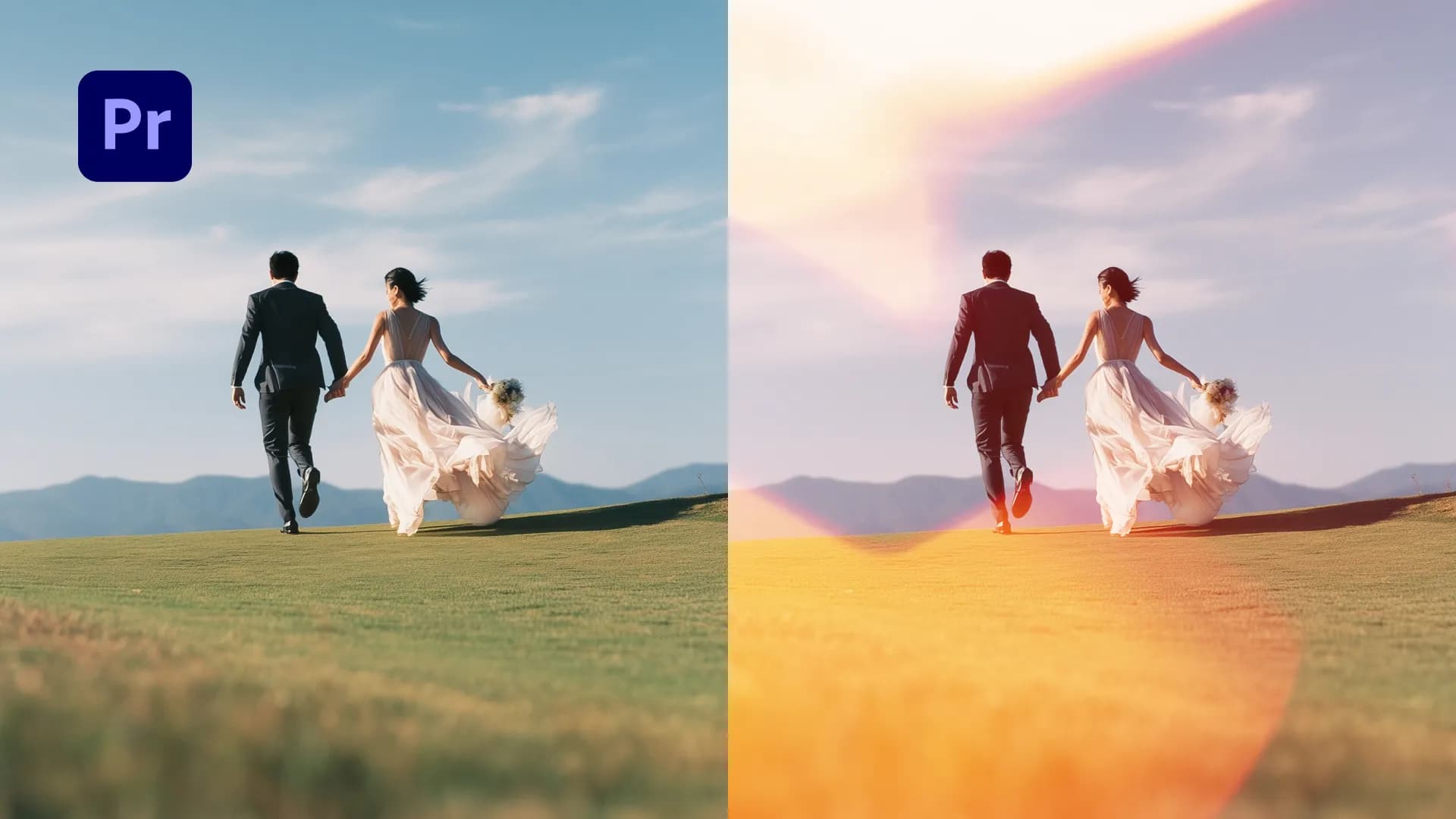
Table of Contents
Creating cinematic wedding videos in Premiere Pro doesn't have to take hours. With the right assets and workflow, you can build professional wedding reels that look polished and emotional in just minutes.
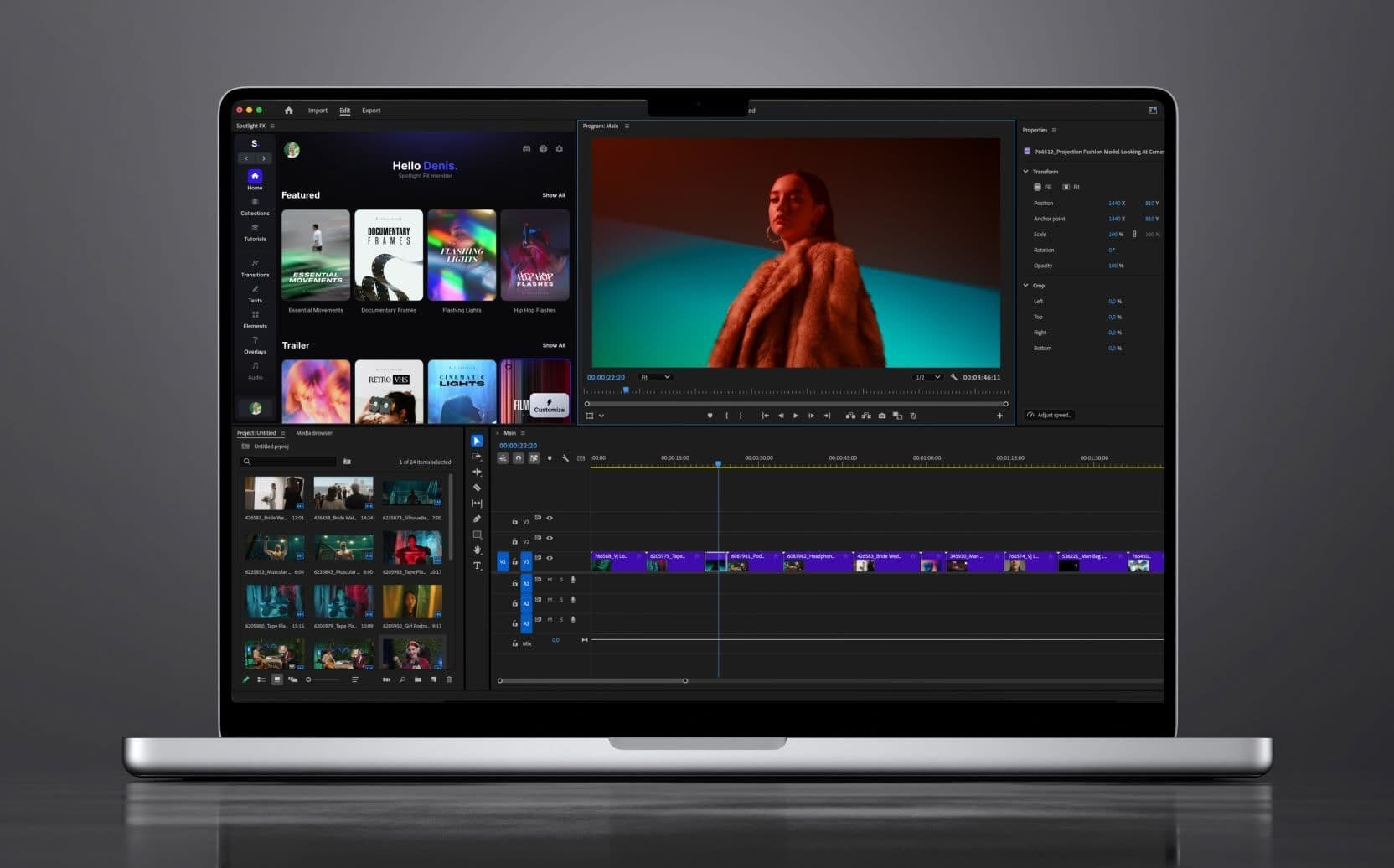
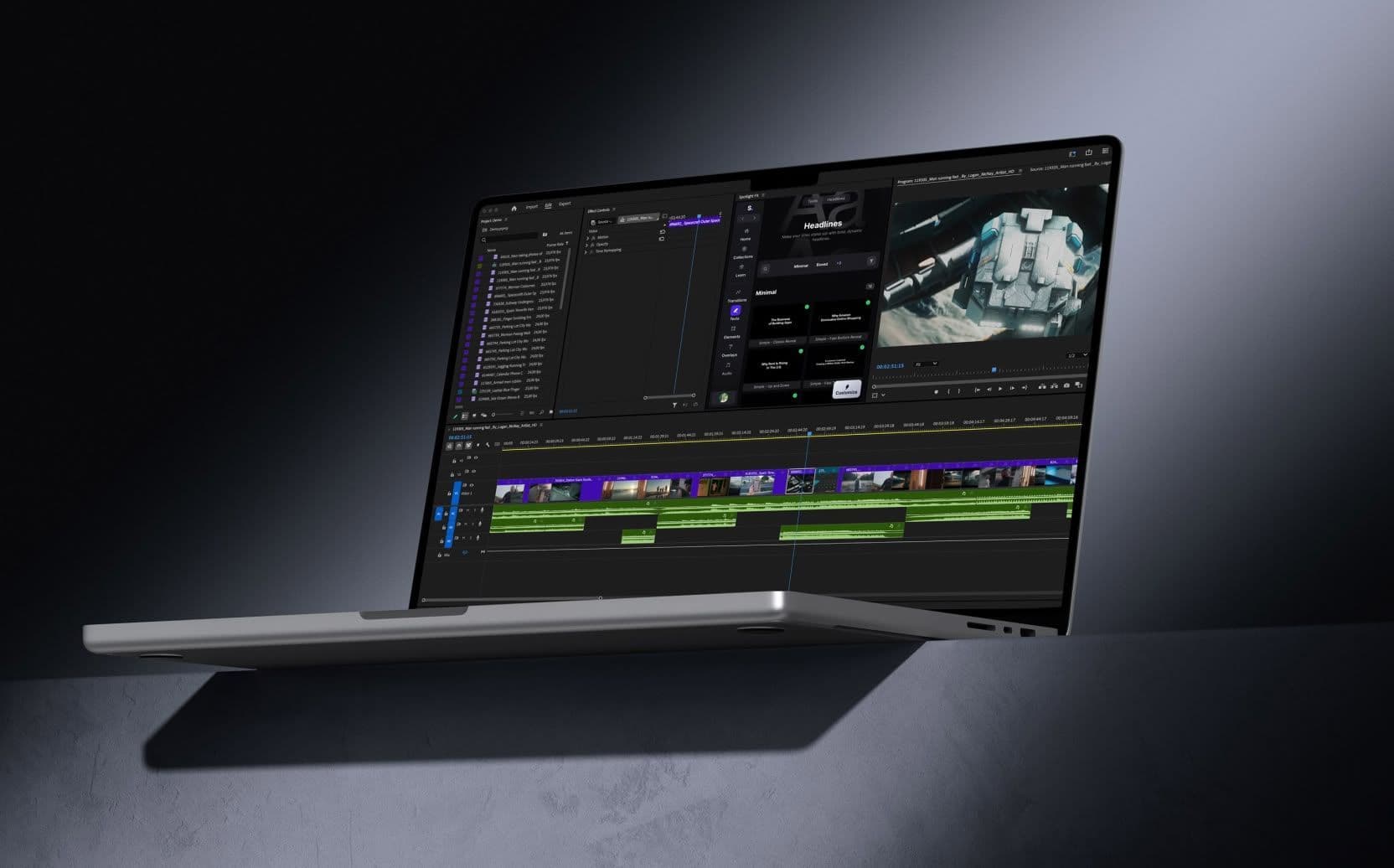
I recorded a full tutorial showing you how to create a wedding reel from scratch using the Wedding Collection in Spotlight FX plugin. This collection includes everything wedding filmmakers need: elegant titles, light transitions, camera effects, atmospheric overlays, and more.
Watch the full tutorial here:
Want to see all assets used in this video? You can view the complete breakdown here.
1. Building the Intro
The intro uses an elegant title animation that fades in smoothly and sets the romantic tone. These title animations include both opening and closing animations, so they transition naturally into your footage without hard cuts.
2. Adding Camera Effects
For wide and medium shots, I added a camera viewfinder overlay. This gives the footage a nostalgic, personal feel that's popular in wedding videos. It's perfect for guest moments or candid shots where you want that handheld camera vibe.
3. Creating Vow Scenes
To highlight a vow or quote, I turned the clip black and white using a color filter, then layered animated text on top. The text is fully customizable, so you can adjust colors, backgrounds, and layouts to match your style. I also added animated letterboxes to make the scene feel more cinematic.
3. Finishing the Edit
The outro uses a title animation with animated borders and the couple's names. I added a subtle black backdrop behind the text so it stands out against the footage. To tie everything together, I layered a warm atmospheric light leak over the entire video for that soft, romantic glow.
Throughout the edit, I used light transitions (flashes, light leaks, and film burns) instead of hard cuts. This makes the video flow smoothly and feel more polished.
What Is the Wedding Collection?
The Wedding Collection for Premiere Pro or After Effects is a curated set of assets inside Spotlight FX built specifically for wedding filmmakers. It includes:
- Wedding Openers
- Vows & Quotes
- Light Transitions
- Atmospheric Effects
- Guest Cam
- Vintage Frames
- Color Tones
- Analog Memories
Everything is customizable directly in Premiere Pro (or After Effects). Just drag the asset to your timeline and adjust it using the Spotlight FX plugin. No need to dig through compositions or pre-comps.
You can find the Wedding Collection in Spotlight FX by opening the app and going to the Collections section.
If you have questions or want to share your wedding edits, reach out to me on Discord.
Denis