How To Create a Wedding Reel

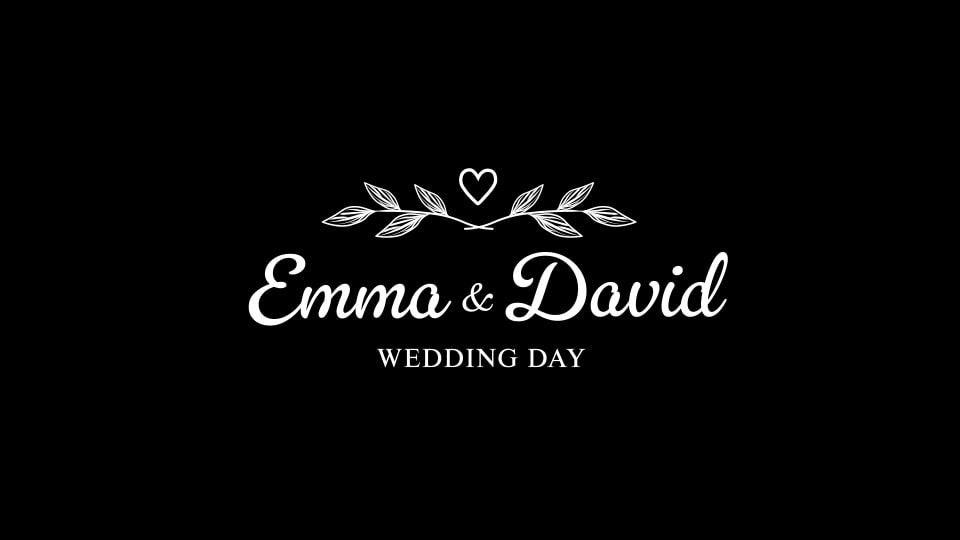
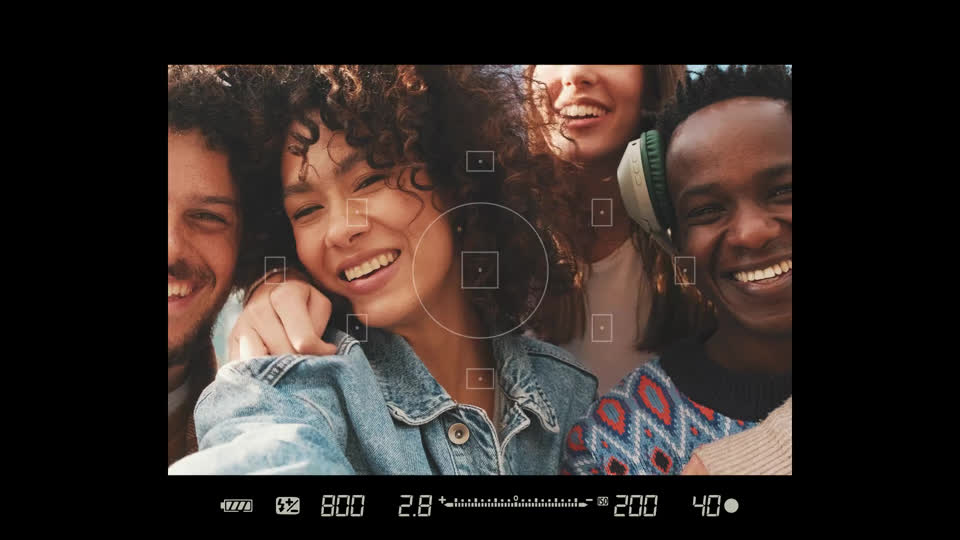
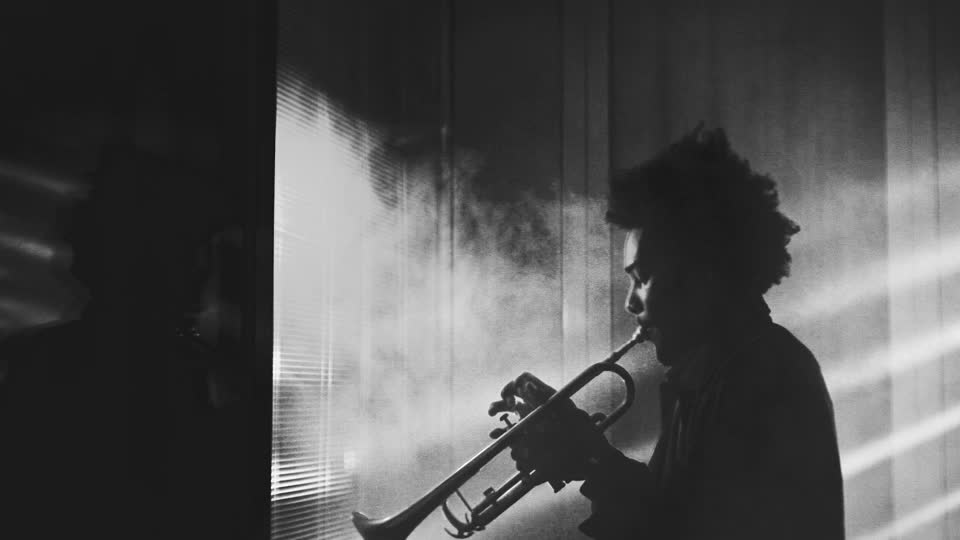
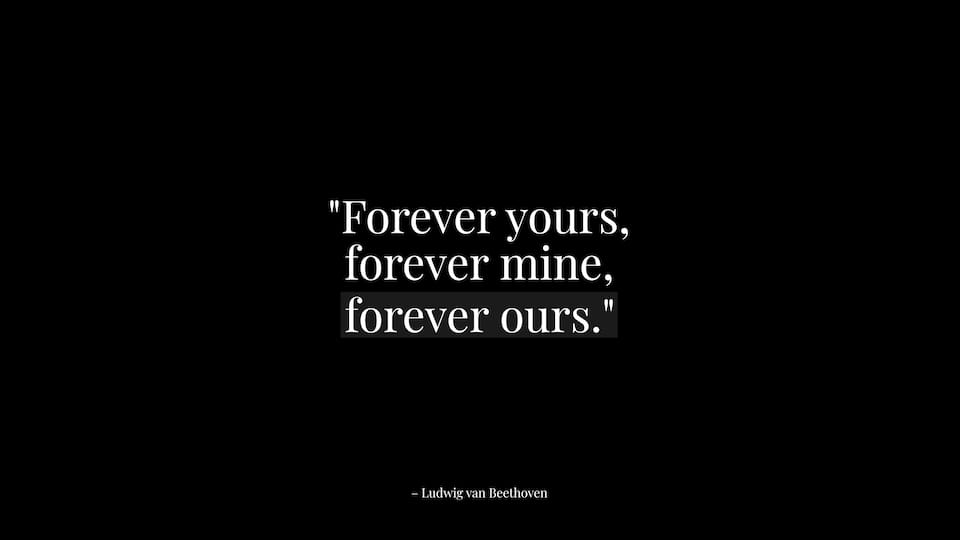
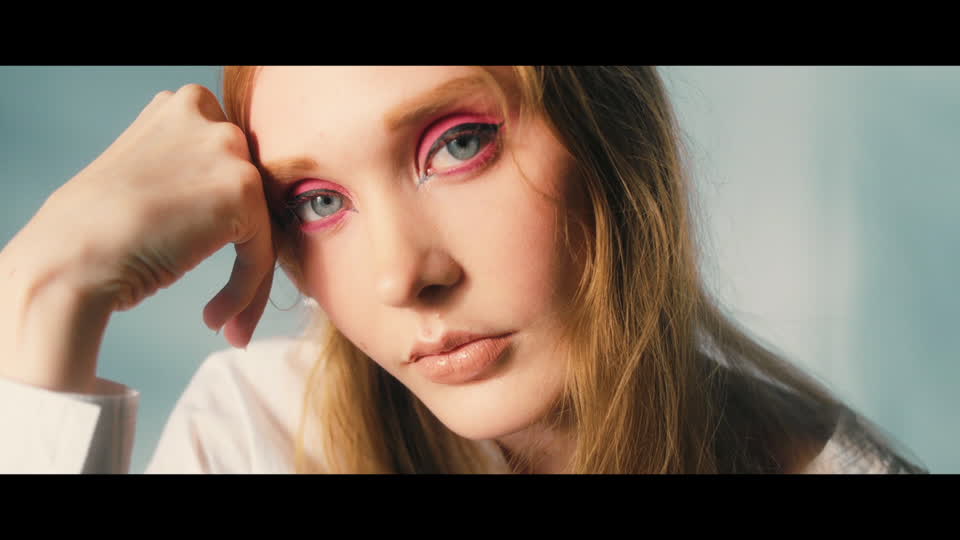
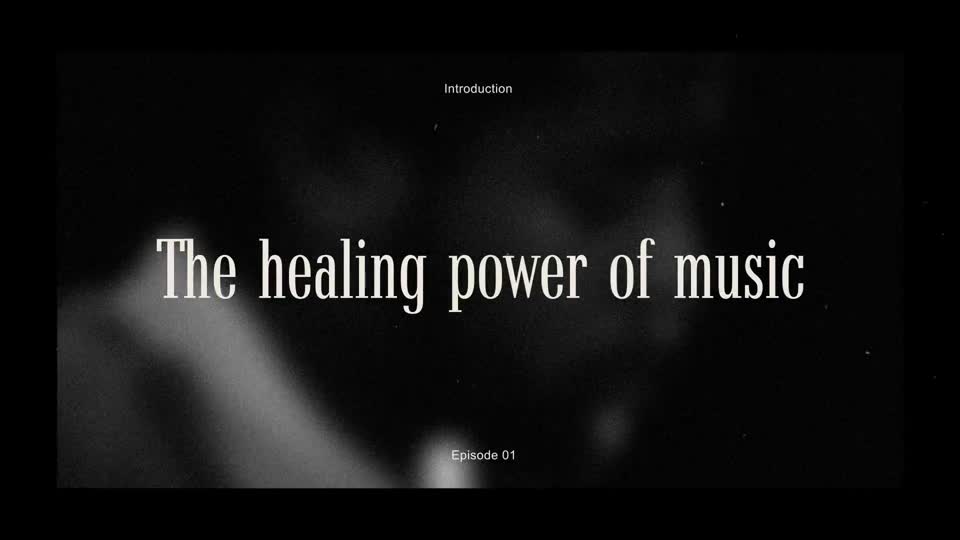
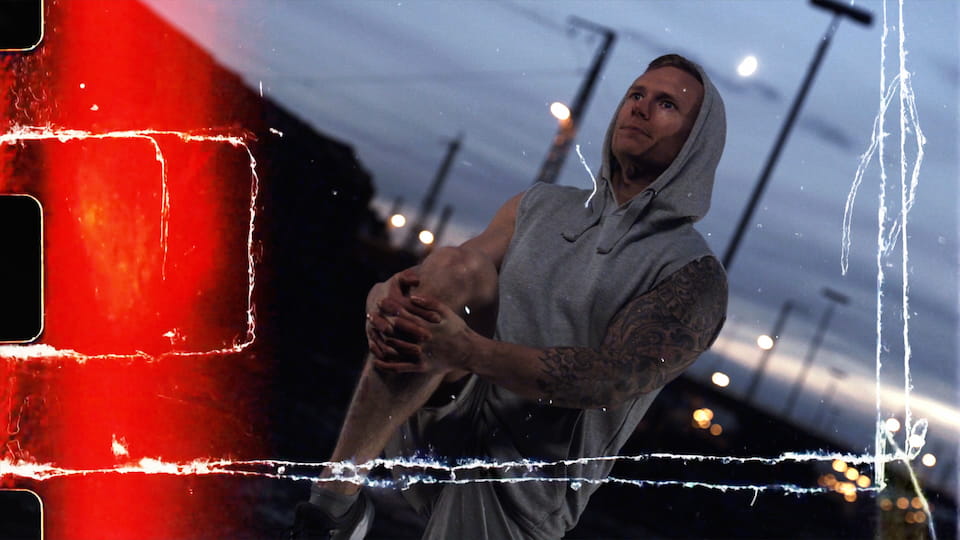
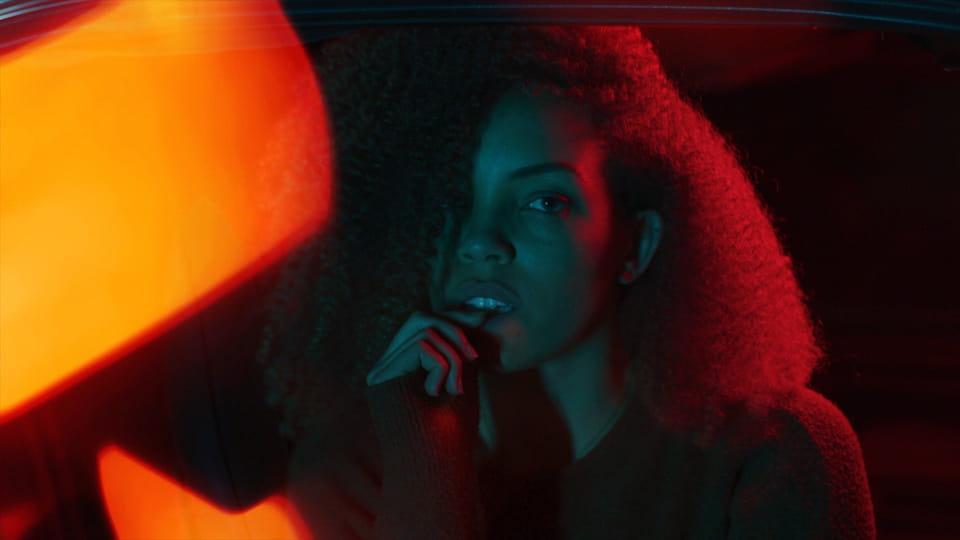
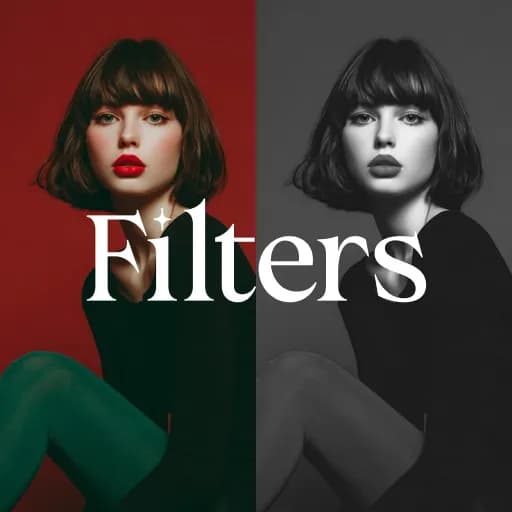
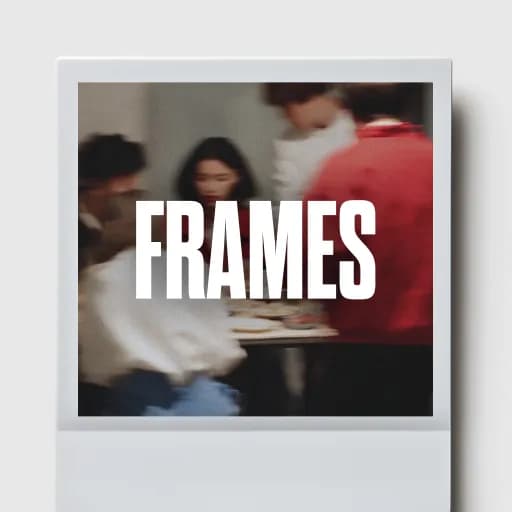
This tutorial shows how to create a cinematic wedding reel in Premiere Pro using the Wedding Collection in Spotlight FX. You’ll learn how to build a complete edit from scratch, including intro and outro titles, vows and quote animations, camera viewfinder overlays, black and white filters, vintage frames, light leak and film burn transitions, and atmospheric effects. The tutorial walks through when to keep clean cuts and when to add transitions, how to adjust exposure and styling, and how to finish the reel with subtle overlays. Everything is created using one focused collection that works in both Premiere Pro and After Effects, so your workflow stays simple and consistent.
See How It Works

Learn how easy it is to follow along with our tutorials and create amazing videos.

1

Video thumbnail

1. Import

Imports happens automatically, no manual setup needed.

2

Video thumbnail

2. Customize

Every item is fully customizable to match the look of your project.

3

Video thumbnail

3. Render

Preview the results and export your finished video.

Recreate Any Video Style
with Spotlight FX

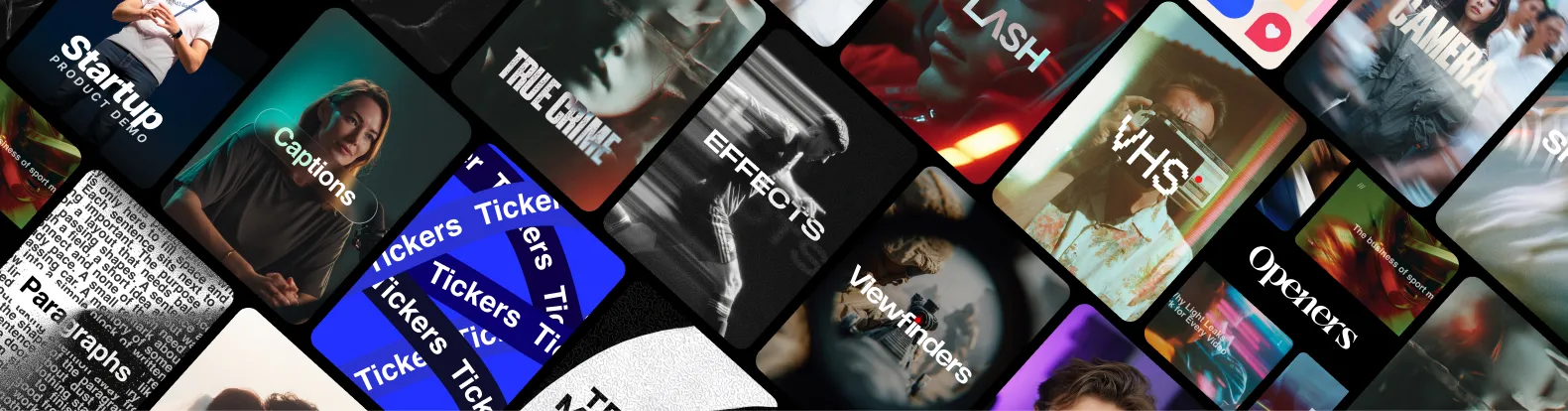
With Spotlight FX, you have access to a full library of customizable templates & tools, so you never have to start from scratch again.

Get Spotlight FX

Frequently
Asked Questions.

Yes. You can earn up to $50 per sale by referring customers to Spotlight FX. You get a unique link, share it wherever you want, and we handle tracking and payouts.

Absolutely, please do. We build collections based on what Premiere Pro editors actually need for their projects, not random asset dumps. If you're editing a specific type of content and need a matching set of assets, reach out directly. We prioritize requests that solve real editing problems for creators in our community.

Categories sort by item type (transitions, titles, graphics, overlays). Collections sort by visual style or video genre. Use categories when you know you need "a transition." Use collections when you want "everything for a travel vlog" or "a complete corporate look." Categories answer "what," collections answer "what style."

Yes, collections grow as we add new items. When we create something that fits a collection's style, it automatically appears there. Because Spotlight FX is cloud-based, you'll see these additions immediately without downloading updates or reinstalling anything. Your library stays current without effort on your part.

Yes, mix freely. Collections organize items by style for convenience, but you're not locked into using one collection per project. Pull a transition from one collection, a title from another, and graphics from a third. Build your edit exactly how you envision it, using collections as starting points.

Open any collection in Spotlight FX to see what's inside. Browse the items (transitions, titles, graphics, etc.), then double-click to add them directly to your Premiere Pro sequence. Each item lands on your timeline ready to customize through the Essential Graphics panel. No importing, no file management.

We started Spotlight FX to make editing faster and more fun for creators like you. If something doesn't work as expected, or if you just want to ask a question, don't hesitate to message us. We personally read and reply to every note that comes through.

Tom Balev
Tom & Denis
Co-Founders of Spotlight FX
Contact Us
CTA Background

Save hours on every edit

Download Spotlight FX and start creating amazing videos in no time

Get Spotlight FX