Product Updates

Smarter Browsing, No More Guesswork

Denis Stefanidesby Denis Stefanides

|

1 min

|

Nov 11, 2025

Smarter Browsing, No More Guesswork
  1. Spotlight FX - Get free transitions, effects and workflow tools

Picking the right plugin inside Spotlight FX just got way easier.

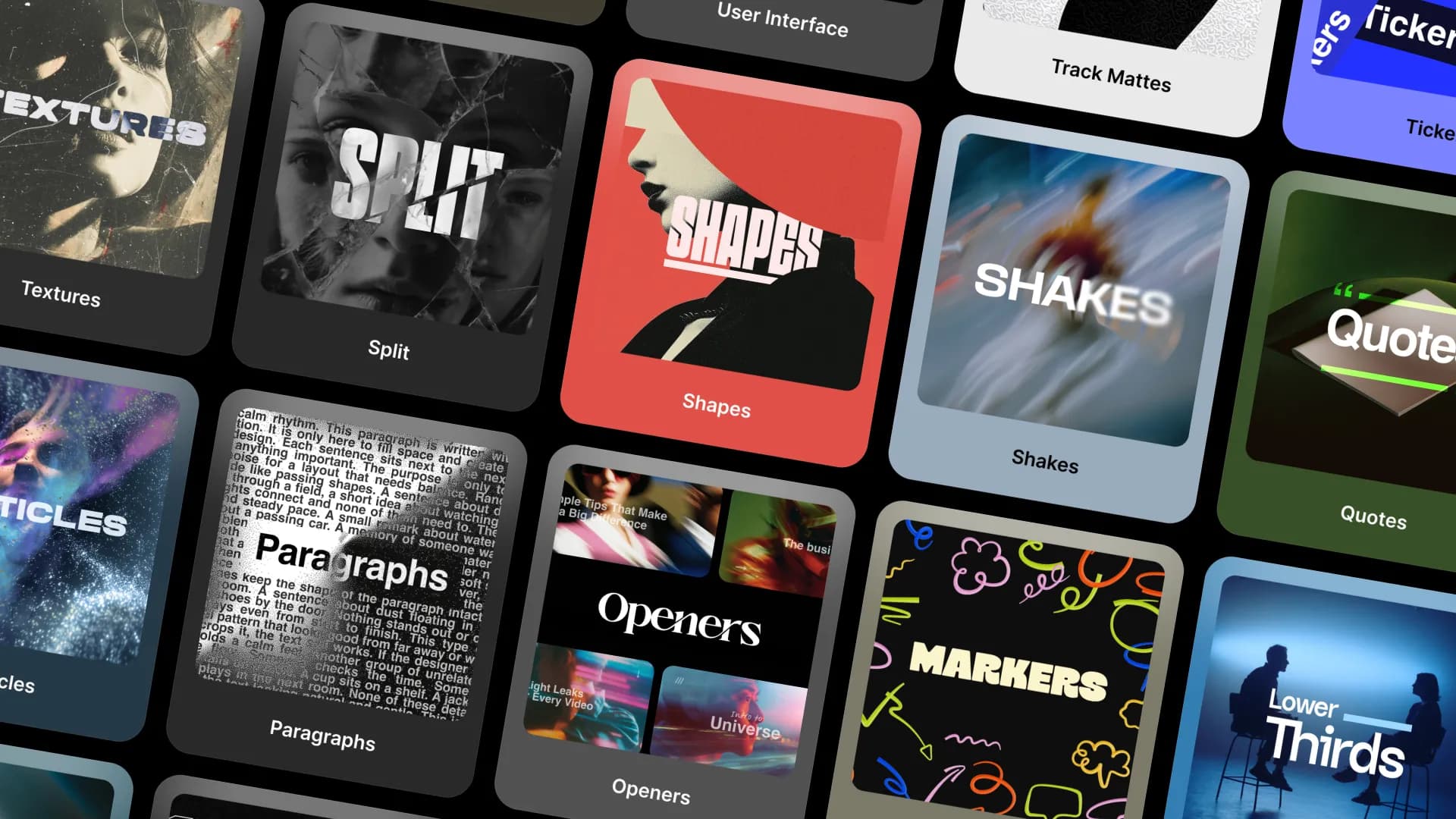
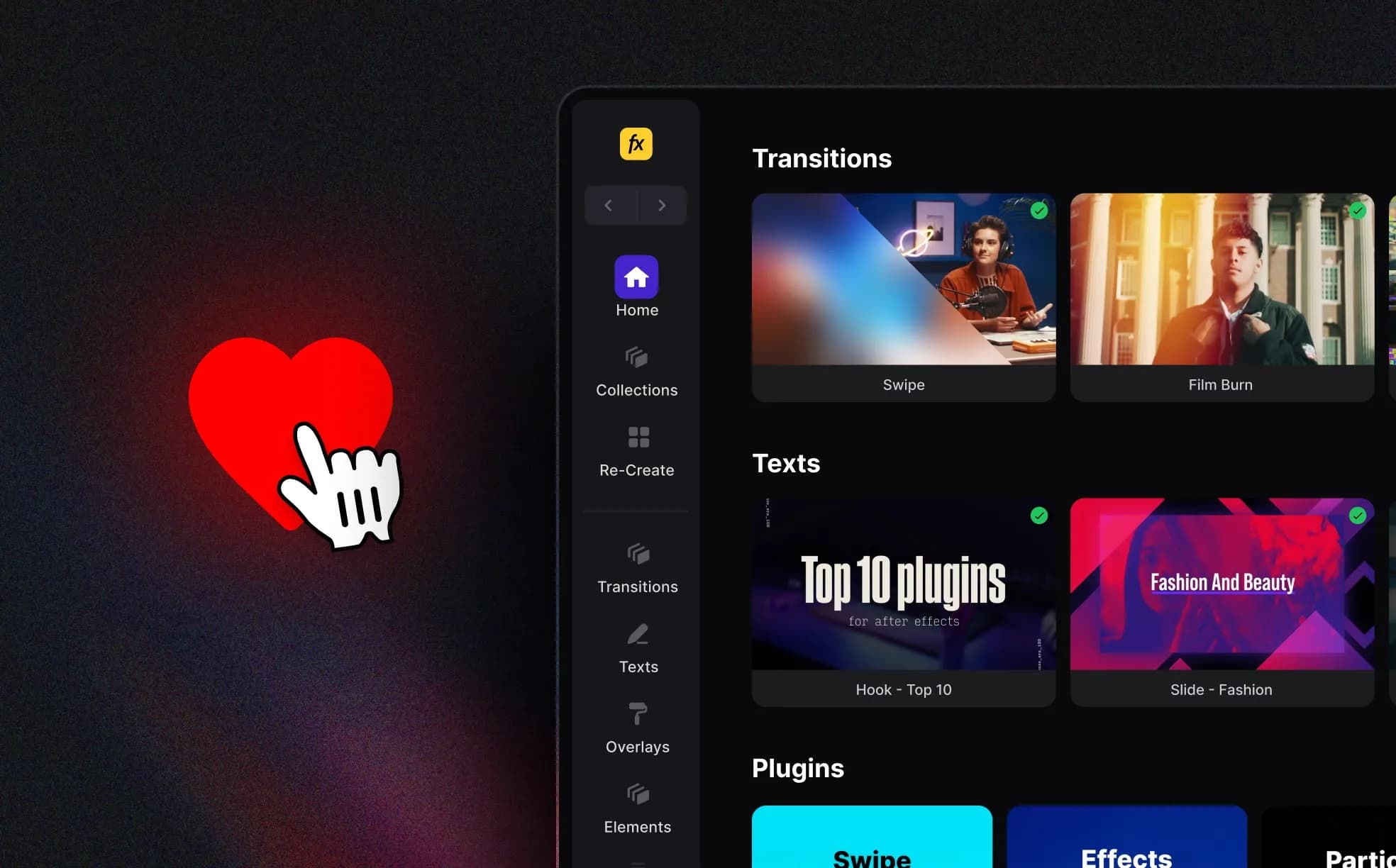
You’ll now see vertical cards with big visuals, bold labels, and hover previews that actually show you what’s inside each plugin, without having to click through one by one.

So instead of opening and closing ten different plugins hoping one has what you need, you can now just scroll and see.

Before, browsing plugins felt a bit like flipping through folders. Now it’s more like walking past a shelf and instantly spotting the style that fits your project.

Whether you’re in Transitions, Texts, Overlays, or Elements, the whole layout now uses:

  • Clean vertical cards that show the plugin’s style at a glance
  • Instant hover previews, so you don’t need to open each one
  • Clearer titles and visual branding to help you scan faster
  • A quick-save option so you can come back to your favorites

The new plugin layout is live now in Spotlight FX. If you’re not using it yet, download Spotlight FX now.

Happy editing! 🎬
Denis Stefanides

Denis Stefanides

About the author

After 15 years in Motion Design, working with major brands like Nike and Adidas and leading projects like Photomotion - I’m now focused on helping creators make better videos. My goal is to simplify the process for others with Spotlight FX, giving them the right tools to create professional content without the hassle.
Product Updates
My library new filtering options
Spotlight FX now lets you search and filter inside your likes and downloads. You can preview saved items, sort by type, and reuse effects faster than ever.
Denis Stefanides

Denis Stefanides

1 min

Product Updates
New chat bubble in Spotlight FX
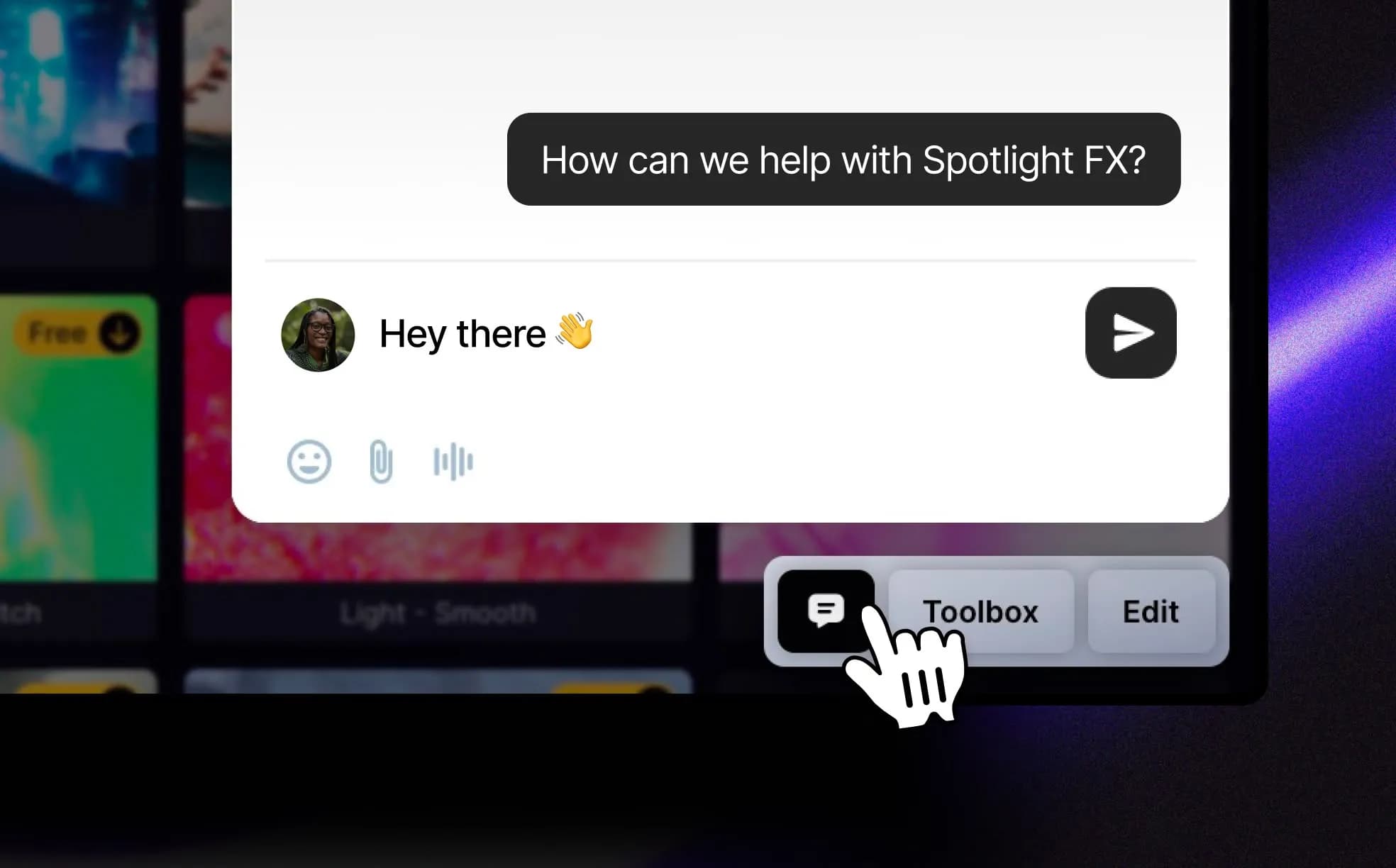
Spotlight FX now includes a chat bubble so you can reach us directly from the app. Whether you’re reporting a bug, suggesting a feature, or just saying hi, it goes straight to the team, no forms or tickets needed. A small change, but one that makes feedback way easier.
Denis Stefanides

Denis Stefanides

1 min

Product Updates
New search functionality in Spotlight FX
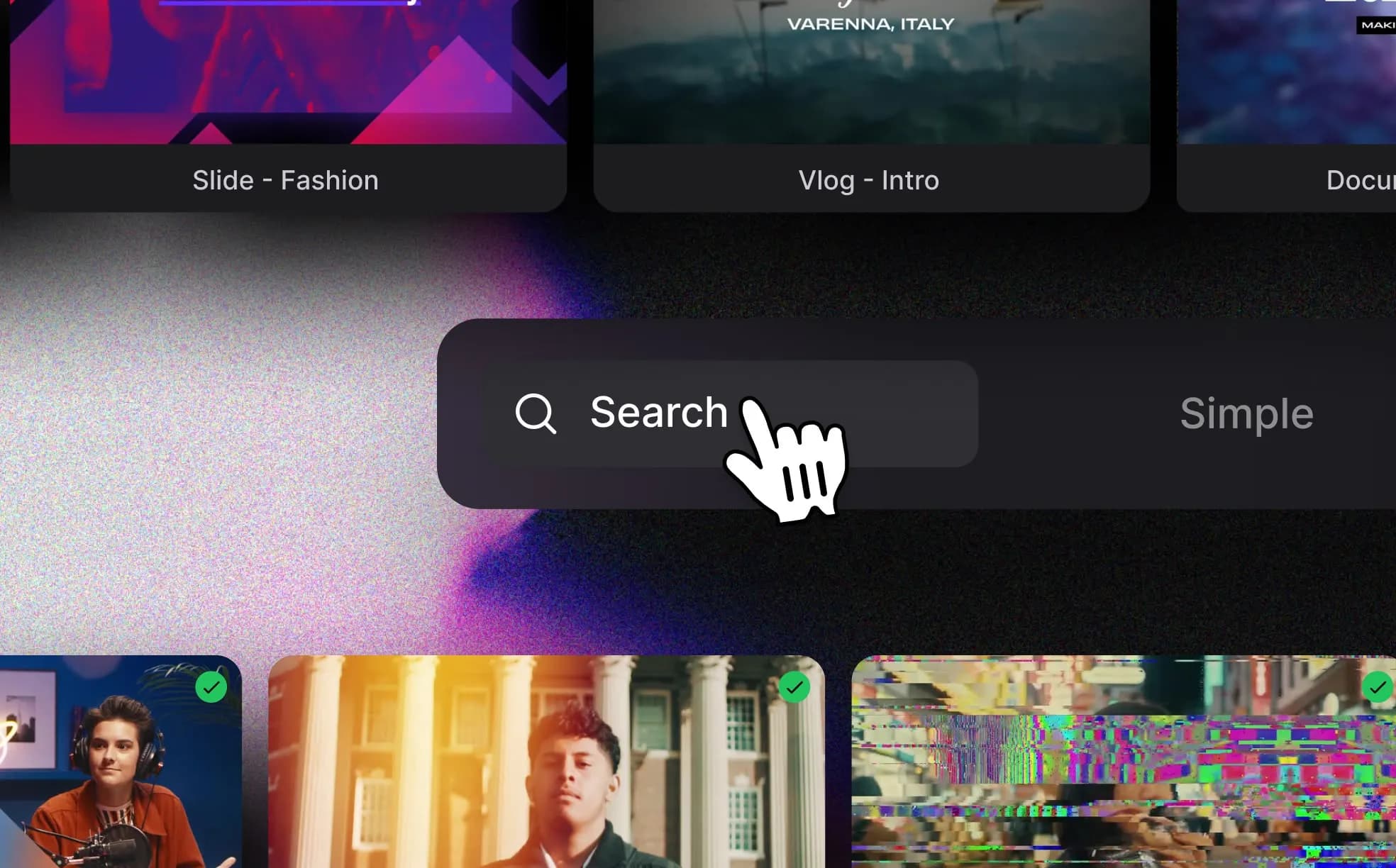
We just rolled out smarter search and autoplay inside Spotlight FX. You can now find effects by style or keywords like “vhs” or “cinematic,” and preview everything as it plays automatically in the grid. No more guessing or hovering, just scroll and find what fits.
Denis Stefanides

Denis Stefanides

1 min