New Hand-Drawn Arrows for Premiere Pro and After Effects

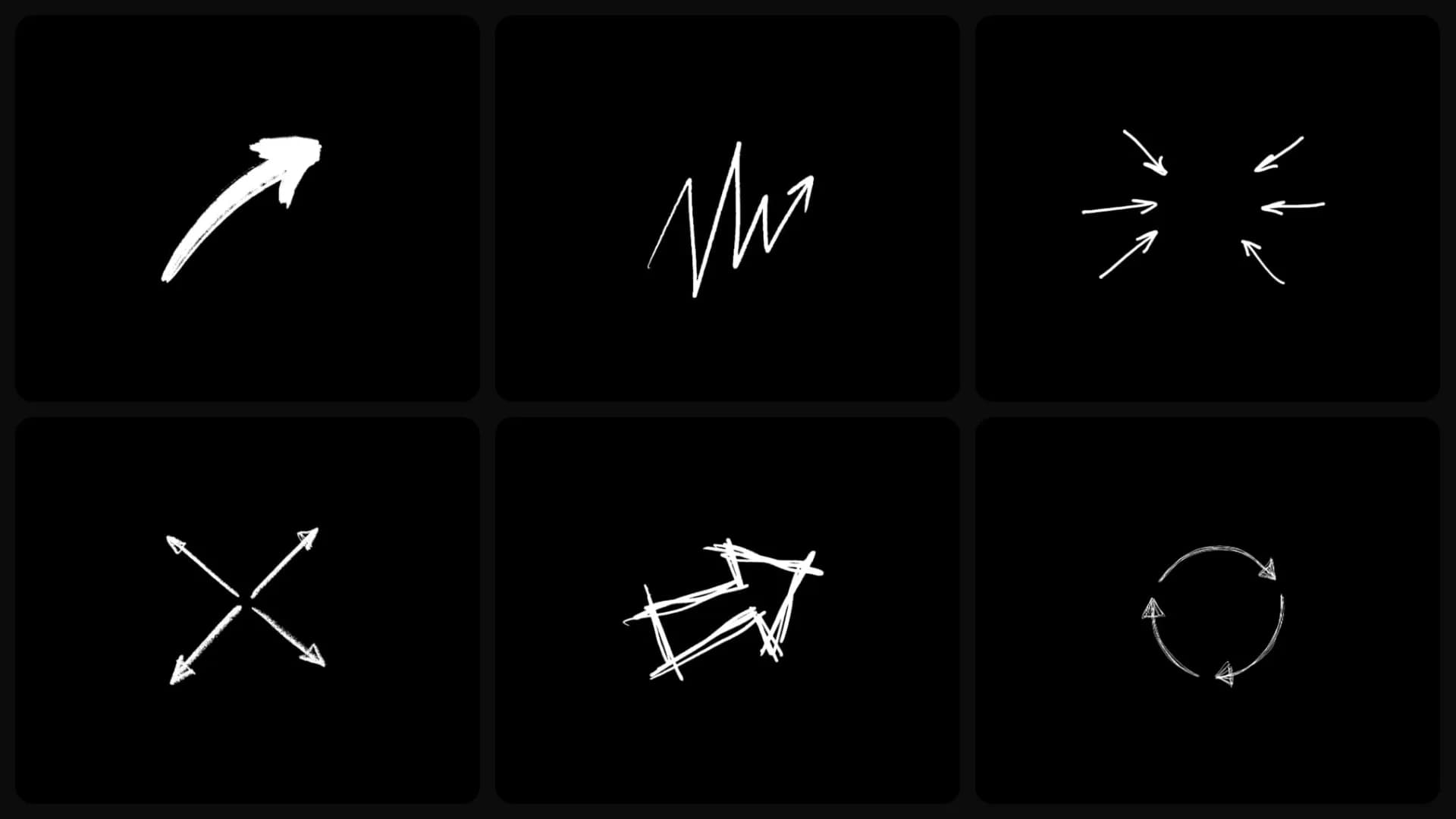
Table of Contents
One of the easiest ways to guide someone's attention is with an arrow. Whether you're pointing at a product, a button, or a small detail, it helps viewers immediately see what matters.
I've made arrows from scratch on more edits than I can remember, so this is a set I've wanted for a long time. Now they're in Spotlight FX, and you can add one to your timeline in seconds.
Made to look hand-drawn
Most digital arrows look clean but generic. These don't.
Each arrow was drawn by hand, giving it a more natural look that blends into your edit. Some look like pencil sketches, others use bold brush strokes, and some have a rough scribbled style.
Where they work best
Use them anywhere you want to direct attention.
Point to a product in a review, highlight a button in a tutorial, call out an important detail, or draw attention to a chart or graph. There are also arrows that point toward the center, arrows that point outward, a looping arrow for repeated actions, and a growth arrow that's perfect for charts and progress animations.
motion graphic
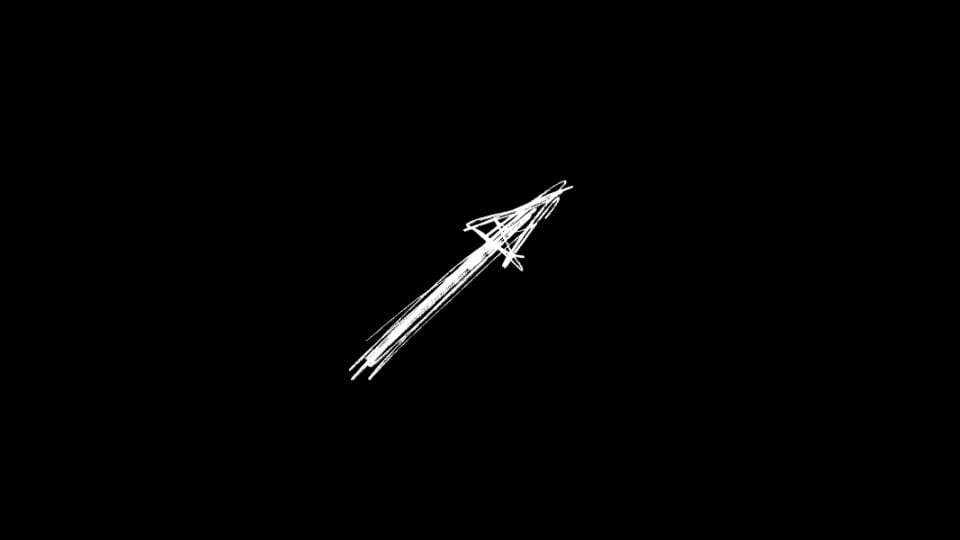
Arrow - Spiky Sketch Up Right
motion graphic
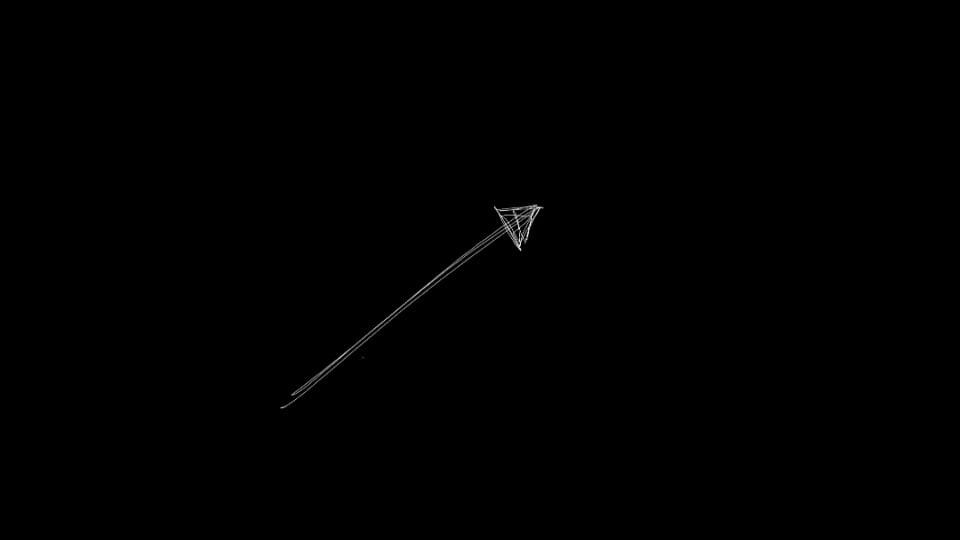
Arrow - Straight Pencil Up Right
motion graphic
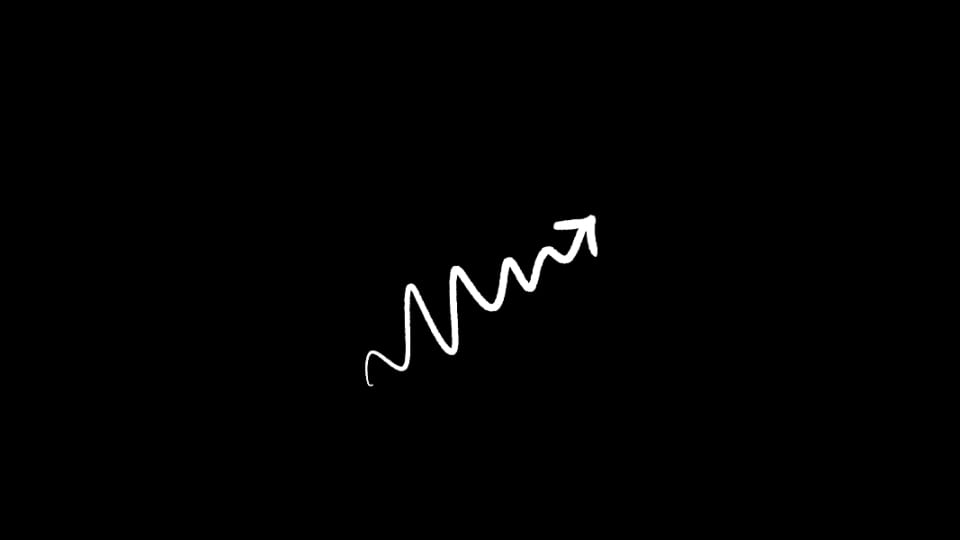
Arrow - Wavy Squiggle Up Right
motion graphic
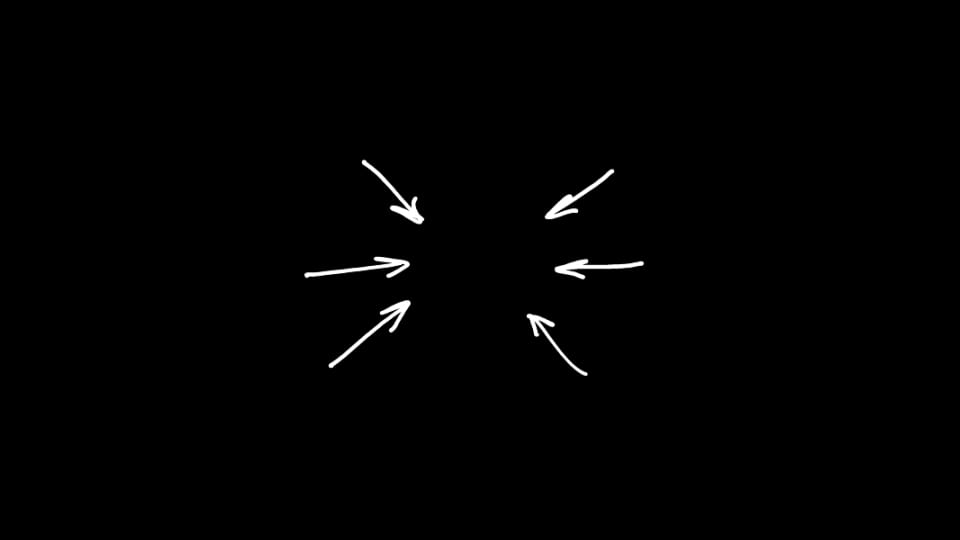
Arrows - Converging Focus Set
motion graphic
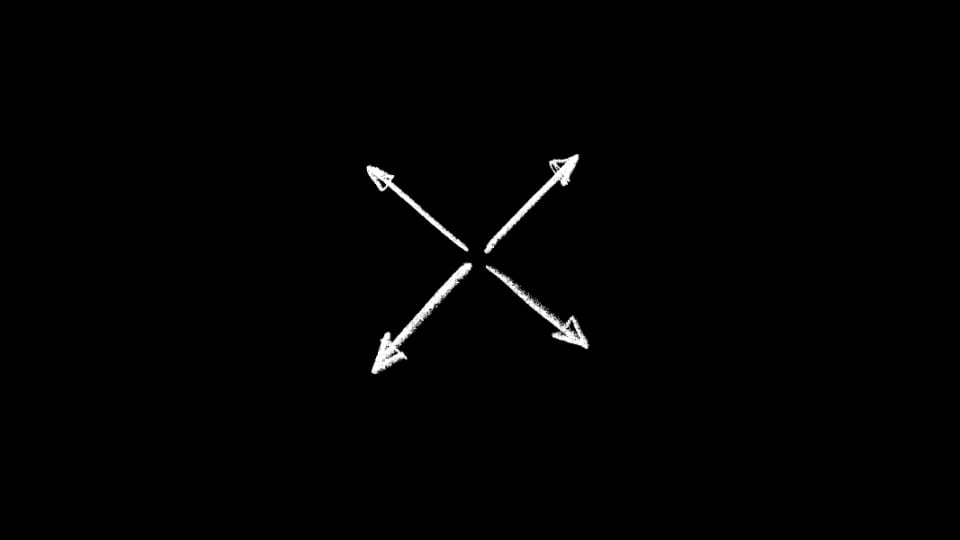
Arrows - Four-Way Expand Out
motion graphic
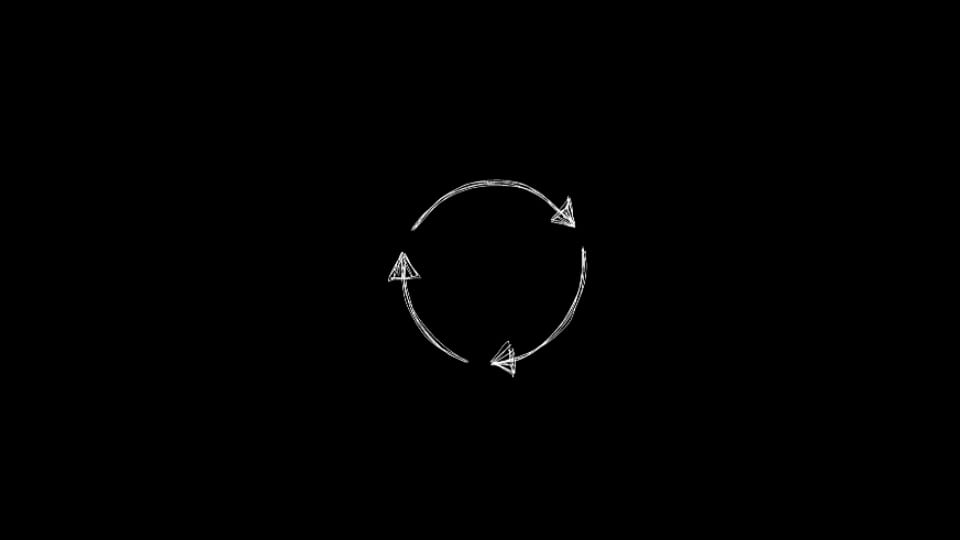
Arrows - Refresh Cycle Loop
motion graphic
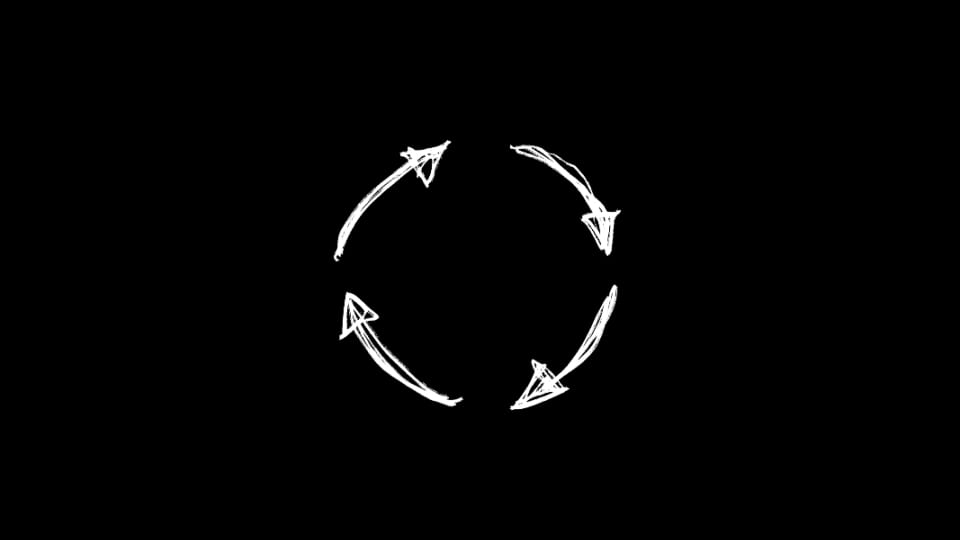
Arrows - Sketch Rotate Ring
motion graphic
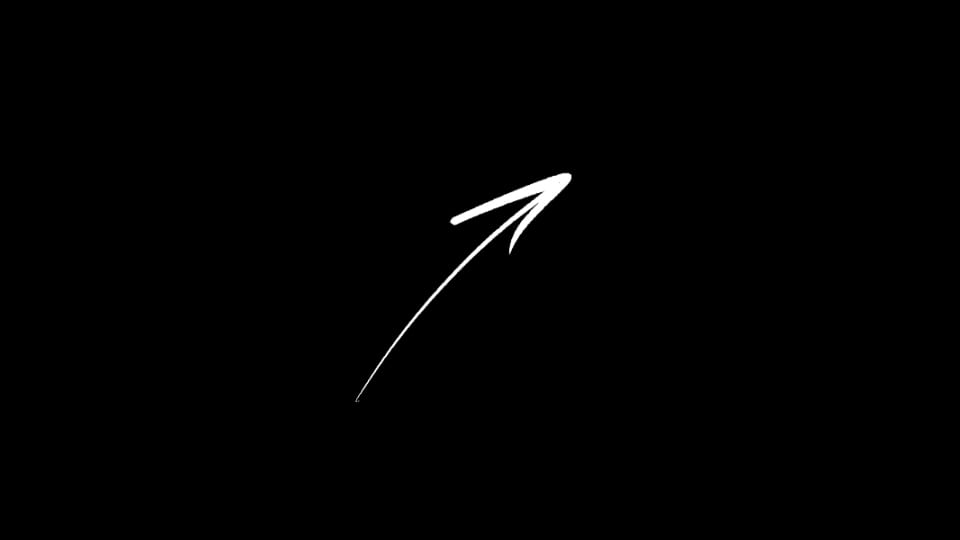
Arrow - Slim Curved Up Right
motion graphic
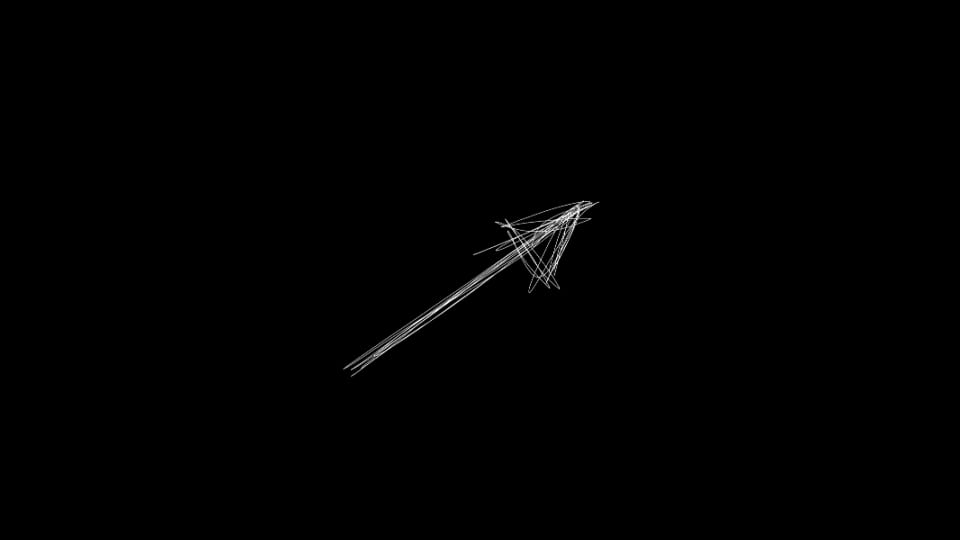
Arrow - Sketch Line Up Right
motion graphic
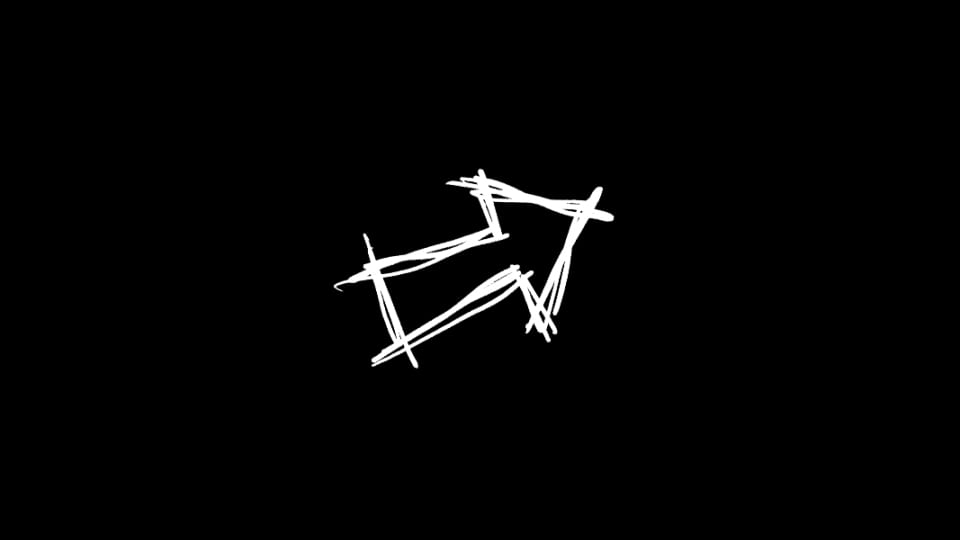
Arrow - Scribble Right
motion graphic
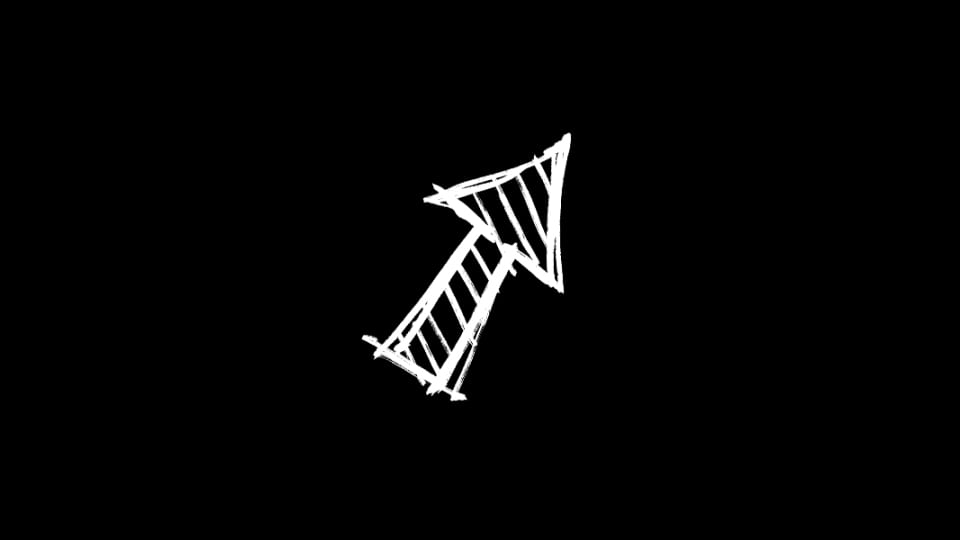
Arrow - Sketch Hatched Up Right
motion graphic
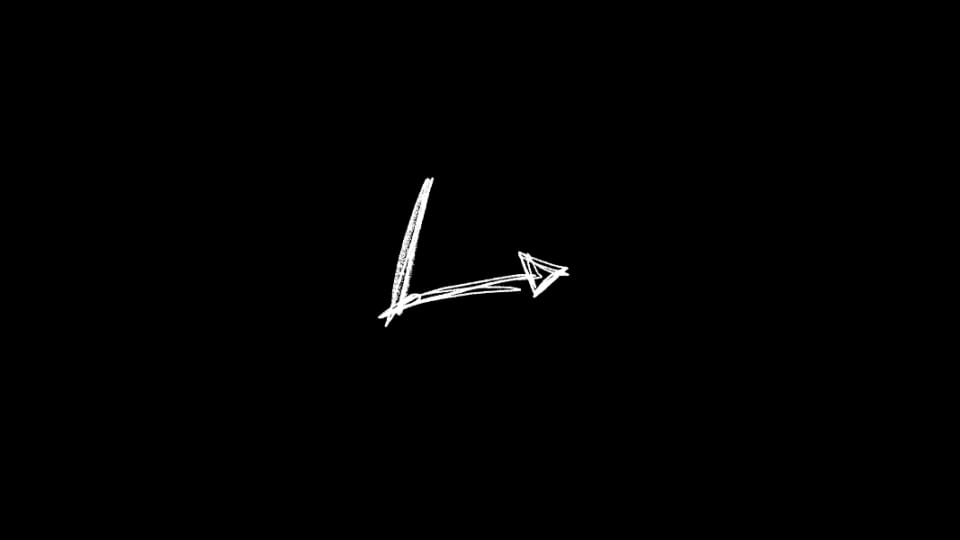
Arrow - Right-Angle Turn
motion graphic
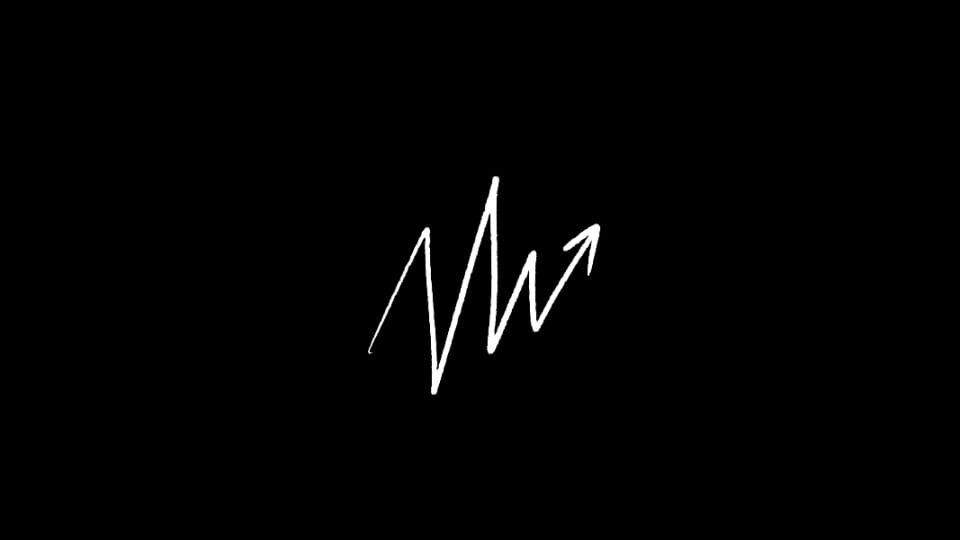
Arrow - Jagged Growth Up Right
motion graphic
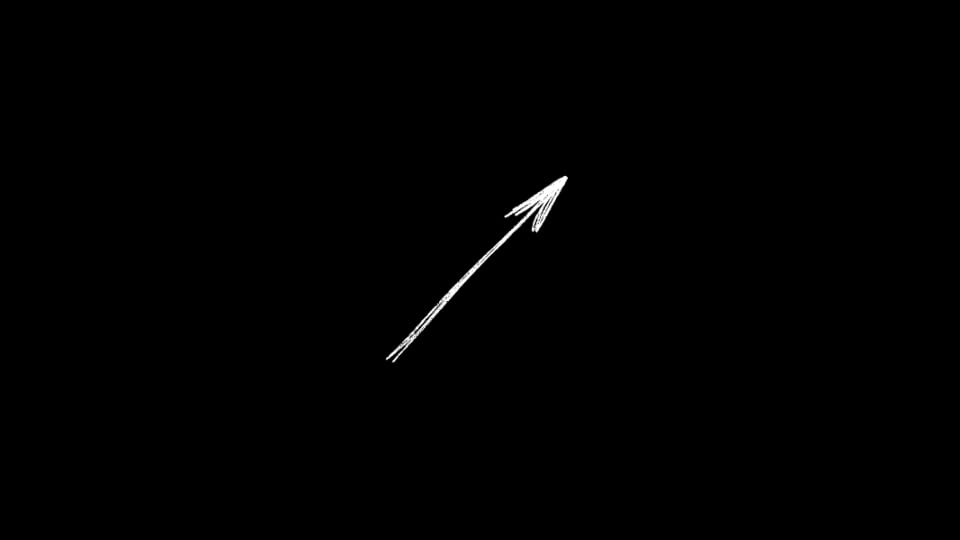
Arrow - Feathered Diagonal Up Right
motion graphic
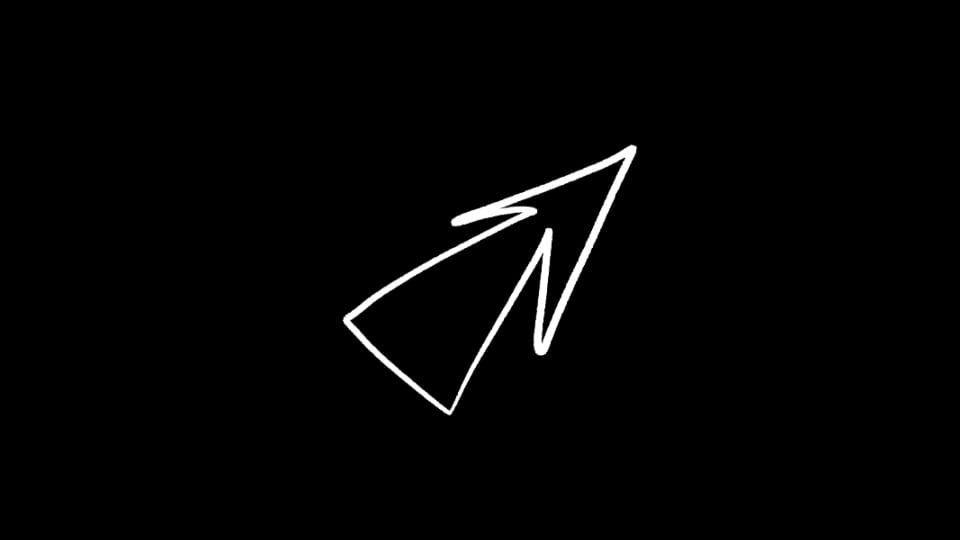
Arrow - Hollow Outline Up Right
motion graphic
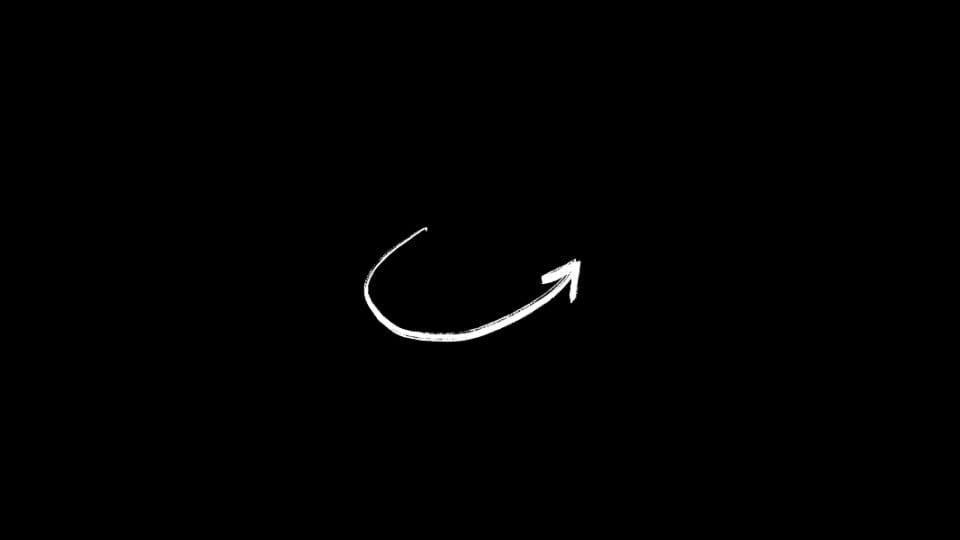
Arrow - Curved Swoosh Up Right
motion graphic
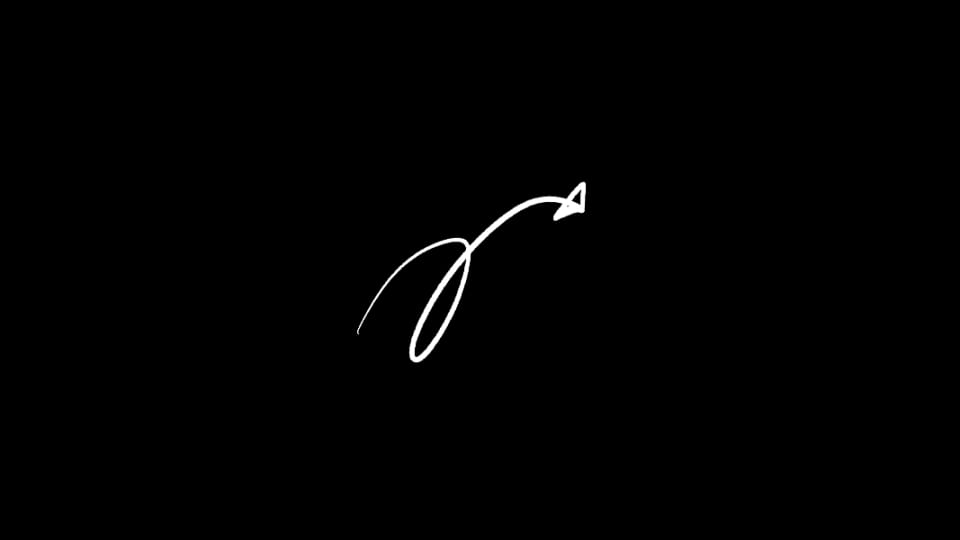
Arrow - Cursive Loop Up Right
motion graphic
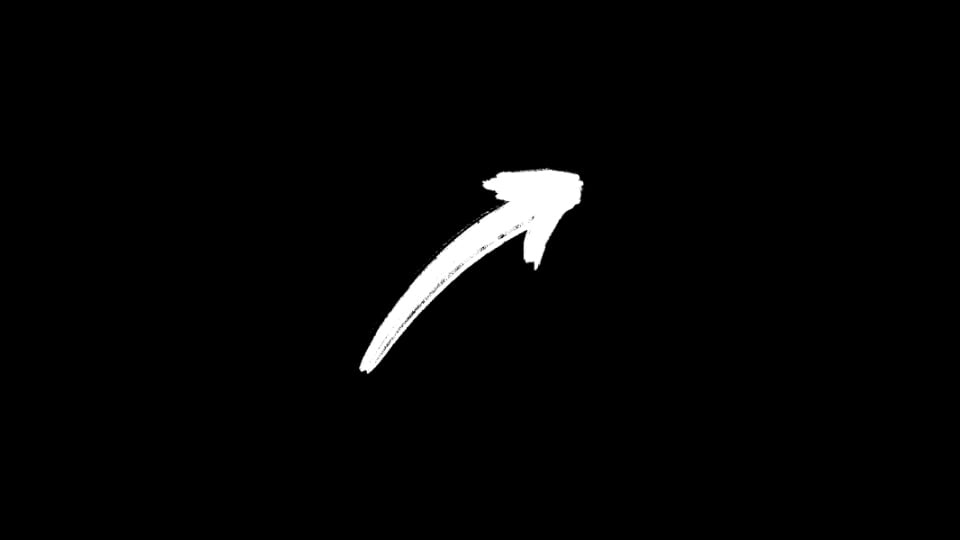
Arrow - Bold Brush Up Right
motion graphic
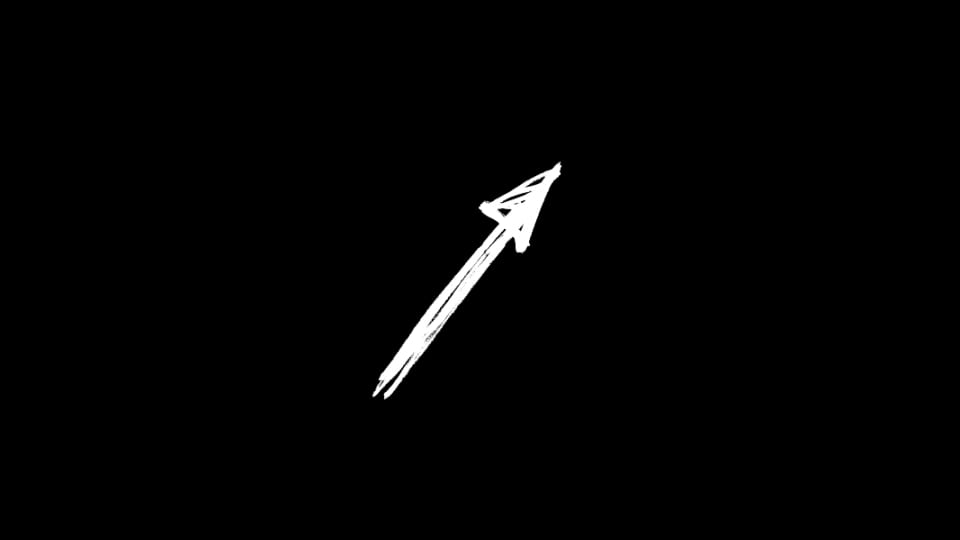
Arrow - Bold Sketch Up Right
motion graphic
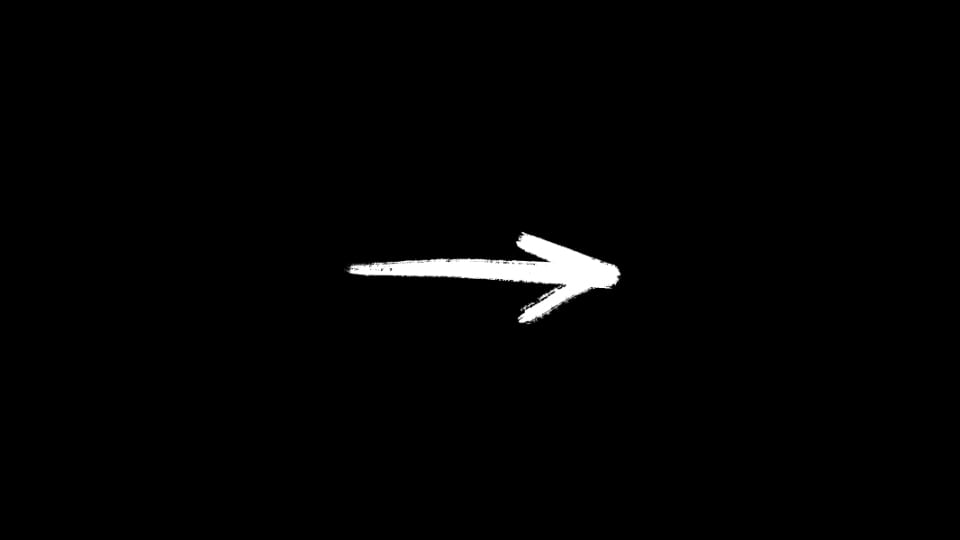
Arrow - Bold Brush Right
motion graphic
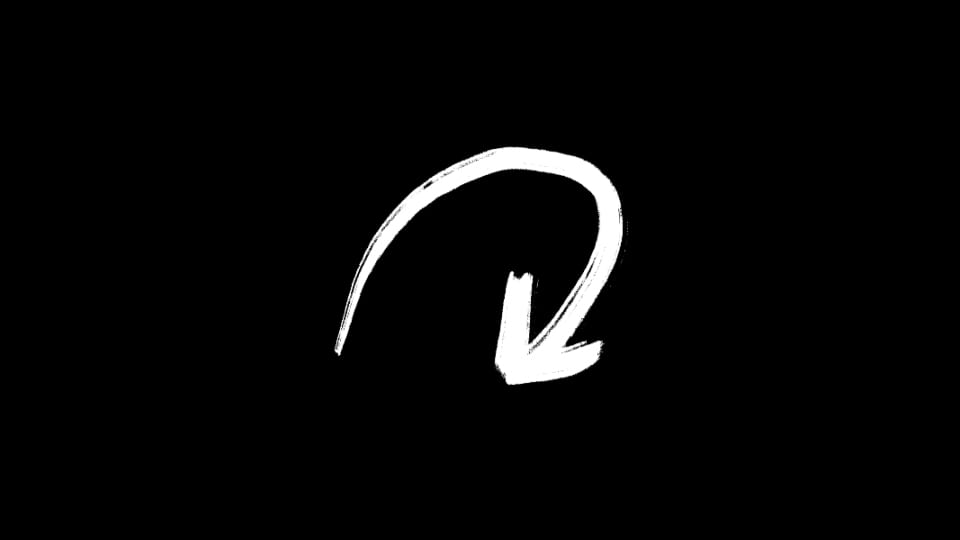
Arrow - Bold Brush Curve Down
Customize it in seconds
Double-click an arrow to add it to your timeline, then adjust the size, rotation, and color in the Editor to match your video.
Everything works the same in Premiere Pro and After Effects.
The new arrows are available now. Open Spotlight FX and you'll find them on the Home page.