Film Burn Transitions for Premiere Pro and After Effects

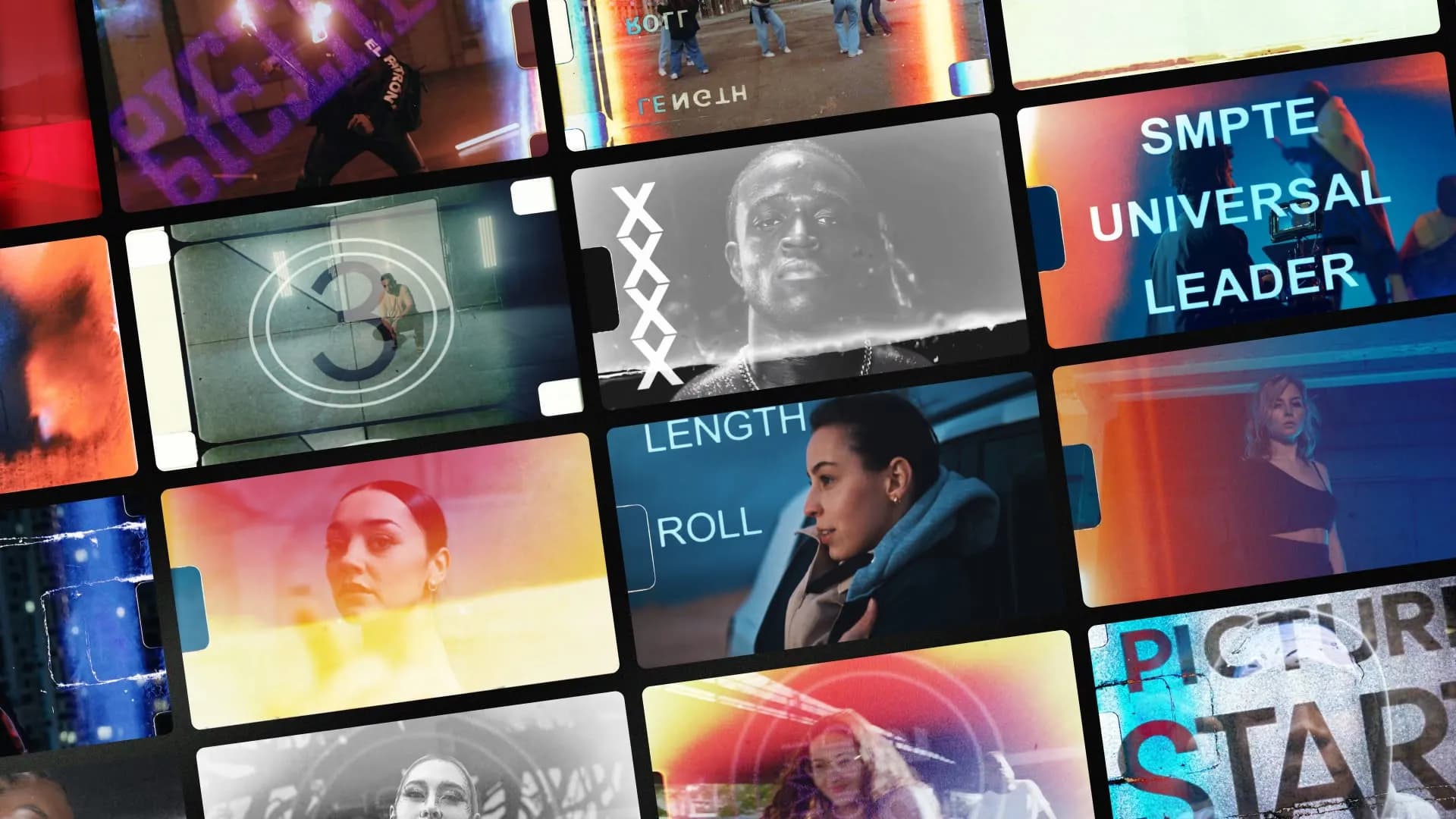
Table of Contents
We just released 20 film burn transitions inside Spotlight FX. These are real scanned textures that give you organic cuts without shooting actual film.
Real Scanned Film Textures
These are actual scanned film textures. We captured real burns, flares, and exposures, then turned them into transitions you can drop between any two clips.
You get 20 variations. Some are subtle, some are aggressive. Some have heavy grain, others are smoother. You can use them for music videos, documentaries, YouTube shorts, whatever. They work anywhere you need an organic cut.
Every transition is fully adjustable:
✅ Color correction (brightness, contrast, saturation, hue)
✅ Flip directions (horizontal or vertical in one click)
✅ Works with any import method (in-clip, out-clip, between clips, stacked, whatever)
You don't need to open compositions or dig through layers. Everything is controllable from the Spotlight FX editor panel. Change the color to match your grade, flip it if the direction feels wrong, adjust brightness if it's too intense. Done.
Film Burn Transitions for Premiere Pro
Just select two clips and import the burn between them. It automatically handles the timing and placement.
Film Burn Transitions for After Effects
In After Effects, same thing. Import it wherever you need a transition, and it drops in ready to go.
If you want to stack multiple burns or layer them with other effects, you can do that too. They work like any other item in Spotlight FX, which means they play nice with everything else in your timeline.
It's Live Now
Film burn transitions are available now inside Spotlight FX for all paid users. Open the app, go to Transitions > Flash, and you'll see them there.
Let me know what you think. If you use these in a project, send it over. I want to see what you make.
Denis