New: To-Do & Listicle Templates for Premiere Pro & After Effects

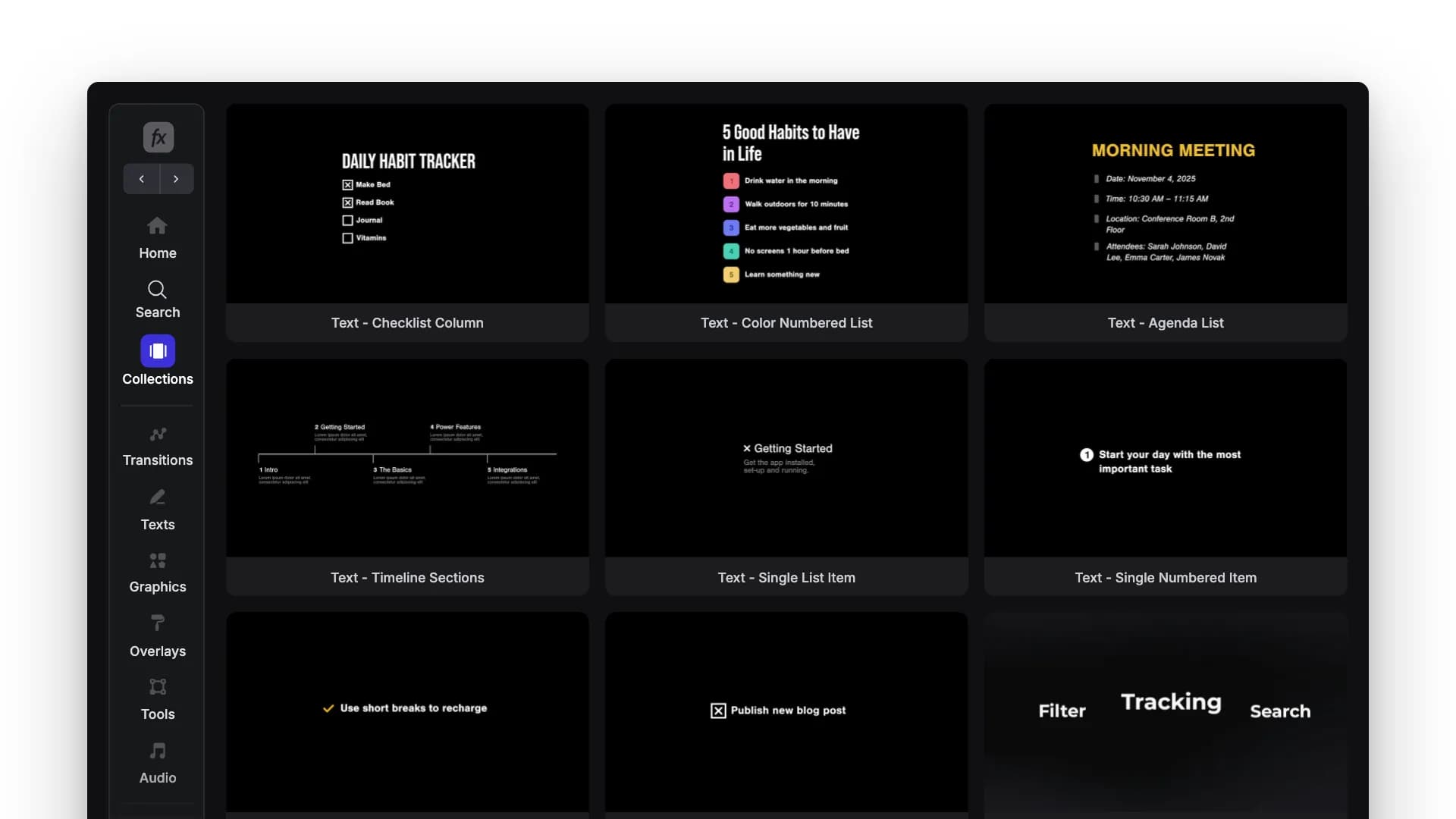
Table of Contents
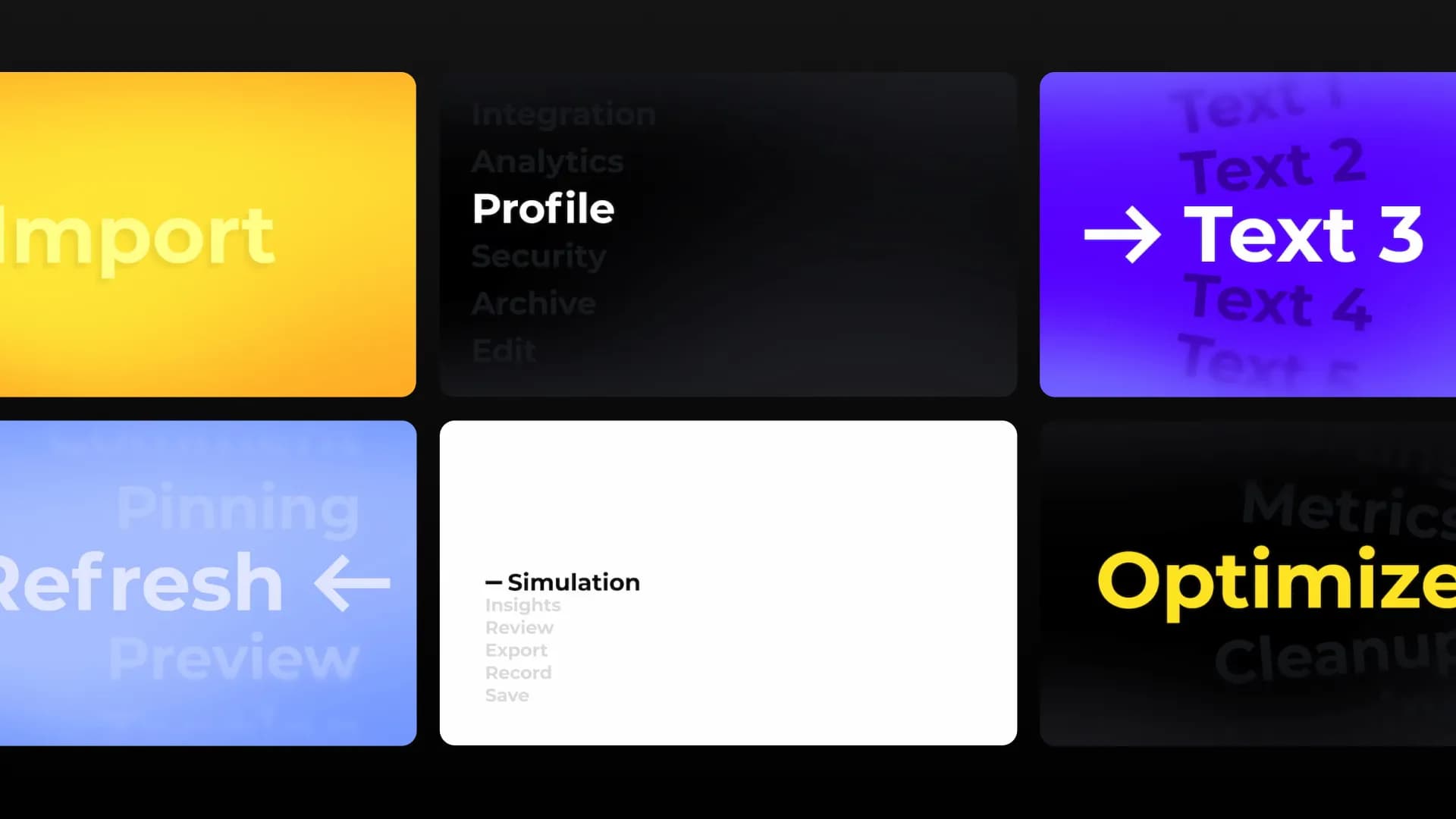
This week we're adding a new set of "To-Do" and Listicle templates to Spotlight FX.
They're made for those parts of a video where you need to put a few points on screen without building the whole layout yourself. Add a simple checklist, break something down into steps, show a list of tips, or use a timeline to explain what happens next.
There are different layouts depending on how much you want to show, from a single point on screen to longer numbered lists and trackers. Just change the text, adjust the colors to fit your video, and you're ready to go.
Available for Premiere Pro and After Effects
The new To-Do & Listicle templates are available now in Spotlight FX for Premiere Pro and After Effects. Open the plugin and give them a try.
text
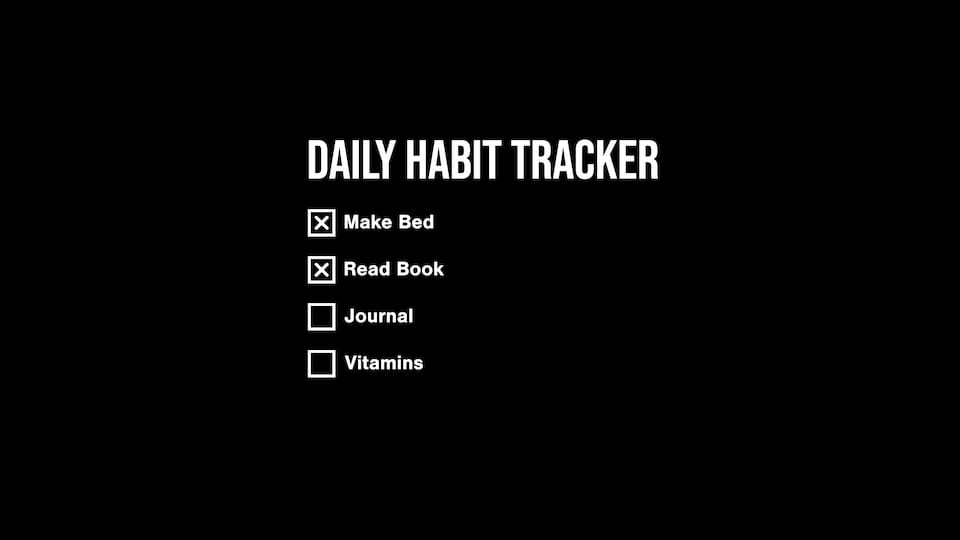
Text - Checklist Column
text
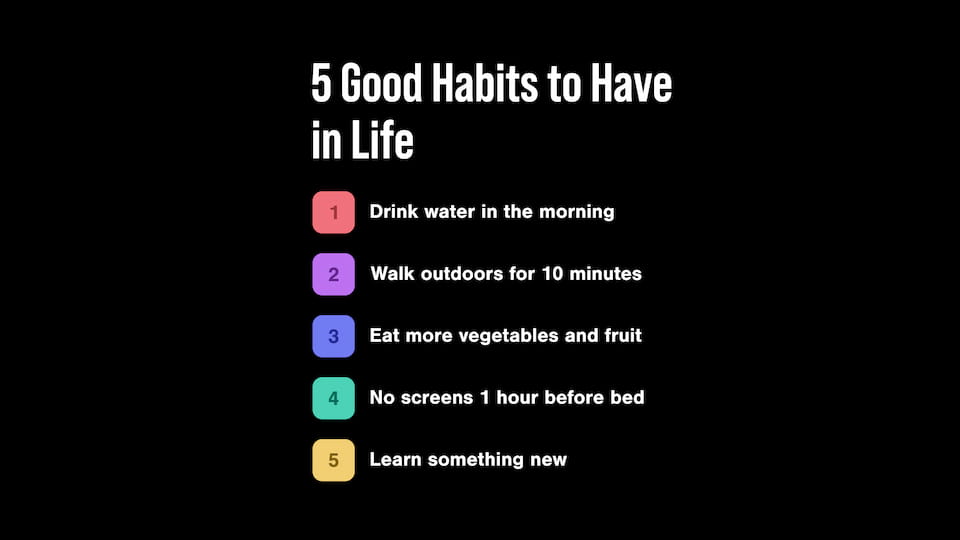
Text - Color Numbered List
text
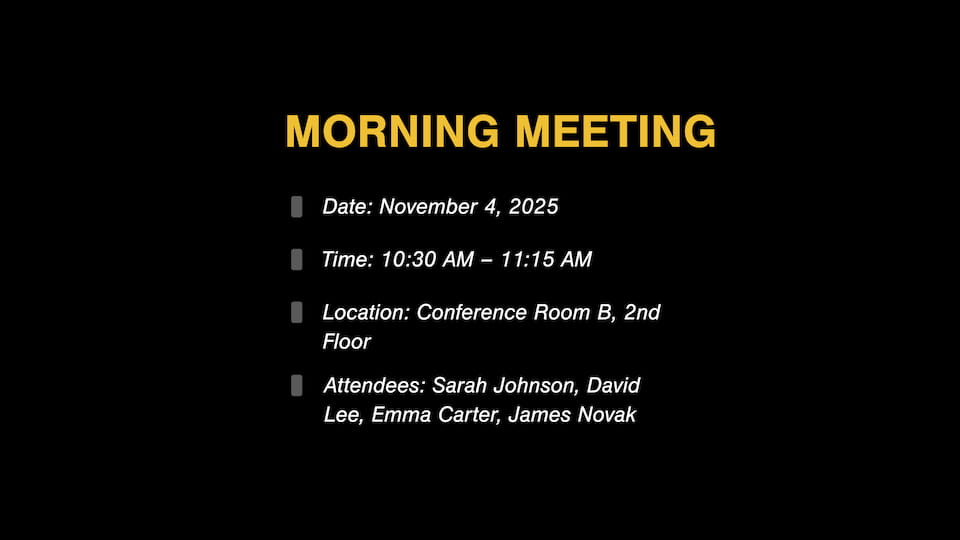
Text - Agenda List
text
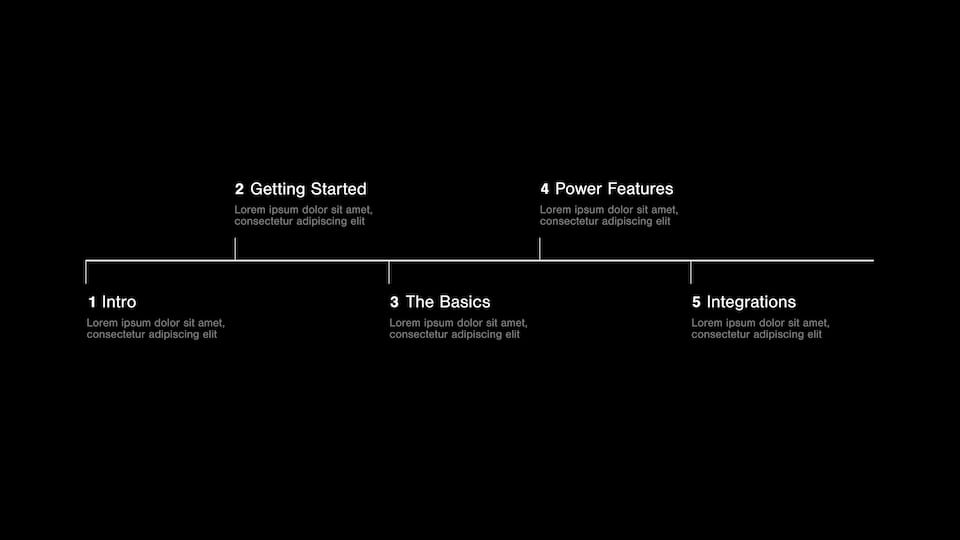
Text - Timeline Sections
text
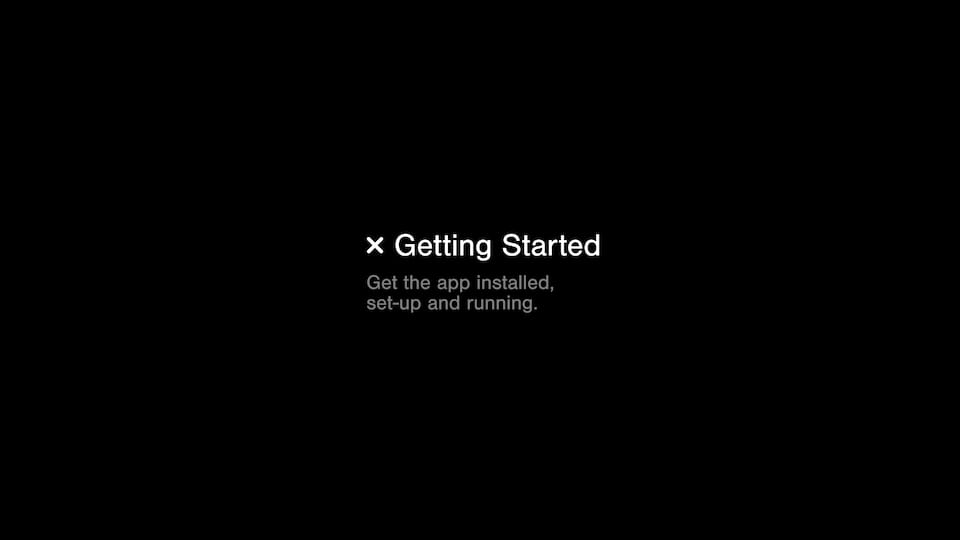
Text - Single List Item
text
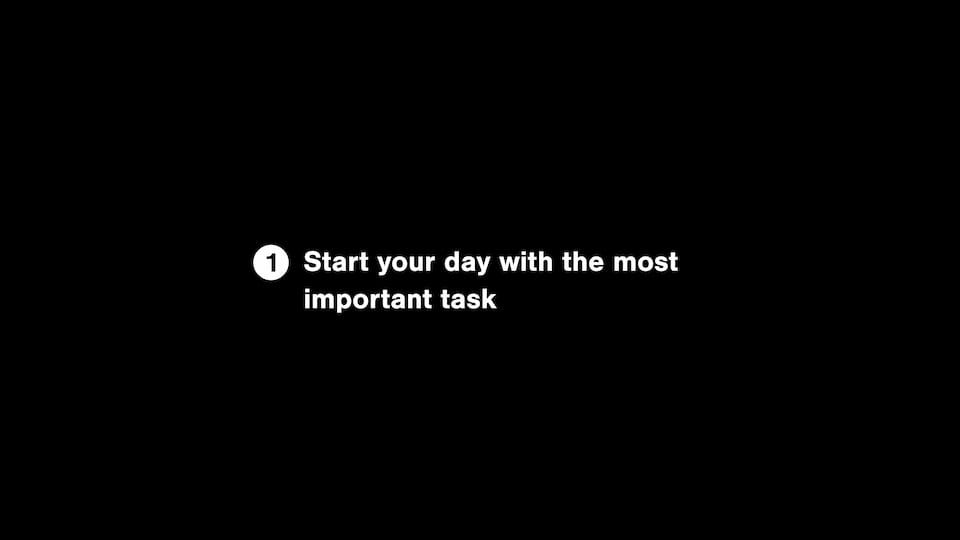
Text - Single Numbered Item
text
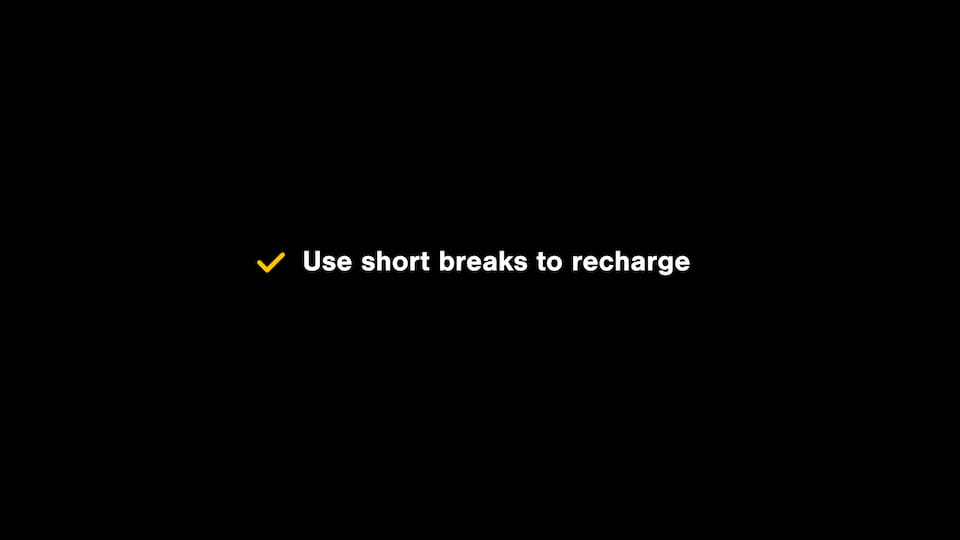
Text - Single List Check
text

Text - Single Checkbox Item
text
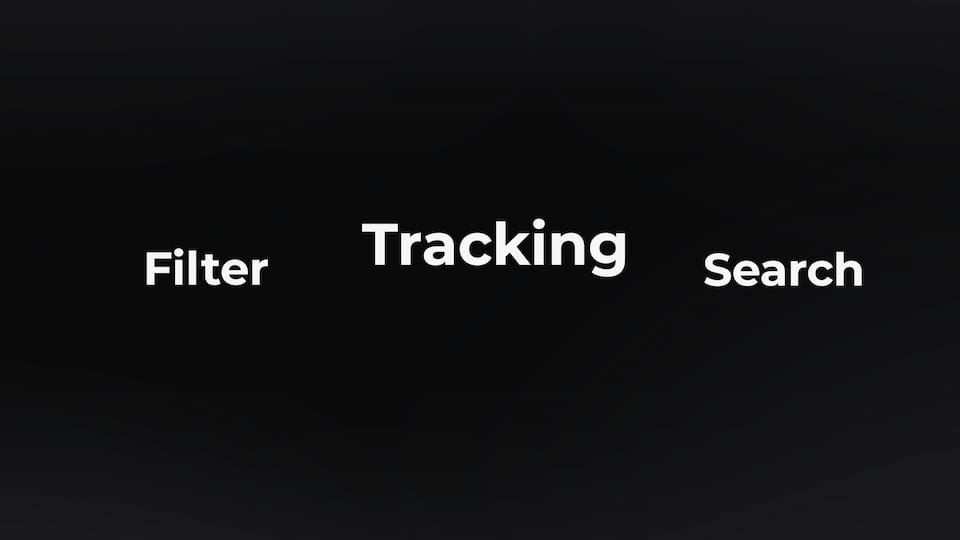
Text - Center Slide Right
text

Text - Center Slide Left Highlight
text
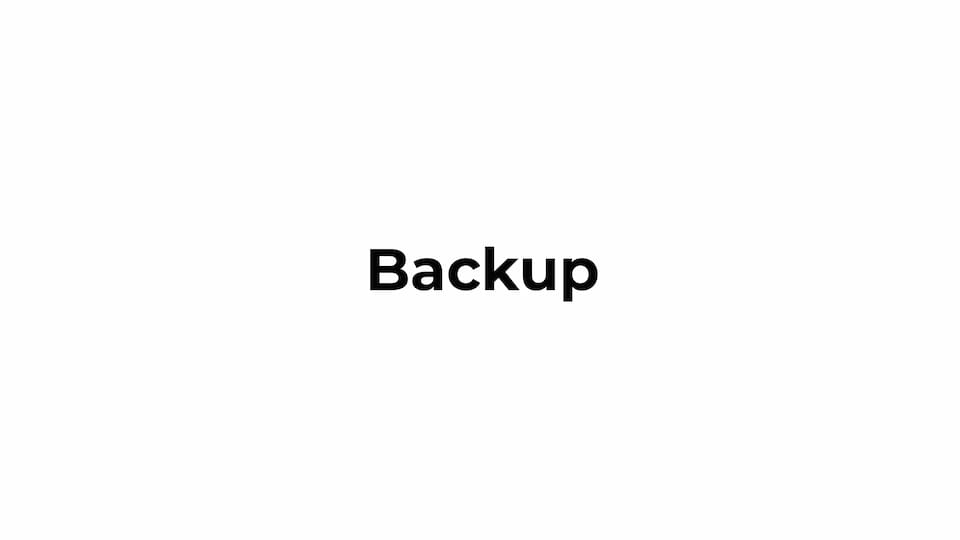
Text - Center Slider Single
text

Text - Center Slide Left Fade