New: Figma Style Titles for Premiere Pro & After Effects

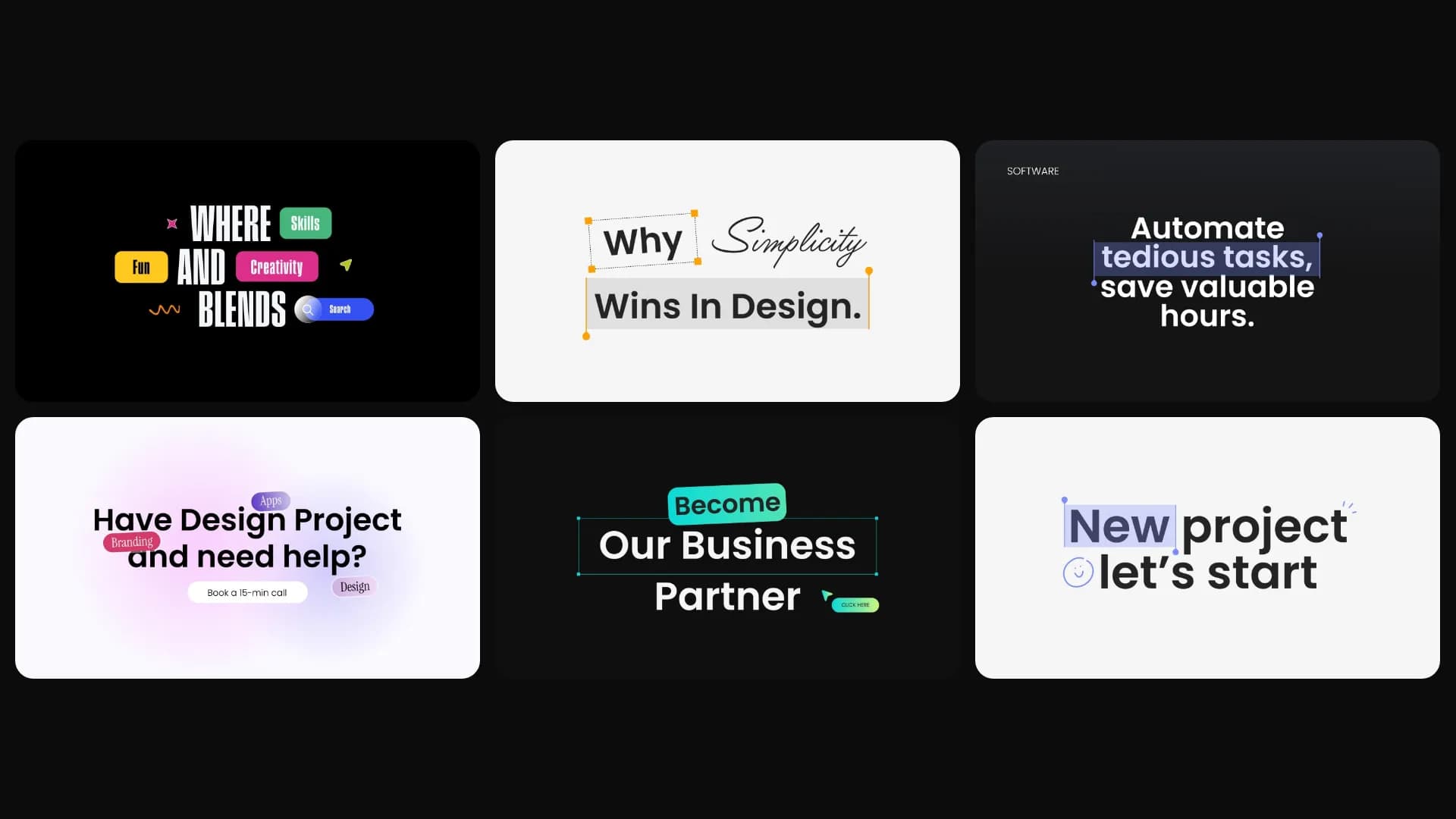
Table of Contents
If you make product demos or SaaS videos, most of what people see on screen is text.
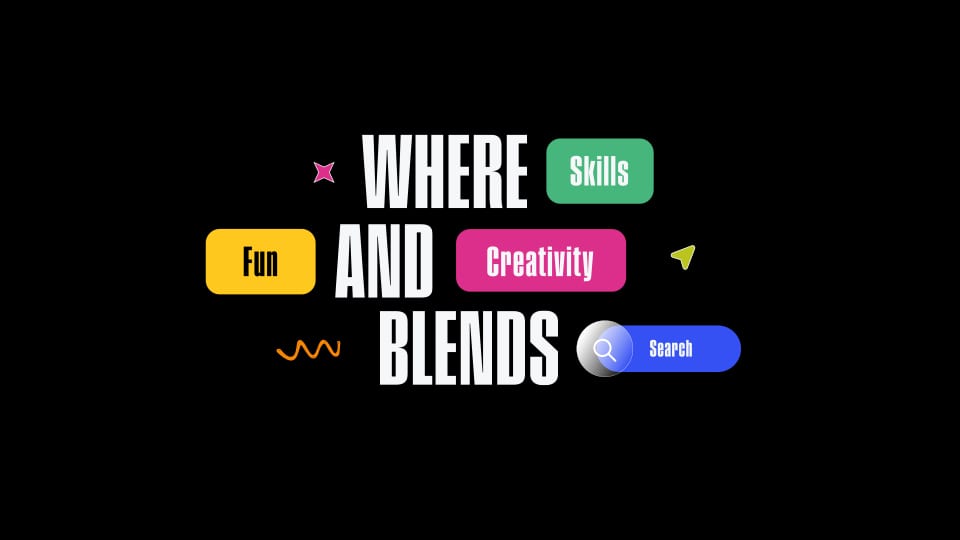
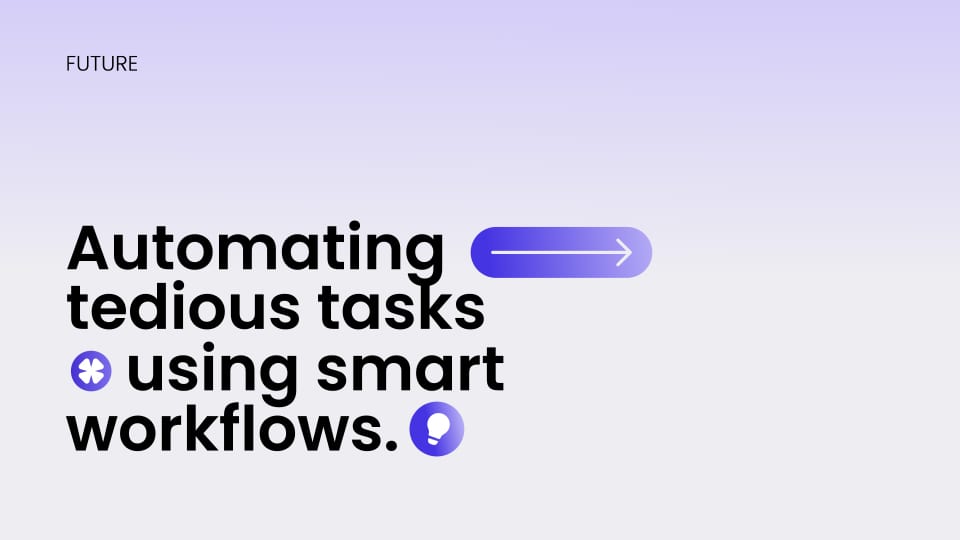
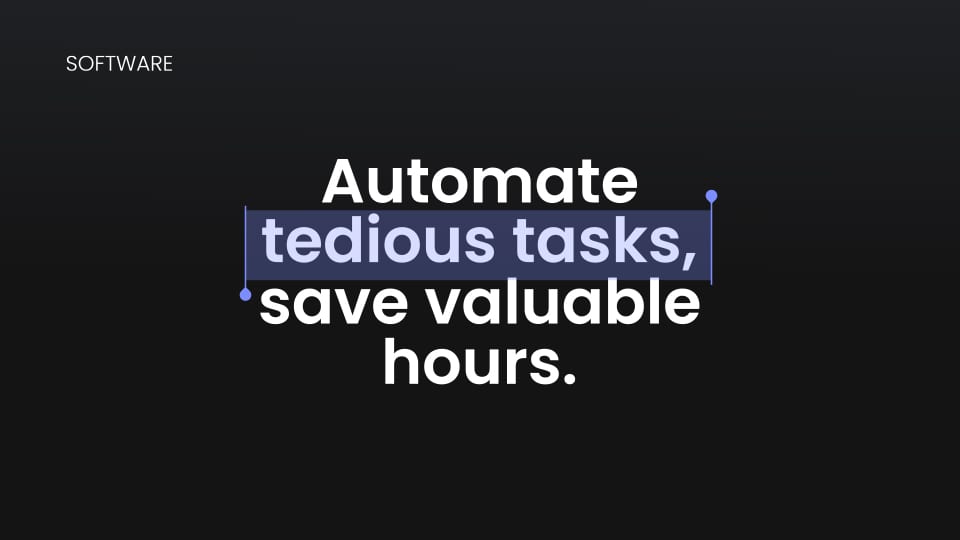
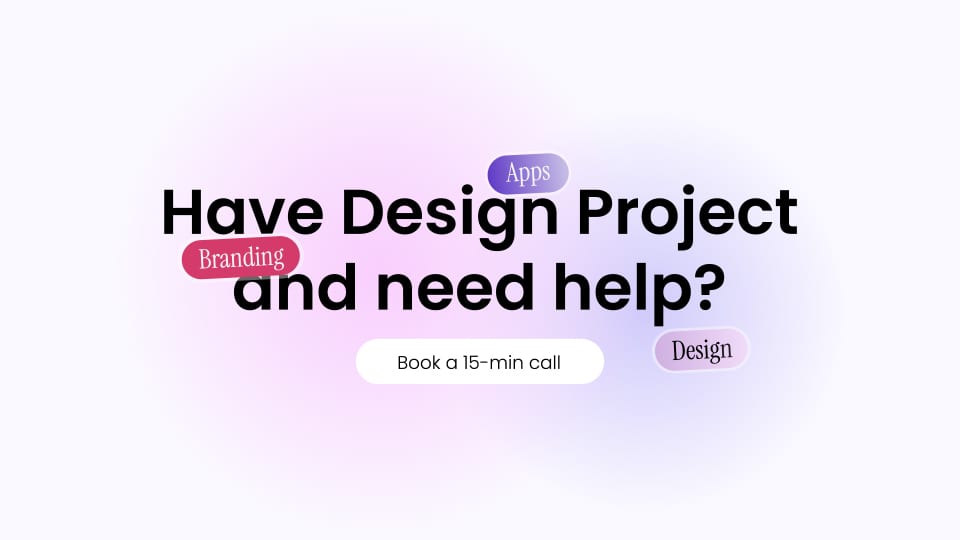
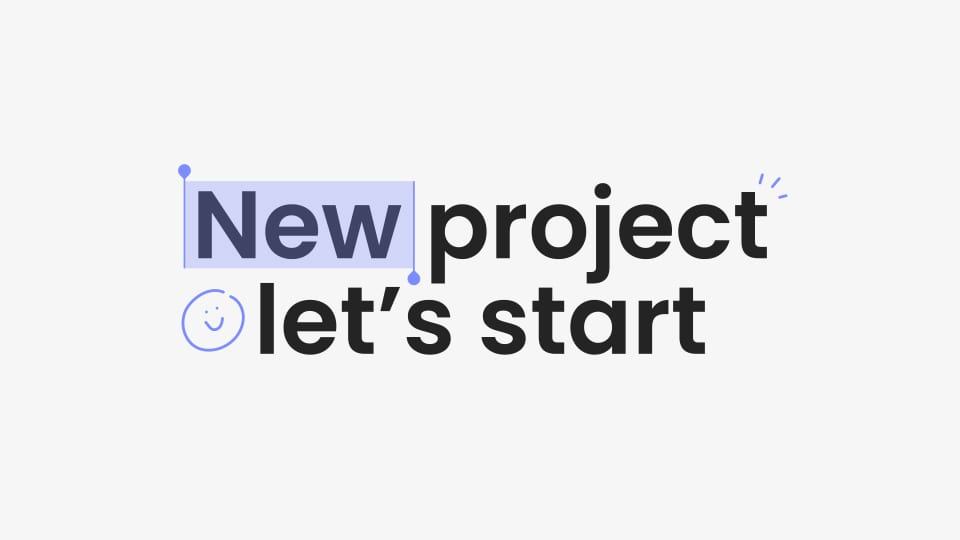
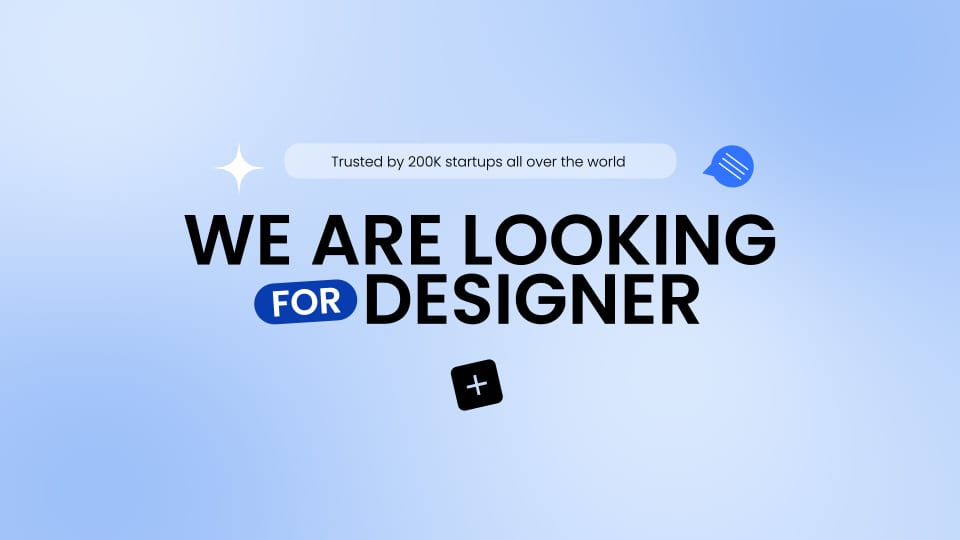
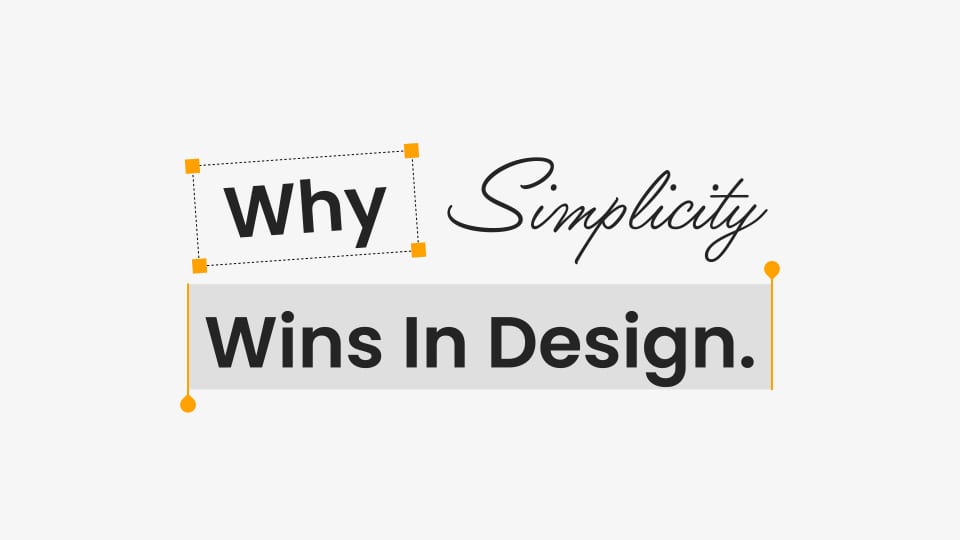
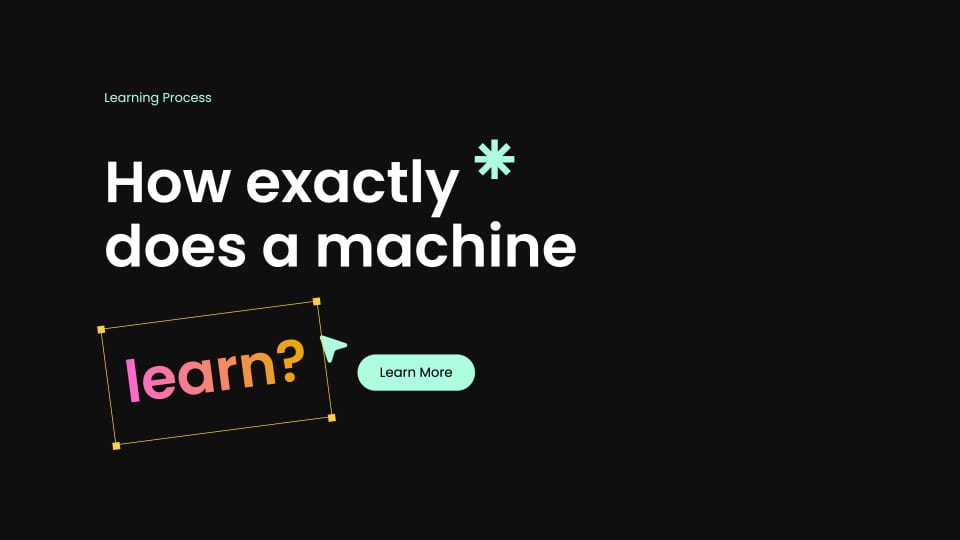
These are ready-made titles you can drag and drop straight into your timeline and type into. Each one already has a highlighted word, a small tag, a button and a cursor, so it looks like text on a landing page instead of a plain text layer.
Everything is already in the right place
You don't have to build the layout. The colored block is already behind the right word, the tag is already above the line, and the button already lines up with the text.
Making one of these yourself takes about twenty minutes. You pick the font, space the words, draw the box, then animate every piece. Here you type your line and you're done.
Change the text and nothing breaks
Type a longer word and the box grows with it. You can change the words, the colors, the size and the position, and the title still looks right.
Made for product videos
They work well for product demos, SaaS launch videos, feature announcements, app onboarding, app store previews, pitch videos and portfolio reels.
You can use a title to open your video, introduce a feature, or answer the question your viewer is already thinking about.
They go with last week's buttons
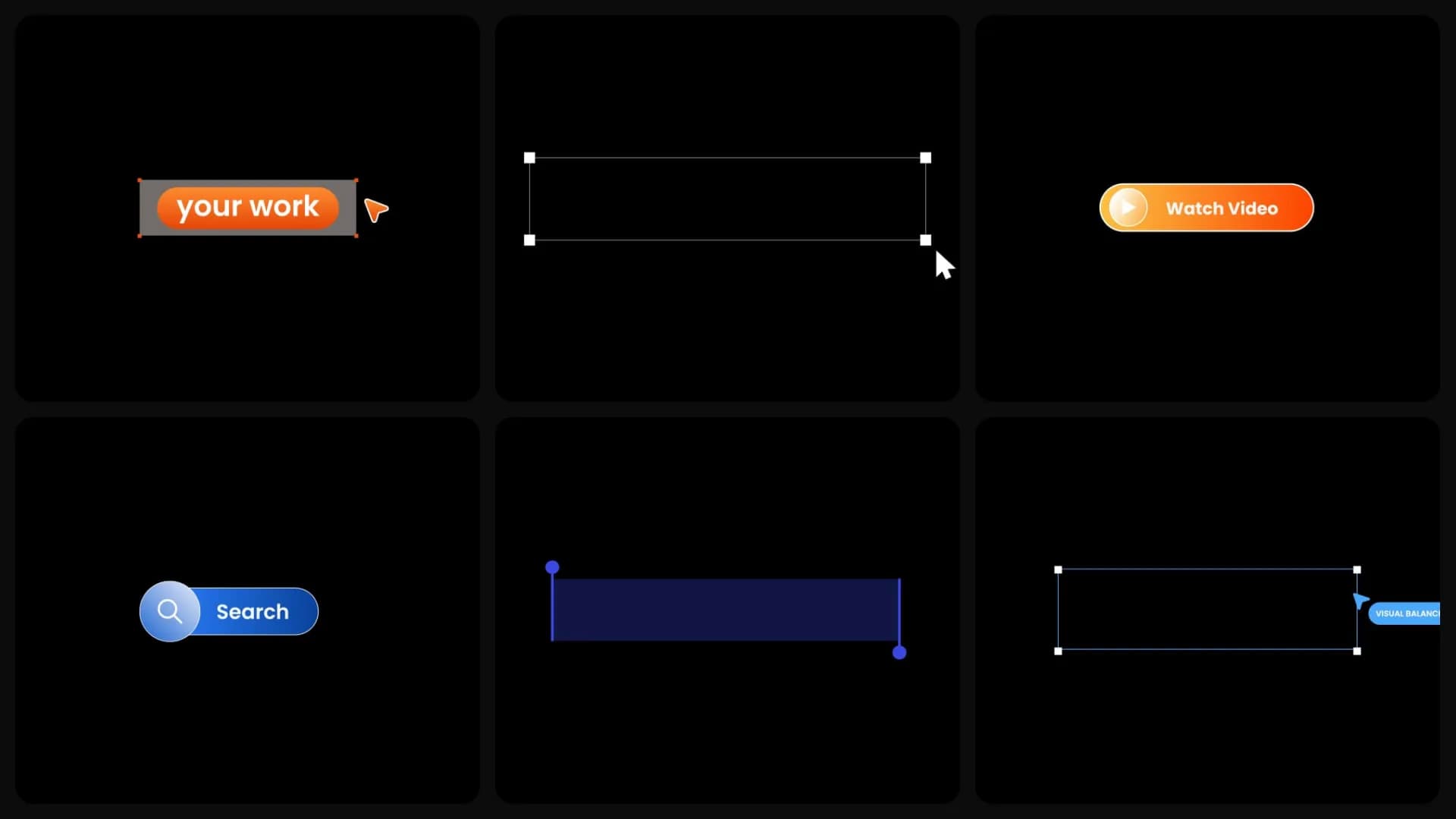
Last week we released buttons, search bars, labels and callouts. These are the titles that go around them.
Use both together and you can build a full Figma style scene without opening a design tool first.
Available today for Premiere Pro and After Effects
The new Figma Style Titles are available now in Spotlight FX. Open the plugin and start using them today.