New: UI Buttons for Premiere Pro & After Effects

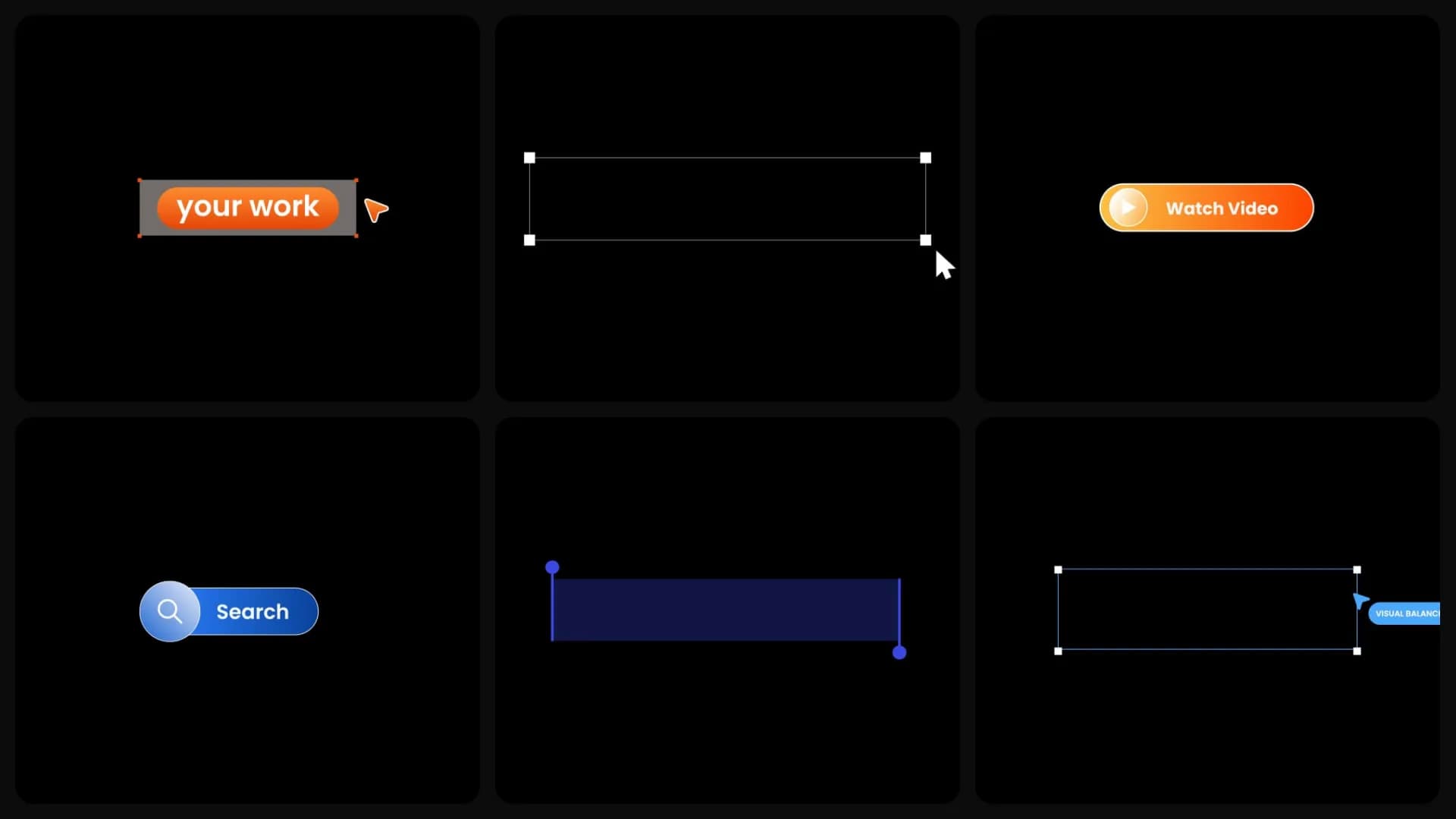
Table of Contents
When you're animating an app, website, or product demo, most of the work isn't the animation. It's rebuilding the interface. Buttons, search bars, labels, and callouts often get recreated from scratch for every project. This week's release saves you that time.
Build interface animations faster
The new UI Buttons collection gives you ready-made interface elements you can edit in seconds. Change the text, colors, size, and position, then drop them into your animation. Instead of spending twenty minutes rebuilding a button, you can spend those twenty minutes making the animation better.
Great for product videos
These templates were designed for projects where the interface is part of the story. That includes product demos, SaaS landing page videos, app store previews, website animations, feature announcements, onboarding videos, and Figma-style presentations. Whether you're introducing a new feature or showing how an app works, you already have the UI pieces ready.
This week's release
motion graphic
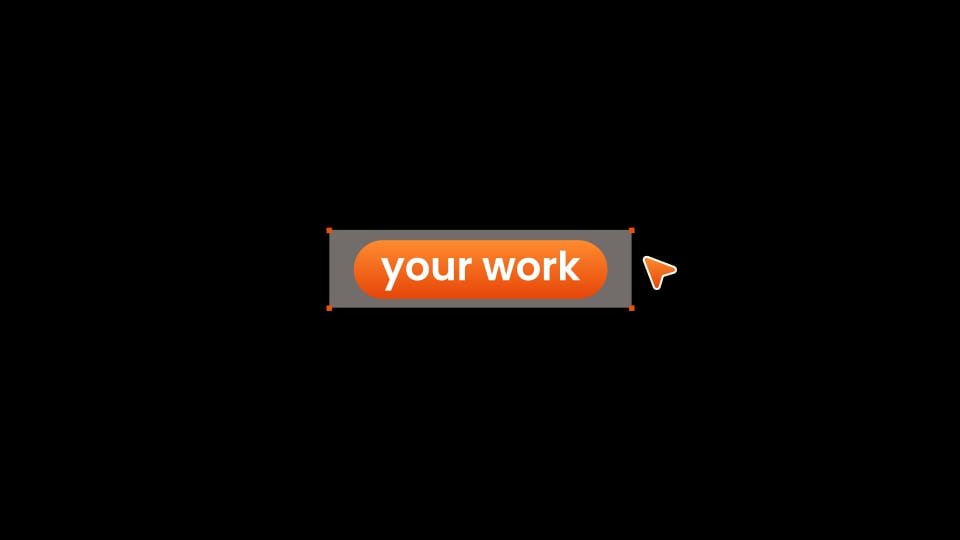
Button - CTA Highlighted with Cursor
motion graphic
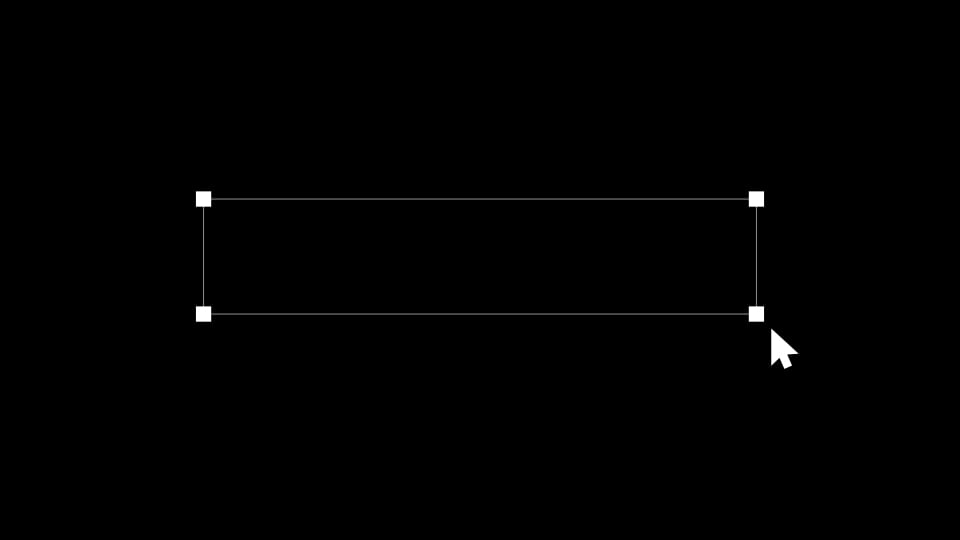
Selection - Bounding Box with Cursor
motion graphic
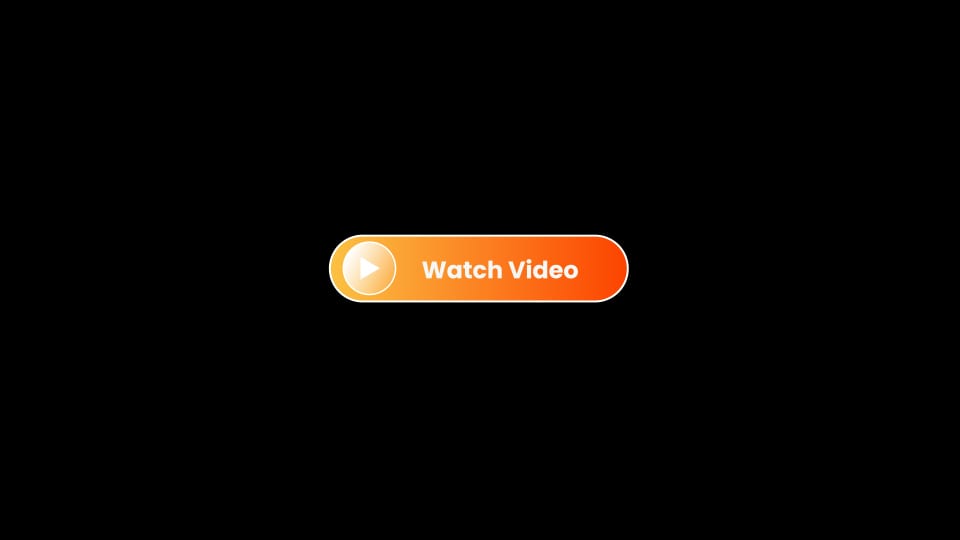
Button - Play CTA Orange
motion graphic
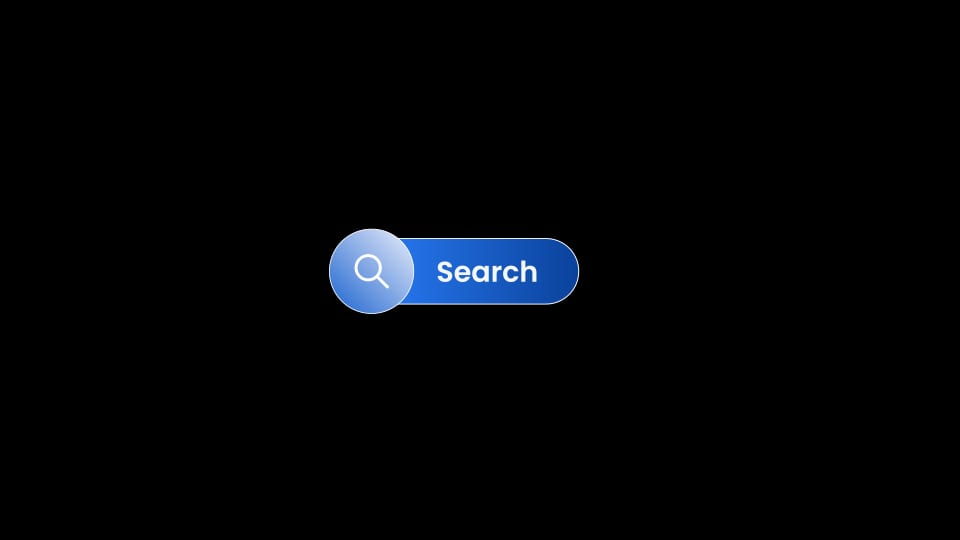
Button - Search Bar Blue
motion graphic
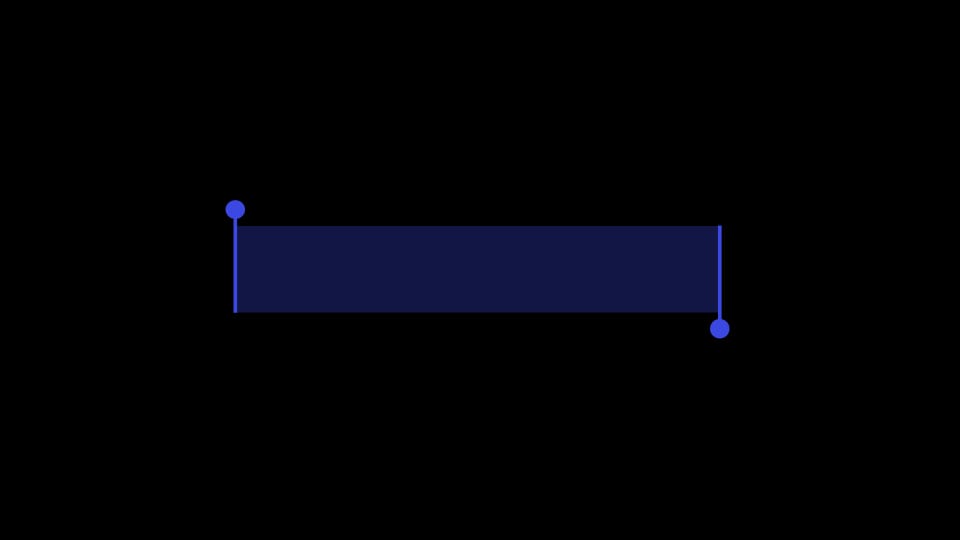
Selection - Bounding Box Dark Blue
motion graphic
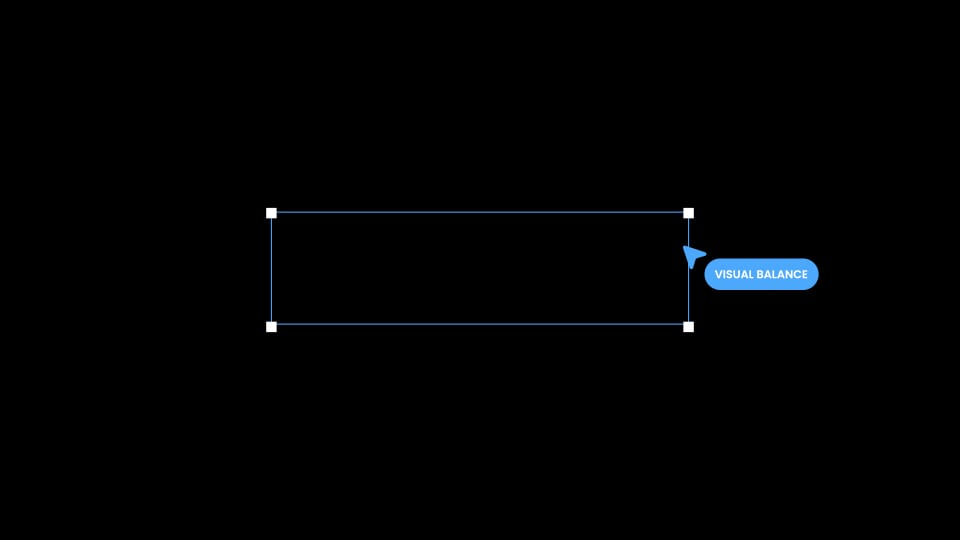
Button - Selection Box with Label
motion graphic
Button - CTA with Cursor Left
motion graphic
Button - Pill Label with Star Icon
motion graphic
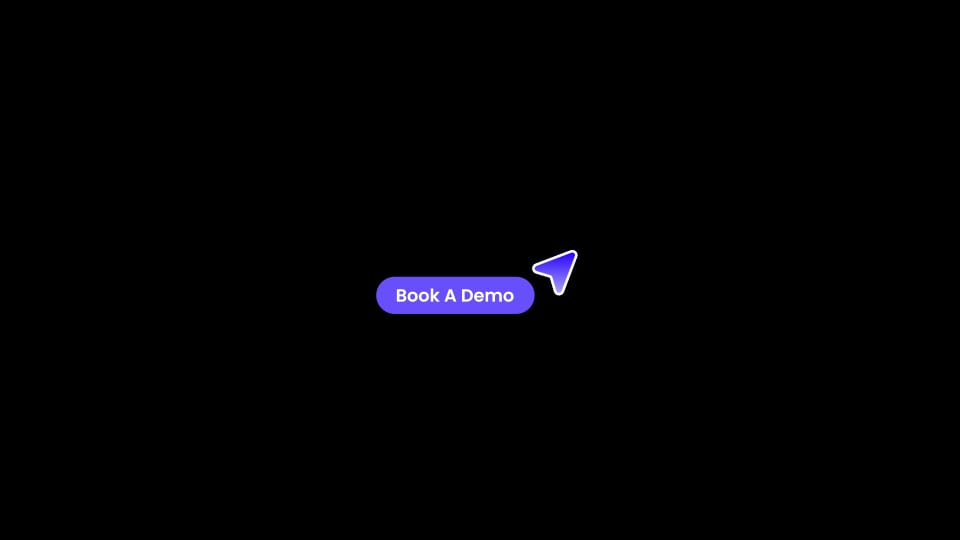
Button - CTA with Cursor Right
motion graphic
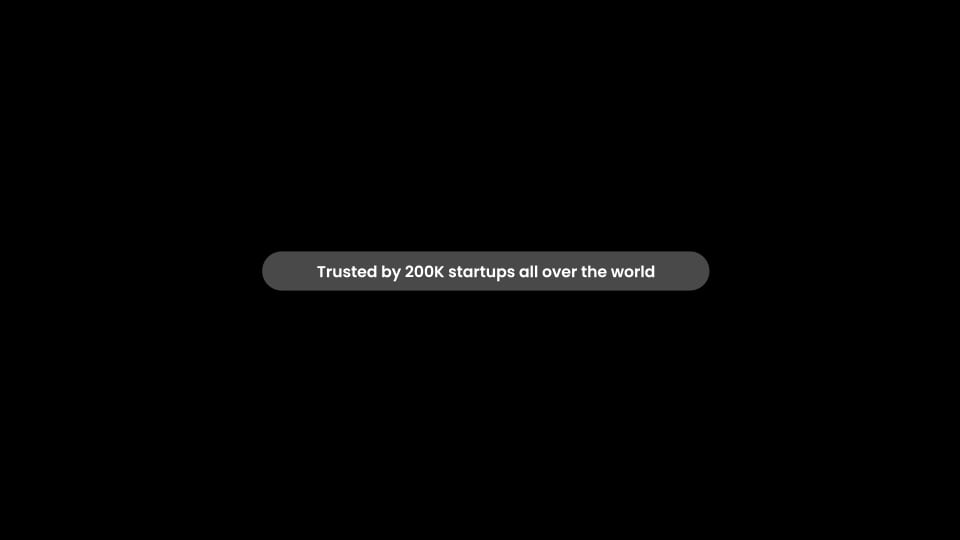
Badge - Pill Text Dark
Whether you're creating a product demo, website animation, or Figma-style presentation, these templates remove one more repetitive task from your workflow.
The new UI Buttons are available now inside Spotlight FX. Open the plugin and start using them today.