





Excellent support, Denis helped me resolve my issue in seconds.

 3,147 assets included
Preview 1 of 6
4.9 of 5 (19,669 users)
70 sold this week
All-in-one plugin
Secure Checkout provided by Stripe / Link

14-day money-back guarantee
If you don’t love it, contact us within 14 days for a full refund.

Support from the people who build it
Need a hand getting started? Our team is here to help.
19,669
Users
Built in-house
By the Spotlight FX team
Editor's
Choice
Made for editors
Designed for real projects
4.9 / 5
Rating
Commercial use
For your work and clients


14-day guarantee
Secure checkout
Mac & Windows
Using Premiere Pro? Check out the Premiere Pro version of Thermal Looks.
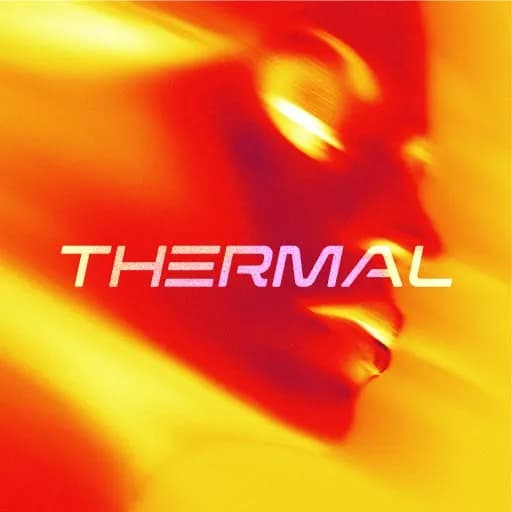
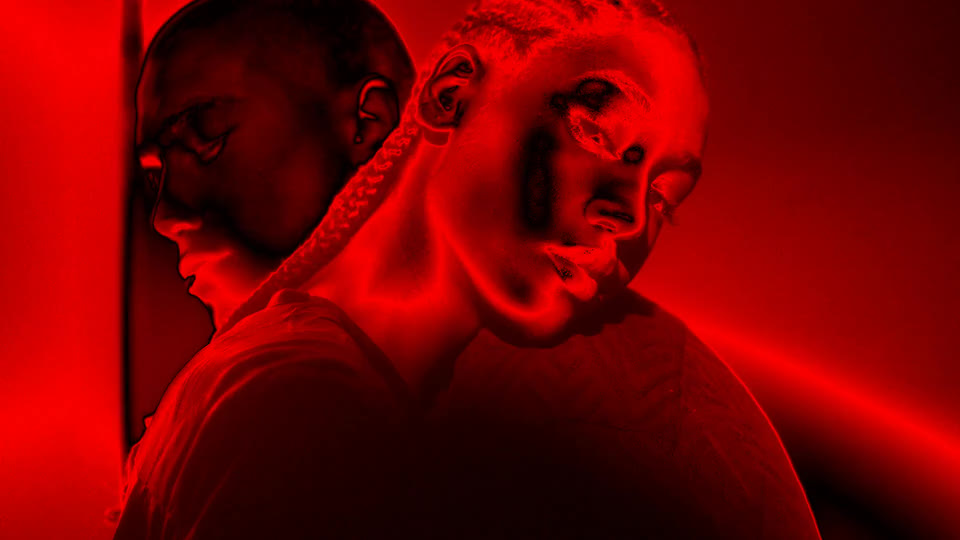
Creating infrared and thermal camera effects with color grading, glow, and heat signatures means stacking effects and tweaking endless parameters. This plugin gives you pre-built thermal looks ready to apply. Infrared vision, heat signatures, night vision thermal, military targeting, different temperature palettes. Apply to footage, adjust intensity and heat ranges without effect stacking. Get authentic thermal camera looks in seconds.
Your full editing toolkit
Spotlight FX is a plugin for Adobe Premiere Pro and After Effects with 3,147 customizable assets and a growing set of editing tools. Go beyond this plugin with titles, transitions, effects and shortcuts for the rest of your video.
Adobe integration
Install Spotlight FX and open it inside Premiere Pro or After Effects. Browse, preview and add titles, transitions and effects without leaving your editing app.
The asset library
Get titles, transitions, motion graphics, overlays and effects for client promos, YouTube videos and product demos. Start with the free selection or choose a paid plan for the full library.
Weekly releases
Find new titles, transitions and effects in Spotlight FX as they are released. Keep trying different styles through the same plugin, with access to new releases according to your plan.
Made for your next edit
Make it yours
Change the text, colors, fonts and available animation settings in the Spotlight FX editor. Adapt the starting design to your video without rebuilding the animation yourself.
Toolbox included
Use Toolbox for everyday editing tasks as well as library assets. Create smooth zooms in Premiere Pro, or adjust keyframe easing and rename layers in After Effects. Each app shows the tools it supports.
Search and preview
Search titles, transitions, and effects without leaving your project. Watch the previews, compare a few options, and add the one you like to your video.
Made for your next edit
Your workspace
Keep the Toolbox where it's comfortable to use. Leave it in a floating window or dock it beside your video in Premiere Pro. Your controls and the result can sit side by side while you edit.
Your favorites
Save your favorite titles, transitions, and effects in My Library. Keep the assets you use most in one place, ready for your next video.
Client changes
Edit text, fonts, and colors to match your video. Whether you’re trying a different look or updating a client’s details, the controls are right inside the plugin.
Excellent support, Denis helped me resolve my issue in seconds.
We are creating many shorts for social media, and even as a beginner in premiere pro, I was able to create good looking videos.
We are a studio of 20 people, and this has completely changed our workflow.
I only discovered extensions yesterday. I can't believe it. All this time I have been designing animations manually.
Perfect! Absolutely astounding support. Thank you!
Thank you very much for your help and congratulations on the amazing work you are doing. Your tools are truly valuable and inspiring for beginner creators like me.
I love the assets, great stuff on that. they aren't too gimmicky like the others in other packs and plugins.
This plugin is absolutely best.
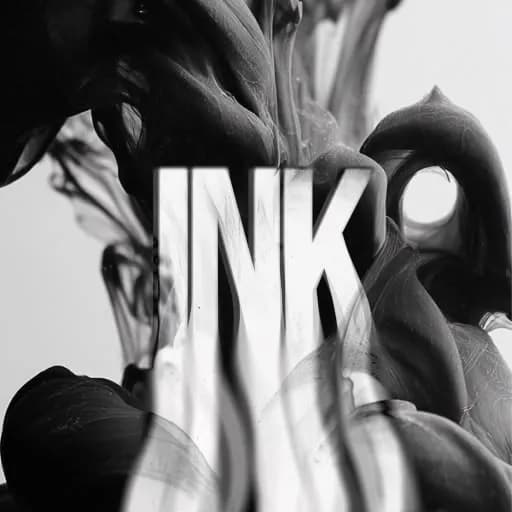
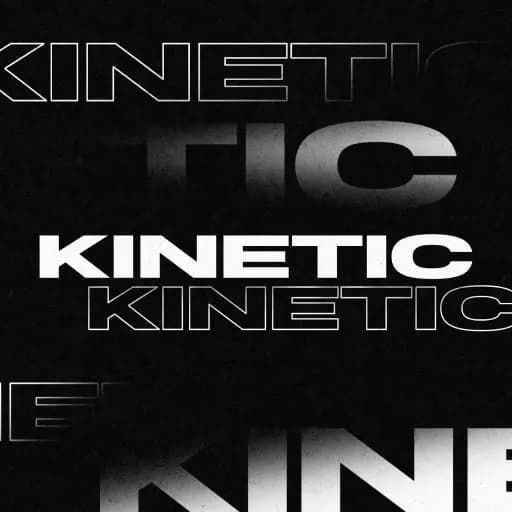
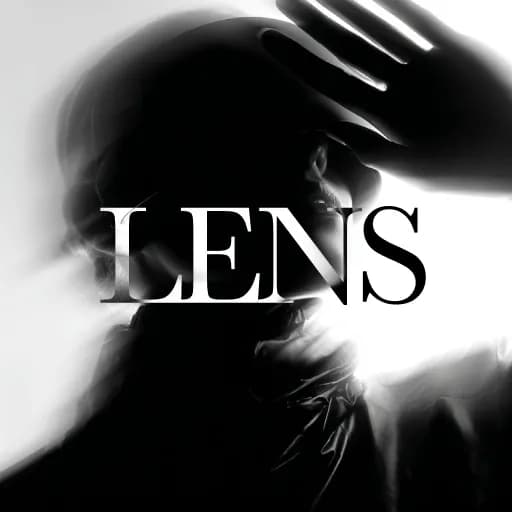
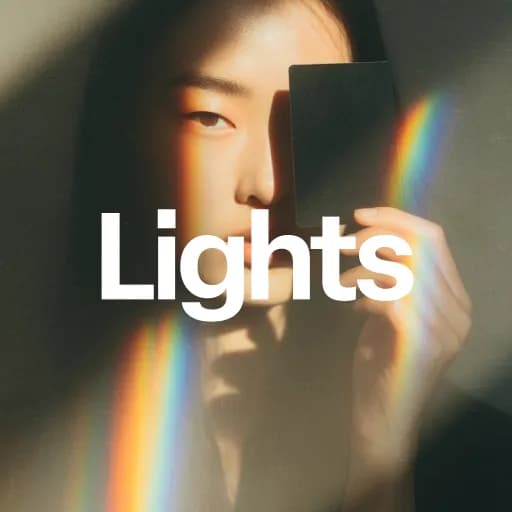
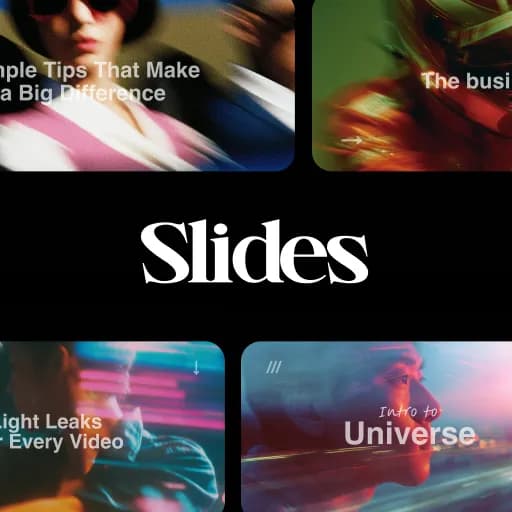
A selection of Spotlight FX creative assets.
Everything for your next edit
From your first title to the final transition. Get the assets and tools together, right inside your editing app.
Your purchase includes
3,147 templates
Titles, transitions, effects and graphics
57 plugins
Organized collections of editing assets
10 collections
Find a look that fits your project
10 workflow tools
Provisional value. Currently free.
Commercial license
For personal and client projects
…
Save approximately $5,265 compared to buying our templates individually
Our promise
Try it in your next edit, or get your money back.
14
Days money-back guarantee
Put Spotlight FX to work in your own projects. If it isn’t the right fit, contact us within 14 days of purchase for a full refund.
Buy Spotlight FX, stress freeOpen Spotlight FX inside Premiere Pro or After Effects, browse the library, and double-click any item you want. It downloads directly to your timeline with full customization controls. Everything is cloud-synced, so new items, fixes, and updates appear automatically.
Select the item in your timeline and use the Spotlight FX Effects Panel. You can adjust controls like colors, text, timing, scale, direction, intensity, and more depending on the item.
Yes. All Spotlight FX items, including free items, include a commercial license. You can use them in client work, monetized videos, branded content, ads, and personal projects. No attribution is required.
Spotlight FX supports the two most recent major versions of Adobe Premiere Pro and After Effects, including current beta releases. Compatibility updates are handled automatically.
No. You can use Spotlight FX in Premiere Pro only, After Effects only, or both. Premiere Pro users do not need After Effects to customize and use Spotlight FX items.
Normal downloaded assets usually require searching, downloading, unzipping, importing, organizing files, and figuring out how each one works. Spotlight FX works inside Premiere Pro and After Effects. Double-click an item, customize it through a consistent effects panel, and keep editing.
A selection of Spotlight FX creative assets.
Explore our collection of professional After Effects plugins designed to speed up your video editing workflow.