Glitch Cut Transition with Damage Effect
4.9 of 5 (17,759 users)
78 sold this week
Incorporate a glitch cut transition with a damage effect into your Premiere Pro timeline. This effect offers quick cuts and RGB distortion, adding a modern touch to your video edits. Drag-and-drop functionality makes customization simple. Perfect for high-energy projects and creative storytelling.
billed as $144 every 12 months
Select a subscription plan
- Includes all 3,454+ Templates
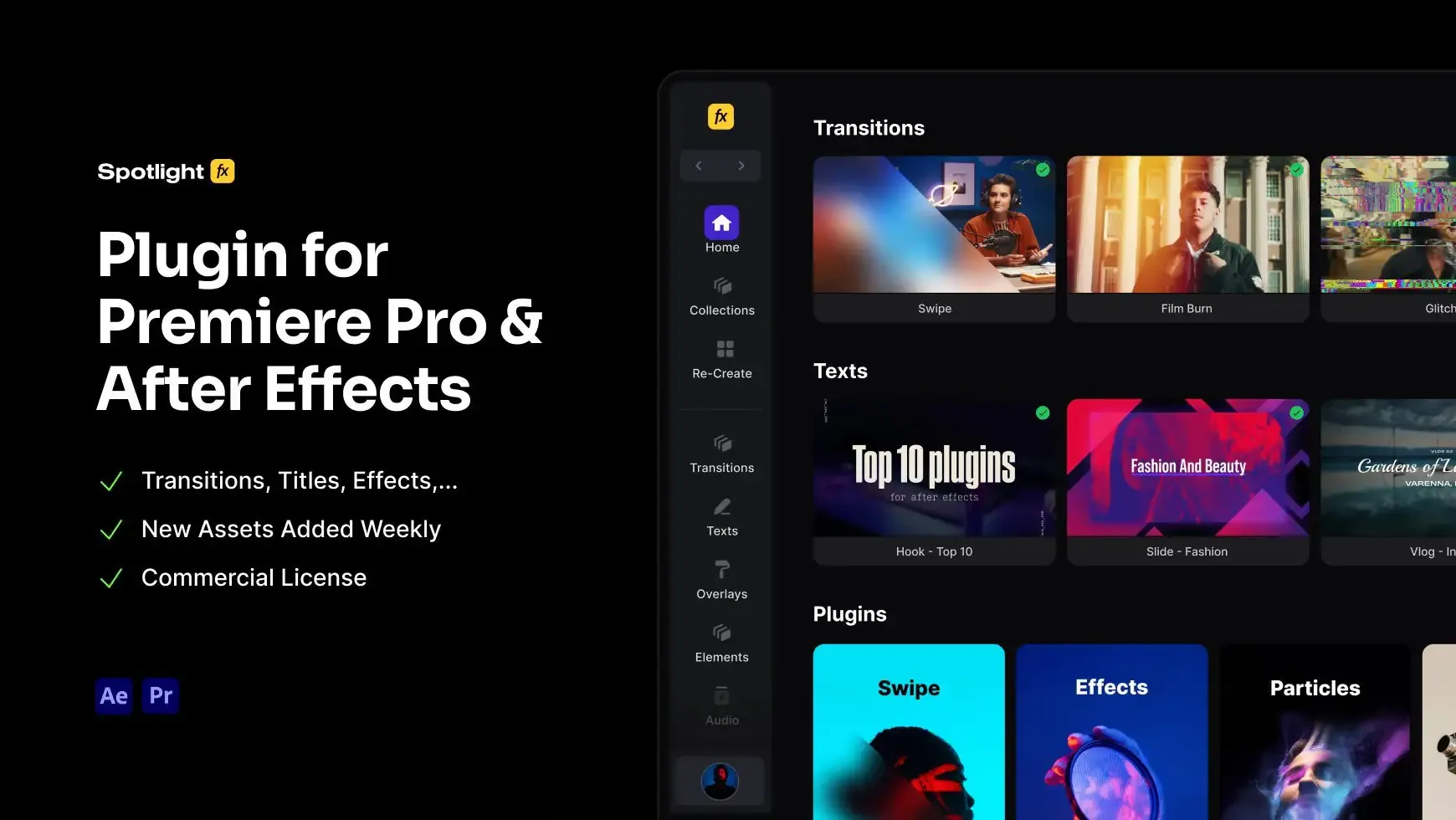
- Premiere Pro & After Effects Plugin
- Commercial License
- Assets, Plugins, Tools (all included)
14 Days Money-Back Guarantee
We stand behind the quality of Spotlight FX. If you don't love it, we will refund you the full purchase price
Only 0.4% of people used our money-back guarantee in the last month.
Using After Effects? Check out the After Effects version of Glitch Cut Transition with Damage Effect.
.jpg&w=3840&q=100)

Have Questions?
- Tom & Denis, co-founders, not a chatbot
14 Days Money-Back Guarantee
We stand behind the quality of Spotlight FX. If you don't love it, we will refund you the full purchase price
Secure Checkout
Secure checkout provided by Stripe, encrypted and protected.
See How It Works
Learn how easy is to use Spotlight FX templates.
1. Import
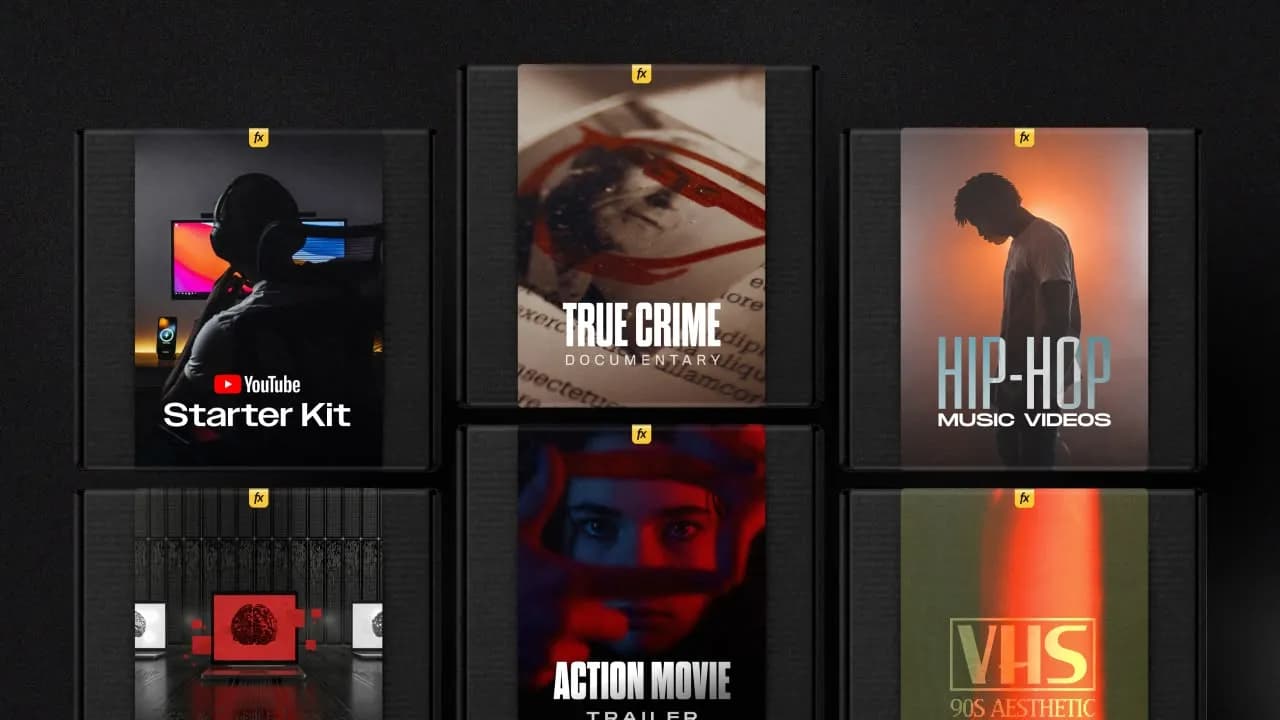
Imports happens automatically, no manual setup needed.
2. Customize
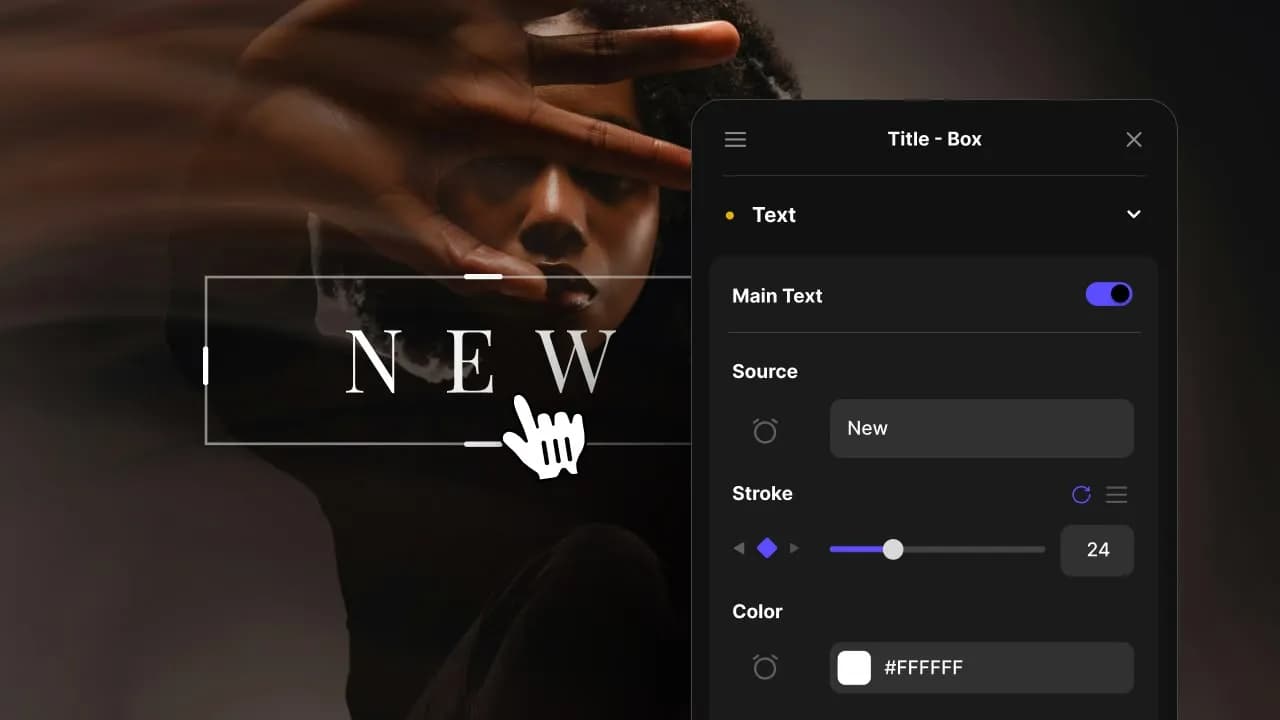
Every item is fully customizable to match the look of your project.
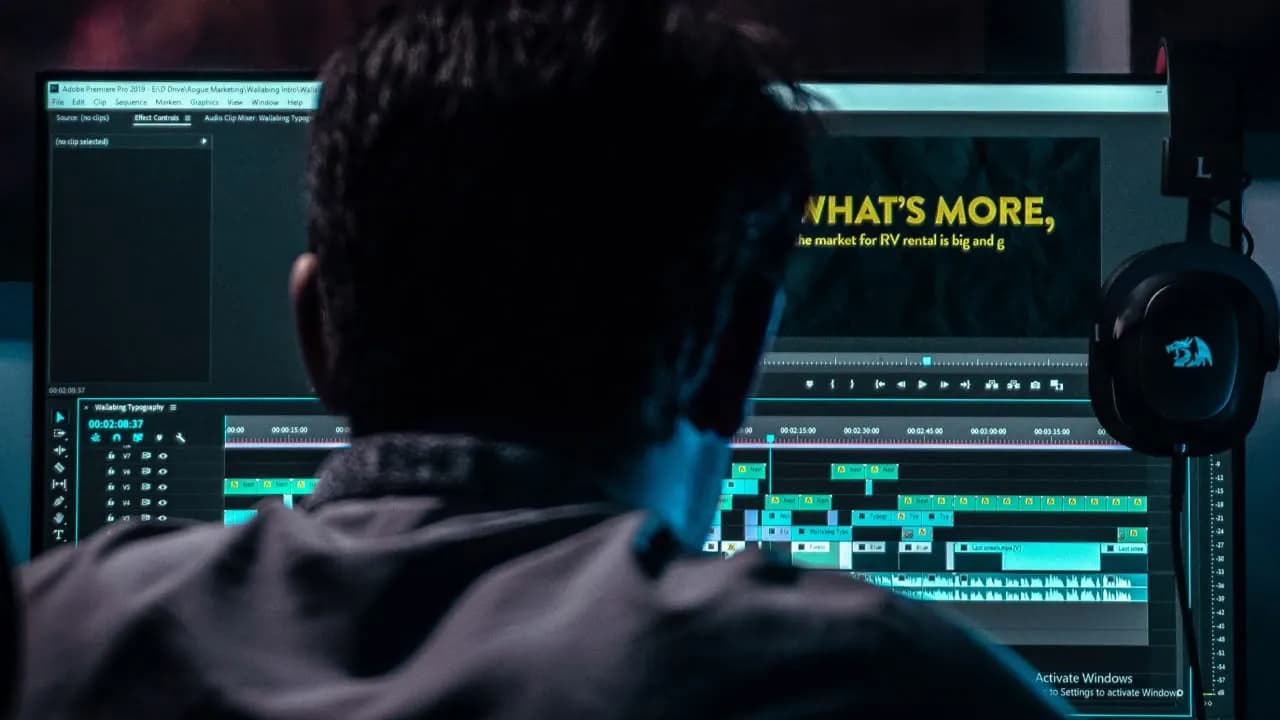
3. Render
Preview the results and export your finished video.
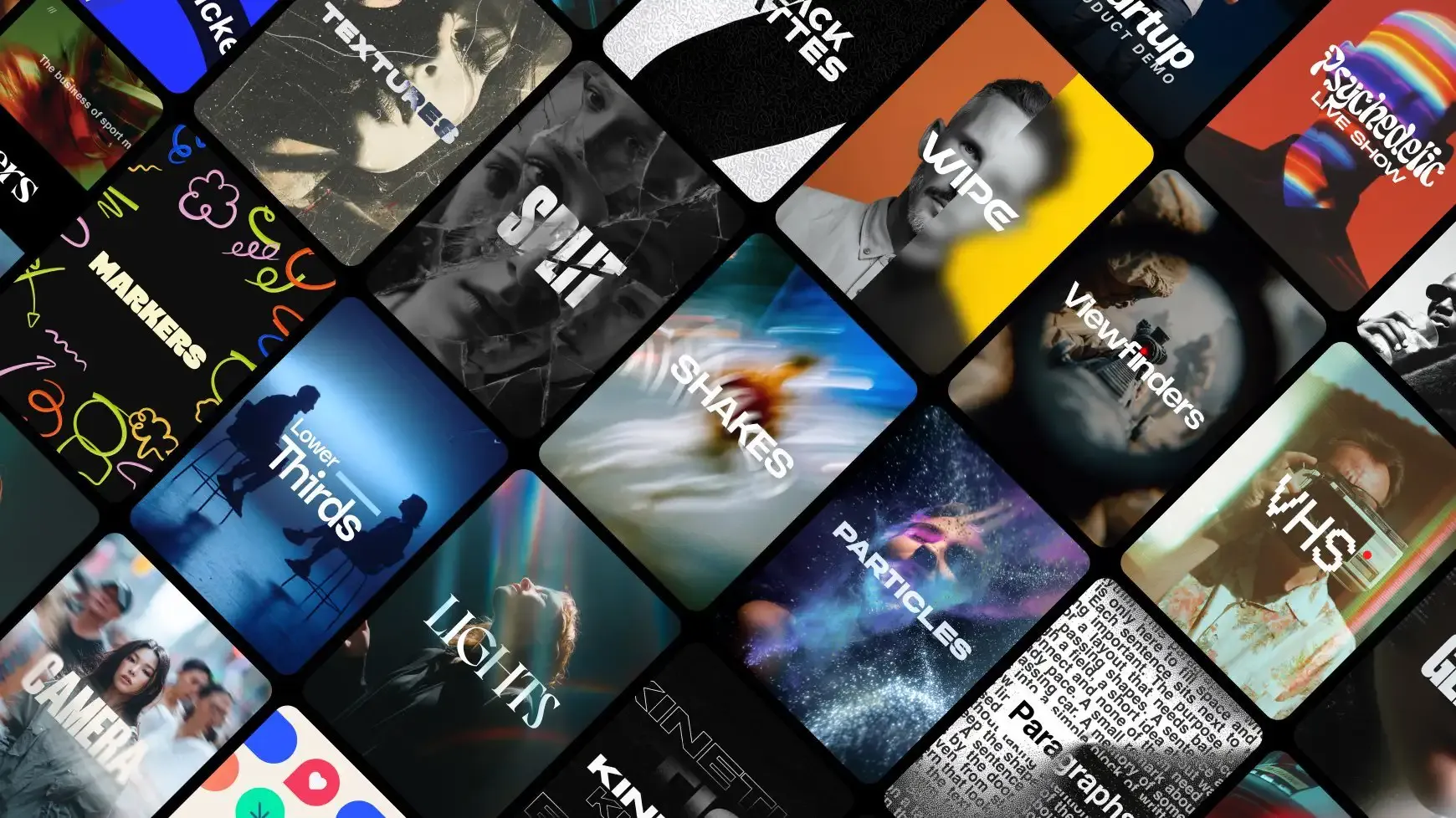
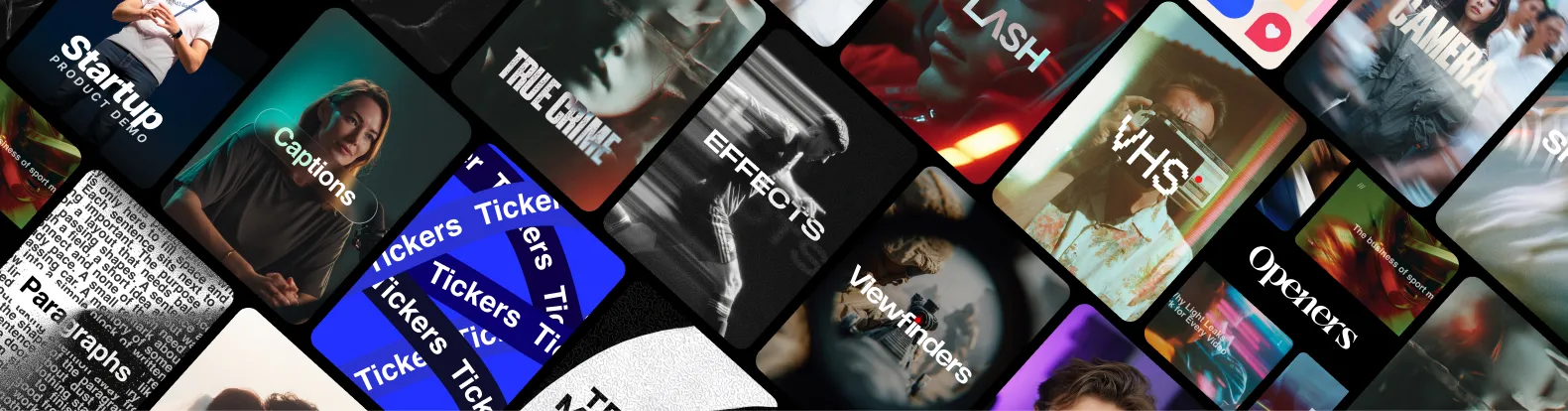
3454+ Templates Included with Spotlight FX Plugin
With Spotlight FX, you have access to a full library of customizable templates, so you never have to start from scratch again.
Frequently
Asked Questions.
Start saving hours of work on every edit.
Explore All AssetsDiscover more Premiere Pro Templates
Explore our collection of professional Premiere Pro templates designed to speed up your video editing workflow.
transition
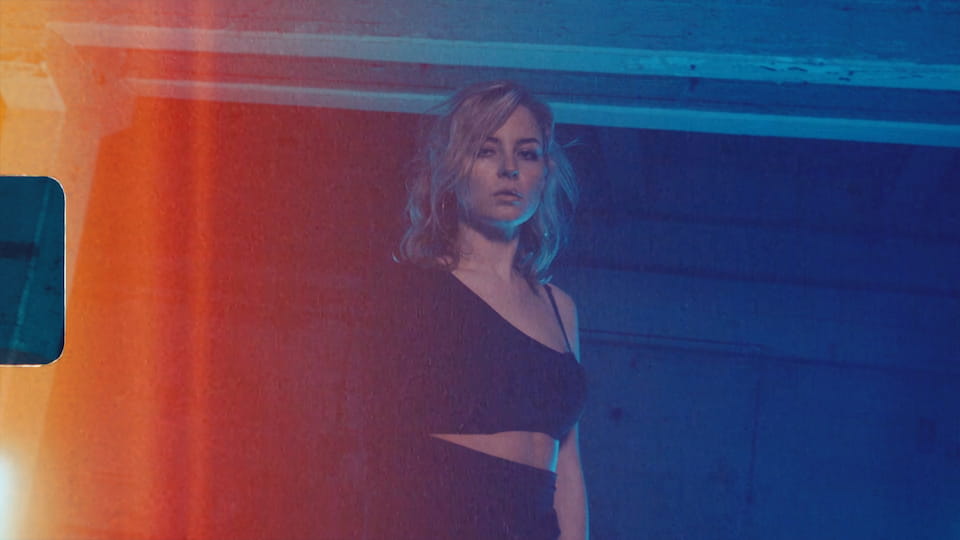
Light Leak - Film Edge
transition
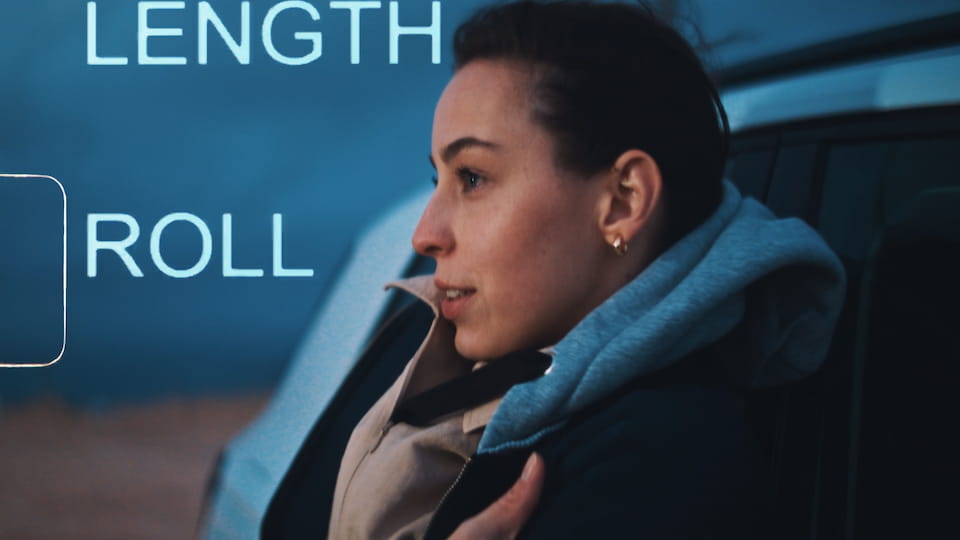
Light Leak - Film Burn Edge
transition

Handheld Slow - Down
transition
Light - Center Switch
transition
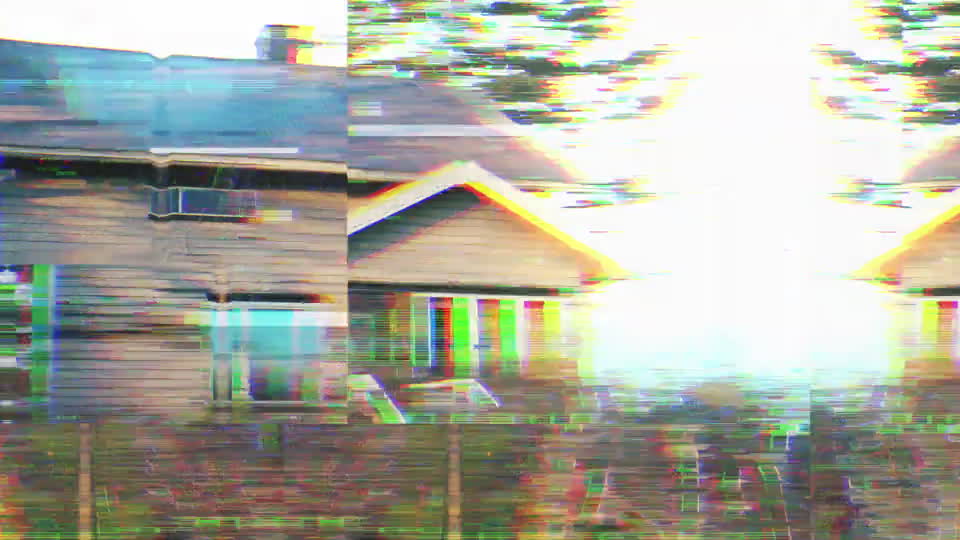
Recording - Camera Error
transition
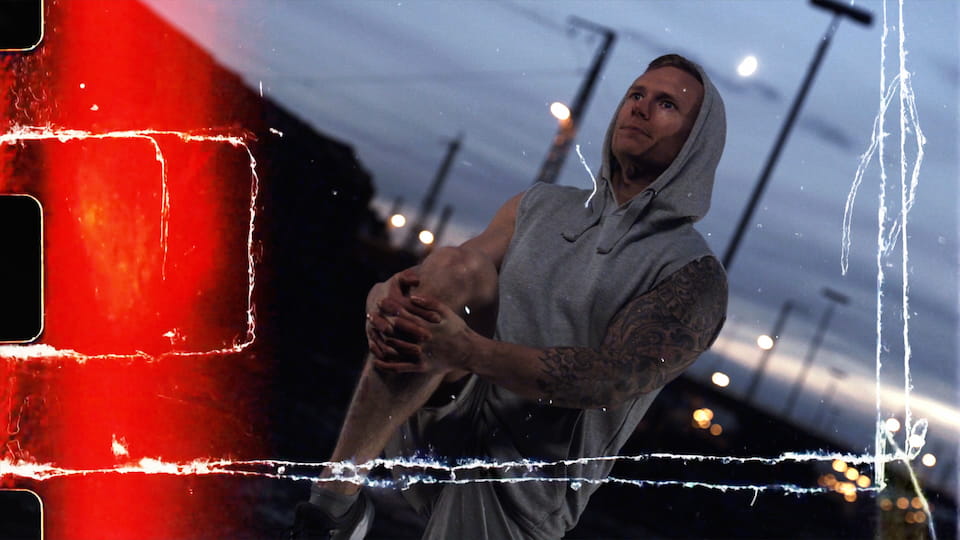
Film Burn - Light Leak Edge
transition
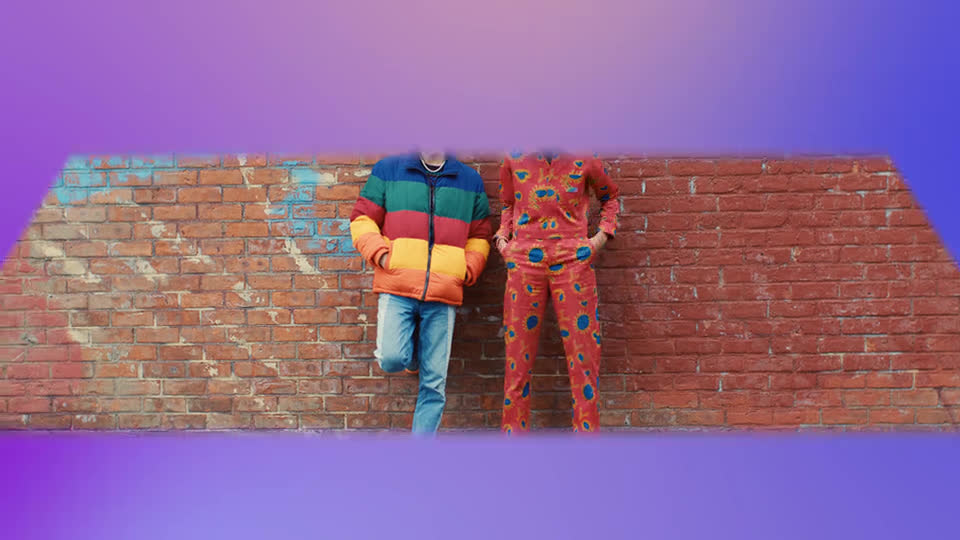
Flip - Top
transition
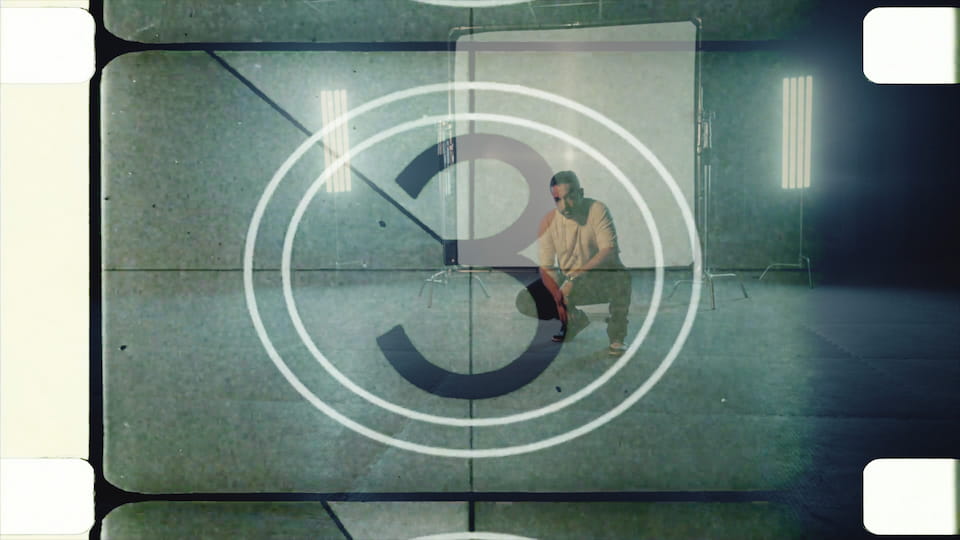
Countdown - Vintage Film
transition
RGB Shake - Fast Horizontal