Minimalist Button Element with Simple Style
4.9 of 5 (17,759 users)
Add a minimalist button element to your Premiere Pro timeline with ease. This simple style button features smooth transitions that provide a modern touch to any video. Perfect for quick adjustments and customizable to fit various projects like video intros, tutorials, and promotional content.
Free
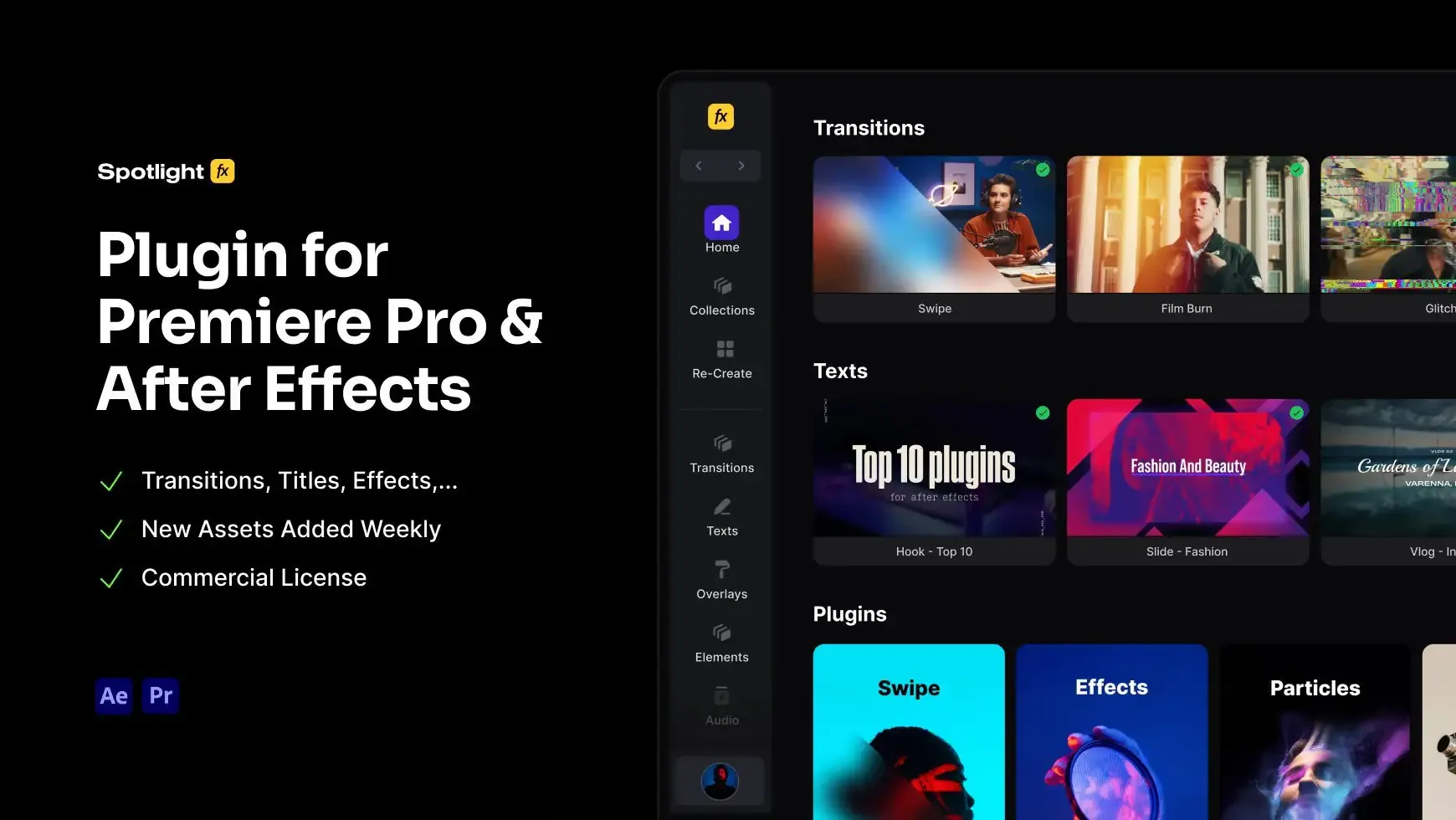
Included in Spotlight FX (free)Using After Effects? Check out the After Effects version of Minimalist Button Element with Simple Style.
.jpg&w=3840&q=100)

Have Questions?
- Tom & Denis, co-founders, not a chatbot
14 Days Money-Back Guarantee
We stand behind the quality of Spotlight FX. If you don't love it, we will refund you the full purchase price
Secure Checkout
Secure checkout provided by Stripe, encrypted and protected.
See How It Works
Learn how easy is to use Spotlight FX templates.
1. Import
Imports happens automatically, no manual setup needed.
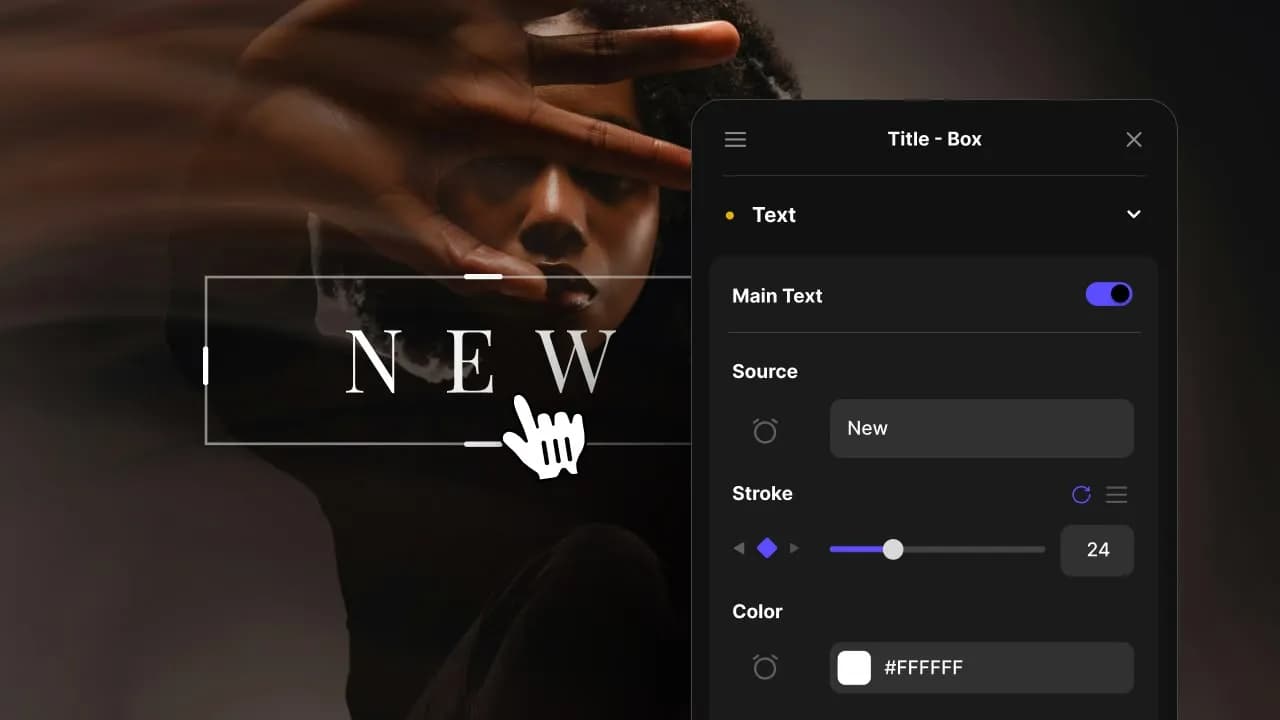
2. Customize
Every item is fully customizable to match the look of your project.
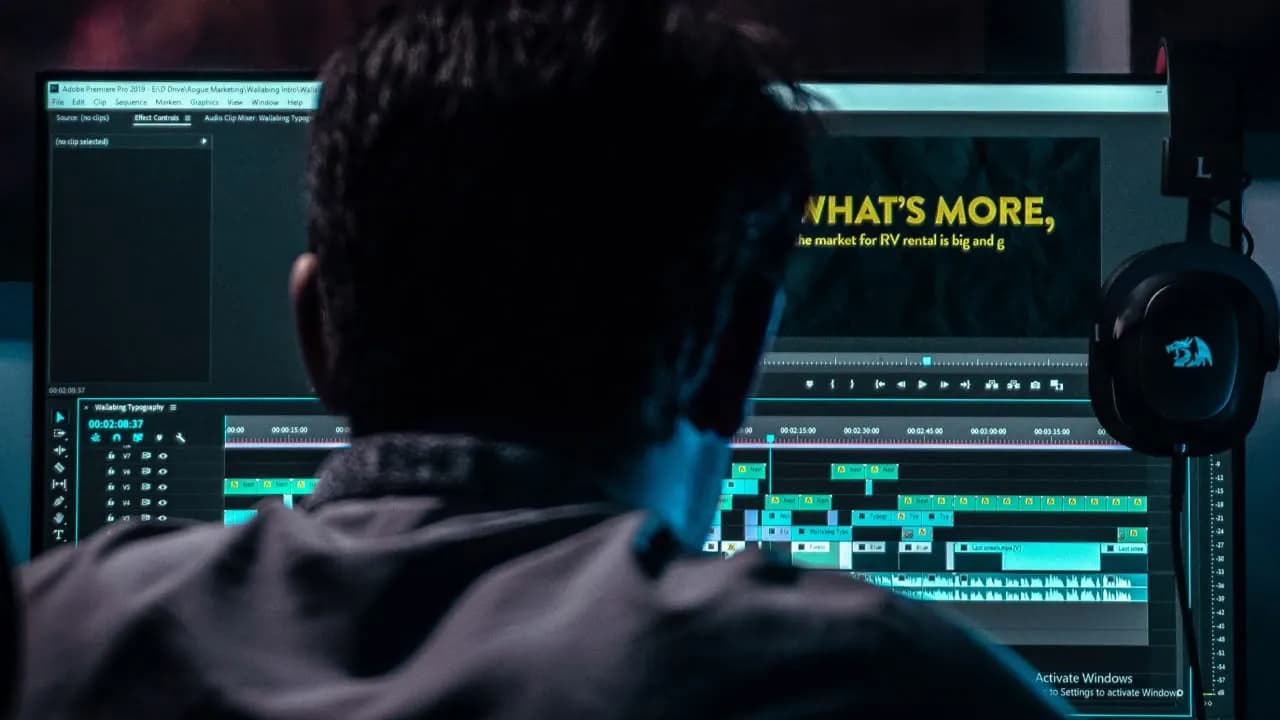
3. Render
Preview the results and export your finished video.
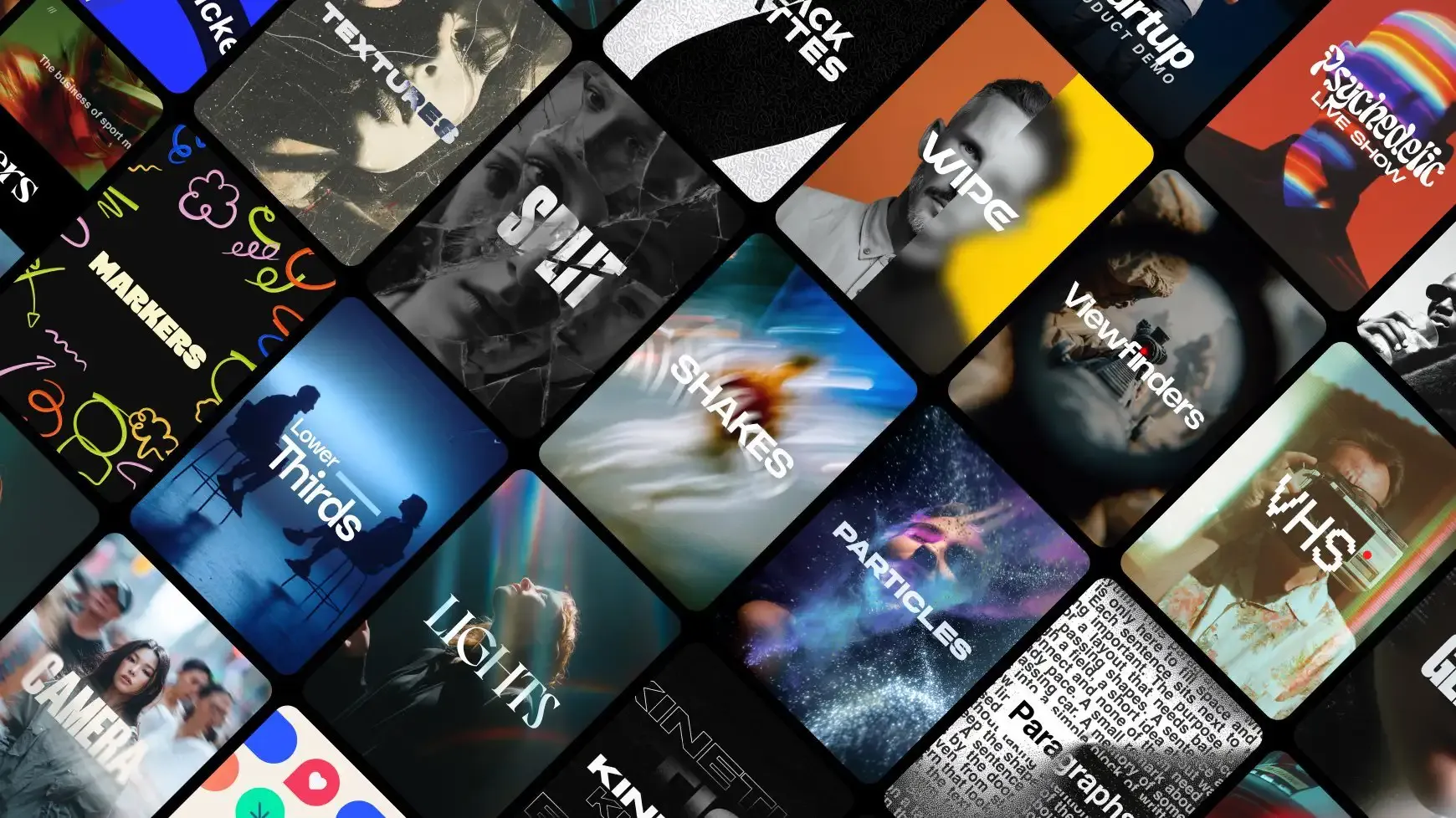
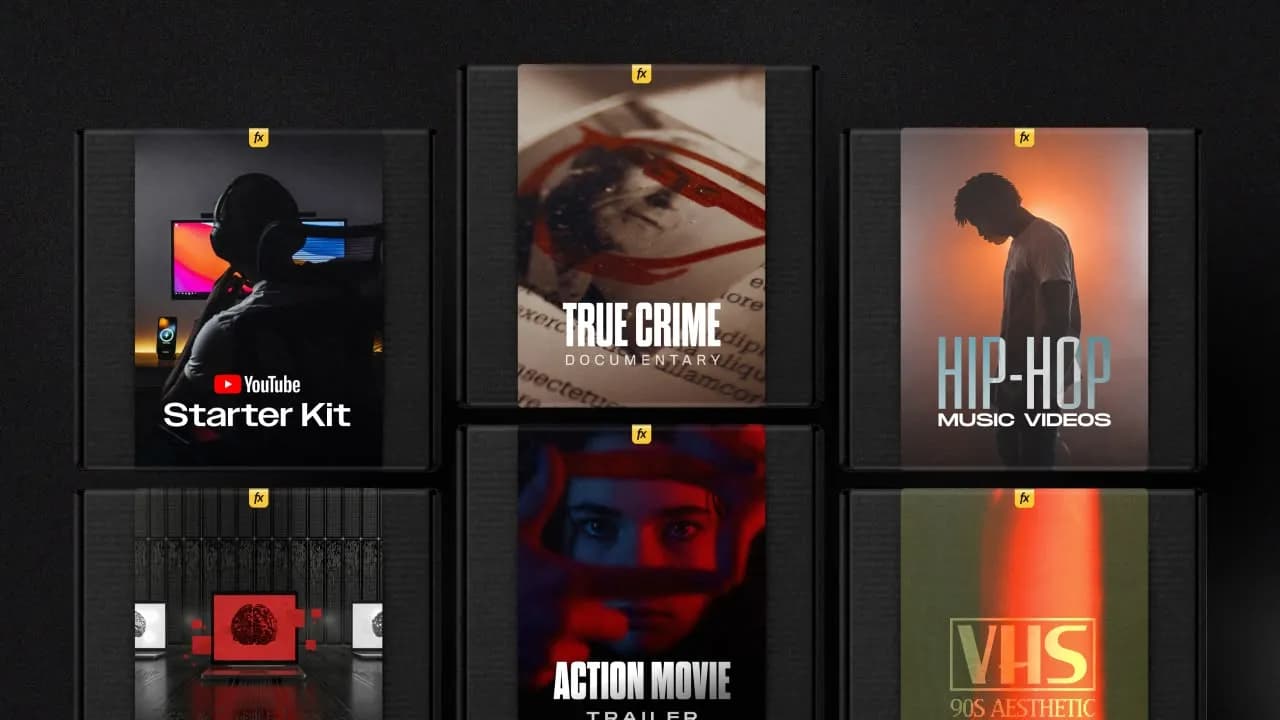
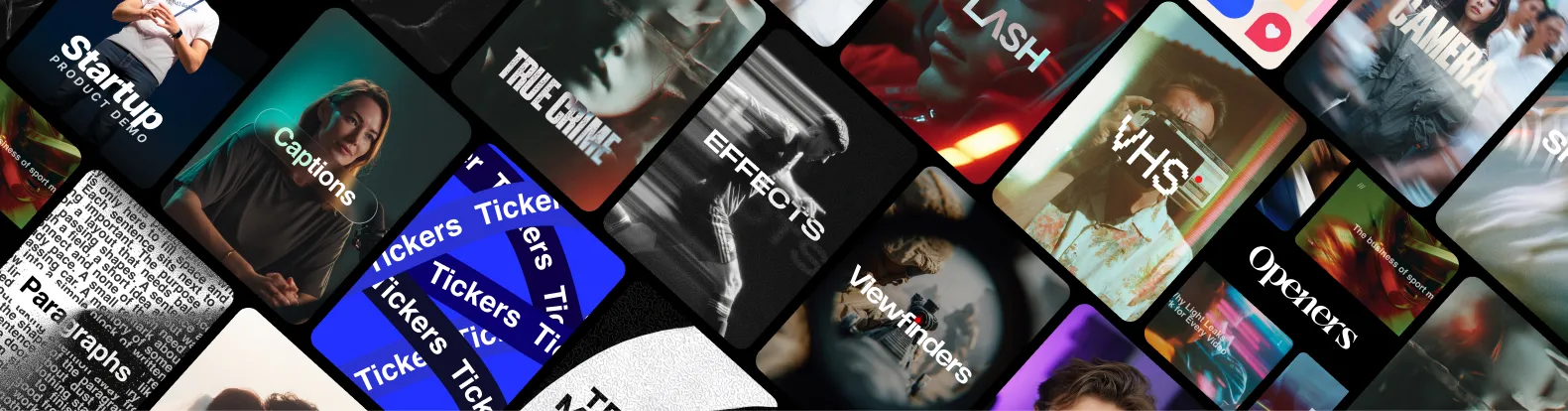
3454+ Templates Included with Spotlight FX Plugin
With Spotlight FX, you have access to a full library of customizable templates, so you never have to start from scratch again.
Frequently
Asked Questions.
Start saving hours of work on every edit.
Explore All AssetsDiscover more Premiere Pro Templates
Explore our collection of professional Premiere Pro templates designed to speed up your video editing workflow.
motion graphic
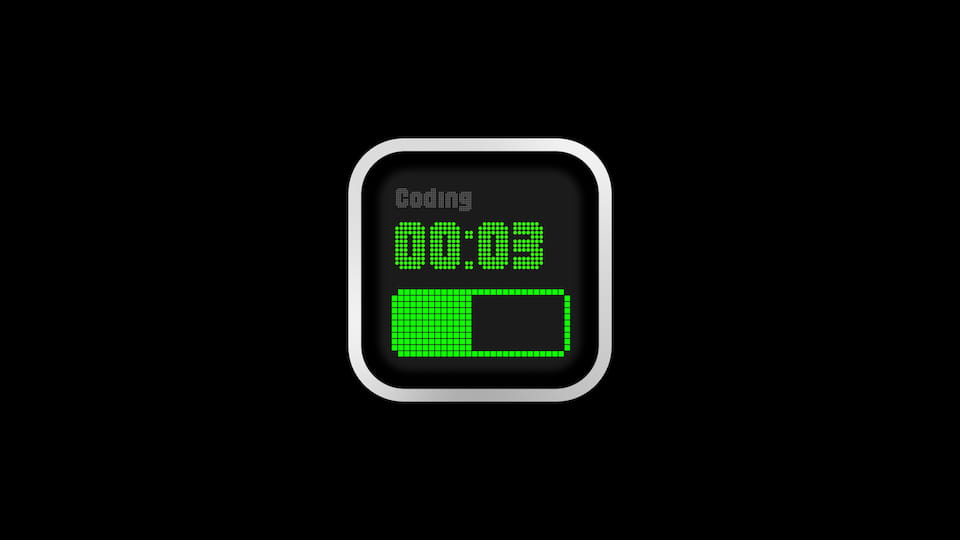
Timer - Green Pixel Panel
motion graphic
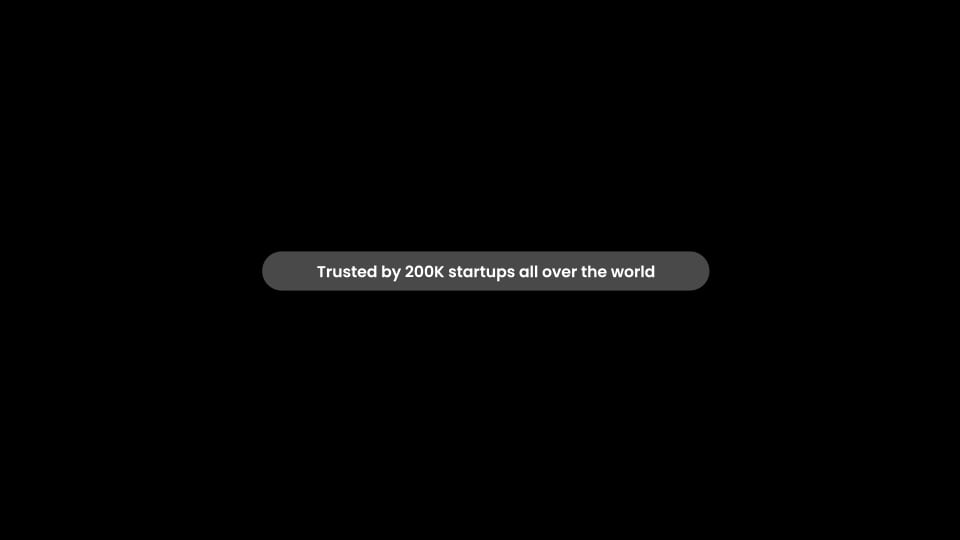
Badge - Pill Text Dark
motion graphic
Arrow - Slim Curved Up Right
motion graphic
Arrows - Sketch Rotate Ring
motion graphic
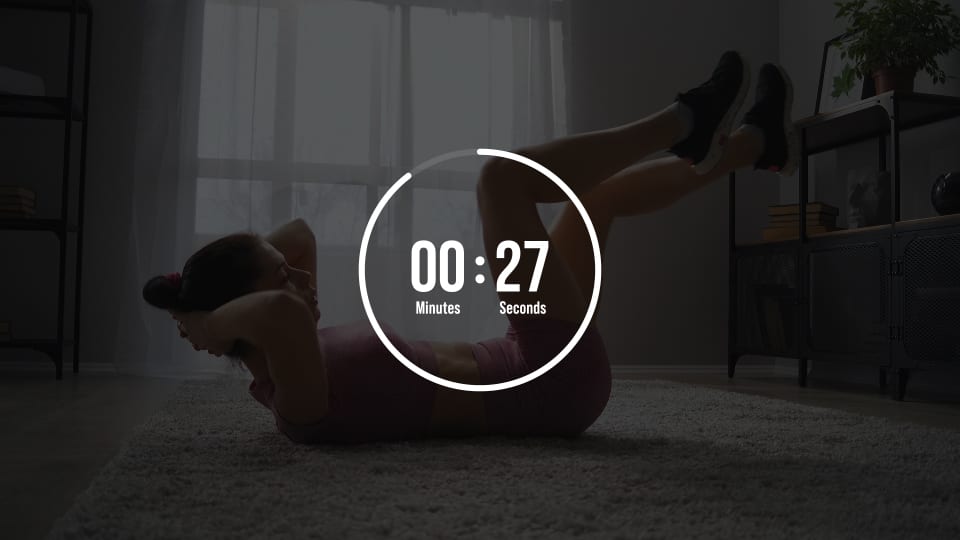
Timer - Full Circle
motion graphic
Arrow - Spiky Sketch Up Right
motion graphic
Arrow - Curved Swoosh Up Right
motion graphic
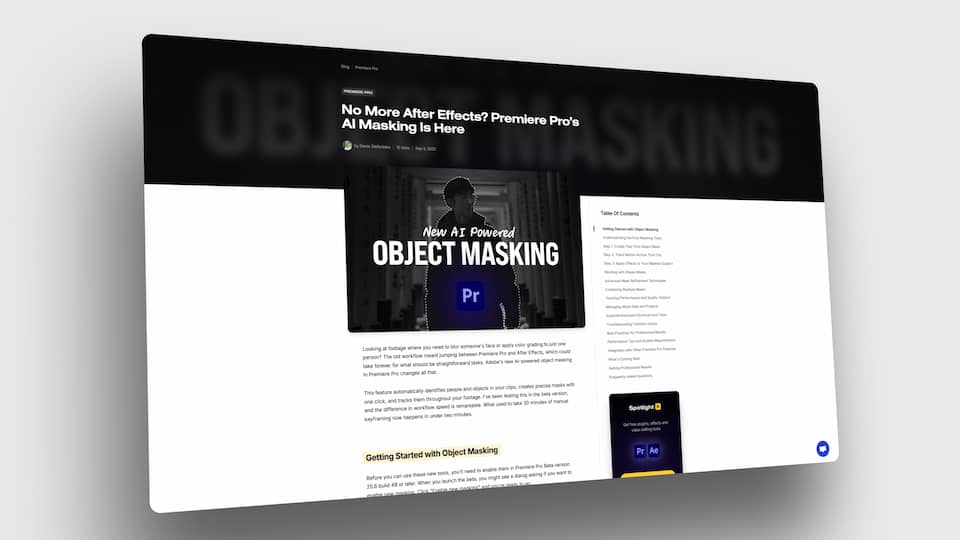
3D Look - Zoom to Center Tilted
motion graphic
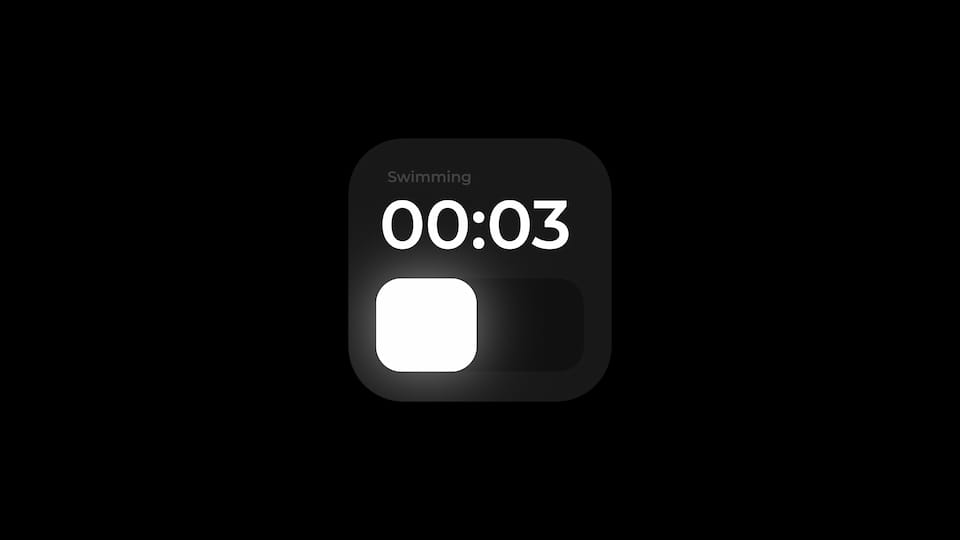
Timer - Minimal Rounded Block