January Monthly Update
Get faster imports with playhead placement, automatic asset saving for shared projects, and instant OBS chapter extraction that brings your recording markers into Premiere Pro. The rebuilt importer lets you drop effects exactly where your playhead sits without selecting clips or nesting layers. Asset collection automatically saves everything next to your project file so collaborators can open and edit without relinking. OBS chapter extraction pulls recording markers straight into your timeline as regions or standard markers, saving hours of scrubbing through long recordings to find flagged moments.
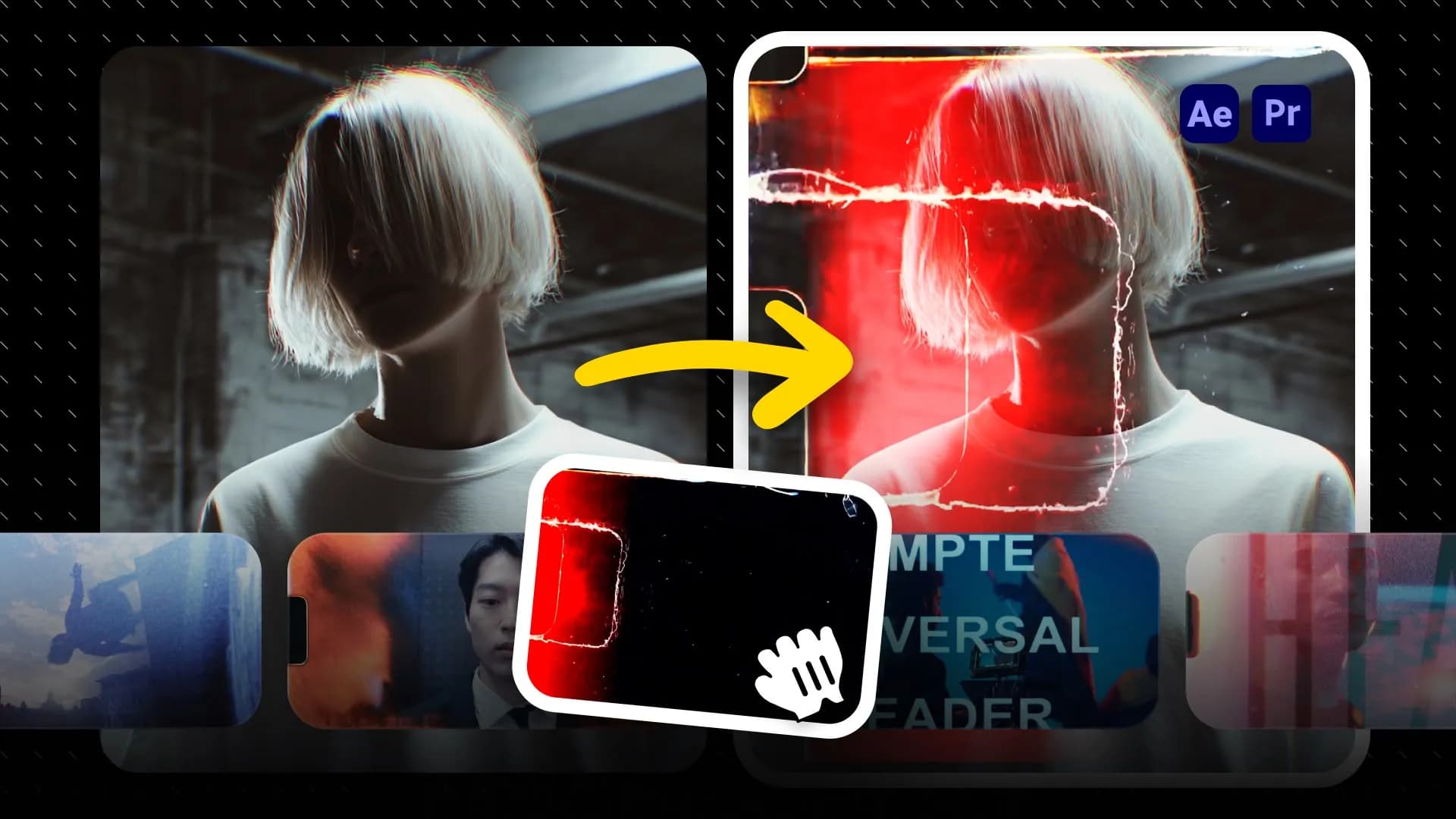
Templates Used
These are the exact items we used in this tutorial so you can easily import them to your timeline.
transition

Fast Pan - Left
text
Simple - Fast Bottom Reveal
motion graphic
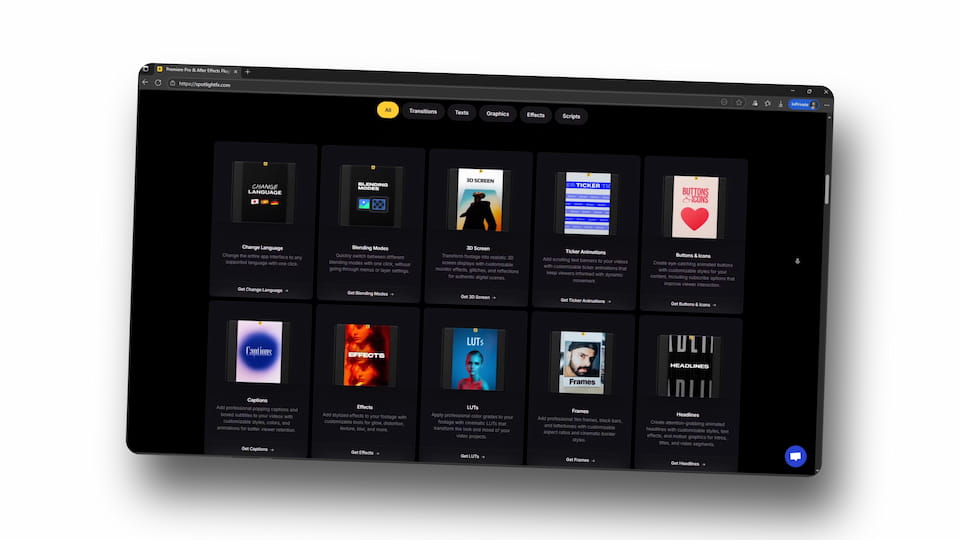
3D Look - Slow Zoom Out Tilted
transition

Flash - Wedding
motion graphic

Circle - Wide
motion graphic

3D Look - Zoom In Tilt
Plugins Used
These are the plugins we used in this tutorial.


Scripts Used
These are the scripts we used in this tutorial.

Frequently
Asked Questions.