Excellent support, Denis helped me resolve my issue in seconds.
Open Toolbox beside your preview, find a tool and pin the ones you use most. Explore the Premiere Pro and After Effects tools below; each tool keeps its own dedicated product page.
Part of the Spotlight FX plugin. Available for Mac and Windows.
Blending Modes
See how an overlay combines with your shot, then choose the blending mode that fits.
Your favorite tools
Pin the tools you use most so they stay at the top of Toolbox.
Anchor Point Mover
Select your layers and use the anchor grid to choose where they scale and rotate from.
Anchor Point Mover
Move the anchor to an edge, corner or centre with the visual position controls.
Anchor Point Mover
Change the pivot of a layer while working with the animation already in your composition.
Keyframe Copy
Copy easing from selected keyframes and apply it to another animation.
Keyframe Copy
Keep the feel of a movement by pasting its easing onto another set of keyframes.
Keyframe Copy
Use the value-paste controls to reuse a movement across selected layers.
Global Renamer
Give selected items a new name together instead of editing each name separately.
Global Renamer
Find a piece of text in your selection and replace it across the matching names.
Global Renamer
Search the project naming pattern before applying the next naming change.
Global Renamer
Create a naming sequence for a group of selected project items.
Looper
Repeat footage in After Effects without arranging the same source over and over.
Looper
Use the reverse control to make a looping clip play back in the other direction.
Looper
Change the footage speed to fit the pace of the composition.
Moovy
Choose the framing and movement for an image, then build the motion in Premiere Pro.
Your favorite tools
Arrange your everyday tools at the top of Toolbox and keep them ready for the next task.
Keyframe Easing
Apply a curve from the visual presets and adjust its strength.
Keyframe Easing
Adjust the easing and check the result alongside the graph in After Effects.
Keyframe Easing
Select keyframes across layers and apply the same easing to the group.
Zoomy
Explore Zoomy’s effect controls and adjust the look alongside the camera movement.
Zoomy
Open Zoomy beside your Premiere Pro preview and set up the movement from one panel.
Zoomy
Choose a saved movement and apply it when the next edit needs the same treatment.
Zoomy
Set up multiple framing changes to move through the details of a shot.
Zoomy
Load a preview of the clip and use it to place the focus of the zoom.
Zoomy
Choose the focus and amount of the zoom, then create the movement in Premiere Pro.
A simpler editing workflow
Spend more time on the edit and less time managing your assets.
| Comparison |  Spotlight FX |  Editing packs |
|---|---|---|
| Find your assets | One library inside your editor | Separate folders and packs |
| After Effects + Premiere Pro | Both editors in one plugin | Compatibility varies by pack |
| New items | New designs to explore | Separate pack downloads |
| Curated collections | Browse by style and project | Organize your own folders |
| Workflow tools | Templates and tools together | Find extra tools separately |
| Make it your own | Customize inside your editor | Controls vary by template |
| Add to your edit | Add directly to your timeline | Import each download |
More time for your next edit. Your assets and tools, together in one place.
Excellent support, Denis helped me resolve my issue in seconds.
We are creating many shorts for social media, and even as a beginner in premiere pro, I was able to create good looking videos.
We are a studio of 20 people, and this has completely changed our workflow.
I only discovered extensions yesterday. I can't believe it. All this time I have been designing animations manually.
Perfect! Absolutely astounding support. Thank you!
Thank you very much for your help and congratulations on the amazing work you are doing. Your tools are truly valuable and inspiring for beginner creators like me.
I love the assets, great stuff on that. they aren't too gimmicky like the others in other packs and plugins.
This plugin is absolutely best.
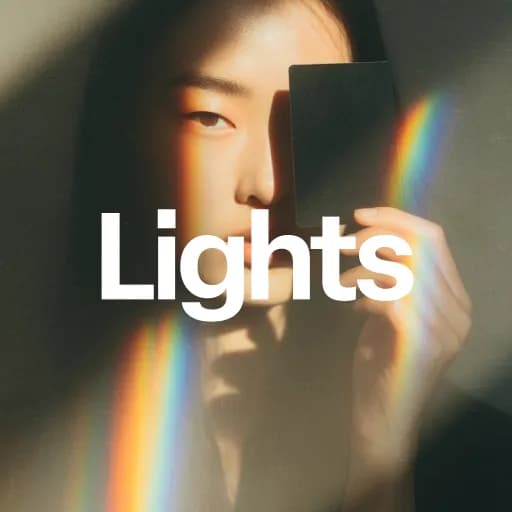
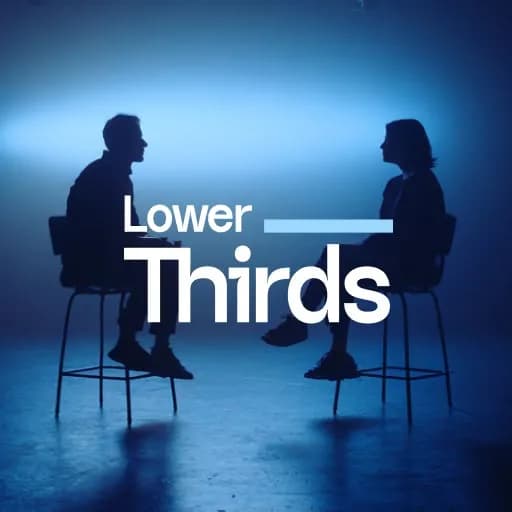
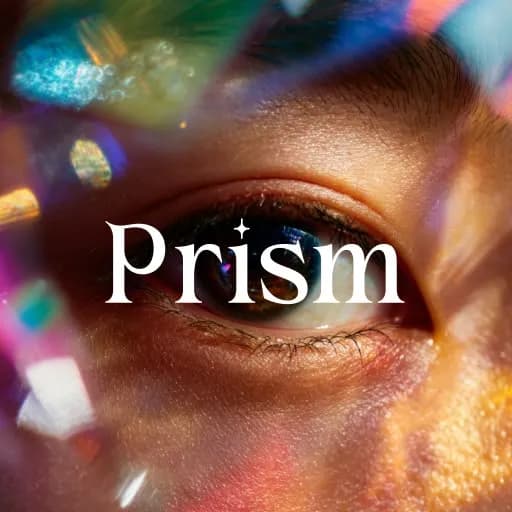
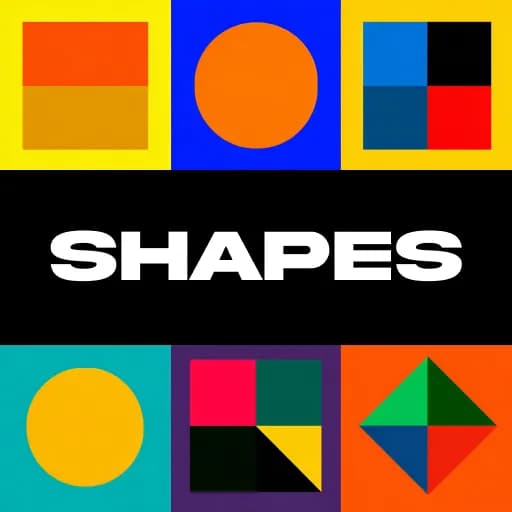
A selection of Spotlight FX creative assets.