Free Templates, Plugins & Presets for Video Editing
Download professional templates, plugins, and presets for free. Transitions, titles, overlays, motion graphics, and more for After Effects and Premiere Pro.
Plugins
See all →


Scripts
See all →





Templates
See all →text
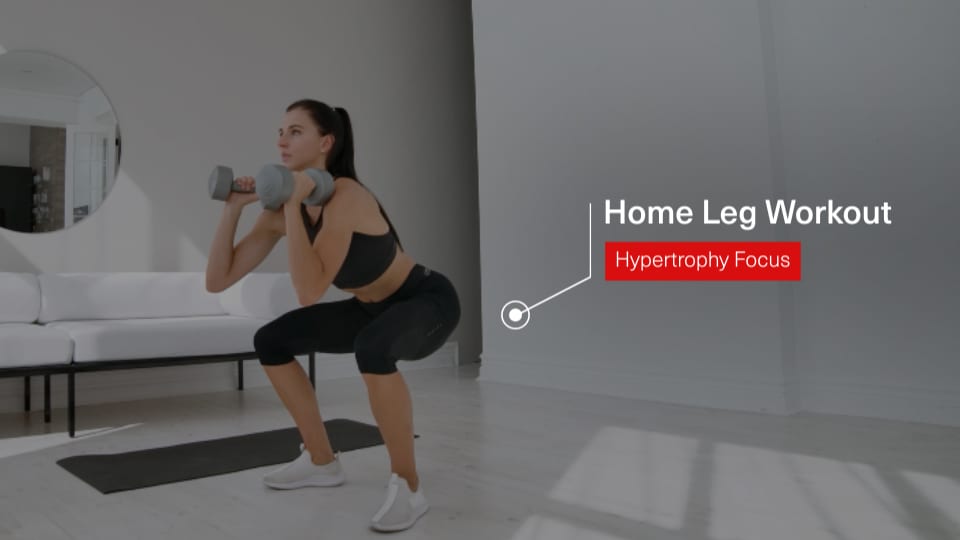
Callout - Bold Title Tag
text
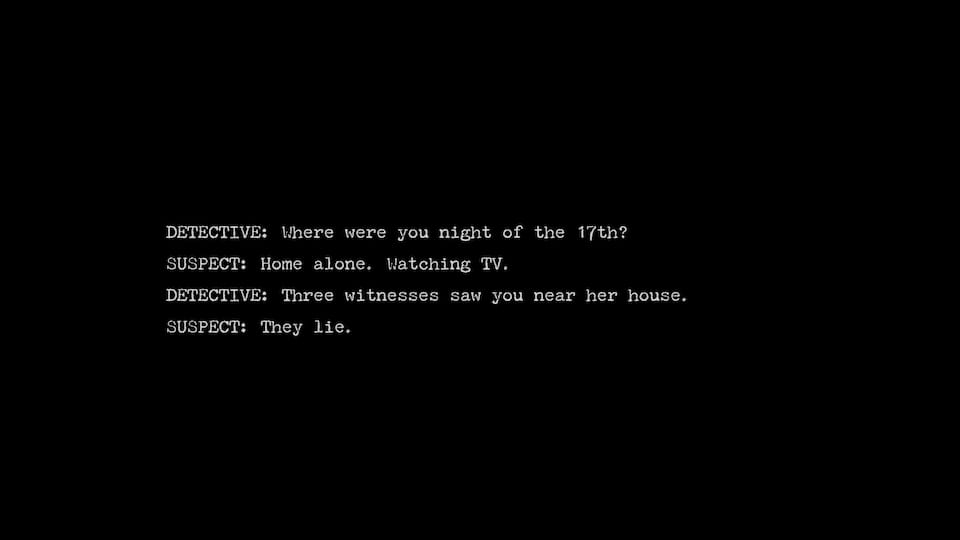
Text - Interrogation Lines Reveal
overlay
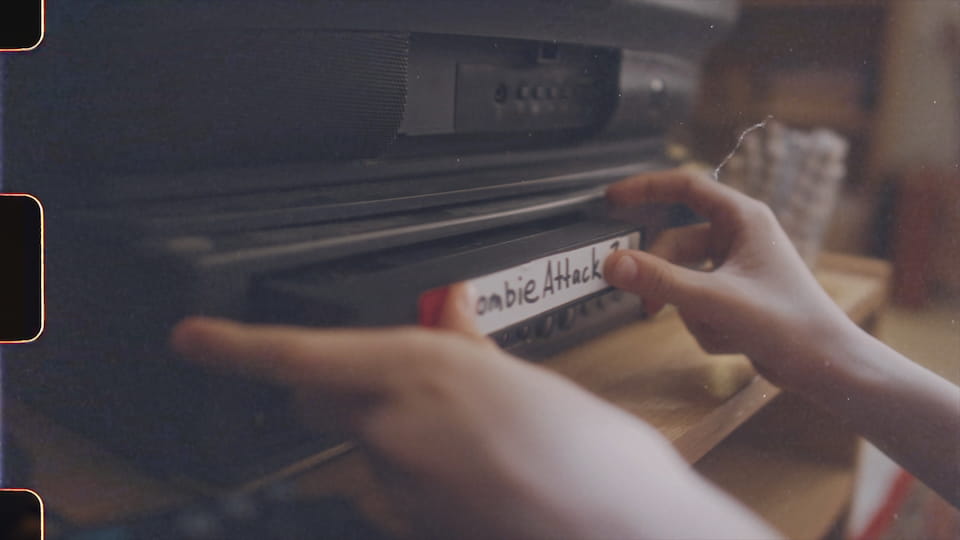
Frame - Super 16mm Edge
transition

Light Leak - Film Edge
text

Caption - Gamer Brush Emphasis
transition
Flash - Alarm
motion graphic

Timer - Rounded Dark Countdown
transition

Swipe - Clock Down Right
transition
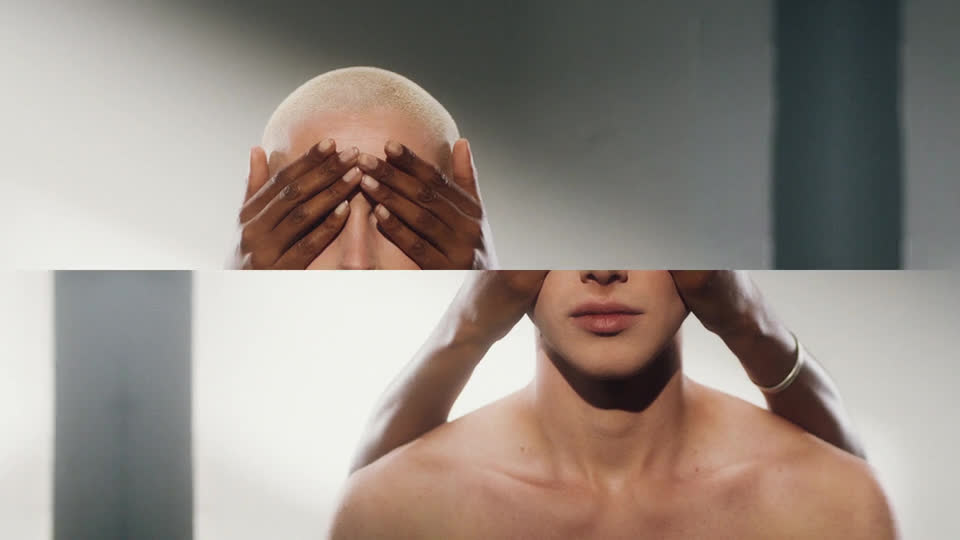
Split - Cross Horizontal Right/Left
transition
Light - Center Switch
text
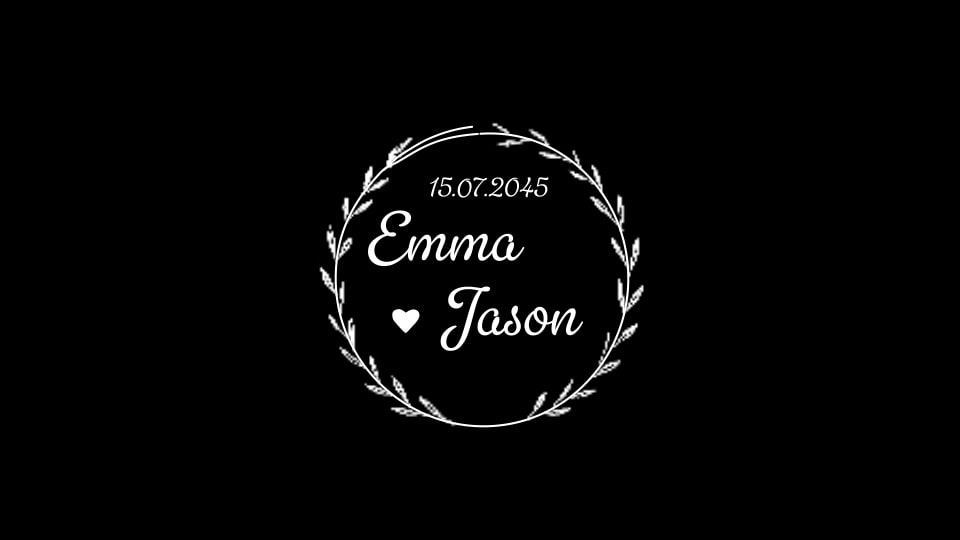
Wedding - Floral Frame
transition

Swipe - Right
text
Simple - Random Reveal
motion graphic
3D Look - Slow Zoom Out Tilted
transition
Swipe - Clock Top Left
text
Kinetic - Middle Focus
motion graphic

Texture - Squared Paper
transition

Flicker - Flash
text

Source - Bottom Left
motion graphic
Particles - Corner Explosion
transition

Ink - Continuous
text
Headline - Tutorial
motion graphic

Circle - Mid
text
Warning - Licensing
motion graphic
Button - Simple
overlay
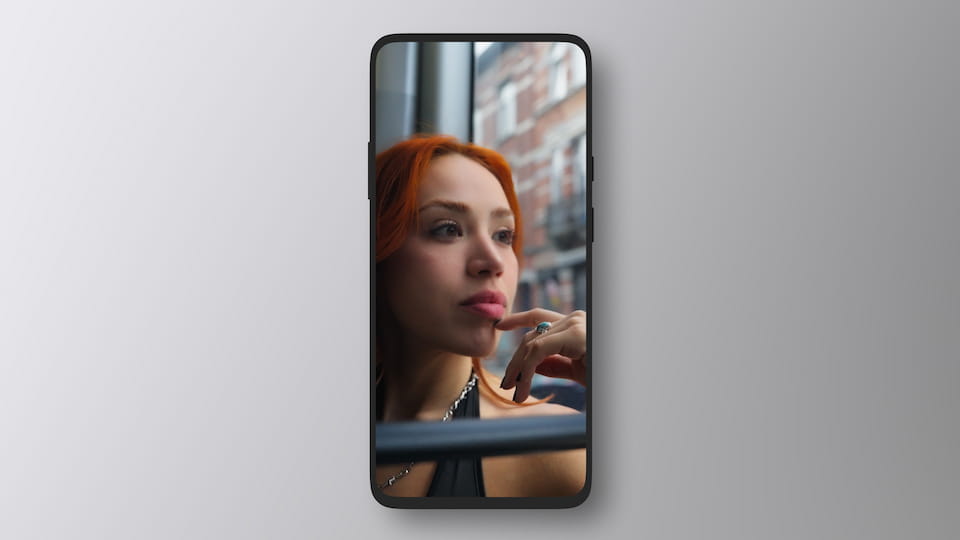
Device Frame - Smartphone Bezel Less
motion graphic

Gradient - Sublime
overlay
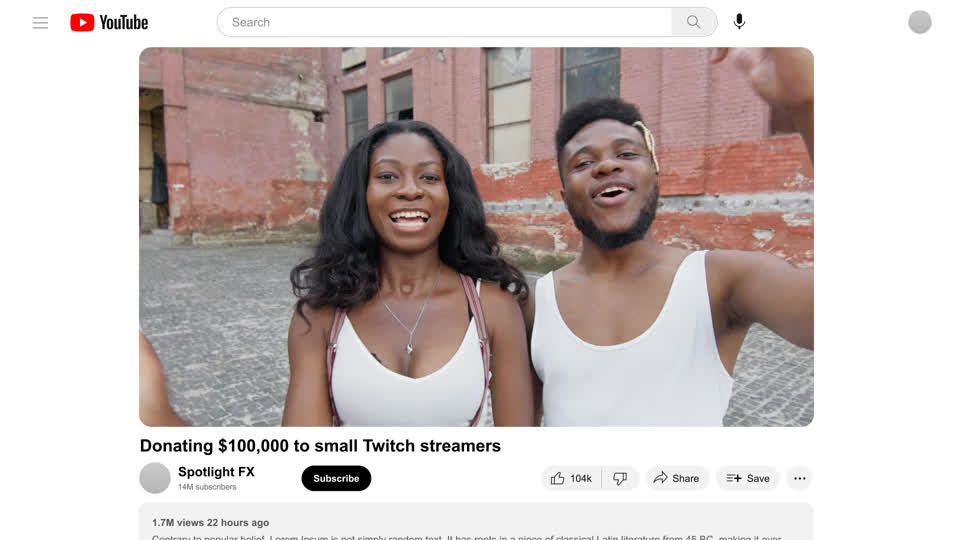
Youtube - White
overlay
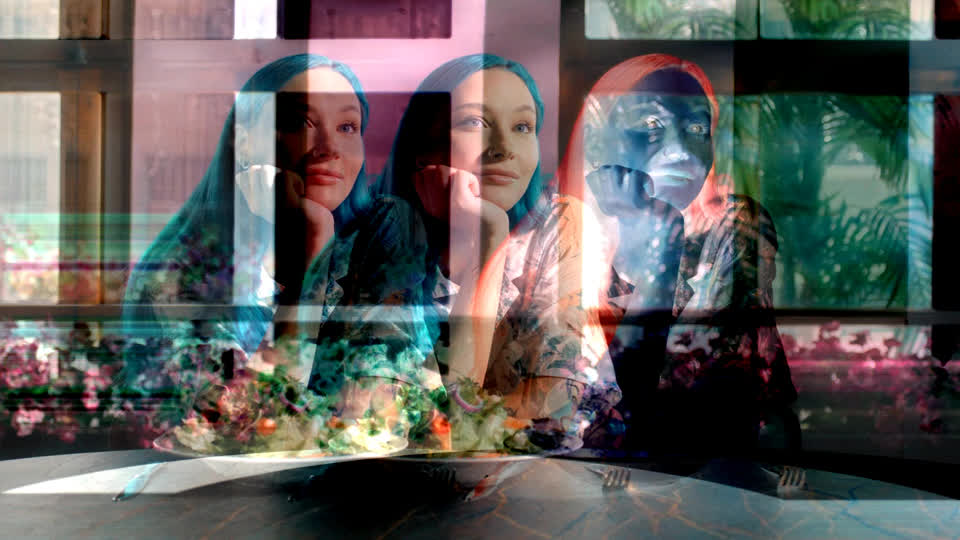
VHS - Color Emboss
overlay
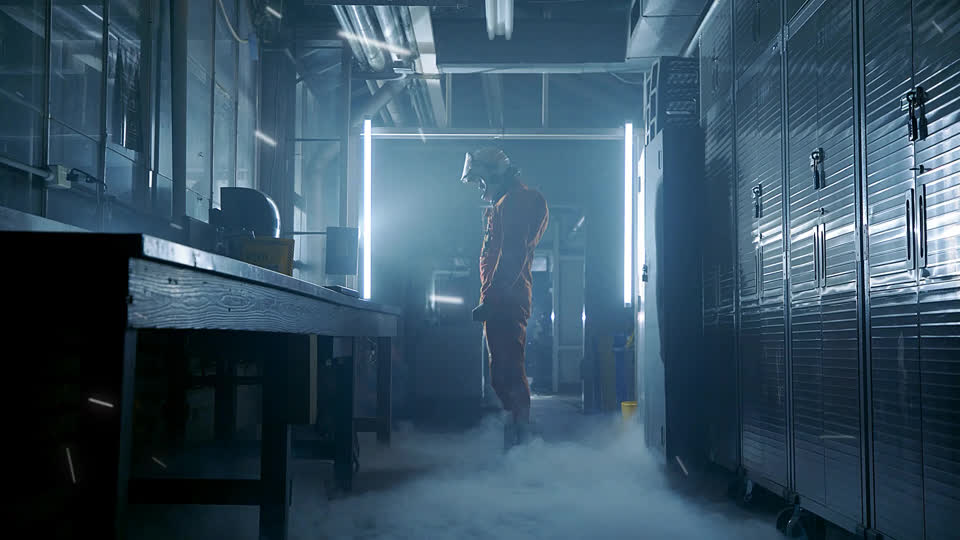
Dust - Raising
Adobe integration
Premiere Pro & After Effects plugin for video editors.
Install Spotlight FX and open it inside Premiere Pro or After Effects. Browse, preview and add titles, transitions and effects without leaving your editing app.
- Works inside your Adobe editor
The asset library
Thousands of professional video assets in one library.
Get titles, transitions, motion graphics, overlays and effects for client promos, YouTube videos and product demos. Start with the free selection or choose a paid plan for the full library.
- Titles, transitions, graphics and effects
Weekly releases
New assets added every week.
Find new titles, transitions and effects in Spotlight FX as they are released. Keep trying different styles through the same plugin, with access to new releases according to your plan.
- New designs in the same library
Make it yours
Built-in editor to change the details.
Change the text, colors, fonts and available animation settings in the Spotlight FX editor. Adapt the starting design to your video without rebuilding the animation yourself.
- Editable text, colors and animation
Toolbox included
Tools to help you edit faster.
Use Toolbox for everyday editing tasks as well as library assets. Create smooth zooms in Premiere Pro, or adjust keyframe easing and rename layers in After Effects. Each app shows the tools it supports.
- Practical tools for your own footage
Search and preview
Find the right effect in seconds.
Search titles, transitions, and effects without leaving your project. Watch the previews, compare a few options, and add the one you like to your video.
- Preview animations inside the plugin
Your workspace
Put your tools next to your preview.
Keep the Toolbox where it's comfortable to use. Leave it in a floating window or dock it beside your video in Premiere Pro. Your controls and the result can sit side by side while you edit.
- Float or dock the Toolbox
Your favorites
Build your own library of useful assets.
Save your favorite titles, transitions, and effects in My Library. Keep the assets you use most in one place, ready for your next video.
- Your saved items in one place
Client changes
Make changes with a few clicks.
Edit text, fonts, and colors to match your video. Whether you’re trying a different look or updating a client’s details, the controls are right inside the plugin.
- Revise the design without rebuilding it