New Countdown Timers for Premiere Pro and After Effects

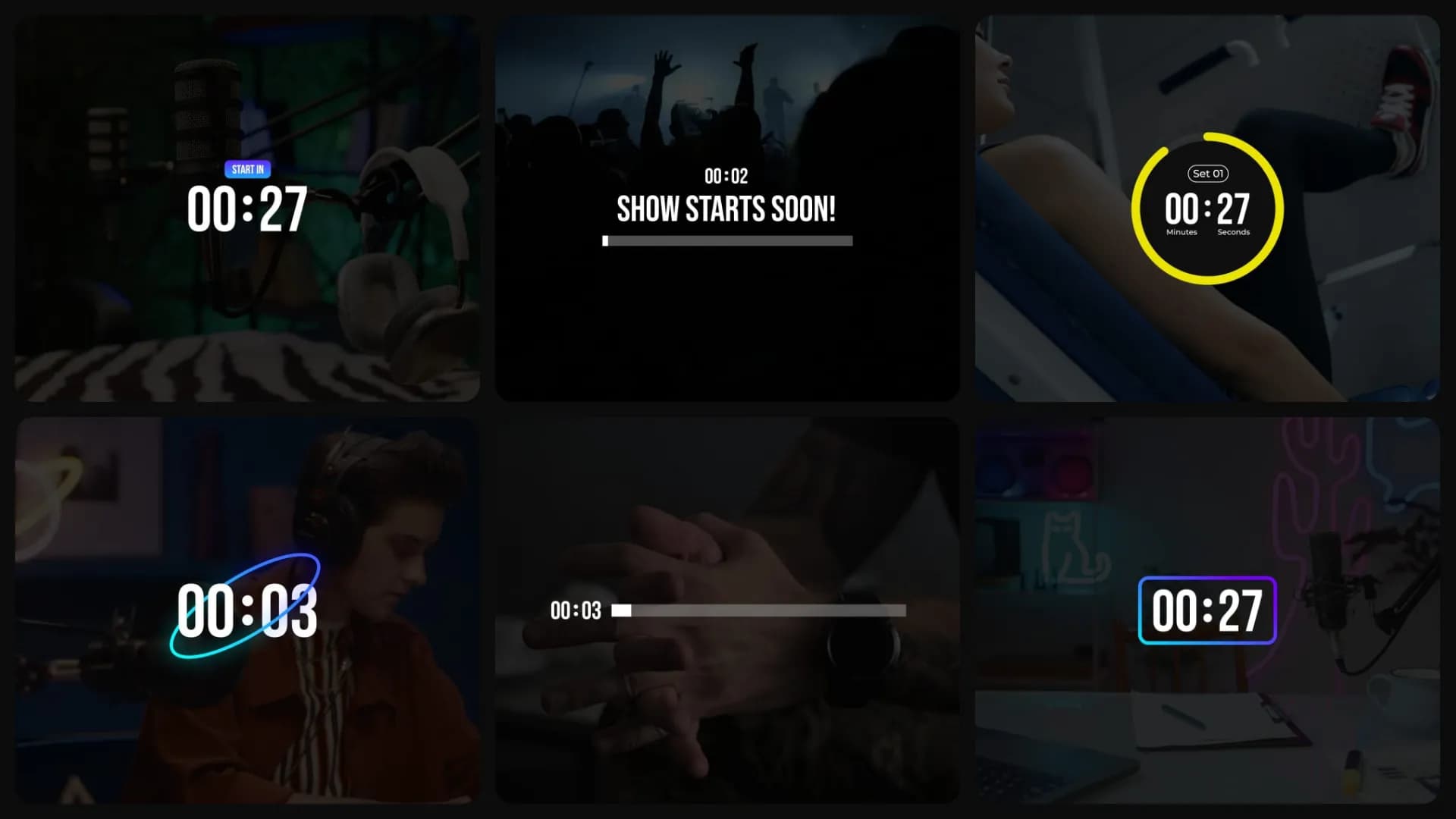
Table of Contents
Countdown timers are live in Spotlight FX, and this one has been on my list for a long time. Almost every editor has tried to build a timer by hand at least once. Keyframes for every digit, expressions, and it all breaks when your edit changes. That always felt wrong to me. A timer should take seconds, not an hour. So we built timers that just run. You type in the time, and that's it.
Why we made these
Because timers kept showing up in our own videos. A "Starting Soon" screen before a stream. A rest timer in a workout video. A countdown before a big reveal. Every time, the same bad choice: build one by hand, or search the internet for something that half works. Now there's a third option. Open Spotlight FX, add a timer, type in the time, done.
Where you'll actually use them
"Starting Soon" screens before a stream goes live. Workout and cooking videos, where every step runs on a clock. Quizzes, giveaways, product launches, presentations. Any video where your viewer waits for something. There's a clean style with a progress bar, a round badge that's easy to read on any background, glowing neon styles for gaming and streams, and simple text styles for everything else.
motion graphic
New
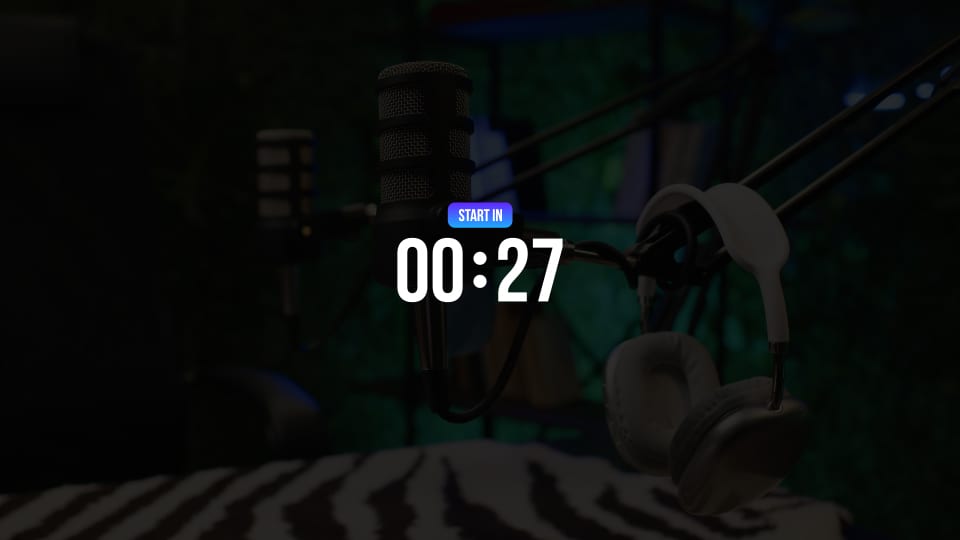
Timer - Header Badge
motion graphic
New
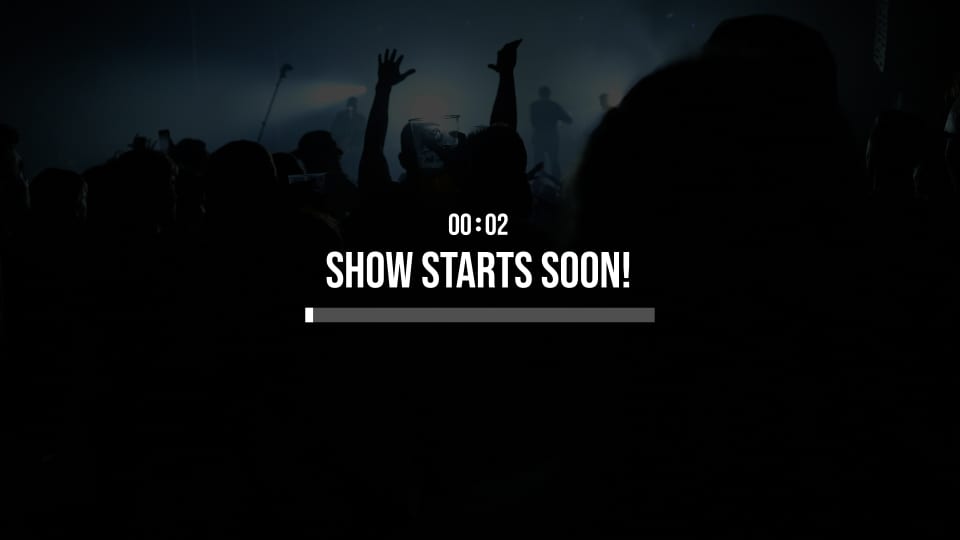
Timer - Centered Bar
motion graphic
New
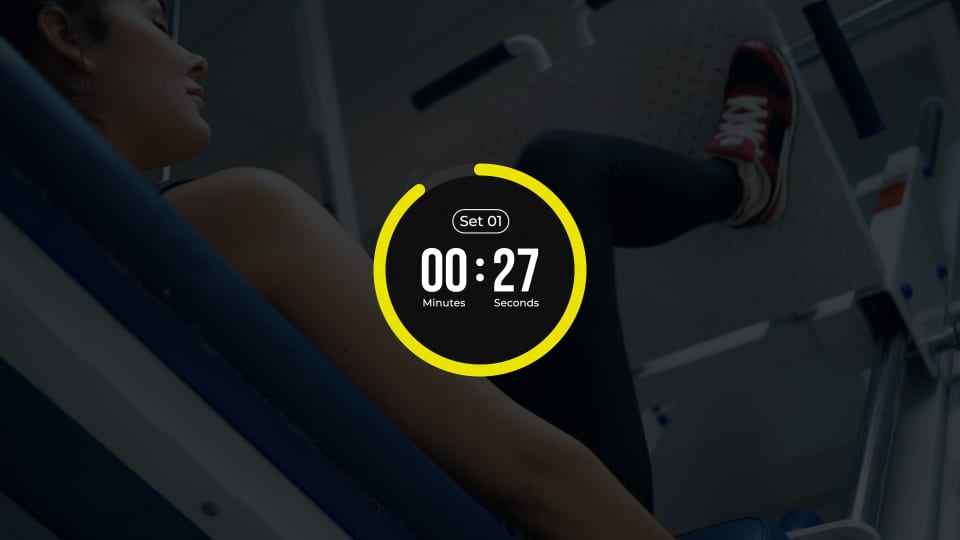
Timer - Circle Badge
motion graphic
New
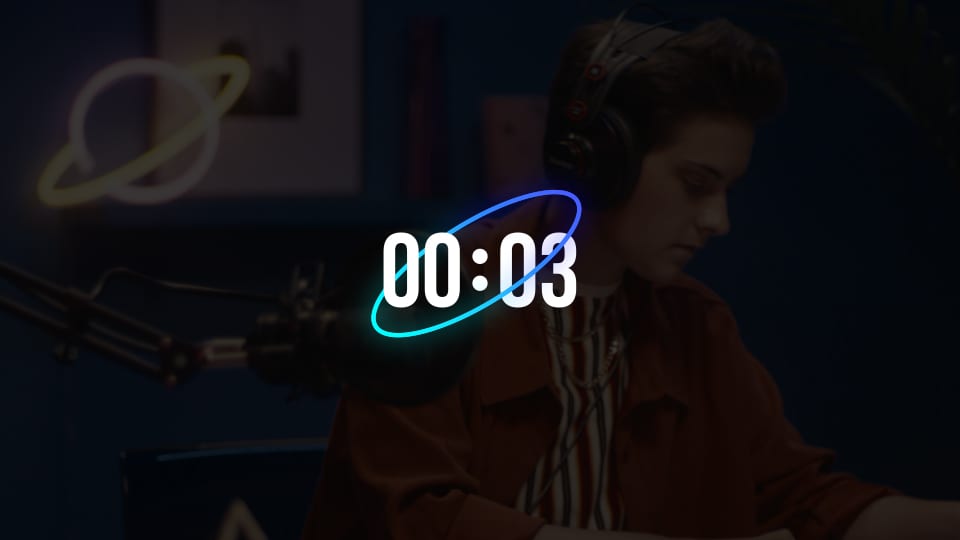
Timer - Ring Countdown
motion graphic
New
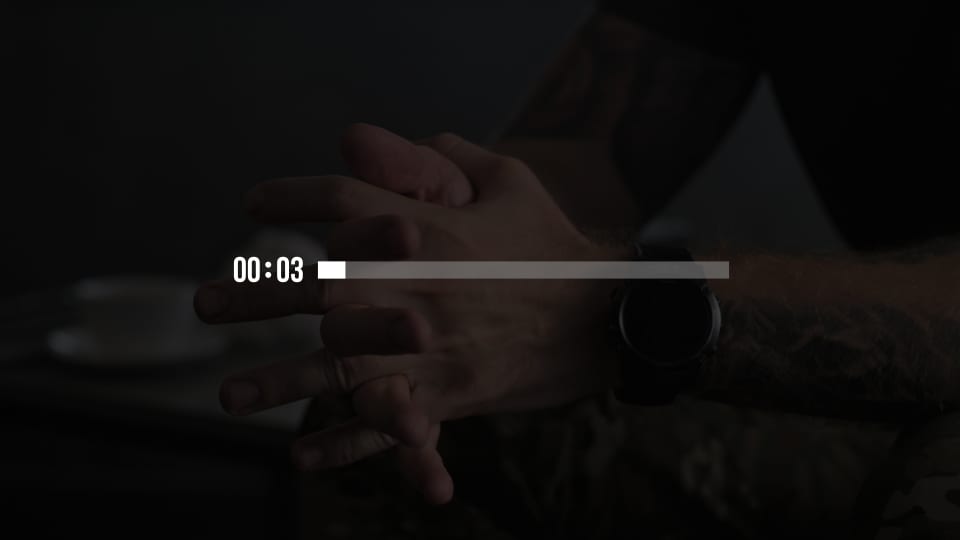
Timer - Inline Bar
motion graphic
New
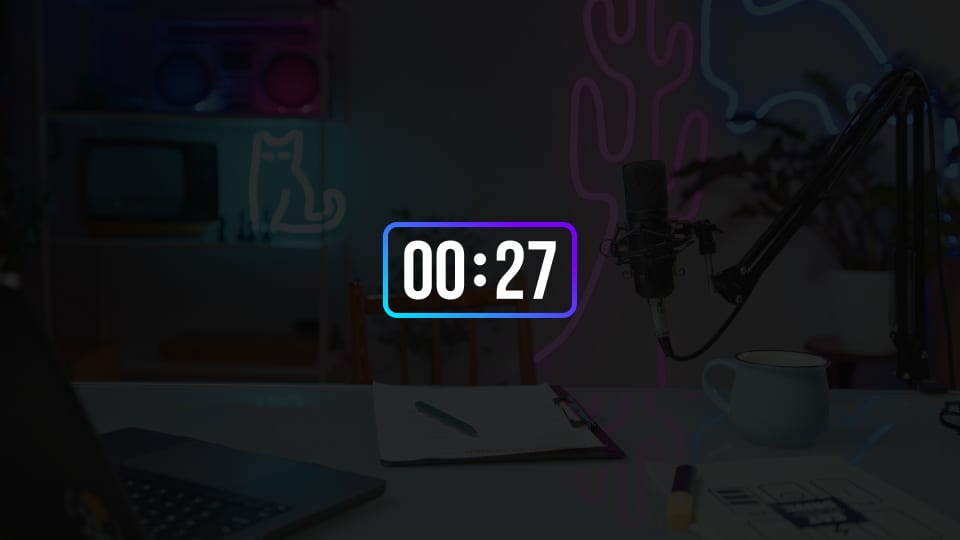
Timer - Neon Countdown
motion graphic
New
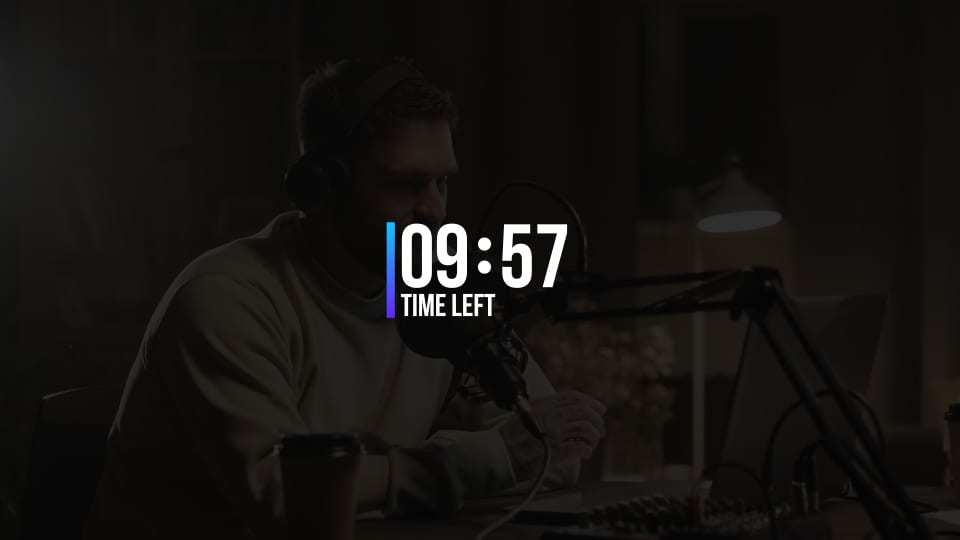
Timer - Vertical Line Accent
Make it yours in seconds
Double-click a timer to add it to your timeline, then open the Editor: set the time, change the text, and pick colors and fonts that match your video. The digits always follow the time you set, so cutting your edit never breaks the countdown. Everything works the same in Premiere Pro and After Effects, and it's all live now. Open the plugin and check the new assets on Home. I think you'll find a spot for one faster than you expect.