What Is a Master Shot? How Full Scenes Are Shot

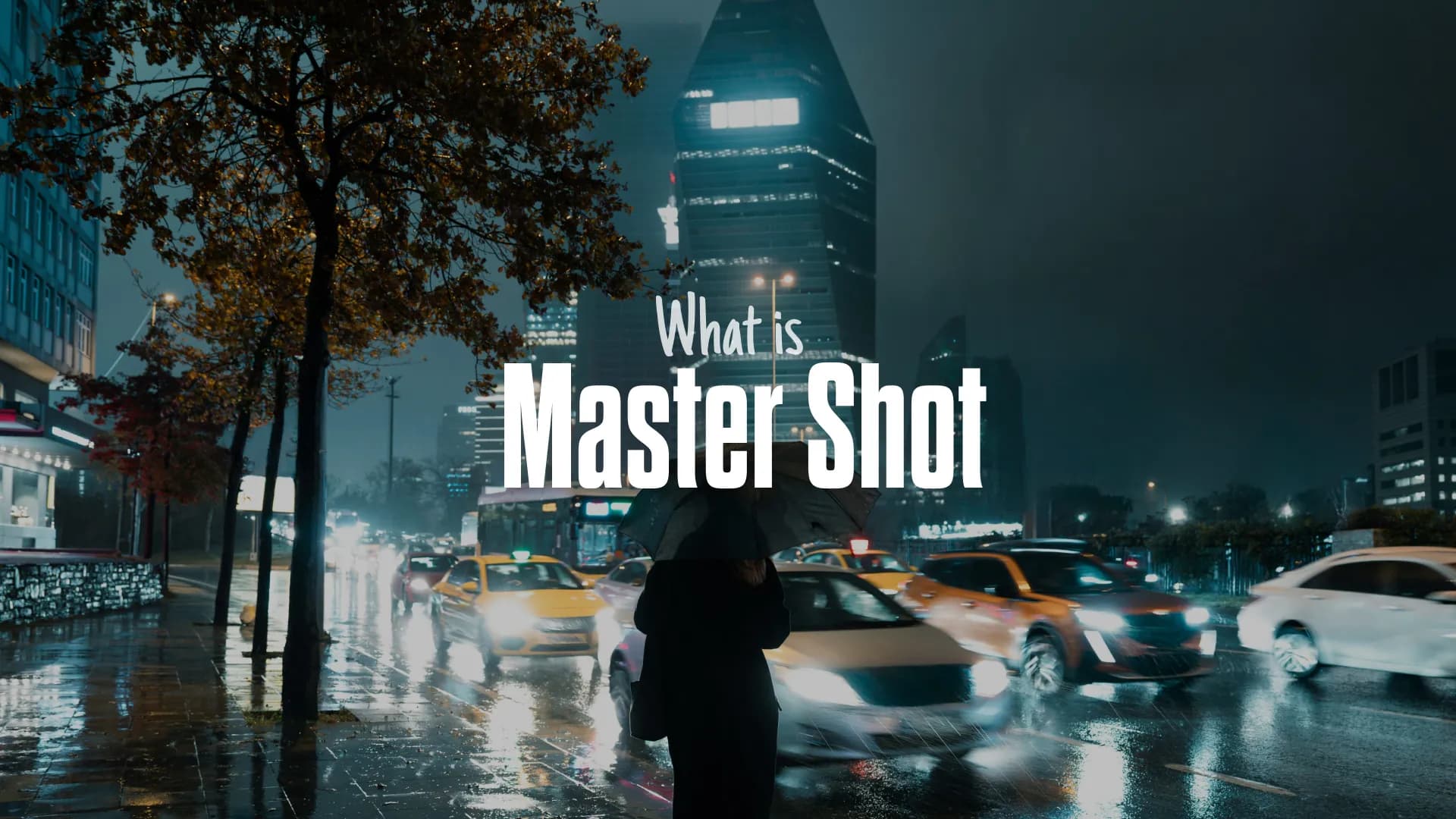
Table of Contents
- Why master shots matter
- How master shots work
- What are the key features of a master shot?
- How to shoot a master shot
- Master shot vs. coverage: what's the difference?
- Is a master shot the same as an establishing shot?
- Do you always need a master shot?
- Final thoughts
- Frequently Asked Questions
- Spotlight FX - Get free transitions, effects and workflow tools
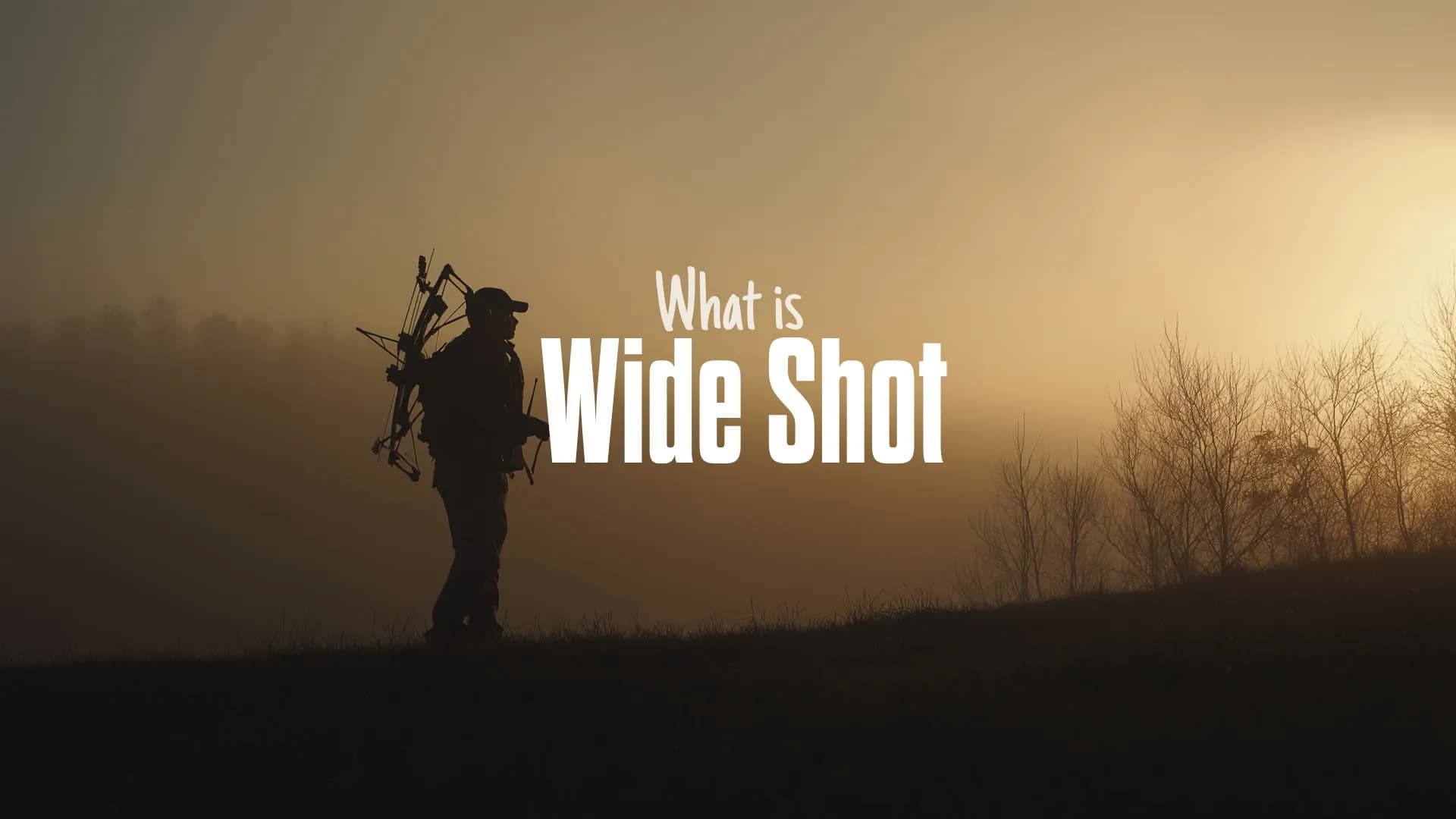
A master shot is a single continuous shot that covers an entire scene from beginning to end, keeping all the main action and characters in frame, usually as a wide or long shot.
It's the foundation for a scene's coverage: the main take an editor can always fall back on before cutting to close-ups, inserts, and other angles.
Why master shots matter
The master shot is the safety net of a scene. Because it records the full action in one take, an editor can assemble a complete version of the scene even if every other angle has a problem. If a close-up is out of focus or an over-the-shoulder doesn't match, the master is always there to cut back to.
It also locks in the rules of the scene. The blocking, timing, lighting, and performance you establish in the master become the reference point for everything that follows. When you shoot a close-up later, it has to match the master, so getting it right first saves you from continuity headaches in post.
For editors, this matters even more than for directors. A scene with a solid master plus a few coverage angles gives you real choices on the timeline. A scene without one leaves you stuck, forced to make cuts work instead of choosing the best cut. That's why the master is almost always shot first.
How master shots work
A master shot works by capturing the whole scene as a single, uninterrupted performance. The camera rolls from before the first beat of action until after the last, so nothing important falls outside the take.
The basic workflow looks like this:
- The master is filmed first. This gives cast and crew a complete reference for how the scene plays out.
- The full scene runs start to finish. Actors enter, perform, and exit while the camera keeps rolling.
- Coverage is shot to match. Once the master is in the can, the crew shoots close-ups, medium shots, over-the-shoulders, and cutaways that line up with the blocking and timing of the master.
- The editor assembles the scene. The master anchors the cut, and coverage is dropped in to control pacing, emotion, and emphasis.
The master can be locked-off (completely static) or use smooth movement like a slow dolly or pan, as long as the camera follows the rhythm of the scene without losing key information.
What are the key features of a master shot?
It's wide enough to hold the whole scene
A master is typically a wide or long shot framed so every relevant character and action stays visible. You don't need every extra or prop in frame at all times, just the information that makes the scene work.
It's continuous
The master runs the entire scene in one take. Even if an actor flubs a line, directors often let it play out so there's a clean, unbroken version to fall back on.
It includes buffer time
A few seconds of room before the action starts and after it ends gives the editor flexibility to find the right in and out points.
It sets the continuity baseline
Lighting, blocking, and performance established in the master become the standard that all later coverage has to match.
How to shoot a master shot
Here's a practical approach for getting a clean, usable master:
- Plan in pre-production. Study the script and ask what absolutely cannot be cut for the scene to function. Storyboard the blocking and camera movement before you arrive on set.
- Choose a wide enough lens. Pick a focal length that keeps all the relevant characters and action in frame.
- Keep movement smooth or static. A locked-off camera guarantees you miss nothing. If the scene needs motion, use a slow, controlled dolly or pan that follows the flow.
- Shoot it first. In almost every case, the master is your first setup so everyone has a reference for the full scene.
- Run the entire scene. Record from before the first action to after the last, including entrances and exits, and don't stop mid-scene.
- Capture clean audio. Use hidden booms or lapel mics so the master's sound holds up start to finish.
Once the master is done, build your coverage around it: purposeful cutaways, close-ups, and over-the-shoulders that fill in the emotional details the wide shot can't.
Master shot vs. coverage: what's the difference?
A master shot captures the whole scene in one continuous take, while coverage shots capture selected parts of the scene from different angles and framings.
The master is the scene's complete fallback version. Coverage, including close-ups, shot/reverse shots, over-the-shoulders, POV shots, and cutaways, isn't meant to be used all at once. It exists to give the editor choices: hiding edits, changing pacing, and emphasizing emotion. Put simply, the master records everything; coverage records the pieces that let you refine the final cut.
Is a master shot the same as an establishing shot?
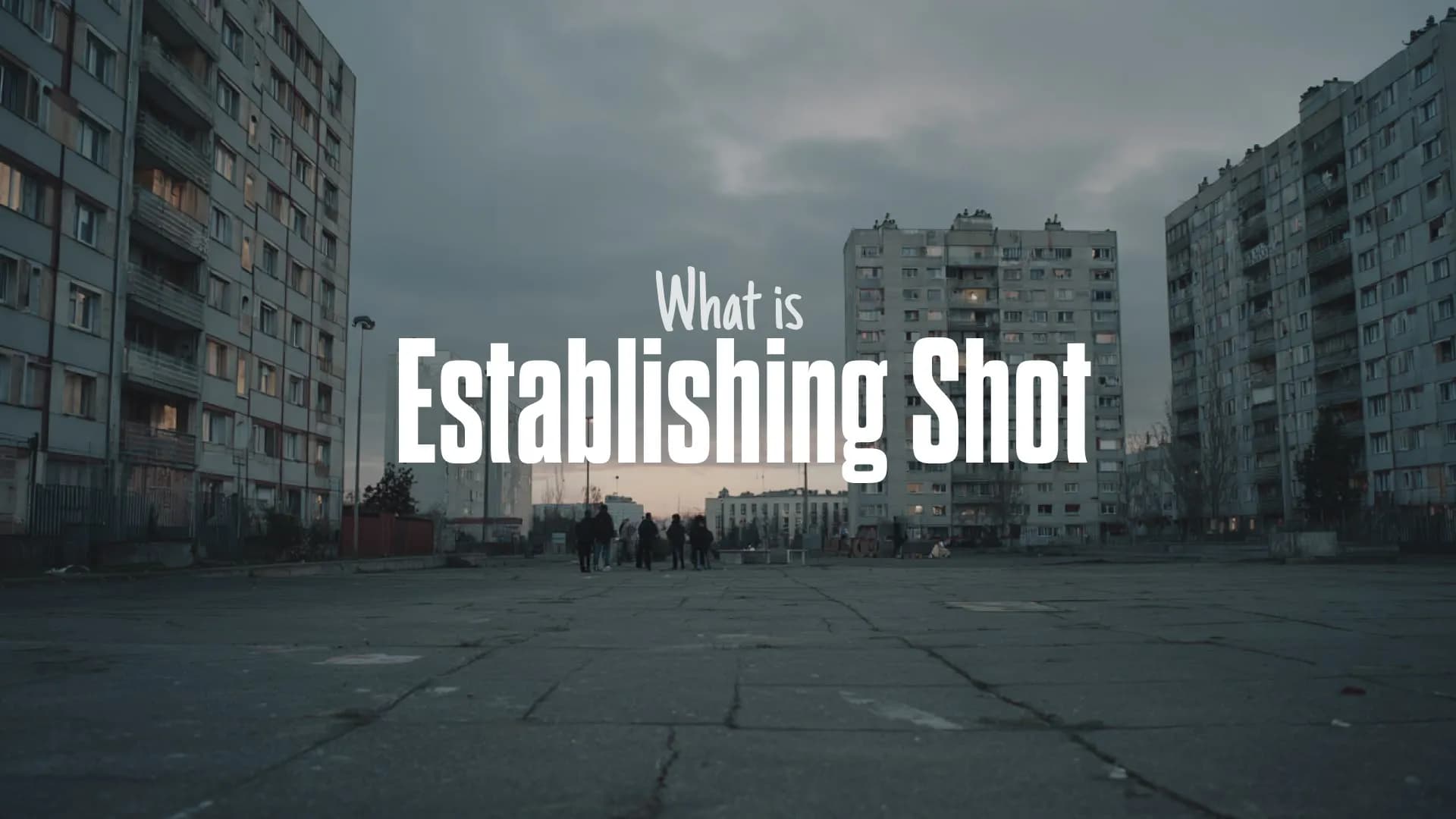
Not exactly, though they can overlap. A master shot's job is to record the full action of a scene as a coverage foundation. An establishing shot's job is to orient the viewer by showing the location or setting before the action begins.
A wide master can sometimes double as an establishing shot, but they serve different purposes. The establishing shot is about where we are; the master is about capturing the entire scene.
Do you always need a master shot?
No, but skipping one is a deliberate choice, not a default. The master-plus-coverage approach is still the standard workflow in narrative filmmaking because it gives editors the most flexibility.
On tight or low-budget schedules, some directors use more selective approaches, like "cross coverage" for fast dialogue scenes, or break a complex scene into one-page chunks shot as smaller "mini-masters." Others prefer a complex master that preserves more of the performance in a single take before adding targeted coverage. The technique adapts, but the core idea stays the same: have a continuous, reliable foundation for the scene.
Final thoughts
A master shot is the continuous wide take that covers a full scene from start to finish, giving editors a dependable foundation and a continuity baseline for all other coverage. Shoot it first, run the whole scene, and build your close-ups and cutaways around it.
Once you're in the edit, the right transitions, zooms, and overlays are what turn that raw coverage into a polished scene. If you cut in Premiere Pro or After Effects, Spotlight FX puts professional transitions, text animations, and workflow tools like Zoomy and Moovy right inside your timeline, so you can shape your master and coverage into a finished sequence without leaving the editor. Give it a go.
Frequently Asked Questions
What is a master shot?
A master shot is a single continuous shot, usually wide, that records an entire scene from beginning to end with all the main action and characters in frame. It serves as the foundation for the scene's coverage.
What is a master shot used for?
It's used as the editor's safety net and continuity reference. The master gives a complete version of the scene to fall back on and sets the blocking, timing, and lighting that all other coverage must match.