7 Best Free Premiere Pro Transitions That Don't Look Cheap

Table of Contents
- 1. Spotlight FX's Free Premiere Pro Transition Pack
- 2. Mixkit's Transition Templates
- 3. Motion Bro Extension
- 4. Film Crux Transitions Vol. 2
- 5. Browse Adobe Exchange for Curated Free Packs
- 6. Color Grading Central
- 7. Explore YouTube Community Packs for Hidden Gems
- Final Thoughts
- Spotlight FX - Get free transitions, effects and workflow tools
Tired of the same old cross-dissolve? Want professional transitions without emptying your wallet?
You're in the right place.
This post lists the best free Premiere Pro transitions that professional editors actually use. These aren't low-quality freebies with watermarks. They're legitimate, commercial-use transitions that can make your videos look like they cost thousands to produce.
1. Spotlight FX's Free Premiere Pro Transition Pack
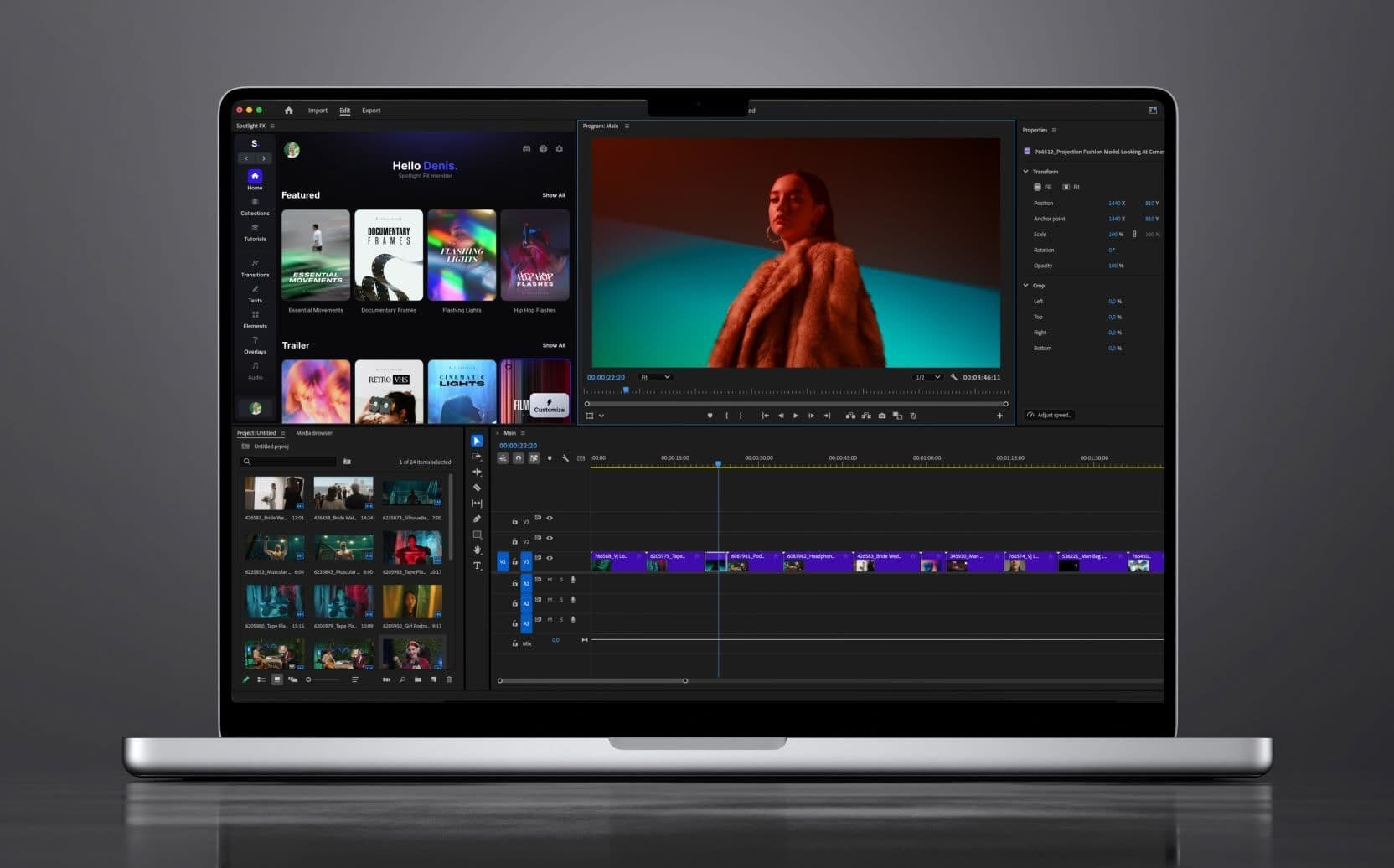
Spotlight FX offers a free pack with 36+ drag-and-drop transition templates plus 13+ workflow plugins and scripts.
The pack includes:
- Pan - Top (smooth camera movements)
- Light - Center Switch (cinematic light transitions)
- Flicker - Old Tape (vintage effects)
- Plus dozens more glitches, light leaks, and seamless camera moves
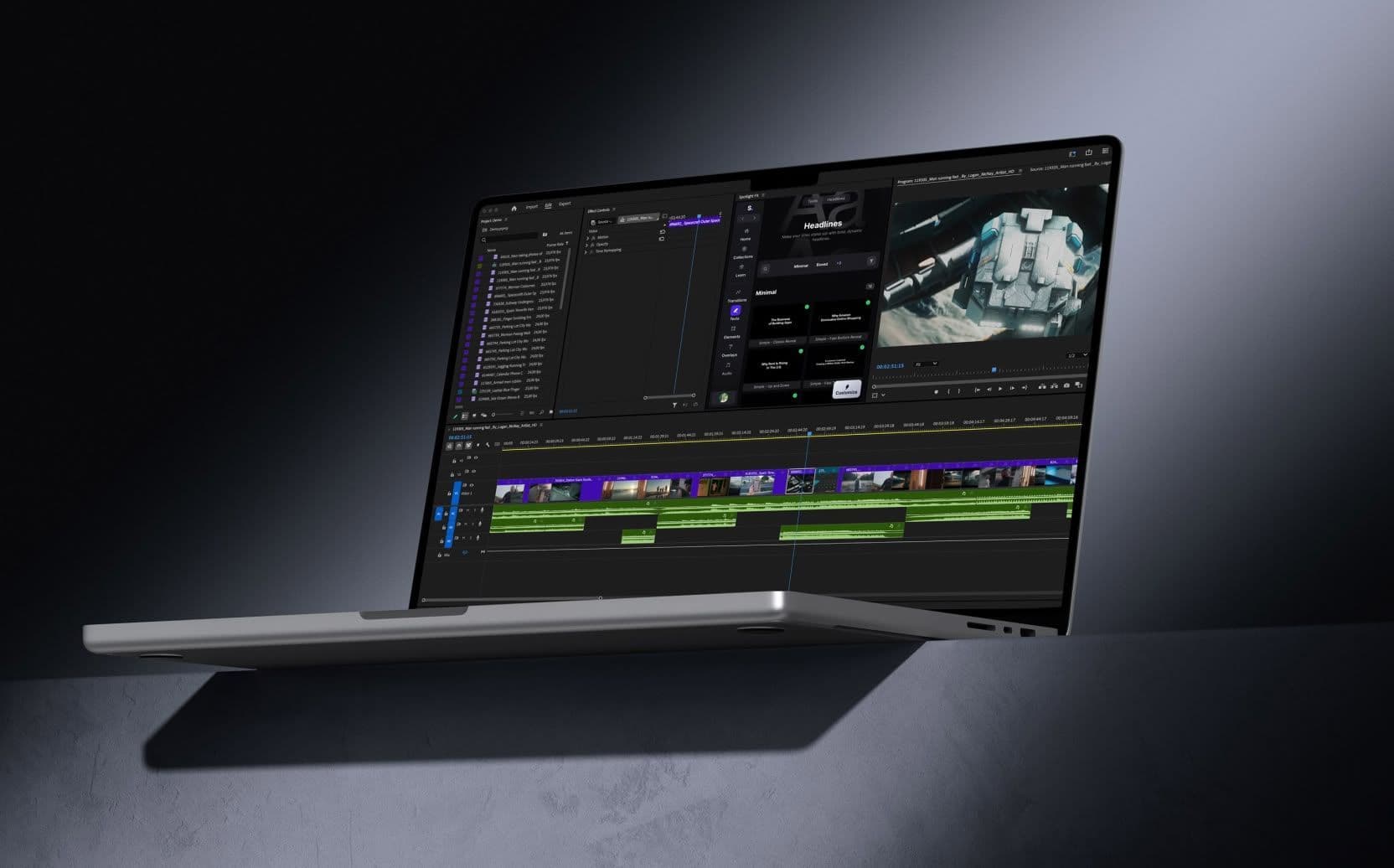
What makes this pack special is that it's built on Motion Graphics Templates (MOGRTs), which means every transition is fully customizable without opening After Effects. Just double-click the transition in your timeline and adjust the parameters directly in Spotlight FX's editor panel.
Installation: Visit spotlightfx.com, download the free plugin, and install it. The transitions appear directly in the Spotlight FX panel inside Premiere Pro.
License: Commercial use allowed, no watermarks, no attribution required.
2. Mixkit's Transition Templates
Mixkit provides 140 free Premiere Pro transition templates under their free Mixkit License.
Their collection includes:
- Glitch transitions
- Splice effects
- Spin transitions
- Wipes and zooms
- Scene change effects
The templates are drag-and-drop ready, which means you can download them, import them into Premiere Pro, and start using them immediately.
How to use them: Download the transitions from mixkit.co, unzip the files, and import them via the Essential Graphics panel (Window > Essential Graphics > Install Motion Graphics Template).
Best for: Quick scene changes in YouTube videos, social media content, and fast-paced edits.
3. Motion Bro Extension
Motion Bro is a free extension that gives you plug-and-play access to over 1,400 presets, including eight dedicated transition and effect packs.
Once installed, Motion Bro lives inside Premiere Pro as a panel. You can browse transitions by category, preview them, and apply them with a single click.
The extension includes:
- Smooth camera transitions
- Color grading presets
- Text animations
- Sound effects
Installation: Download the free Motion Bro extension from motionbro.com, install it, and access it via Window > Extensions > Motion Bro in Premiere Pro.
Pro tip: Motion Bro updates regularly with new free content, so check back periodically for fresh transitions.
4. Film Crux Transitions Vol. 2
Film Crux offers a free pack with 15 drag-and-drop transitions focused on seamless camera movements.
The pack includes:
- Blur Warp In/Out
- Seamless Zoom In/Out
- Spherical Warp
- Camera push transitions
These transitions work by importing them as presets and applying them via adjustment layers over your clips. This gives you more control over the transition timing and intensity.
Download: Visit filmcrux.com to grab the pack.
Best for: Travel videos, vlogs, and any content that needs smooth, cinematic camera movements.
5. Browse Adobe Exchange for Curated Free Packs
Adobe Exchange is Adobe's official marketplace, and it includes a surprising number of free transition packs.
One standout is the "Free Transitions Pack for Adobe Premiere Pro," which includes seven popular video transitions that have been tested and approved by Adobe.
How to access: Go to exchange.adobe.com, search for "free transitions," and filter by Premiere Pro. Download the packs directly through Adobe Creative Cloud.
Advantage: Since these are hosted on Adobe Exchange, you know they're compatible with your version of Premiere Pro and won't cause crashes or bugs.
6. Color Grading Central
Color Grading Central curated a free pack of the top 10 Premiere Pro transitions, complete with a video guide showing you exactly how to use each one.
This pack is perfect if you're new to transitions because it includes:
- Usage tutorials
- Best practices for each transition
- Real-world examples
Download: Visit colorgradingcentral.com to get the pack and watch the tutorial.
Best for: Beginners who want to learn not just what transitions to use, but when and how to use them effectively.
7. Explore YouTube Community Packs for Hidden Gems
YouTube is full of video editors sharing free transition packs with their communities. These packs often include 100+ transitions and are available via Google Drive or direct download links.
Search for terms like "100+ free Premiere Pro transitions" on YouTube, and you'll find creators offering packs that include:
- Glitch transitions
- Light leaks
- Camera shakes
- Zoom transitions
Pro tip: Always check the video description for download links and read the comments to verify the pack is legitimate and virus-free.
Best for: Discovering unique transitions that aren't available on mainstream platforms.
Final Thoughts
You don't need to spend hundreds of dollars on transition packs to make professional-looking videos. Remember, the best transition is often the one that's invisible. Use transitions to support your story, not distract from it.