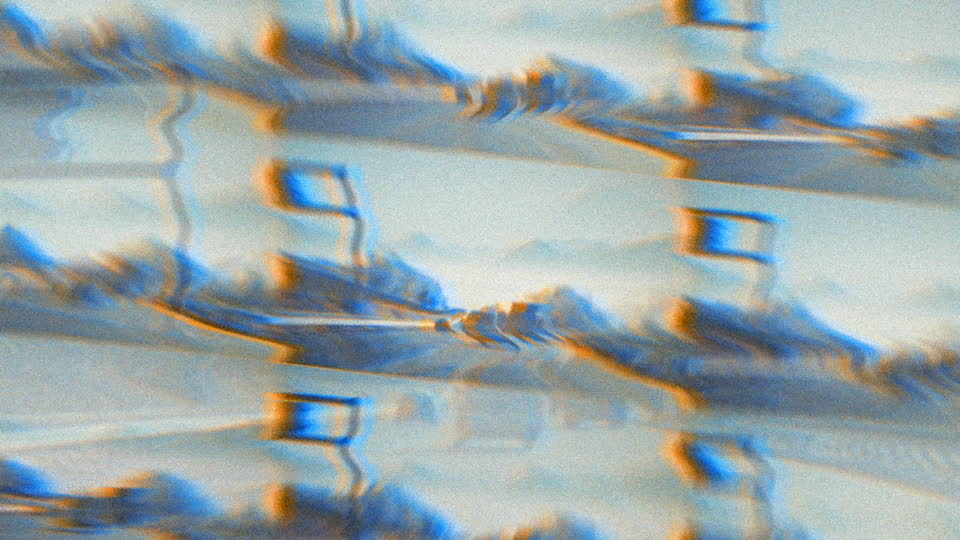
Dynamic Clock Wipe Transition with Bright Gradient
4.9 of 5 (18,226 users)
81 sold this week
Add a dynamic clock wipe transition to your Premiere Pro projects. This transition features a bright gradient moving to the right, bringing vibrant energy to your edits. Easily drag and drop for quick adjustments. Ideal for filmmakers and motion designers seeking smooth scene transitions.
billed as $144 every 12 months
Select a subscription plan
- Includes all 3,454+ Templates
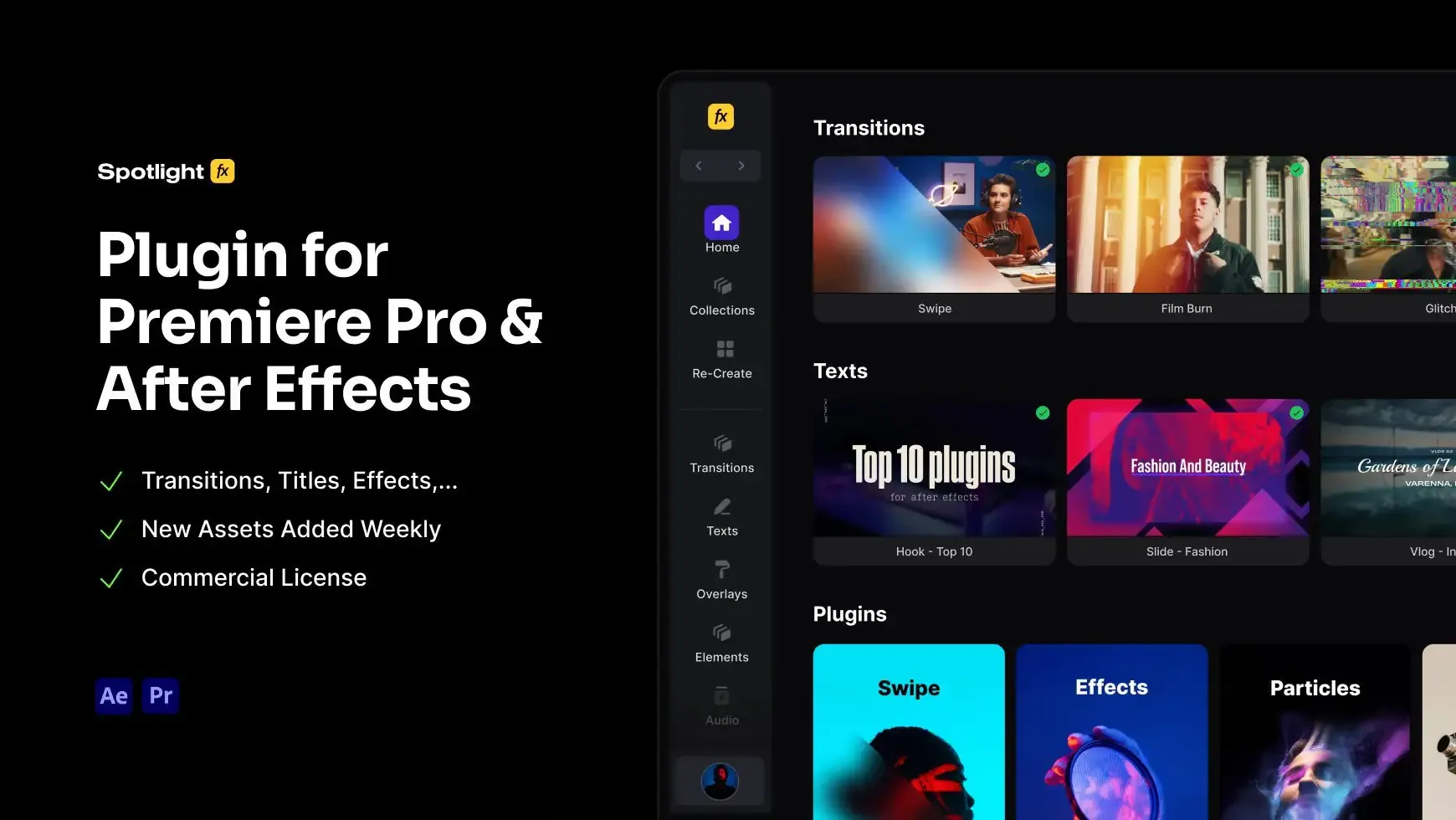
- Premiere Pro & After Effects Plugin
- Commercial License
- Assets, Plugins, Tools (all included)
14 Days Money-Back Guarantee
We stand behind the quality of Spotlight FX. If you don't love it, we will refund you the full purchase price
Only 0.4% of people used our money-back guarantee in the last month.
Using After Effects? Check out the After Effects version of Dynamic Clock Wipe Transition with Bright Gradient.
.jpg&w=3840&q=100)

Have Questions?
- Tom & Denis, co-founders, not a chatbot
14 Days Money-Back Guarantee
We stand behind the quality of Spotlight FX. If you don't love it, we will refund you the full purchase price
Secure Checkout
Secure checkout provided by Stripe, encrypted and protected.
See How It Works
Learn how easy is to use Spotlight FX templates.
1. Import
Imports happens automatically, no manual setup needed.
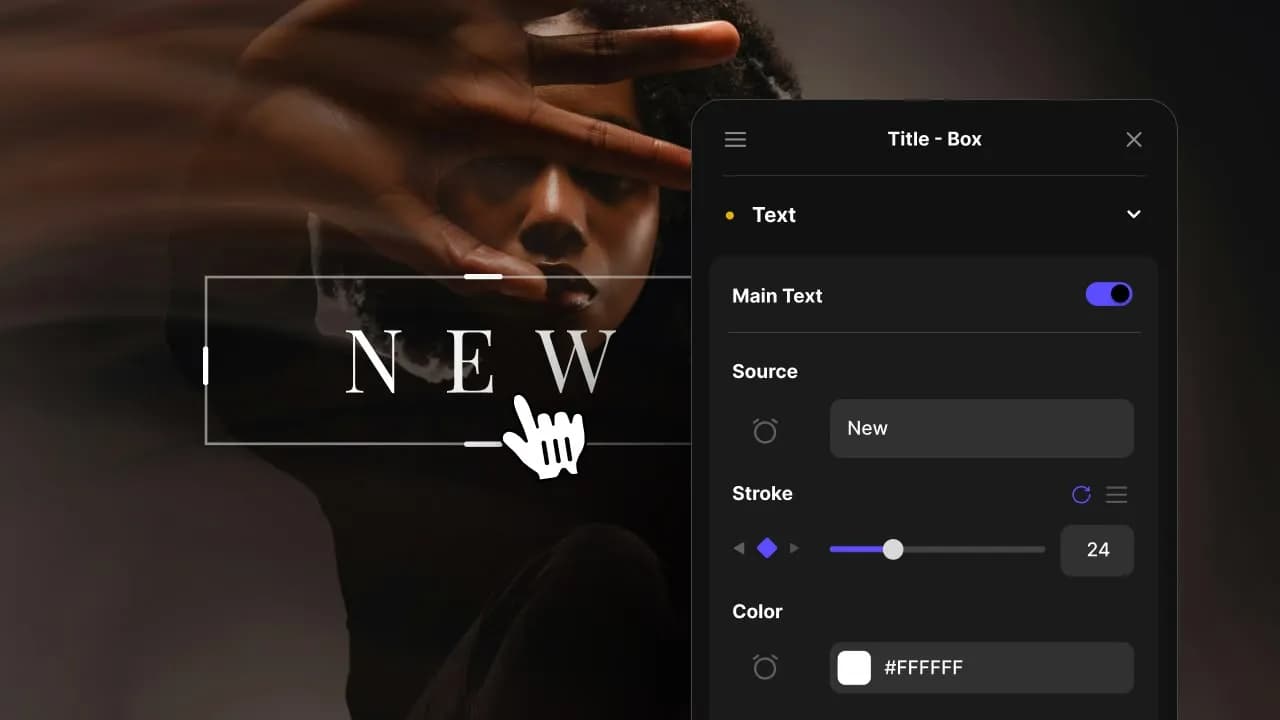
2. Customize
Every item is fully customizable to match the look of your project.
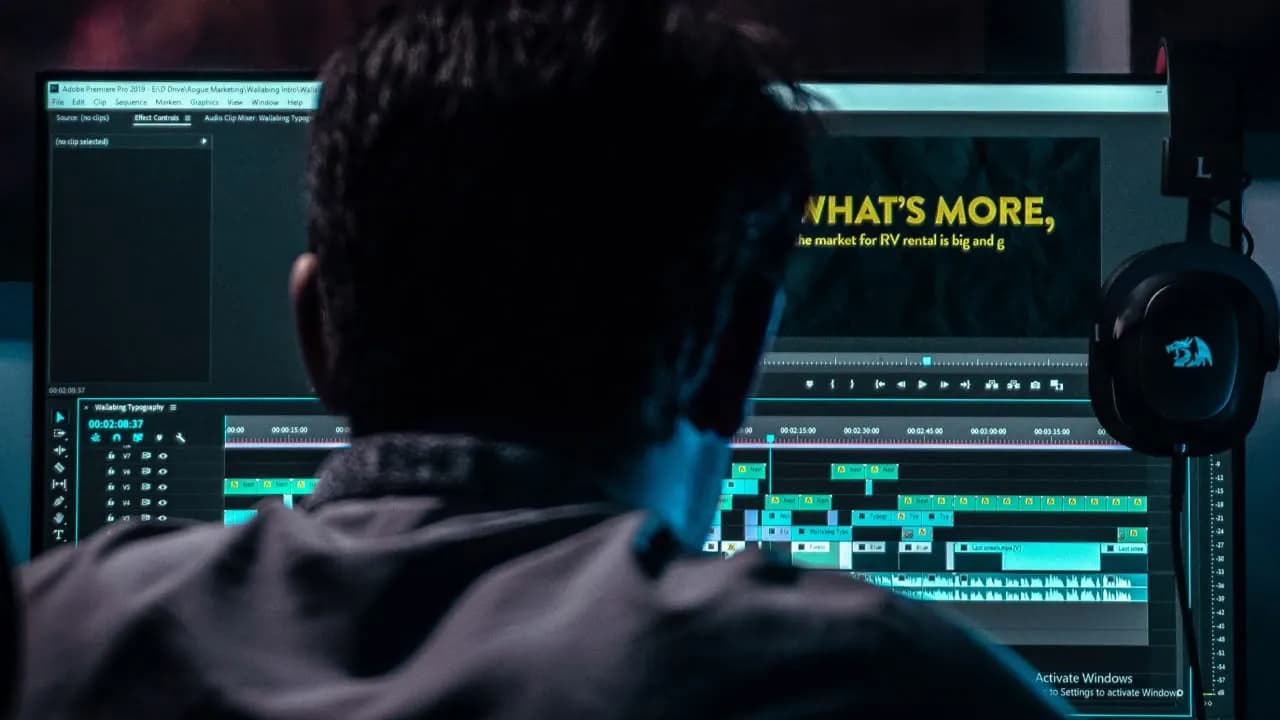
3. Render
Preview the results and export your finished video.
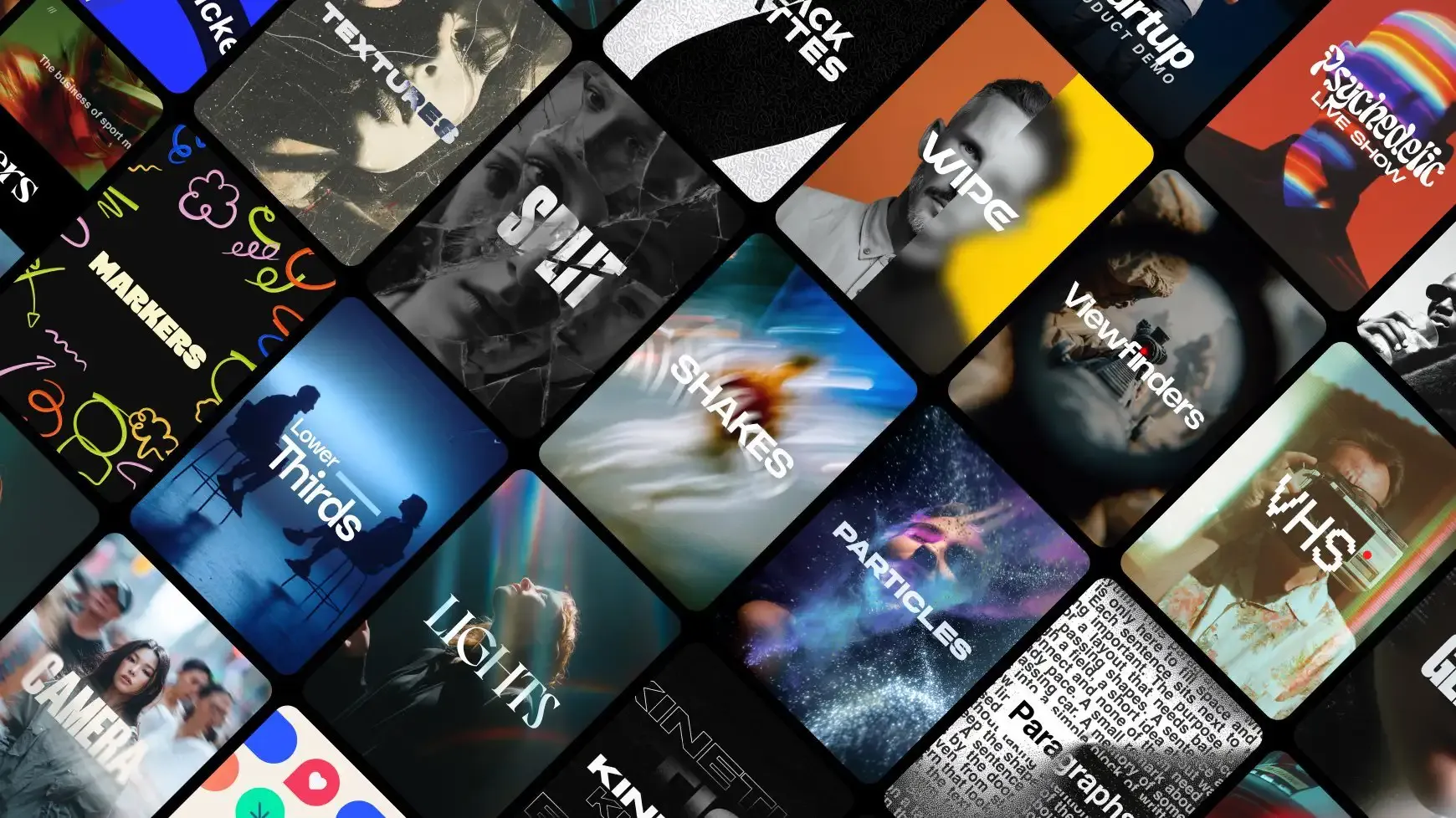
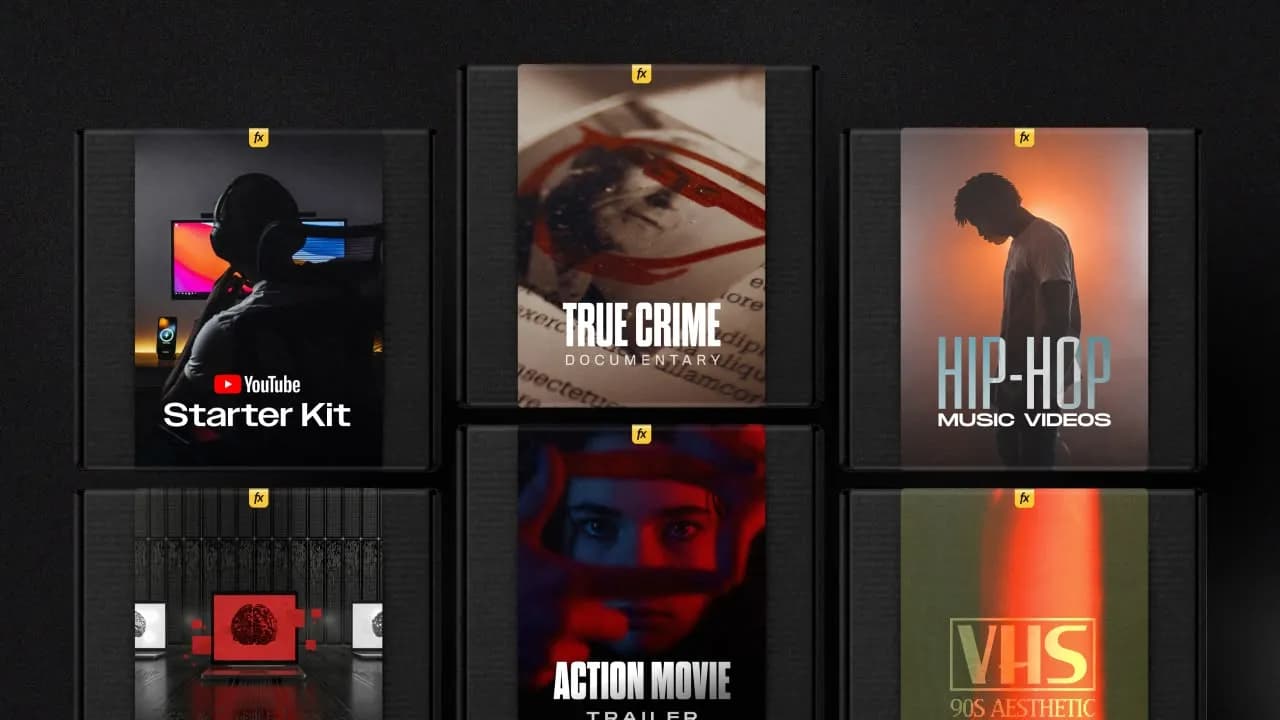
3454+ Templates Included with Spotlight FX Plugin
With Spotlight FX, you have access to a full library of customizable templates, so you never have to start from scratch again.
Frequently
Asked Questions.

Start saving hours of work on every edit.
Explore All AssetsDiscover more Premiere Pro Templates
Explore our collection of professional Premiere Pro templates designed to speed up your video editing workflow.
transition
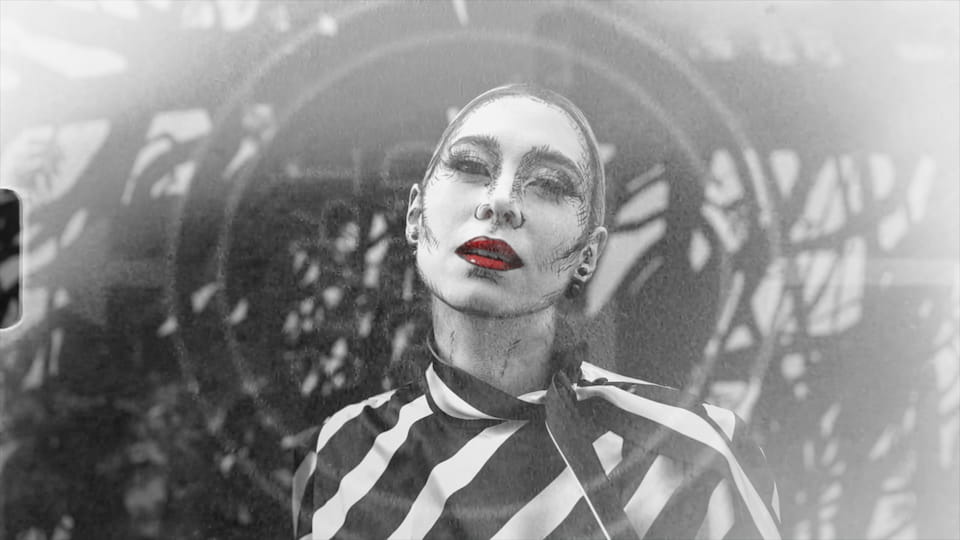
Light Leak - Film Mono
transition
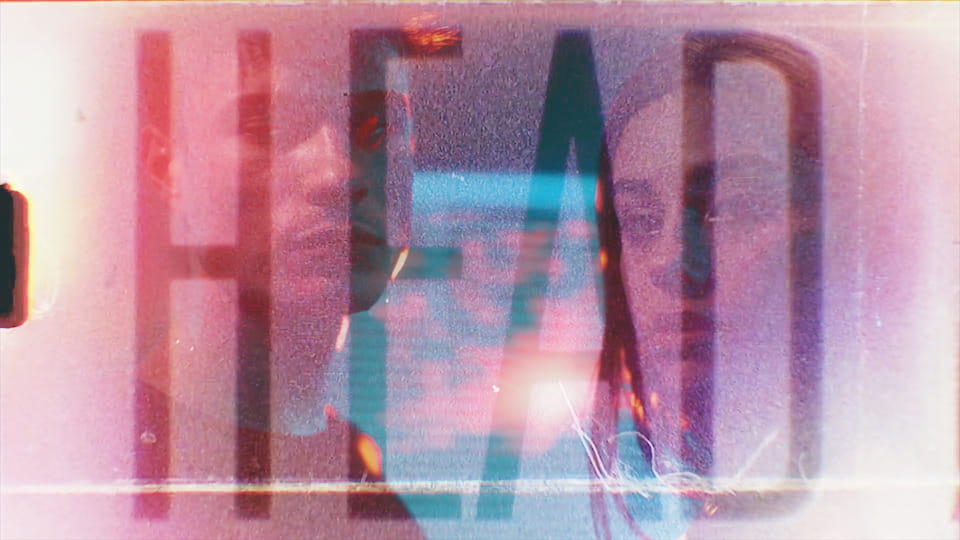
Film Light Leak - Text Strip
transition
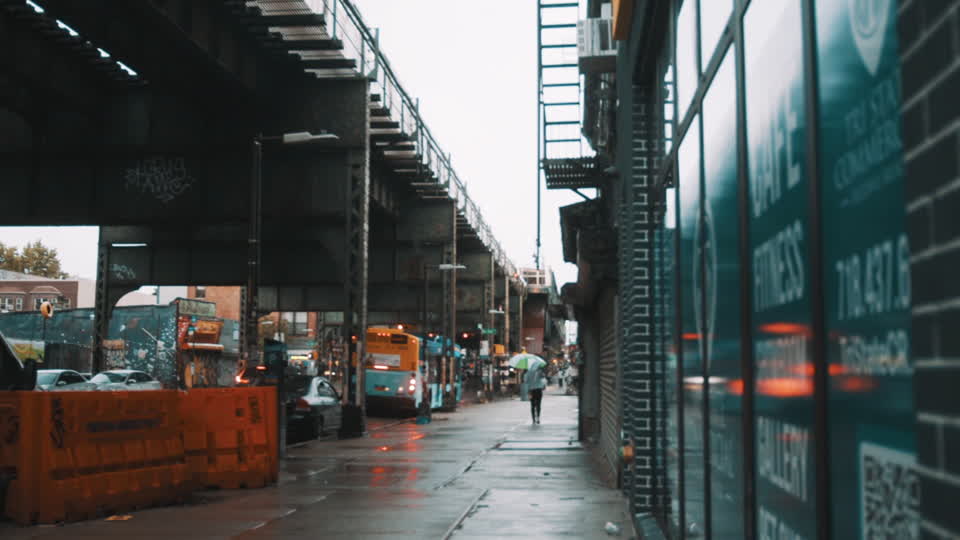
Handheld Slow - Top Right
transition
Flash - Alarm
transition
Optical - Top
transition
RGB Shake - Blurred Split
transition
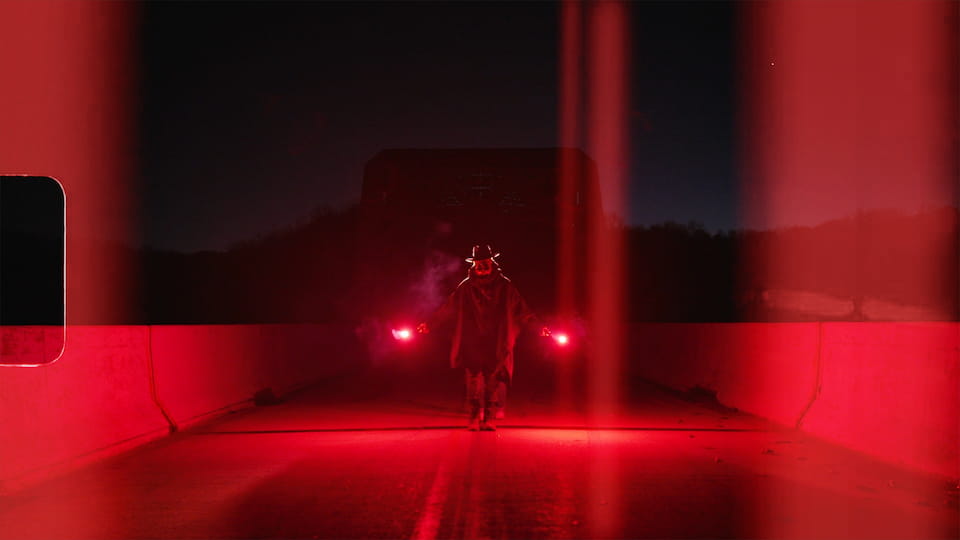
Film Strip - Red Vertical
transition

Arrow - Down
transition
Damage - Cut