Download Spotlight FX
Plugin for Adobe Premiere Pro and After Effects with thousands of ready-to-use assets and workflow tools built to save hours on every edit.
Plugin for Adobe Premiere Pro and After Effects with thousands of ready-to-use assets and workflow tools built to save hours on every edit.
See what's possible when you have the right tools. Every video below was built using assets from Spotlight FX, and you can recreate any of them with the same items.
by an event videographer · transitions, titles & effects
by a video editor · elements & overlays
by a freelance editor · transitions, titles & effects
Every update, improvement, and new asset we've shipped.
June 7, 2026
Released 9 text effects.
June 4, 2026
Spotlight now has a Tools section that gathers every tool into one browsable grid, so you can see what's available at a glance and open any of them with a click. Filter by app, with whichever one you're working in shown first.
June 3, 2026
When you import an item you've already used in a project, Spotlight now reuses the copy it keeps next to your project instead of re-collecting everything, so re-imports are quicker and your existing files stay put. If the item has a newer version and you've updated it, your next import brings that version in automatically.
June 2, 2026
We've fixed a few bugs in the Editor:
June 2, 2026
Search got a major upgrade. Flip on AI mode and describe what you want in plain language, or use the faster keyword search that now spans your whole library at once.
June 1, 2026
We now add fresh templates, collections, plugins, and scripts every single week, and both the app and the site make it easy to see what just landed.
June 1, 2026
Released 14 text effects and 1 script.
text
New

Location - Bottom Slide Up
text
New

Location - Slide In Left
text
New

Location - Word Tracing
text
New

Lower Third - Location Slide Up
text
New

Lower Third - Location Pin Fade
text
New

Lower Third - Live Breaking Banner
text
New

Lower Third - Split Red Block Name
text
New

Lower Third - Breaking News Bar
text
New

Lower Third - Live Badge Fade
text
New

Lower Third - Live Stream Label
text
New

Lower Third - Minimal Bottom Slide
text
New

Lower Third - Minimal Fade In
text
New
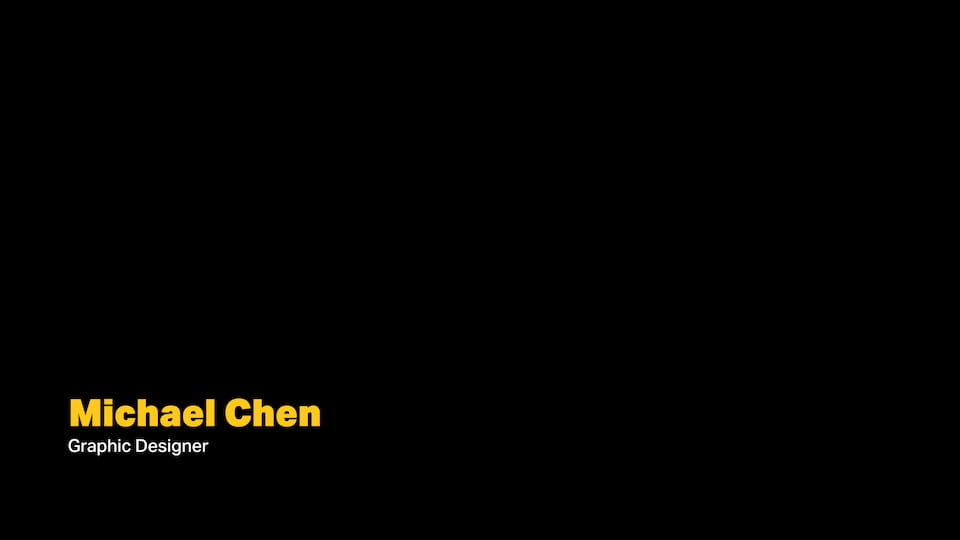
Lower Third - Bold Bottom Slide
text
New

Lower Third - Letter Slide Up
May 29, 2026
The copy and paste settings flow has come to both Premiere and After Effects. Tweak one clip exactly how you like it, then paste those settings onto another, with blending modes and per-group enable toggles carried along.
May 28, 2026
The "Select Same" action now works in After Effects, just like in Premiere. Select any Spotlight layer and instantly grab every other layer that came from the same item. Useful when you want to copy and paste settings across all of them.
May 27, 2026
Downloading a template will now drop it straight into your project's timeline the moment it's ready, one less click. You can toggle it off anytime in Settings.