Excellent support, Denis helped me resolve my issue in seconds.
Copy settings from a supported Spotlight FX template and paste them onto compatible instances. Use Copy Individual when you want to transfer selected controls while keeping other adjustments separate.
Part of the Spotlight FX plugin. Available for Mac and Windows.
Asset import preview.
A simpler editing workflow
Spend more time on the edit and less time managing your assets.
| Comparison |  Spotlight FX |  Editing packs |
|---|---|---|
| Find your assets | One library inside your editor | Separate folders and packs |
| After Effects + Premiere Pro | Both editors in one plugin | Compatibility varies by pack |
| New items | New designs to explore | Separate pack downloads |
| Curated collections | Browse by style and project | Organize your own folders |
| Workflow tools | Templates and tools together | Find extra tools separately |
| Make it your own | Customize inside your editor | Controls vary by template |
| Add to your edit | Add directly to your timeline | Import each download |
More time for your next edit. Your assets and tools, together in one place.
Excellent support, Denis helped me resolve my issue in seconds.
We are creating many shorts for social media, and even as a beginner in premiere pro, I was able to create good looking videos.
We are a studio of 20 people, and this has completely changed our workflow.
I only discovered extensions yesterday. I can't believe it. All this time I have been designing animations manually.
Perfect! Absolutely astounding support. Thank you!
Thank you very much for your help and congratulations on the amazing work you are doing. Your tools are truly valuable and inspiring for beginner creators like me.
I love the assets, great stuff on that. they aren't too gimmicky like the others in other packs and plugins.
This plugin is absolutely best.
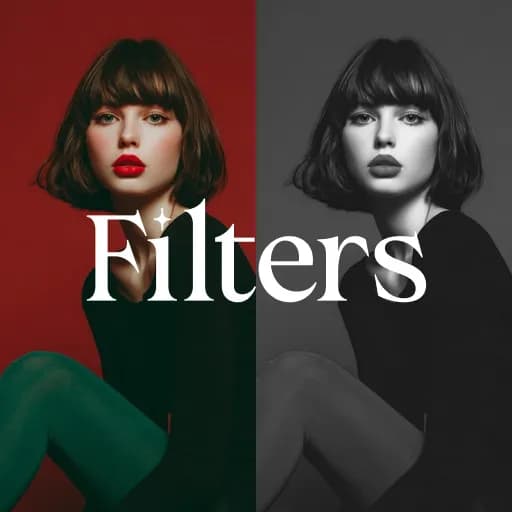
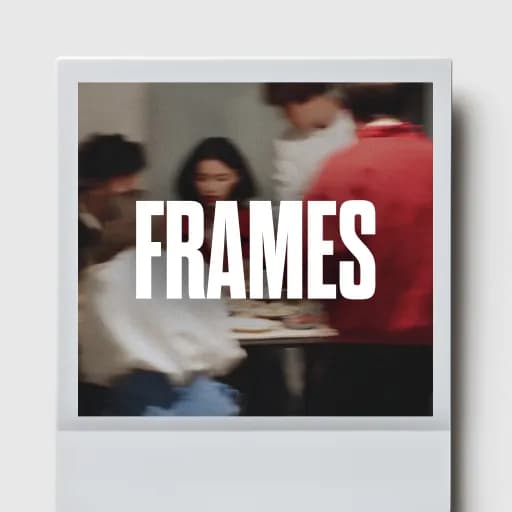
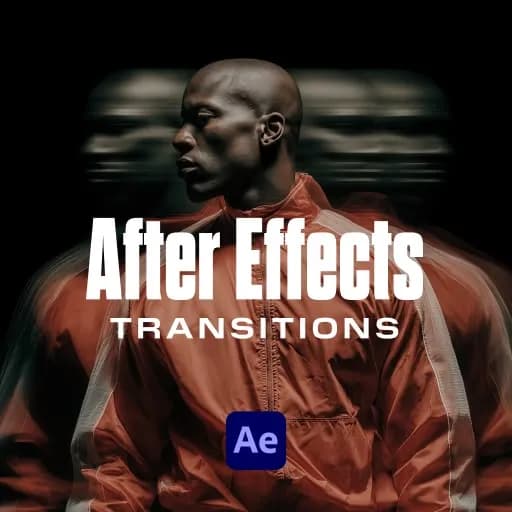
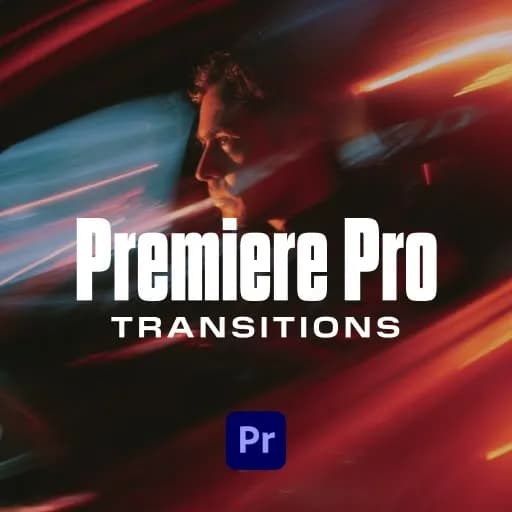
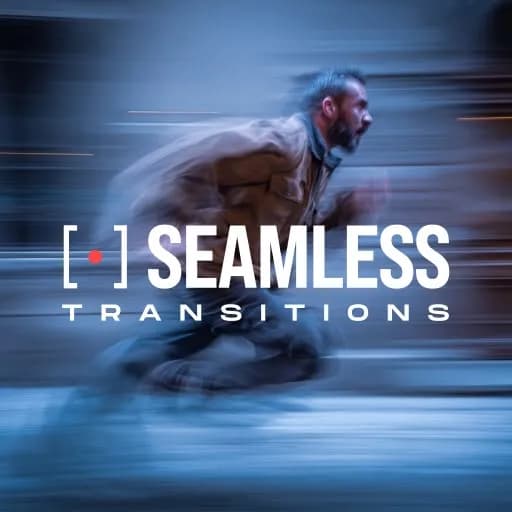
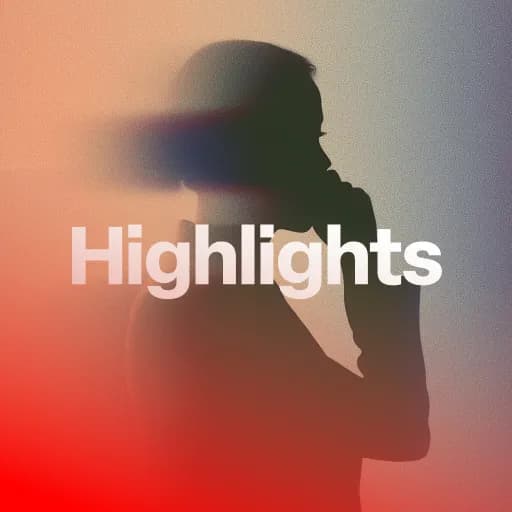
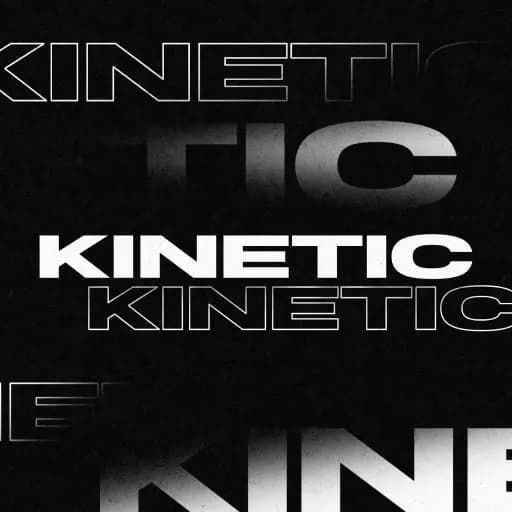
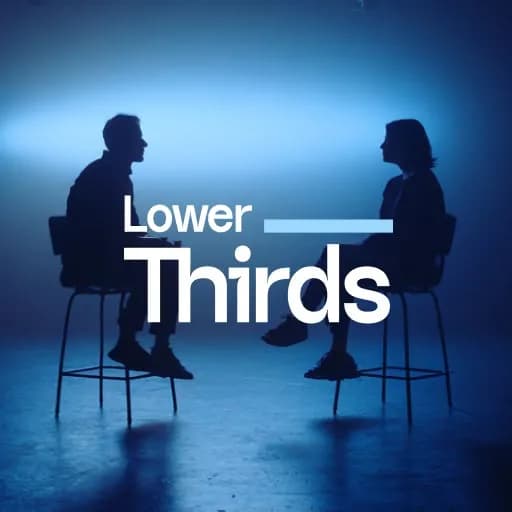
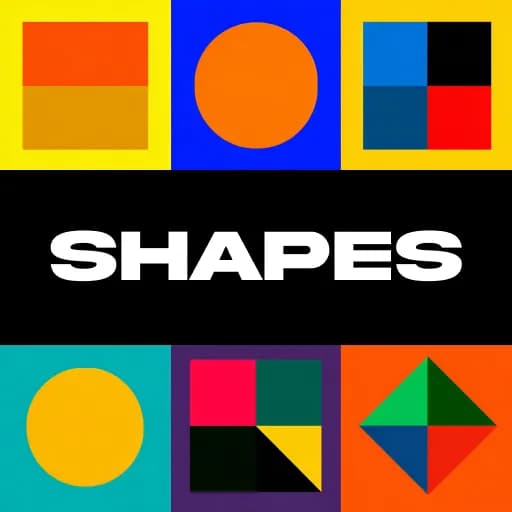
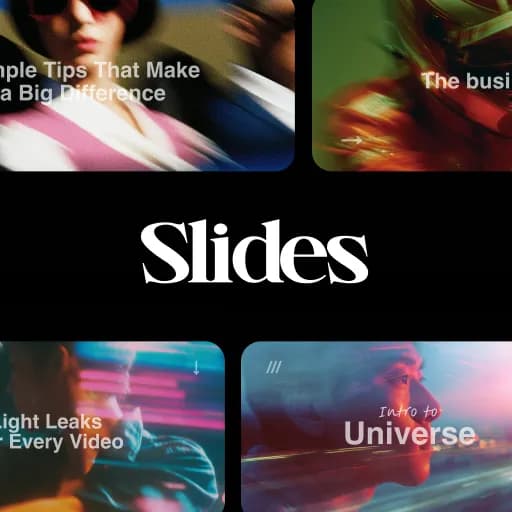
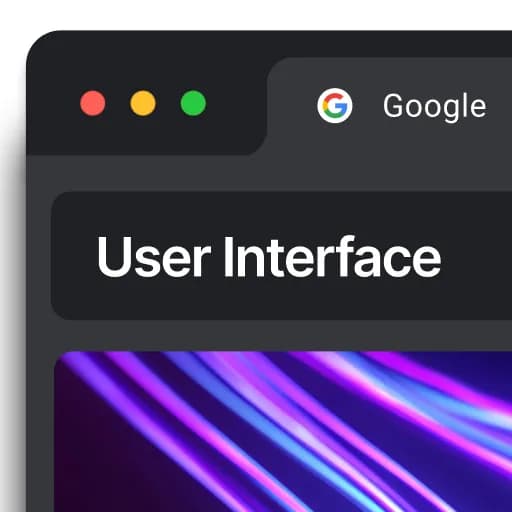
A selection of Spotlight FX creative assets.