What is Datamoshing? A Detailed Guide to Video Glitch Art

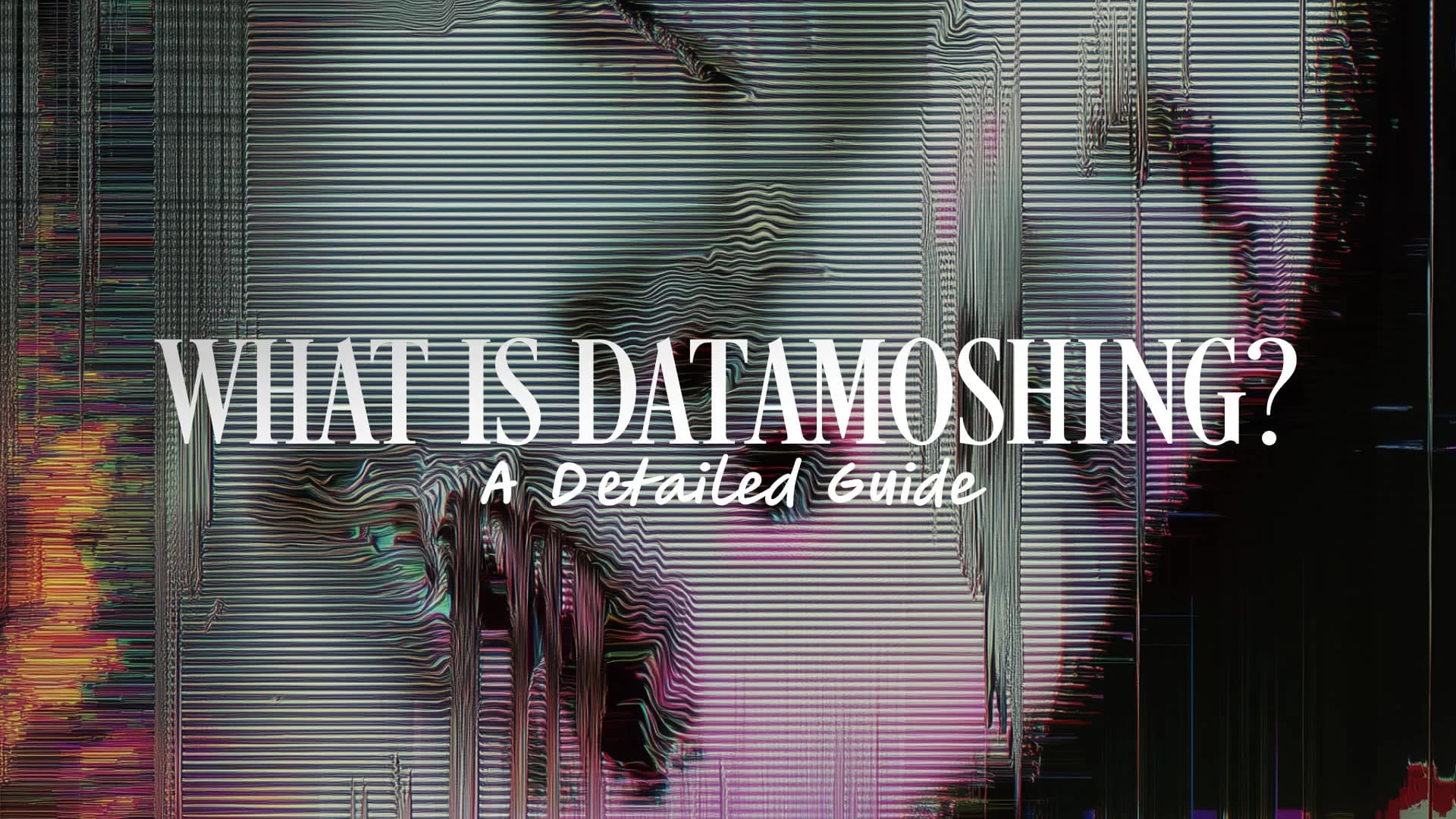
Table of Contents
Datamoshing is a glitch art technique that intentionally corrupts video compression data by manipulating I-frames and P-frames to create striking visual distortions, melting colors, and ghosted pixel effects.
The technique emerged in the early 2000s, inspired by accidental glitches in digital video codecs like DivX. What started as an unintended artifact from satellite signal loss or faulty encoding has evolved into a legitimate art form, with works now featured in the Smithsonian's permanent collection and mainstream music videos.
Why datamoshing happens in video compression
Datamoshing occurs when video compression algorithms malfunction or are deliberately manipulated, causing visual data from different frames to blend together in unexpected ways.
To understand why this happens, you need to know how video compression works. Modern video formats like MPEG-4 use three types of frames to reduce file size:
I-frames (Intra-coded frames): Complete images that serve as reference points, like keyframes in animation. These contain all the visual information needed to display a full picture.
P-frames (Predicted frames): Store only the changes from the previous frame, recording pixel movement predictions rather than entire images. This makes files much smaller.
B-frames (Bi-directional predicted frames): Reference both previous and future frames to predict motion data with even greater efficiency.
When an I-frame is corrupted, removed, or skipped (due to transmission errors, heavy compression, or intentional editing), the decoder has no complete reference image to work from. The subsequent P-frames and B-frames continue applying their motion prediction data, but they're now applying it to the wrong base image.
This creates the signature datamosh effects: melting colors, ghosted pixels, smeared motion paths, and visual information from one scene bleeding into another. Originally an accidental artifact from satellite broadcasts or faulty encoding, artists discovered they could deliberately trigger these glitches to create mesmerizing visual effects.
What is the datamoshing technique for video art production?
The datamoshing technique for video art production involves deliberately manipulating video compression frames to create controlled glitch effects that transform ordinary footage into abstract, psychedelic visuals.
Artists use two primary methods to achieve datamosh effects:
I-frame removal
This technique involves deleting keyframes (I-frames) that serve as reference points in the video. When you remove these complete images, the pixels from previous frames bleed into current footage, creating transition-style glitch effects.
The result looks like one scene is melting or morphing into another. This method is particularly effective for creating seamless, dreamlike transitions between different clips or scenes.
P-frame duplication
This approach replicates predictive frames (P-frames) repeatedly, producing a "bloom" effect with psychedelic, spaced-out visuals. The motion data gets applied multiple times, causing pixels to stretch, smear, and create trailing effects.
This technique works especially well with footage containing lots of movement, as the repeated motion predictions compound into increasingly abstract patterns.
The artistic process
The key to successful datamoshing is balancing corruption just enough to maintain playability while achieving unexpected aesthetic outcomes. Too much manipulation and the video becomes unplayable. Too little and the effect is barely noticeable.
Artists often experiment with:
- Motion hijacking: Taking motion data from one clip and applying it to completely different footage
- Frame interleaving: Deliberately mixing frames from multiple videos to create surreal combinations
- Codec exploitation: Using differences between video codecs during transcoding to generate unique artifacts
The technique gained mainstream recognition after appearing in Takeshi Murata's 2005 work "Monster Movie" (now in the Smithsonian's permanent collection) and later in music videos for artists like Kanye West and A$AP Mob.
What is the best software for datamoshing?
The best datamoshing software depends on your skill level and workflow, but Datamosher Pro, Datamosh 2, and Avidemux stand out as top choices in 2025, offering everything from beginner-friendly automation to professional-grade precision.
For beginners: Datamosher Pro
Datamosher Pro is a Python-based GUI application that makes datamoshing accessible to everyone. It offers over 30 automated glitch effects including Rise, Shuffle, Sort, and Combine.
The workflow is straightforward: import your video, select an effect, and let the software handle the technical details. The free source code version provides all the core functionality, while the premium version adds a video player, custom themes, and live moshing capabilities.
This tool is perfect if you want to experiment with datamoshing without learning command-line tools or understanding video compression theory.
For professionals: Datamosh 2
Datamosh 2 is an After Effects plugin that provides professional-level control with over 60 algorithms. It uses a marker-based workflow that lets you precisely control where and how glitches occur in your footage.
Key features include:
- Motion hijacking and swapping between clips
- 16x precision for subtle or extreme effects
- Regular updates (most recently through October 2024) with performance improvements
- Integration with After Effects timeline and effects panel
This plugin is ideal for video editors who need datamosh effects as part of a larger post-production workflow. It's available through aescripts and requires a paid license.
For manual control: Avidemux
Avidemux (version 2.7.0 and above) is a free, open-source video editor that allows manual datamoshing by copying and pasting P-frames after converting videos to suitable formats.
While it requires more technical knowledge than automated tools, Avidemux gives you complete control over the datamoshing process. You can precisely select which frames to duplicate, remove, or manipulate.
The software works across Windows, macOS, and Linux, though some users report quirks on newer macOS versions. Pairing it with FFmpeg or VLC for format conversion produces the best results.
Other notable options
Motion Mosh (aescripts) offers GPU-accelerated real-time datamoshing for After Effects, Premiere Pro, and Media Encoder. The live preview and keyframing capabilities make it excellent for iterative experimentation.
For command-line enthusiasts, GitHub repositories like Autodatamosh (Perl) and happyhorseskull's Python scripts provide scriptable automation for batch processing.
Tool | Type | Best For | Platform | Cost |
|---|---|---|---|---|
Datamosher Pro | GUI App | Beginners, quick effects | Windows/macOS | Free/Premium |
Datamosh 2 | AE Plugin | Professional workflows | After Effects | Paid |
Avidemux | Video Editor | Manual control, learning | Cross-platform | Free |
Motion Mosh | Plugin | Real-time preview | AE/Premiere | Paid |
Choose based on your needs: GUI apps for speed, professional plugins for integration with existing workflows, or free tools for learning and experimentation.
How to datamosh on phone?
You can datamosh on your phone using dedicated mobile apps like MoshUp (iOS) or Datamosh: Datamoshing & Glitch (Android), which provide simple interfaces for creating glitch effects without technical knowledge.
iOS: MoshUp
MoshUp is the recommended choice for iPhone and iPad users. The app offers a straightforward workflow where you can record new footage or import existing videos from your camera roll, then apply datamosh effects with a few taps.
The interface is designed for mobile use, with touch-friendly controls and real-time preview. You can adjust the intensity of the glitch effect and see the results immediately before saving.
Android: Datamosh app
Android users can download Datamosh: Datamoshing & Glitch from Google Play. The app functions similarly to MoshUp, providing an accessible way to create glitch art directly on your phone.
Both apps follow the same basic workflow:
- Download the app from your device's app store
- Record new footage or import an existing video
- Apply the datamosh effect through the app's interface
- Adjust intensity and preview the results
- Save the video to your camera roll
Important limitations
Free versions of mobile datamoshing apps typically include watermarks and lack audio capabilities. If you need to remove watermarks or add music, you'll need to use a separate video editor like Kapwing or CapCut after exporting from the datamosh app.
The effects available on mobile apps are also more limited compared to desktop software. You won't have the same level of control over I-frame removal or P-frame duplication that professional tools provide.
Browser-based alternative
If you prefer not to download an app, Supermosh offers free, in-browser datamoshing without installation. Simply visit the website, upload your video, apply effects, and download the result. This works on both mobile browsers and desktop computers.
The mobile approach is significantly easier than desktop methods like After Effects or Premiere Pro, making it perfect for social media content creators who want quick glitch effects without investing in professional software or learning complex techniques.
Final thoughts
Datamoshing is a glitch art technique that transforms video compression errors into striking visual effects by manipulating I-frames and P-frames. What started as accidental artifacts has evolved into a legitimate art form used in music videos, experimental films, and digital art installations.
Whether you're using professional tools like Datamosh 2 for After Effects, free software like Avidemux for manual control, or mobile apps like MoshUp for quick effects, the key is understanding how video compression works and experimenting with different approaches.
For video editors working in Premiere Pro or After Effects, consider exploring Spotlight FX's collection of glitch transitions and effects. While not specifically datamoshing tools, they provide professionally designed glitch aesthetics that integrate seamlessly into your editing workflow without the technical complexity of manual frame manipulation.
Ready to experiment with more video effects? Check out our free glitch transitions and experimental video effects to expand your visual toolkit.
Frequently Asked Questions
What is the best software for datamoshing?
The best datamoshing software depends on your needs. Datamosher Pro offers 30+ automated effects perfect for beginners, Datamosh 2 provides professional-grade control with 60+ algorithms for After Effects users, and Avidemux gives free manual control for those who want to learn the technical process. For mobile users, MoshUp (iOS) and Datamosh (Android) provide simple, accessible options.
Why does datamoshing happen?
Datamoshing happens when I-frames (complete reference images) in video compression are corrupted, removed, or skipped, causing P-frames and B-frames (which only store motion prediction data) to apply their changes to the wrong base image. This creates visual distortions like melting colors, ghosted pixels, and smeared motion. Originally an accidental artifact from transmission errors or heavy compression, artists now deliberately trigger these glitches for creative effects.
What is the datamoshing technique for video art production?
The datamoshing technique for video art production involves two primary methods: I-frame removal (deleting keyframes to make pixels from previous frames bleed into current footage) and P-frame duplication (replicating predictive frames to create bloom and trailing effects). Artists balance corruption carefully to maintain playability while achieving unexpected aesthetic outcomes, often using motion hijacking, frame interleaving, and codec exploitation to create surreal visual combinations.
How to datamosh on phone?
To datamosh on your phone, download MoshUp (iOS) or Datamosh: Datamoshing & Glitch (Android) from your app store. Record or import a video, apply the datamosh effect through the app's interface, adjust the intensity, and save to your camera roll. Free versions include watermarks and lack audio, requiring separate editing apps like Kapwing to add music. Alternatively, use Supermosh in your mobile browser for watermark-free, in-browser datamoshing without downloading an app.
Related Posts
 Video Editing
What is Color Grading vs Color Correction? Everything Editors Need to Know
 Video Editing