Supports one-click import into Premiere Pro
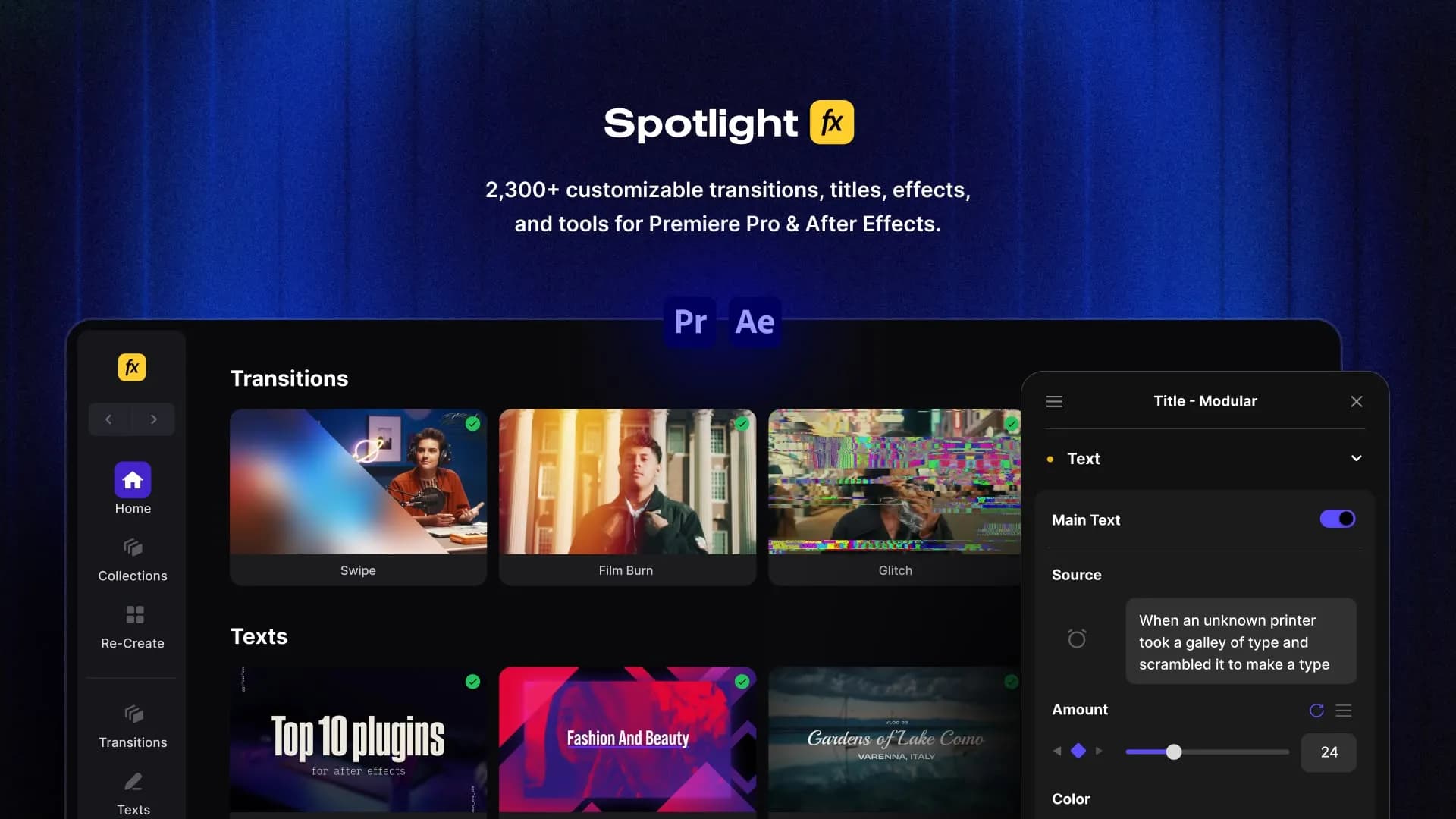
Using After Effects? Check out the After Effects version of Semi Transparent Caption Box Template With Word By Word Animated Text Highlight
Semi Transparent Caption Box Template With Word By Word Animated Text Highlight
This Premiere Pro caption template places a soft dark semi transparent box behind your subtitles so they stay readable over any background. The text highlights word by word, making explanations and key phrases stand out without distracting from the speaker. With the Spotlight FX plugin in Premiere Pro you can change the wording, tweak highlight color and timing, and adjust box transparency right in your timeline for quick clean captions.


4.9 of 5
- 3080+ templates included in price
- 81+ plugins, scripts, and collections included
- Spotlight FX plugin included


- No risk, 14-Day Money-Back Guarantee
$14.79
14-Day Money-Back Guarantee
We stand behind the quality of our products, but we understand if you change your mind. So if you don't love it, you have 14 days to request a full refund. No questions asked.
.jpg&w=3840&q=100)

See How It Works
Learn how easy is to use Spotlight FX templates.
1
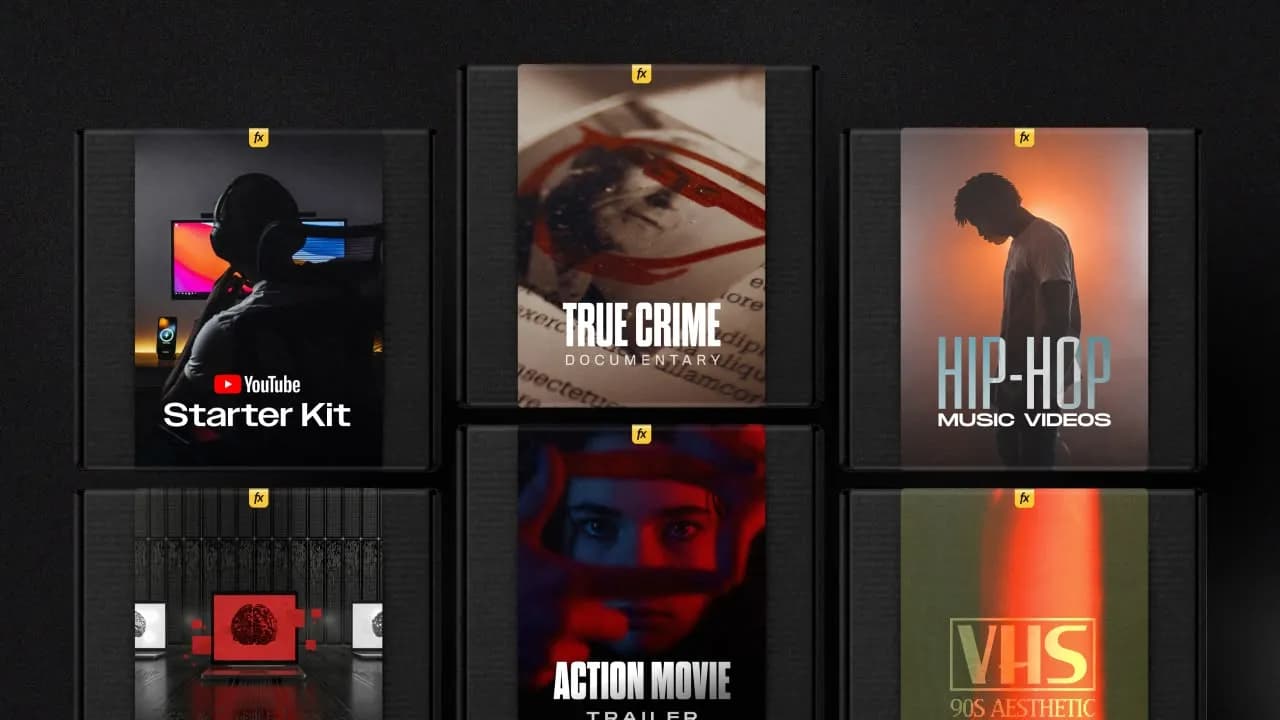
1. Import
Imports happens automatically, no manual setup needed.
2
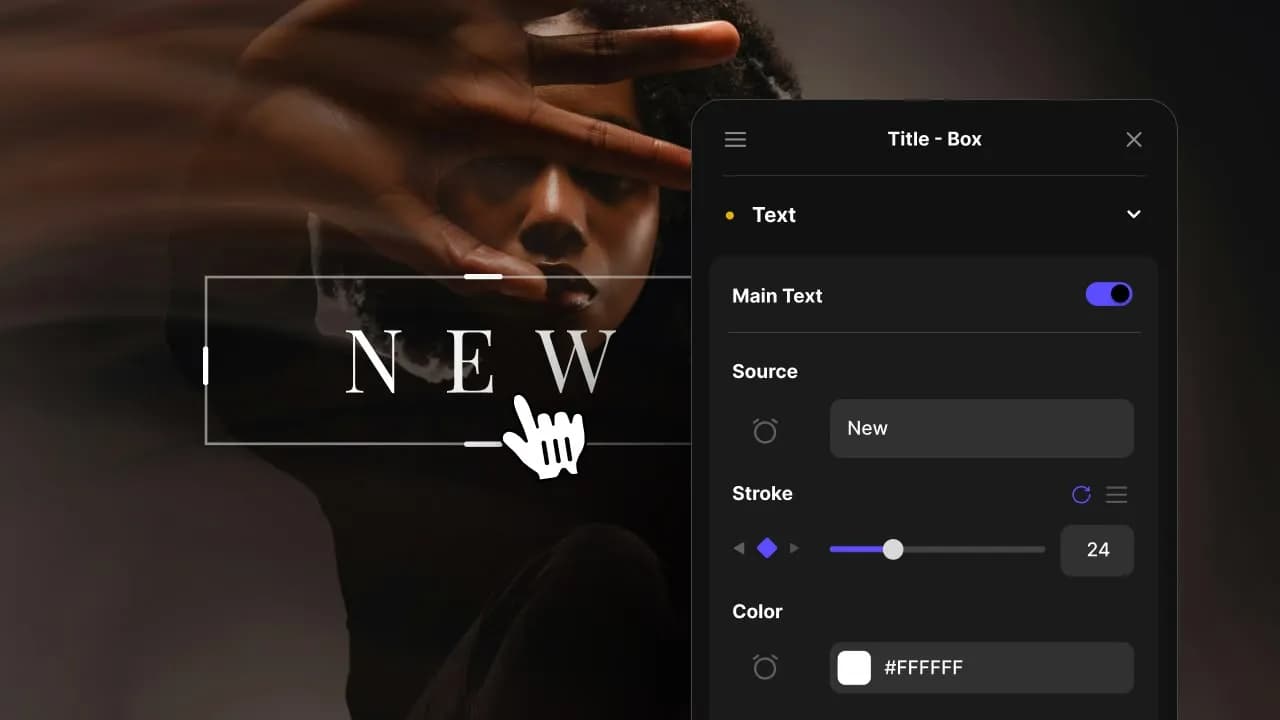
2. Customize
Every item is fully customizable to match the look of your project.
3
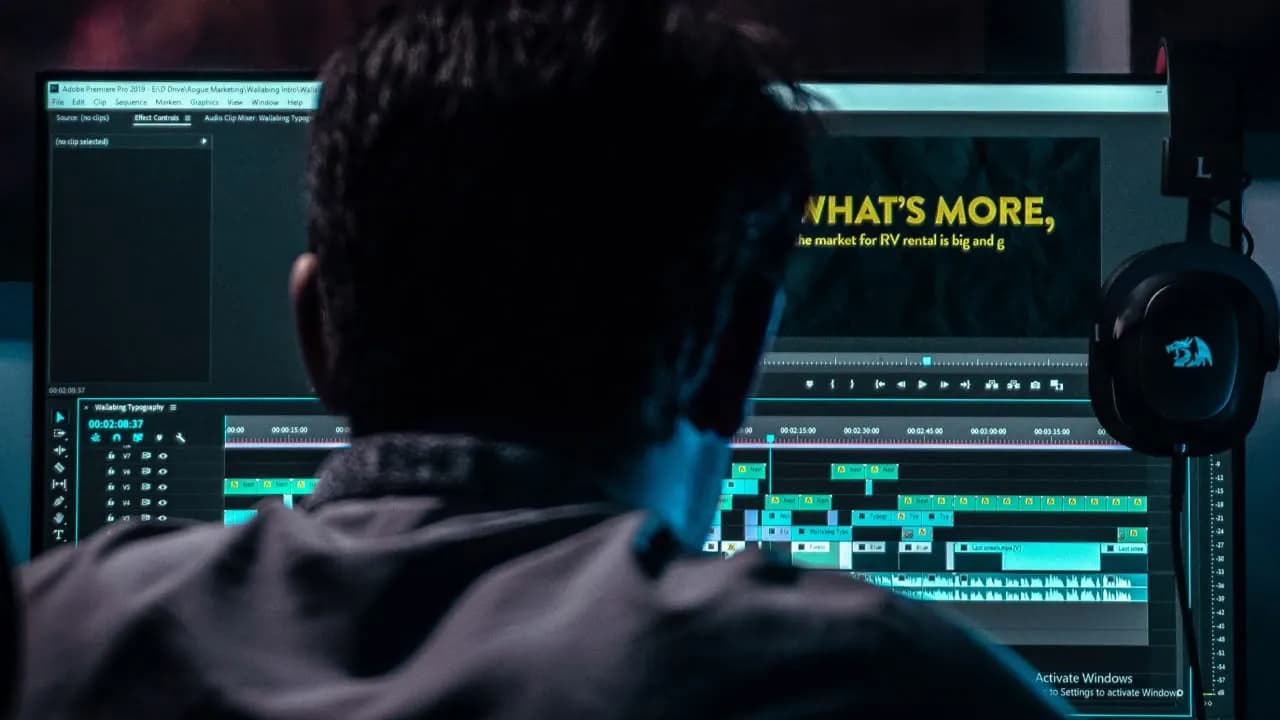
3. Render
Preview the results and export your finished video.
3080+ Templates
Ready to be Imported
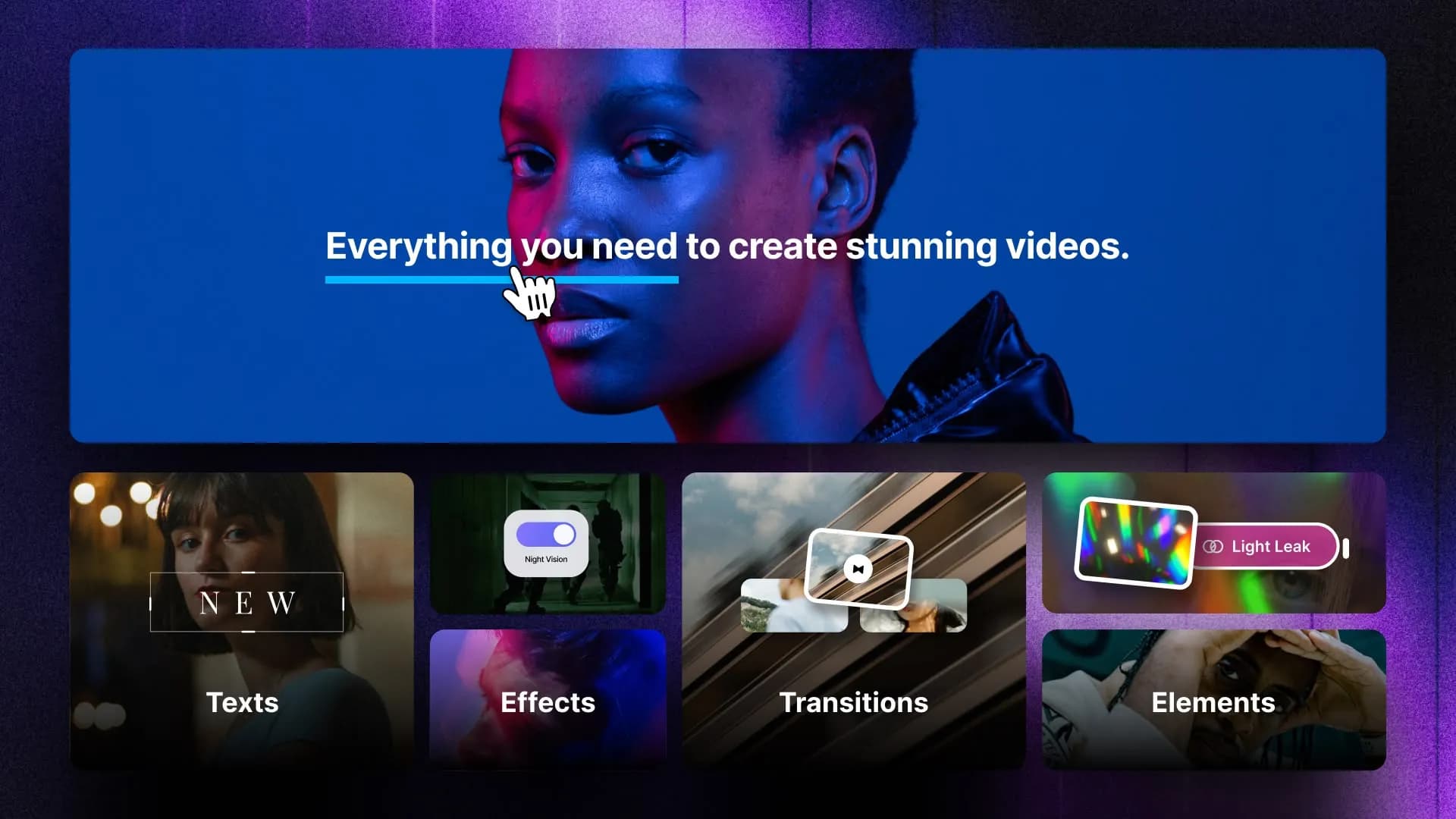
With Spotlight FX, you have access to a full library of customizable templates, so you never have to start from scratch again.
Frequently
Asked Questions.
Instantly. Browse templates in Spotlight FX, double-click the one you want, and it appears on your Premiere Pro timeline at the playhead position. No importing through Essential Graphics, no file management, no waiting. The template is ready to customize the moment it hits your sequence.
Select the template on your timeline and use our effects panel to customize it. Our effects panel organizes all controls (text, colors, fonts, timing) in a clean, labeled interface that's much easier to navigate than the standard Essential Graphics/Properties panel. Adjust parameters while previewing changes in real-time on your program monitor. No After Effects required.
Yes, that's exactly what they're designed for. Spotlight FX templates work through our effects panel, which shows all editable properties in an intuitive interface. You never need to open After Effects or understand composition layers. If you can edit text and pick colors in Premiere Pro, you can fully customize our templates.
Spotlight FX templates update through the cloud. If we improve a template after you've downloaded it, simply double-click it again in Spotlight FX to get the latest version. Your existing timeline items stay as they are, so you can choose whether to replace them with the updated version or keep your current edits.
Yes, full commercial license included. Use Spotlight FX templates in any client project, branded content, advertisements, or monetized videos without needing to credit us. The only thing you can't do is resell the templates themselves or build a competing template service using our assets.
Marketplace templates require downloading zip files, extracting them, importing MOGRTs through Essential Graphics, and determining the function of each control. Spotlight FX templates simplify this process: with one click, you can add to the timeline, access our effects panel with organized and labeled controls, enjoy automatic updates, and benefit from cross-device sync. Additionally, you can request exactly what you need instead of browsing through thousands of irrelevant options.
We started Spotlight FX to make editing faster and more fun for creators like you. If something doesn't work as expected, or if you just want to ask a question, don't hesitate to message us. We personally read and reply to every note that comes through.
Save hours on every edit
Download Spotlight FX and start creating amazing videos in no time
Get Spotlight FXDiscover more Premiere Pro Templates
Explore our collection of professional Premiere Pro templates designed to speed up your video editing workflow.
Supports one-click import into Premiere Pro
text
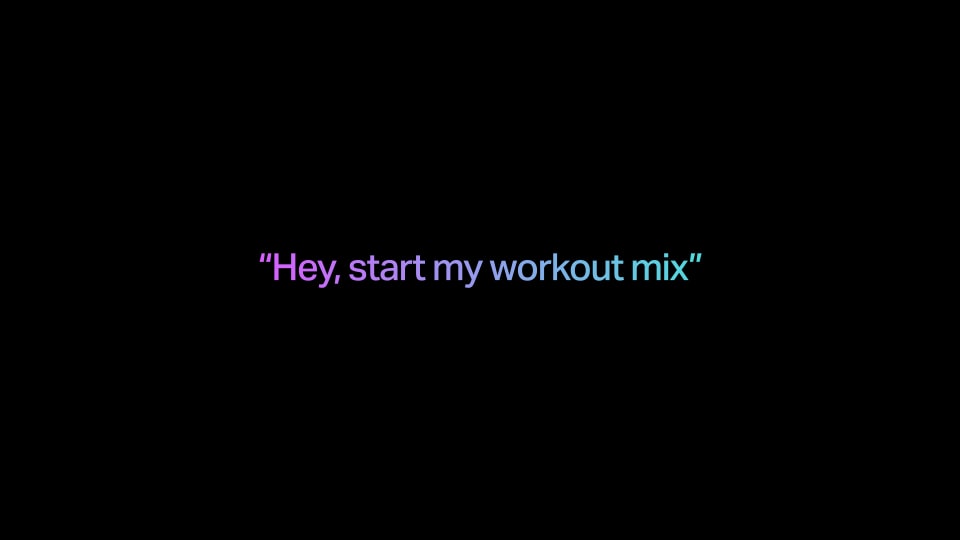
Apple - One Sentence (Dark)
Supports one-click import into Premiere Pro
text
New

Caption - Red Highlight Box
Supports one-click import into Premiere Pro
text
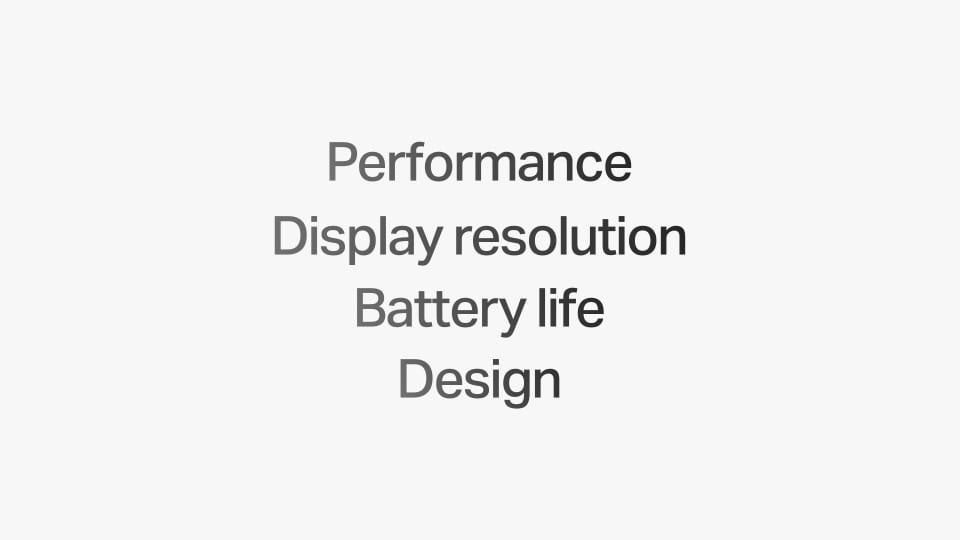
Apple - Multi Heading (Light)
Supports one-click import into Premiere Pro
text
New

Caption - Script Pop Highlight
Supports one-click import into Premiere Pro
text
Wedding - Ribbon Banner
Supports one-click import into Premiere Pro
text

Text - Center Slide Left
Supports one-click import into Premiere Pro
text

Text - Pros Cons List
Supports one-click import into Premiere Pro
text
New
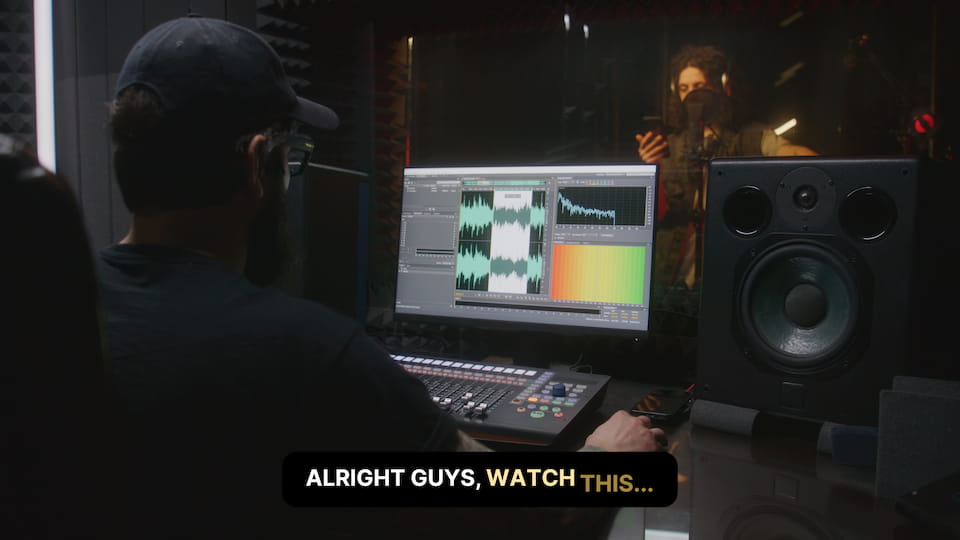
Caption - Word Slide Box
Supports one-click import into Premiere Pro
text
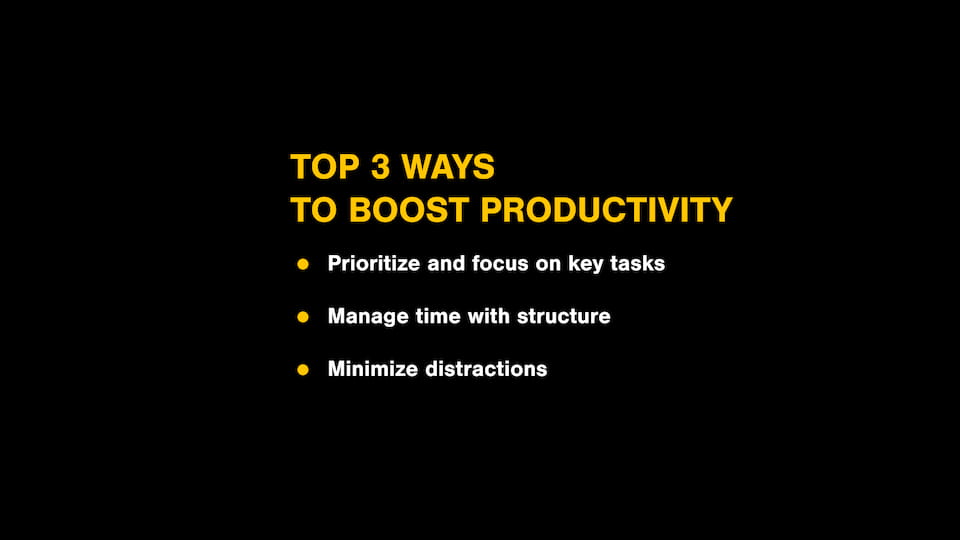
Text - Bulleted List